Best IT Automation Software in 2026: 6 Tools Compared

- This list starts with n8n, which is built for technical teams that want full control of their automations.
- Make has the lowest monthly starting price in this list: $9/month.
- Free plans exist at 5 of 6 tools (n8n, Make, Microsoft Power Automate, Zapier, UiPath).
- Check the limits for Zapier before you commit: gets pricey quick as workflows grow.
- ActiveBatch is the one to check for IT operations teams with wide integration needs.
Direct answer
Our first pick is n8n, best for technical teams that want full control of their automations. Make is the stronger choice for visual multi-step workflows on a budget, while Microsoft Power Automate suits Microsoft 365 shops automating approvals and alerts. The other 3 tools in the list cover narrower or pricier cases.
Quick comparison
| Product | Ideal for | Price from | Free version | |
|---|---|---|---|---|
 n8n | Technical teams that want full control of their automations | €20/month (billed yearly, Cloud Starter plan) | Yes | Visit |
 Make | Visual multi-step workflows on a budget | $9/month (billed yearly, Core plan) | Yes | Visit |
 Microsoft Power Automate | Microsoft 365 shops automating approvals and alerts | $15 per user/month | Yes | Visit |
 Zapier | Connecting the most apps with no code | $19.99/month (billed annually, Professional plan) | Yes | Visit |
 UiPath | Automating software that has no API | $25/month | Yes | Visit |
 ActiveBatch | IT operations teams with wide integration needs | See website | No | Visit |
6 options for IT automation software in detail
If you are comparing IT automation software, this page covers 6 tools in one place: what each is best for, what it costs to start, whether it has a free plan, and the main limit to know about.
n8n
Ideal for: Technical teams that want full control of their automations

Where n8n fits: technical teams that want full control of their automations. n8n flips the pricing logic of the category. The price is control: you maintain uptime, updates and backups yourself. n8n also expects comfort with code.
Where it is weaker: Smaller app catalog than Zapier.
On top of that, the Cloud Starter plan costs €20 a month billed yearly for 2,500 executions. In practice, for a team with one capable developer, it is the most automation per dollar available anywhere. On top of that, the self-hosted Community edition costs nothing to license at all. You only pay for the server, realistically a handful of dollars per month on a VPS. Entry price for n8n: €20/month. Free access exists with n8n.
- Not per step
- Self-hosting is genuinely free with unlimited executions
- Needs a server and maintenance if self-hosted
Make
Ideal for: Visual multi-step workflows on a budget

Make serves visual multi-step workflows on a budget. Formerly Integromat, Make is the budget-minded builder's favorite. Beyond that, the Core plan costs $9 a month billed yearly for 10,000 credits, and nearly every module action costs one credit.
That is dramatically less expensive per unit of work than Zapier. From a buyer's view, now owned by Celonis, it has not lost its identity as the value pick. Entry price for Make: $9/month. A free plan is available with Make.
Points against: Steeper ramp-up time than Zapier.
- Visual canvas with routers and branching
- Solid price-to-power ratio
- Scenarios stop when credits run out
Microsoft Power Automate
Ideal for: Microsoft 365 shops automating approvals and alerts
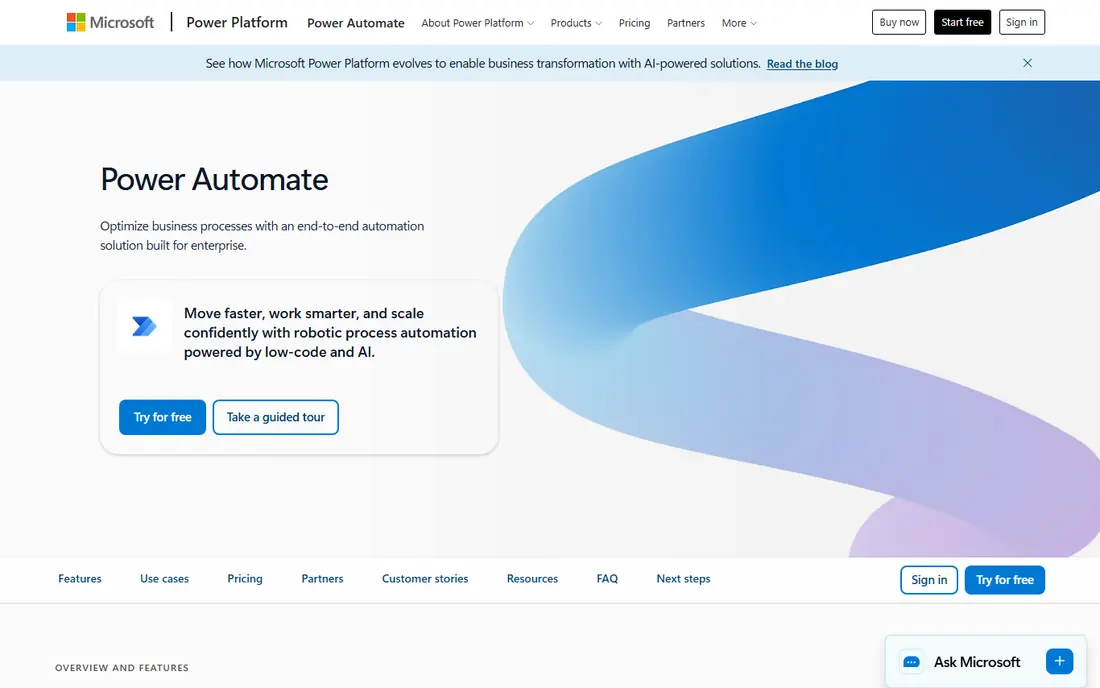
Where Microsoft Power Automate fits: Microsoft 365 shops automating approvals and alerts. If your team already lives in Microsoft 365, Power Automate is the least-friction choice.
Where it is weaker: Premium connectors gated behind premium plans.
But for a 50-person company standardized on Teams and SharePoint, nothing beats the convenience of automation that ships with the suite you already pay for. Starting cost for Microsoft Power Automate: $15 per user/month. A free plan is available with Microsoft Power Automate.
- Solid approval workflows
- Natural fit inside Microsoft 365
- Limited outside the Microsoft ecosystem
Zapier
Ideal for: Connecting the most apps with no code
Zapier makes the most sense for connecting the most apps with no code. The Professional plan begins at $19.99 a month billed yearly for 750 tasks, and overages bill on top. From a buyer's view, busy ones do not.
Model your volume in tasks, not in plans, before you commit. For everyday use, if you need a Slack notification when a form fills in, or a spreadsheet row when a ticket closes, you can build it in minutes. More specifically, every successful action step costs a task. So a five-step workflow that runs 1,000 times per month eats 4,000 to 5,000 tasks. Zapier starts at: $19.99/month. You can start on Zapier without paying.
Points against: Charges per action step.
- Copilot-assisted building
- Links to more apps than any competitor
- Gets costly quick as workflows grow
UiPath
Ideal for: Automating software that has no API
In short, UiPath is for automating software that has no API. Start there before talking to sales. Its bots click through desktop applications, copy data from legacy systems and drive processes inside old ERPs the way a human would.
Downsides: Overkill for straightforward app-to-app flows.
That is Zapier's job, and UiPath's enterprise pricing reflects its enterprise positioning. For everyday use, the Community plan is free and ample enough for evaluation and small experiments. Starting cost for UiPath: $25/month. UiPath offers a free plan.
- Free Community plan for learning
- Takes care of legacy desktop apps well
- Enterprise pricing climbs quickly
ActiveBatch
Ideal for: IT operations teams with wide integration needs
ActiveBatch makes the most sense for IT operations teams with wide integration needs. Its low-code workflow designer and large library of prebuilt job steps let IT generalists build steady batch processes without deep scripting skills.
No starting price is listed for ActiveBatch here; confirm pricing on the vendor site. There is no free plan with ActiveBatch.
Trade-offs to know: Quote-only pricing.
- Capable in Windows-heavy environments
- Solid alerting and monitoring
- Smaller ecosystem than the biggest enterprise players
How we built this list
Ainotely looked at what each vendor publishes: pricing, plan limits, feature coverage for IT automation software and stated drawbacks. No hands-on testing is claimed. Seat minimums, billing terms and add-ons can move the real cost, so the starting prices here are a guide and not a quote. Order on the page follows fit for the typical buyer first, then price transparency and free access. Your own requirements should decide the final pick.
Pre-purchase checklist
- Get a written quote from ActiveBatch; the list shows no starting price for them.
- Check what the free option really includes: n8n, Make, Microsoft Power Automate and others offer a free plan, and usage caps differ.
- Before choosing n8n, weigh its main limit: needs a server and maintenance if self-hosted.
- Involve the people who will use Make daily; a short pilot beats a long feature checklist.
- Get the contract term, renewal terms and any onboarding fees from ActiveBatch in writing.
Frequently asked questions
How are the tools for IT automation software ordered?
The order follows typical fit for IT automation software, with n8n first and ActiveBatch last, then price clarity and free access. It is editorial judgement, not a score, so another team could rank the tools differently.
What is the difference between RPA and workflow automation?
Workflow automation moves data between apps through APIs, like syncing a form to a spreadsheet. Use workflow tools for modern SaaS, RPA for old desktop software.
Can I try these options before paying?
Often, yes. n8n, Make, Microsoft Power Automate and others have a free plan. Use your own data and a real task during the test, and check what the free tier or trial limits before you rely on it.
What is the cheapest option for IT automation software in this list?
On published monthly entry prices, Make is the lowest here at $9/month. Entry price is only part of the cost, because seats, add-ons and billing terms can change the total.
Is Microsoft Power Automate free?
There is a restricted free level for standard connectors, frequently included with Microsoft 365. Confirm the current structure on Microsoft's pricing page, since plan names shift.
Which IT automation tool is a good match for a small business?
Start with n8n if you need technical teams that want full control of their automations. Make is the better match for visual multi-step workflows on a budget, and Microsoft Power Automate for Microsoft 365 shops automating approvals and alerts. The best choice depends on budget, team size and workflow.