Best It Change Management Tools in 2026: 8 Options Compared

- 1
 ServiceNowEnterprise IT service managementVisit
- 2
 Jira Service ManagementTeams already using Atlassian toolsVisit
- 3
 FreshserviceMid sized teams wanting faster setupVisit
- 4
 ManageEngine ServiceDesk PlusIT teams wanting on premises or cloud optionsVisit
- 5
 SysAidMid sized IT teams with automationVisit
- ServiceNow and Jira Service Management lead for enterprises that need full IT service workflows.
- Freshservice and ManageEngine suit mid sized teams that want faster setup.
- SolarWinds Service Desk and SysAid offer focused change workflows at lower complexity.
- Check approval flows, risk assessment, and integration with your existing service desk before buying.
Quick comparison
| Product | Ideal for | Price from | Free version | |
|---|---|---|---|---|
| ServiceNow | Enterprise IT service management | See website | No | Visit |
| Jira Service Management | Teams already using Atlassian tools | See website | Free trial | Visit |
| Freshservice | Mid sized teams wanting faster setup | See website | Free trial | Visit |
| ManageEngine ServiceDesk Plus | IT teams wanting on premises or cloud options | See website | Free trial | Visit |
| SysAid | Mid sized IT teams with automation | See website | Free trial | Visit |
 SolarWinds Service Desk | Change workflows inside a service desk | See website | Free trial | Visit |
 BMC Helix ITSM | Large enterprises with complex IT | See website | No | Visit |
 Ivanti Neurons for ITSM | IT teams wanting unified service management | See website | No | Visit |
The best best it change management tools
IT change management tools control how updates, patches, and infrastructure changes roll out, so nothing breaks production by surprise. The tools below range from enterprise platforms to focused change modules.
ServiceNow
Ideal for: Enterprise IT service management
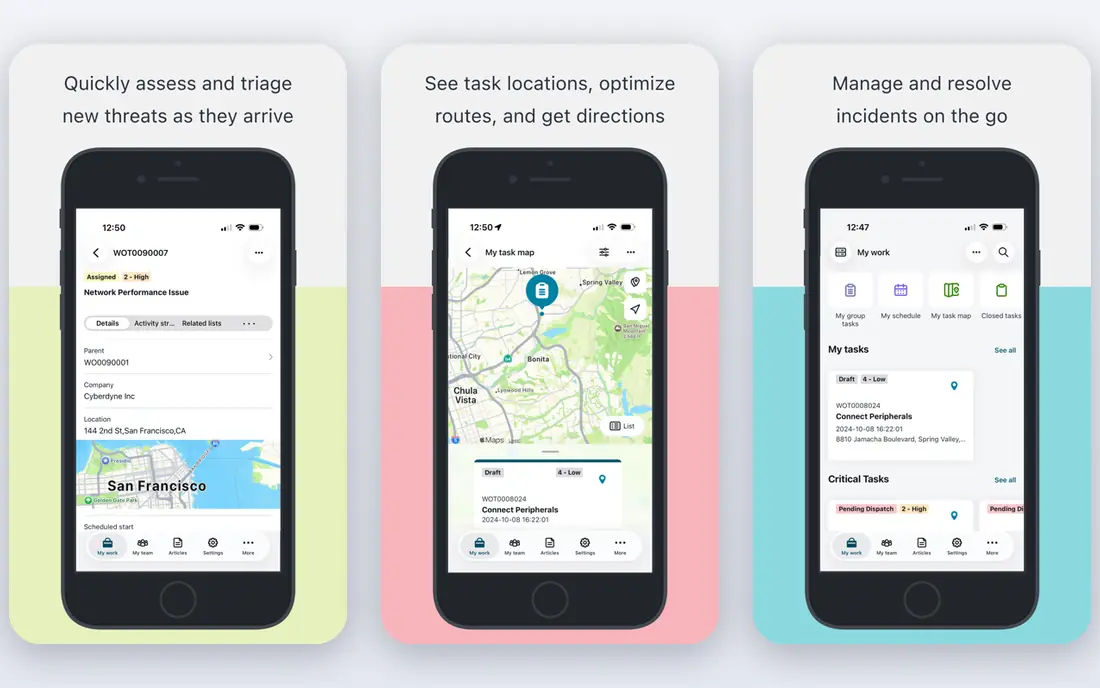
ServiceNow is the enterprise standard for IT service management, with change workflows that include risk assessment, conflict detection, and advisory board approvals. It connects changes to incidents, problems, and assets in one platform. Large organizations get depth few rivals match.
Pricing is enterprise level and implementation takes planning and training. Smaller teams may find it heavy. For large IT organizations, ServiceNow is our pick.
- Full ITSM platform
- Risk assessment
- Strong integrations
- Enterprise pricing
- Implementation takes time
Jira Service Management
Ideal for: Teams already using Atlassian tools
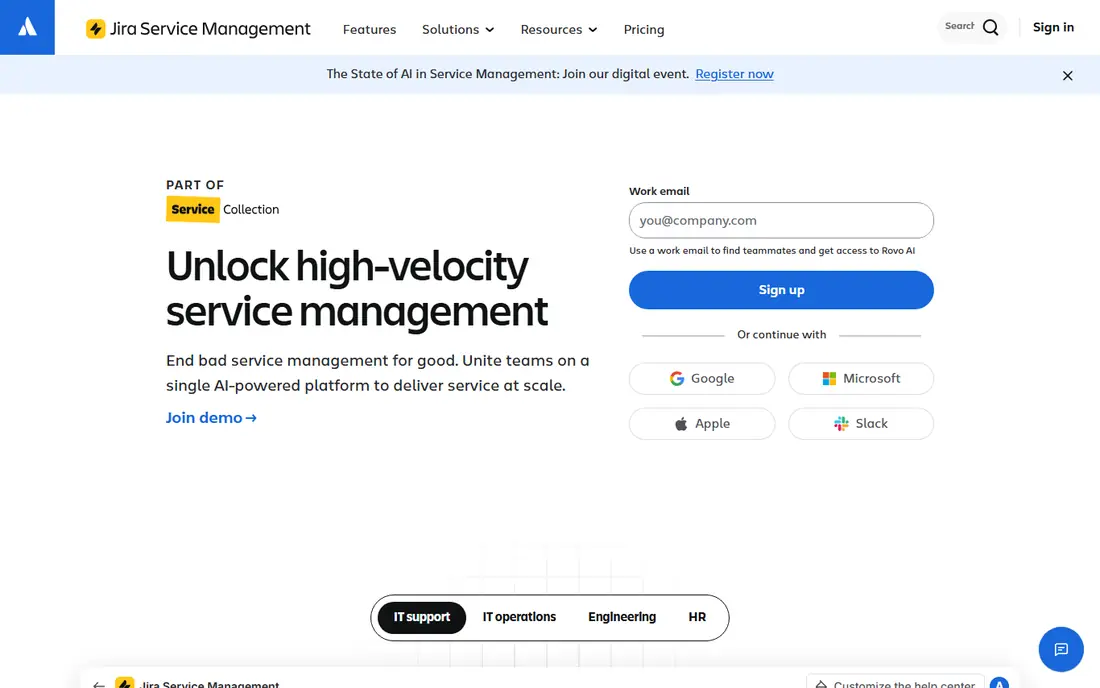
Jira Service Management brings change management into the Atlassian ecosystem, with approval flows, risk assessment, and links to development work. Teams using Jira Software get a natural fit, and automation reduces manual steps. It scales from mid sized teams upward.
Pricing scales with agent count, and setup benefits from planning. Non Atlassian teams may prefer a standalone desk. For Atlassian shops, it is a strong choice.
- Strong change workflows
- Atlassian integration
- Flexible approvals
- Pricing scales with agents
- Setup needs planning
Freshservice
Ideal for: Mid sized teams wanting faster setup
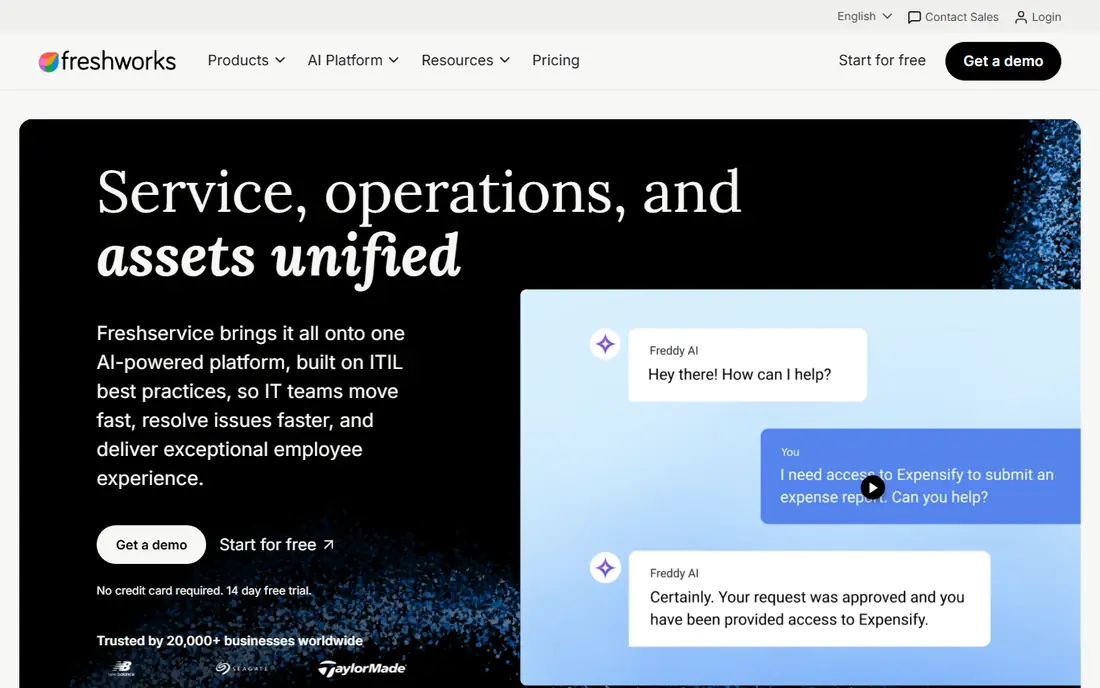
Freshservice offers change management inside a modern service desk, with a clean interface and faster setup than enterprise platforms. It covers approvals, calendars, and asset links without heavy consulting. Mid sized teams get moving quickly.
Advanced analytics and enterprise workflow depth are thinner than ServiceNow. For mid sized teams, Freshservice balances ease and capability well.
- Quick setup
- Clean interface
- Integrated asset management
- Advanced change analytics are thinner
- Enterprise depth is limited
ManageEngine ServiceDesk Plus
Ideal for: IT teams wanting on premises or cloud options
ManageEngine ServiceDesk Plus covers change, incident, and asset management with both cloud and on premises options. That flexibility suits IT teams with hosting requirements. Pricing is competitive for the feature range.
The interface is dense and some features sit in higher tiers. For IT teams that want control over deployment, it is a solid option.
- Change and asset modules
- On premises option
- Competitive pricing
- Interface is dense
- Some features need higher tiers
SysAid
Ideal for: Mid sized IT teams with automation
SysAid pairs change management with automation, asset tracking, and a change calendar. It suits mid sized IT teams that want to automate routine approvals and notifications. The platform covers the full service desk as well.
Its ecosystem is smaller than ServiceNow or Atlassian, and pricing is custom. For automation focused mid sized teams, SysAid is worth a demo.
- Automation and workflows
- Asset management
- Change calendar
- Smaller ecosystem than leaders
- Pricing is custom
SolarWinds Service Desk
Ideal for: Change workflows inside a service desk
SolarWinds Service Desk covers change approvals, calendars, and links to incidents and assets inside a full service desk. It suits IT teams that want change control alongside incident management. The platform is established.
Pricing is custom, and the interface is dense. For change inside a service desk, SolarWinds is a solid option.
- Change approvals and calendar
- Incident links
- Asset tracking
- Pricing is custom
- Interface is dense
BMC Helix ITSM
Ideal for: Large enterprises with complex IT
BMC Helix ITSM serves large enterprises with deep change, incident, and asset workflows plus AI assisted triage. It handles complex multi team environments and strict audit needs. Organizations with large IT estates will find the depth useful.
Pricing and implementation are enterprise scale, which rules out smaller teams. For large complex IT, BMC Helix is a credible leader.
- Enterprise ITSM depth
- AI assisted workflows
- Strong integrations
- Enterprise pricing
- Implementation is complex
Ivanti Neurons for ITSM
Ideal for: IT teams wanting unified service management
Ivanti Neurons for ITSM covers change, incident, and asset management with automation that links them together. It suits IT teams that want one platform for service delivery and device management. Workflow flexibility is a strength.
Pricing is custom and the interface takes learning. For unified IT service management, Ivanti is a solid contender.
- Unified ITSM
- Automation
- Asset and change links
- Pricing is custom
- Interface learning curve
How we picked these
We compared official feature pages, pricing, and documentation for each tool, checking approval workflows, risk assessment, calendars, and integrations. We favored tools that support standard, normal, and emergency change types with clear audit trails. We did not claim hands-on testing; our comparison rests on published features and public reviews.
We also checked whether each option is still offered and supported, and we left out products with unclear pricing, broken pages, or a poor fit for the topic. Where a price or free tier could not be confirmed from the vendor site, we wrote See website rather than guessing. Readers should still check the vendor page before buying, since prices and plans change.
How to choose a change management tool
Start with your change volume and risk. A small team making weekly updates needs simple approvals and a calendar. A large enterprise with daily releases needs risk scoring, conflict detection, and a change advisory board workflow. Buying enterprise depth for a small team wastes time; buying a simple tool for a large team creates workarounds.
Check integration with your service desk and deployment tools. Change records should link to incidents, problems, and releases without manual copying. Native integrations with tools your team already uses save more time than a long feature list.
Test the approval experience for managers and engineers. Approvals that are hard to give on mobile or buried in email get skipped, which defeats the purpose. A good tool makes the right path the easy path, with clear status and history for every change.
Plan the rollout and training. Change tools only work if teams actually use them, so pilot with one team, gather feedback, and adjust workflows before a company wide launch. Measure failed changes and emergency changes to see whether the tool helps.
Before you pay, confirm the total cost for the first year, including any add ons, renewal prices, and fees that only appear at checkout. A low starting price can hide a higher renewal rate, and a free tier can limit the feature you need most. Write down the features you will use weekly, and pay only for those.
After you choose, give the option a fair trial with your real workload, not just a quick tour. Set a reminder to review it after two to four weeks, and note what worked, what annoyed you, and what you never used. That review tells you whether to keep, upgrade, or switch before a renewal locks you in.
If the option disappoints, switch sooner rather than later. Export your data first, check whether you can keep your account history or settings, and confirm any cancellation terms. A good provider makes leaving straightforward, and a difficult exit is itself useful information about the service.
Talk to people who already use the option before you commit, especially for a business purchase. A short conversation with a current user reveals support quality, setup effort, and daily friction that marketing pages omit. Ask what surprised them after the first month, since early impressions often differ from longer use.
Keep a simple record of why you chose the option, including the price you were quoted and the features that mattered. That note makes renewal talks easier and helps a colleague or future you understand the decision. If the price rises or a key feature changes, the note shows whether the original reasons still hold.
Finally, plan the first week of use before you pay. List the setup steps, the data you need to move, and the people who need access. A clear first week plan turns a promising choice into a working routine, and it exposes missing features while you can still change your mind.
Save the vendor support page and the cancellation instructions in the same place as your receipt. When something goes wrong, you will want support details at hand rather than searching for them under pressure. A tidy record saves time and keeps a small problem from becoming a long one.
Keep notes on the first month of use, including any issues and how support handled them. Those notes give you clear evidence if you need a refund, an upgrade, or a switch, and they help you advise a friend or colleague who asks about the same choice later.
Frequently asked questions
What is the best IT change management tool?
ServiceNow is the enterprise leader for full IT service workflows, while Jira Service Management suits teams already using Atlassian tools. Freshservice is a good mid sized choice with faster setup. Your existing stack and team size matter most.
What is IT change management?
It is the process of planning, approving, and tracking changes to IT systems, such as software updates, patches, and infrastructure work. Good change management reduces outages by catching conflicts and risks before a change goes live.
Do I need a separate change management tool?
Not always. Many service desk platforms include change modules, which may be enough for small teams. A separate tool makes sense when change volume is high, approvals are complex, or audit requirements demand detailed records.
How much do change management tools cost?
Prices vary from free tiers for small teams to enterprise contracts priced per user or per agent. Many vendors quote custom pricing for larger deployments. Ask for the total cost including implementation and training.
What is the difference between standard and emergency changes?
Standard changes are pre approved, low risk, and routine, such as regular patching. Normal changes need approval through a defined workflow. Emergency changes bypass normal approval to fix an urgent outage, with review afterward.
How often should I review my choice?
Review it at least once a year, and sooner if your needs, budget, or team size change. Prices, features, and policies shift over time, and a better fit may appear. A short yearly check, comparing your current option with two alternatives, keeps you from paying for features you no longer use.