IT Documentation Software: 7 Tools Worth Comparing in 2026

- GitBook sits first on this list: technical documentation.
- ConnectWise Documentation is the one to check for ConnectWise shops.
- GitBook, Notion, Confluence, Scribe: these are the 4 tools out of 7 that offer a free plan.
- Before buying Notion, weigh this: not aimed at IT operations.
Direct answer
GitBook leads the list, best for technical documentation. For a different need, Notion covers adaptable team wiki and Hudu covers all-in-one IT documentation. The full list of 7 tools follows, with prices and free plan facts.
Quick comparison
| Product | Ideal for | Price from | Free version | |
|---|---|---|---|---|
 GitBook | Technical documentation | See website | Yes | Visit |
 Notion | Adaptable team wiki | See website | Yes | Visit |
 Hudu | All-in-one IT documentation | See website | Free trial (14 days) | Visit |
 Confluence | Team workspaces | See website | Yes | Visit |
 Scribe | Auto-generated SOPs | See website | Yes | Visit |
 IT Glue | MSP IT documentation | See website | Free trial | Visit |
 ConnectWise Documentation | ConnectWise shops | See website | No | Visit |
IT Documentation Software compared in detail
This Ainotely guide covers 7 options for IT documentation software. Each profile lists a starting price, free plan details, strengths and drawbacks, so you can drop poor fits quickly.
GitBook
Ideal for: Technical documentation

Where GitBook fits: technical documentation. GitBook is the knowledge layer for technical teams: sync your repo, branch and merge documentation like a PR, and let the GitBook Agent flag content that drifted from the product. It tracks where readers get stuck and ships AI-assisted support over your docs.
SOC 2, ISO 27001, and GDPR compliance handle the enterprise checklist. Worth adding: for MSP credential and asset management, it is the wrong tool. Pricing for GitBook is not stated here, so ask the vendor for current figures. GitBook includes a free tier.
Downsides: No asset or password management.
- Git sync for docs-as-code workflows
- Clean public documentation sites
- Per-seat pricing brings up
Notion
Ideal for: Adaptable team wiki
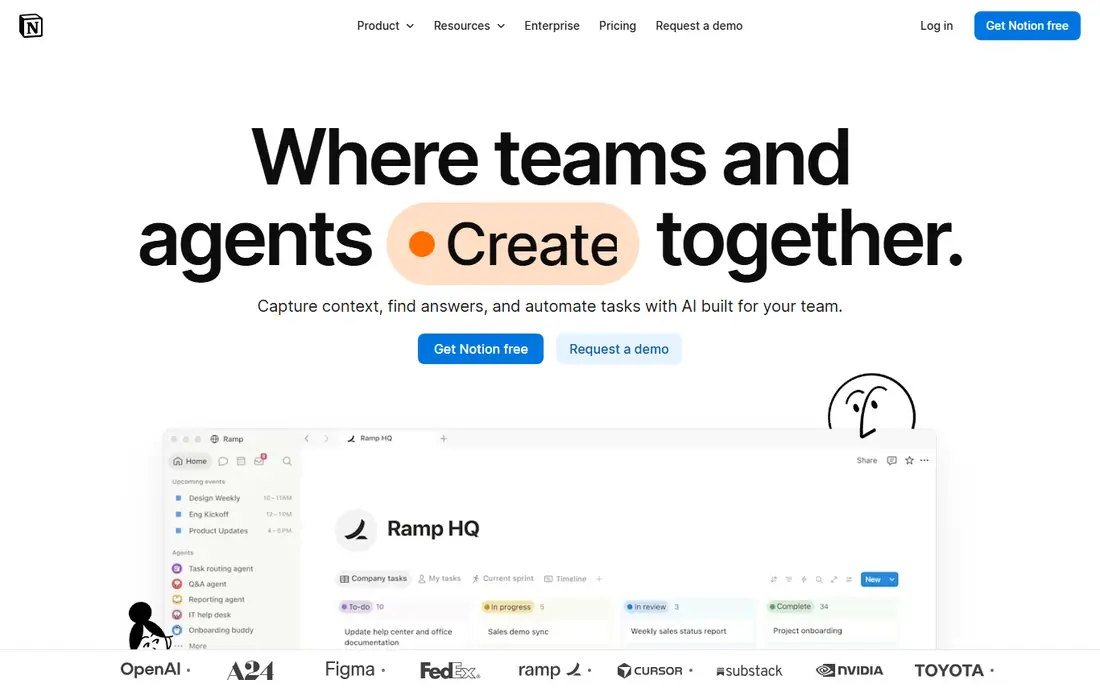
Notion is built with adaptable team wiki in mind. With 100 million users, new hires already know it.
Limits to weigh: Not made for IT operations.
The honest catch: Notion is a general workspace, so credential storage and structured IT documentation are DIY projects, and security-minded teams should think carefully before putting passwords in it. Check the vendor site for Notion pricing; none is listed in this comparison. Notion offers a free plan.
- Free plan is genuinely handy
- 100 million users means simple hiring familiarity
- No password vault or asset model
Hudu
Ideal for: All-in-one IT documentation
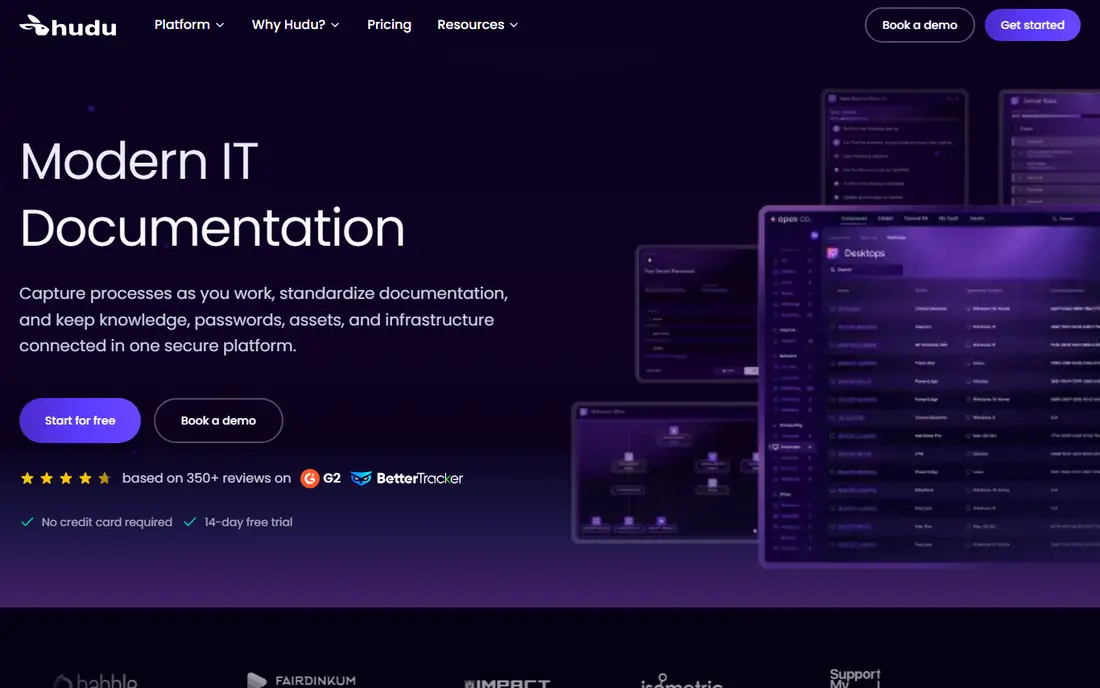
Hudu makes the most sense for all-in-one IT documentation. It is trusted by 6,000+ IT teams, gives you a 14-day trial without a credit card, and ships a client portal so customers can see their own documentation.
Upsides: Docs, passwords, assets.
This comparison lists no price for Hudu; ask the vendor. On free options: Free trial (14 days).
Where it falls short: Younger ecosystem than IT Glue.
- 14-day free trial with no credit card
- Client portal for sharing
- MSP-focused feature set
Confluence
Ideal for: Team workspaces
Where Confluence fits: team workspaces. Confluence is Atlassian's team workspace for docs, knowledge, and collaboration, now with Rovo AI for drafting, summarizing, and finding answers. Also, teams that require IT-specific structure should look at IT Glue or Hudu first.
Also, pages, whiteboards, databases, and videos include every documentation format, and the Jira integration ties docs to tickets naturally. More specifically, the free level makes it simple to start. In practice, there is no native password vault, asset tracking, or network documentation; those come from marketplace apps. Confluence shows no starting price here, so confirm the cost on the vendor site. A free plan is available with Confluence.
What to check first: Can sprawl without governance.
- Deep Jira integration
- Rovo AI for search and summaries
- Password and asset management need extras
Scribe
Ideal for: Auto-generated SOPs
Choose Scribe for auto-generated SOPs. Pair it with IT Glue or Hudu for the structured stuff, and let Scribe deal with the how-to guides nobody would otherwise write. The newer product layers on workflow analytics and AI agents trained on how your team works.
More specifically, Scribe solves the core documentation problem: nobody writes documentation. Its browser extension and desktop app record what you do and produce step-by-step guides with screenshots automatically, redacting sensitive data. Scribe does not show a starting price in this comparison, so check the vendor site for current pricing. Free access exists with Scribe.
Downsides: AI features gated to higher levels; not structured IT asset records.
- Used by teams at 94% of the Fortune 500
- Redacts sensitive data
- Not a password manager
IT Glue
Ideal for: MSP IT documentation
IT Glue is designed for MSP IT documentation. The honest catch: IT Glue is a Kaseya company now, and MSPs who dislike the Kaseya ecosystem factor that in. It is also aimed at multi-client MSP operations; an internal IT team documenting one company may find more straightforward tools sufficient.
For everyday use, integrations with the major PSAs and RMMs keep data current. From a buyer's view, IT Glue is the reference standard for MSP documentation: structured runbooks, credentials, assets, and configurations linked together so technicians can find anything in seconds. This comparison lists no price for IT Glue; ask the vendor. Trial and free access: Free trial.
Watch-outs: Pricing is quote-based.
- Deep PSA integrations
- Solid password management and asset linking
- Kaseya acquisition raised lock-in concerns for some MSPs
ConnectWise Documentation
Ideal for: ConnectWise shops
Where ConnectWise Documentation fits: ConnectWise shops. ConnectWise Documentation, formerly ITBoost, consolidates documentation for businesses already running ConnectWise: customer knowledge bases, devices, SOPs. A password vault, all wired into ConnectWise PSA, Automate, and dashboards.
In daily use, if you do not, the value proposition shrinks and you are buying into a platform you did not choose. Beyond that, for PSA partners, onboarding takes one click and data syncs automatically. In daily use, evaluate it as part of your ConnectWise stack, not as a standalone. Worth adding: the honest framing: this is the ecosystem pick. ConnectWise Documentation shows no starting price here, so confirm the cost on the vendor site. ConnectWise Documentation has no permanent free option.
What to check first: Pricing through ConnectWise sales.
- Deep integrations with Automate and BrightGauge
- SOP and password vault built in
- Best only inside the ConnectWise ecosystem
How we built this list
Ainotely looked at what each vendor publishes: pricing, plan limits, feature coverage for IT documentation software and stated drawbacks. No hands-on testing is claimed. Treat prices as a snapshot: vendors change plans often, so check the vendor site for the figure that applies today. We ordered the tools by general fit, then by how clearly pricing is shown, then by free access. A buyer with unusual needs may reorder them.
Things to verify first
- Confirm the entry price with every vendor: no tool from GitBook to ConnectWise Documentation shows a fixed starting price.
- Look at free plan limits closely: GitBook, Notion, Confluence and Scribe have one, and the caps decide whether it is usable for real work.
- Take the trial from Hudu and IT Glue and push a live task through it before you pay.
- Before choosing GitBook, weigh its main limit: built for product docs, not IT operations.
- Make sure Confluence lets you export your data in a format another tool can read.
- Map your must-have features to a specific Notion plan before you compare prices.
Frequently asked questions
Can I try these options before paying?
Often, yes. GitBook, Notion, Confluence and Scribe have a free plan and Hudu and IT Glue offer a free trial. Use your own data and a real task during the test, and check what the free tier or trial limits before you rely on it.
How are the tools for IT documentation software ordered?
The order follows typical fit for IT documentation software, with GitBook first and ConnectWise Documentation last, then price clarity and free access. It is editorial judgement, not a score, so another team could rank the tools differently.
Which options for IT documentation software have a free plan?
GitBook, Notion, Confluence and Scribe offer a free plan in this list. Free plans usually cap users, projects or features, so check the limits on the vendor page. Several others offer a trial instead.
Do these tools publish their prices?
No. None of the tools, from GitBook to ConnectWise Documentation, shows a fixed starting price here, so budget time for quotes.
How does Scribe fit into IT documentation?
Scribe auto-generates step-by-step guides from screen recordings, which solves the problem of nobody writing SOPs. Most IT teams pair it with a structured documentation system.
Should documentation be separate from our RMM?
It depends. If your RMM's documentation features handle your needs, consolidation saves money and context-switching. But dedicated documentation systems offer deeper structure, better search, and client portals that RMM extras seldom match. Evaluate on a trial with your actual workflows.