Best IT Project Portfolio Management Software

- 1
 WrikeMid-size IT teams that need portfolios, approvals and time trackingVisit
- 2
 SmartsheetPortfolio work run as sheets with workload trackingVisit
- 3
 ClickUpSmall IT teams that want portfolios at the lowest priceVisit
- 4
 PlanviewLarge enterprises that need strategic portfolio managementVisit
- 5
 Clarity PPMEnterprise PMOs that need investment and resource planningVisit
- Wrike Business costs $25 a user a month billed annually and is the most complete self-serve PPM option, with portfolios, resource management, approvals and time tracking.
- Smartsheet Business at $19 a member a month billed annually suits IT teams that run portfolios as sheets, with workload tracking and unlimited automations.
- ClickUp Business at $17 a user a month billed annually is the cheapest entry point, with portfolios, resource management and 10,000 automations a month.
- Planview, Clarity PPM and Sciforma publish no prices, so enterprise buyers should budget for a quote, implementation and a multi-month rollout.
- Meisterplan starts from $600 a month for the Basic edition with 50 resources, and it layers capacity planning on top of tools a team already runs.
Quick comparison
| Product | Ideal for | Price from | Free version | |
|---|---|---|---|---|
| Wrike | Mid-size IT teams that need portfolios, approvals and time tracking | $25 per user/month (Business, billed annually) | Yes | Visit |
| Smartsheet | Portfolio work run as sheets with workload tracking | $19 per member/month (Business, billed annually) | Free trial (30 days) | Visit |
| ClickUp | Small IT teams that want portfolios at the lowest price | $17 per user/month (Business, billed annually) | Yes | Visit |
| Planview | Large enterprises that need strategic portfolio management | quote only | No | Visit |
| Clarity PPM | Enterprise PMOs that need investment and resource planning | quote only | No | Visit |
 Meisterplan | Capacity planning and what-if scenarios over existing tools | $600 per month (Basic, 50 resources) | No | Visit |
 Sciforma | PMOs that need configurable portfolios and executive reporting | quote only | No | Visit |
The best IT project portfolio management software
These seven tools cover the main ways an IT organisation plans, prioritises and tracks a portfolio of projects. Some are self-serve work management tools with portfolio views, and some are enterprise platforms sold by quote with implementation projects attached. Prices below come from each vendor pricing page and documentation, checked 11 November 2026.
Wrike
Ideal for: Mid-size IT teams that need portfolios, approvals and time tracking
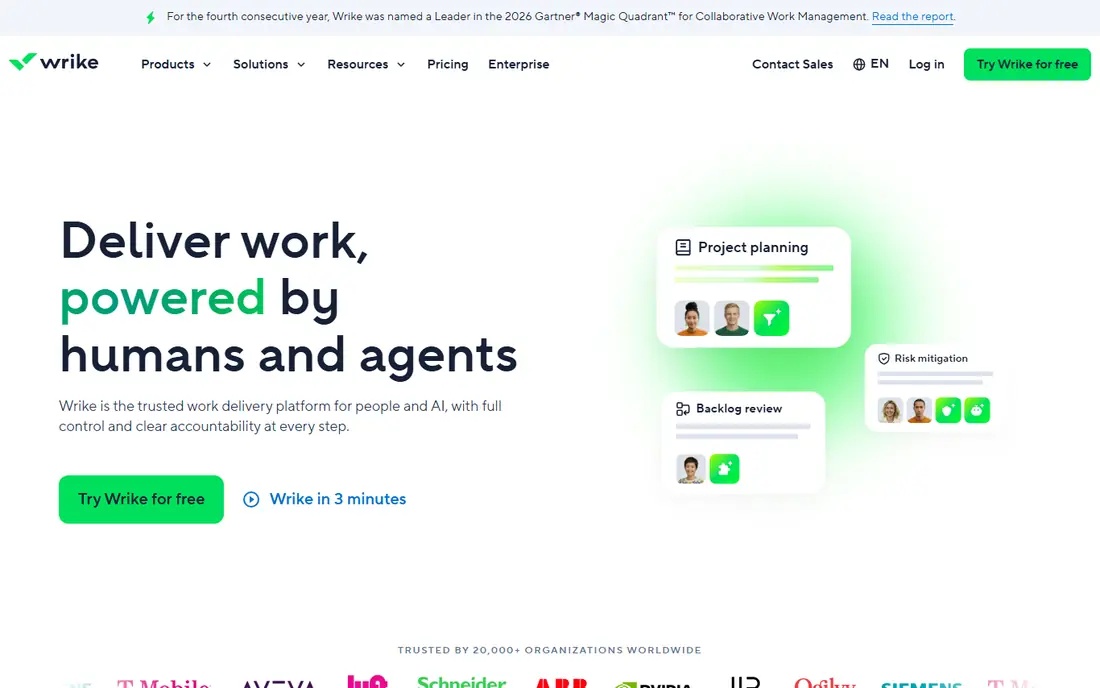
Wrike Business costs $25 a user a month billed annually, with Team at $10 and a free plan for up to five users. Business is the plan that matters for IT portfolio work: it adds portfolio management, resource management, conditional request intake forms, approval workflows with an audit trail, time tracking, proofing, templates and unlimited automations, with 5 GB of storage per user. The plan covers 5 to 200 users and is sold only as an annual subscription, in seat bundles of five up to 30 seats, then groups of ten to 100 seats.
The limits are the seat rules and the tier jumps. Business needs at least five seats, so the smallest purchase is $125 a month billed yearly, and the plan caps automations at 200 actions per seat each month. SAML single sign-on and audit reports start on Pinnacle, which is quote only, and Apex is the top tier above that. Wrike also applies AI usage quotas, with AI Elite actions starting on Business. For a mid-size IT team that needs portfolios, approvals and resource planning without an enterprise sales process, Wrike Business is the strongest self-serve pick here.
- Portfolios, resource management and time tracking on Business
- Free plan for up to 5 users
- Business is annual only with a 5-seat minimum
- SAML SSO and audit reports need Pinnacle
Smartsheet
Ideal for: Portfolio work run as sheets with workload tracking
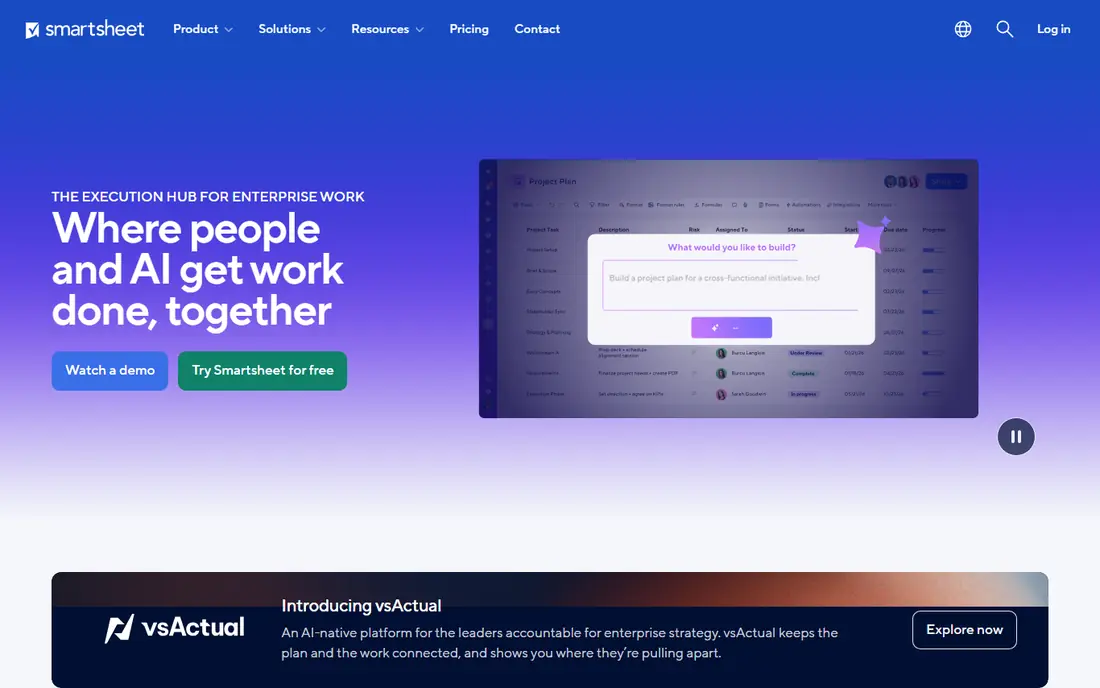
Smartsheet Business costs $19 a member a month billed annually, or $24 billed monthly, with a three-member minimum. It runs portfolio work as sheets, with Gantt, table, board and calendar views, forms, reports and dashboards, plus Timeline view, workload tracking, admin controls and unlimited automations on Business. A team can track project status, budgets, risks and resources across a portfolio in one place, with an activity log that records who changed what and when, and external guests can edit shared items at no extra cost.
The limits are the tier jumps. There is no free plan for new signups, only a 30-day trial, and the Pro plan at $9 a member a month is capped at 10 members with 250 automations a month and 20 GB of storage. Portfolio management, resource management and advanced reporting need Enterprise or Advanced Work Management, both of which are quote only. Smartsheet suits IT teams that already think in sheets and need portfolio visibility without a heavy enterprise platform, and it pairs well with a dedicated PPM tool when the portfolio grows.
- Unlimited automations and 1 TB storage
- Timeline view and workload tracking on Business
- No free plan for new signups
- Portfolio and resource management need Enterprise
ClickUp
Ideal for: Small IT teams that want portfolios at the lowest price
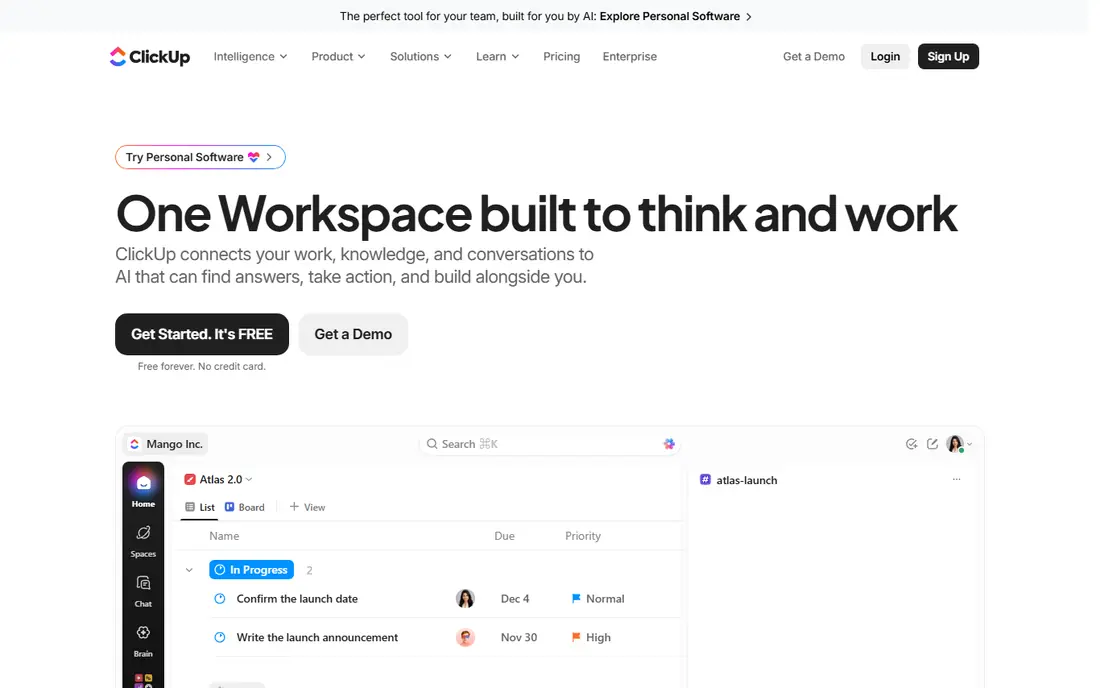
ClickUp Business costs $17 a user a month billed annually, or $25 without the annual commitment, with Core at $9 and Max at $100. Business adds portfolios, resource management, timesheets, advanced dashboards, webhooks, private views and docs, Google sign-on, and 10,000 automation actions a month, with 1,500 AI credits per user a month pooled. The free plan covers unlimited tasks and members with 60 MB of storage and 100 automation actions a month, which is enough to test the layout before committing.
The price changed recently, so check the page on the day you buy. ClickUp restructured its pricing in October 2026: Business rose from $12 to $17 a user a month billed yearly, Core replaced Unlimited at $9, and every plan now ships with ClickUp Brain AI built in. ClickUp bills the whole workspace, so every member pays when the workspace upgrades, and each workspace is billed separately. For a small IT team that wants portfolio views, resource management and timesheets at the lowest price on this list, ClickUp Business is the cheapest entry point.
- Portfolios, resource management and timesheets on Business
- Free plan with 60 MB storage
- Business rose from $12 to $17 in October 2026
- Whole workspace must upgrade together
Planview
Ideal for: Large enterprises that need strategic portfolio management
Planview is the enterprise choice for strategic portfolio management, connecting corporate strategy to project execution through OKRs, roadmaps, capacity planning and automated scenario planning. The product family includes Portfolios, AdaptiveWork, AgilePlace, Roadmaps and Enterprise Architecture, and it serves the PMO and C-suite view rather than team task management. Founded in 1989, Planview focuses on large organisations that coordinate demand, people and delivery across many projects and need one view of the whole portfolio.
The cost is the barrier for everyone else. Planview does not publish a price list: every plan is quote-based, with modules for portfolio, resource, financial and agile planning licensed separately per user. Independent contract benchmarks put typical enterprise contracts at $50,000 to $80,000 a year, with negotiated deals at 200 or more seats landing around $250 to $458 per user per year, before implementation services. For organisations below enterprise scale it is overkill, and for the largest PMOs it is the strategic layer above the project tools.
- Strategic portfolio management with OKRs, roadmaps and scenario planning
- Deep capacity planning
- No public pricing and no free trial
- Implementations run for months, not days
Clarity PPM
Ideal for: Enterprise PMOs that need investment and resource planning
Clarity PPM, now Broadcom Clarity, is a strategic portfolio management platform that ties strategy, funding and execution together for enterprise PMOs. It covers portfolio and project management, investment decisions, resource plans, financial oversight and executive reporting, with on-premises and hosted deployment options. The platform suits large-scale businesses and multinational corporations in IT, manufacturing, healthcare and finance, where portfolio decisions need financial controls and audit trails across many initiatives.
The price is not published. Broadcom shows no price list for Clarity, and third-party guides estimate $50 to $100 per user a month, which would put a 10-user deployment at $6,000 to $12,000 a year for licences alone, before implementation, training and integrations. There is no free trial, and older Broadcom documents describe both on-premises and hosted versions, so a buyer must confirm which deployment the quote covers. Clarity fits enterprise PMOs that need deep financial oversight; smaller teams should take Wrike, Smartsheet or ClickUp instead.
- Portfolio, financial and resource management in one platform
- On-premises options available
- No public pricing and no free trial
- Heavy implementation and upgrade costs
Meisterplan
Ideal for: Capacity planning and what-if scenarios over existing tools
Meisterplan is a lean visual project portfolio management tool focused on one question: do the right people exist for the right priorities. The Basic edition starts from $600 a month and includes 50 resources, with unlimited users, while Pro starts from $800 a month and Premium from $3,200 a month, each with 50 resources included and extra resources available to buy. It layers capacity planning, prioritisation and what-if scenario modelling on top of the project tools a team already runs, rather than replacing them.
The limits are scope and price shape. Meisterplan is not a full execution platform: it does not manage team-level work or detailed task tracking, so most organisations still need a separate tool for daily execution, which adds cost and complexity. There is no free tier, and costs scale with resource counts and integration needs, so a team with many people assigned to projects can see the bill rise quickly. For a PMO that needs to answer capacity questions and model scenarios without buying a full enterprise suite, Meisterplan is the focused pick.
- Lean visual capacity planning with scenario modelling
- Unlimited users on every edition
- No full execution platform, so a second tool is needed for daily work
- No free tier
Sciforma
Ideal for: PMOs that need configurable portfolios and executive reporting
Sciforma, now part of Planview as ProjectAdvantage, is a project and portfolio management platform built for PMOs that need portfolio-level visibility and executive reporting. It covers idea and demand management, resource planning, time tracking, risk management and detailed reporting across large or complex portfolios, and it can be configured to match how an organisation actually works rather than a generic template. Its dashboards give a consolidated view of portfolio health, budgets, costs, scope and trends in one place.
The price is quote-based. Sciforma does not publish prices on its own site, and third-party listings put the starting price at $20 a user a month, with per-user costs ranging from $15 to $90 depending on user count and roles, so detailed pricing needs a sales conversation. There is no free tier, and users note a steep ramp-up for new teams. Sciforma fits medium to large PMOs that want flexible, report-heavy PPM without locking into the Microsoft stack, and it is worth the investment when portfolio depth matters more than a quick start.
- Configurable portfolios with idea and demand management
- Strong reporting and dashboards
- No public pricing on the vendor site
- Steep ramp-up for new teams
How we chose
We compared the vendor pricing pages and documentation for each tool on 11 November 2026, and we checked the portfolio features each plan actually includes, such as portfolio views, resource management, capacity planning, scenario modelling and financial tracking. We looked at the seat minimums, the billing meter, and the limits that raise the real bill, such as annual-only plans, seat bundles and quote-only tiers. We did not run hands-on tests and we did not count review scores. Prices are US list prices before tax, so check the vendor pricing page on the day you buy.
What to check before you buy
Check the seat rules first. Wrike Business needs five seats and sells in bundles, Smartsheet Business needs three members, and ClickUp bills the whole workspace, so every member pays when the workspace upgrades. Check which portfolio features live on the plan you price: portfolios and resource management sit on Wrike Business, Smartsheet Business and ClickUp Business, while Planview, Clarity and Sciforma need a quote for every tier. Check whether capacity planning and scenario modelling are included, since Meisterplan sells them as a separate layer, and check the implementation time, since enterprise PPM rollouts run for months.
| Team size | Cheapest priced pick | Balanced pick | Enterprise pick | | 10 people | ClickUp Business, $170 a month | Smartsheet Business, $190 a month | Wrike Business, $250 a month | | 25 people | ClickUp Business, $425 a month | Smartsheet Business, $475 a month | Wrike Business, $625 a month | | 50 people | ClickUp Business, $850 a month | Smartsheet Business, $950 a month | Wrike Business, $1,250 a month |
Monthly totals use annual billing list prices before tax. ClickUp Business is cheapest at every size at $17 a user a month, while Wrike Business costs the most per seat among the priced tools but adds approvals, proofing and time tracking. Planview, Clarity PPM and Sciforma are quote only and do not appear in this table, so get a written quote before you compare them with the priced tools.
Frequently asked questions
What is IT project portfolio management software?
IT project portfolio management software helps an IT organisation plan, prioritise and track a portfolio of projects, rather than one project at a time. It covers portfolio views, resource and capacity planning, financial tracking, scenario modelling and executive reporting, so leaders can see which projects deserve funding and which ones should stop.
Which PPM tool is best for a small IT team?
ClickUp Business is the best pick for a small IT team, because it costs $17 a user a month billed annually and adds portfolios, resource management, timesheets and 10,000 automations a month. Smartsheet Business at $19 a member a month is the next best value, and Wrike Business at $25 a user a month is the strongest self-serve option for teams that need approvals and proofing too.
When should a team buy an enterprise PPM platform?
A team should buy an enterprise platform such as Planview, Clarity PPM or Sciforma when it runs dozens of projects across departments, needs financial controls and investment planning, and has a PMO to run it. These platforms need a quote, an implementation project and months to roll out, so a team under 50 people should take Wrike, Smartsheet or ClickUp first and move up when the portfolio outgrows them.
How much does PPM software cost for a team of 25?
ClickUp Business costs $425 a month billed annually for 25 people, Smartsheet Business costs $475 a month, and Wrike Business costs $625 a month, all before tax. Meisterplan Basic starts from $600 a month for 50 resources with unlimited users. Planview, Clarity PPM and Sciforma publish no prices, so their cost needs a written quote based on users, modules and deployment.
What is the difference between project management and portfolio management?
Project management runs one project: tasks, dates, owners and delivery. Portfolio management runs many projects together: which ones to fund, who has capacity, how budgets compare, and what happens if priorities change. Tools such as Asana and Trello manage projects, while Wrike Business, Smartsheet Business and Planview add the portfolio layer on top, with capacity planning and scenario modelling.