8 Best IT Ticketing Software Tools for 2026

- 1
 ZendeskSupport teams that handle high volumes across channelsVisit
- 2
 FreshserviceGrowing IT teams that want ITSM without a long setupVisit
- 3
 Jira Service ManagementOrganizations already running Jira and ConfluenceVisit
- 4
 ServiceNowLarge enterprises standardizing ITSM across the businessVisit
- 5
 SolarWinds Service DeskIT teams that want ticketing plus asset and service managementVisit
- The right ticketing tool depends on team size: small teams suit Freshservice or Spiceworks, enterprises suit ServiceNow or Jira Service Management.
- Automation and self-service matter more than ticket counts: a good portal and knowledge base deflect tickets before they are raised.
- SLA tracking, routing rules, and reporting separate real ITSM tools from shared inboxes with a ticket label.
- Asset management alongside ticketing helps agents fix problems faster, because they see the device and its history with the ticket.
- Most tools here offer a free tier or trial, so run a real ticket queue through the trial before committing.
Quick comparison
| Product | Ideal for | Price from | Free version | |
|---|---|---|---|---|
| Zendesk | Support teams that handle high volumes across channels | See website | No | Visit |
| Freshservice | Growing IT teams that want ITSM without a long setup | See website | Yes | Visit |
| Jira Service Management | Organizations already running Jira and Confluence | See website | Yes | Visit |
| ServiceNow | Large enterprises standardizing ITSM across the business | See website | No | Visit |
| SolarWinds Service Desk | IT teams that want ticketing plus asset and service management | See website | No | Visit |
 ManageEngine ServiceDesk Plus | ITIL-aligned ITSM at a modest price | See website | Yes | Visit |
 SysAid | IT teams that want AI agents handling routine tickets | See website | No | Visit |
 Spiceworks | Small IT teams that need a free help desk | Free | Yes | Visit |
The best IT ticketing software
Zendesk
Ideal for: Support teams that handle high volumes across channels
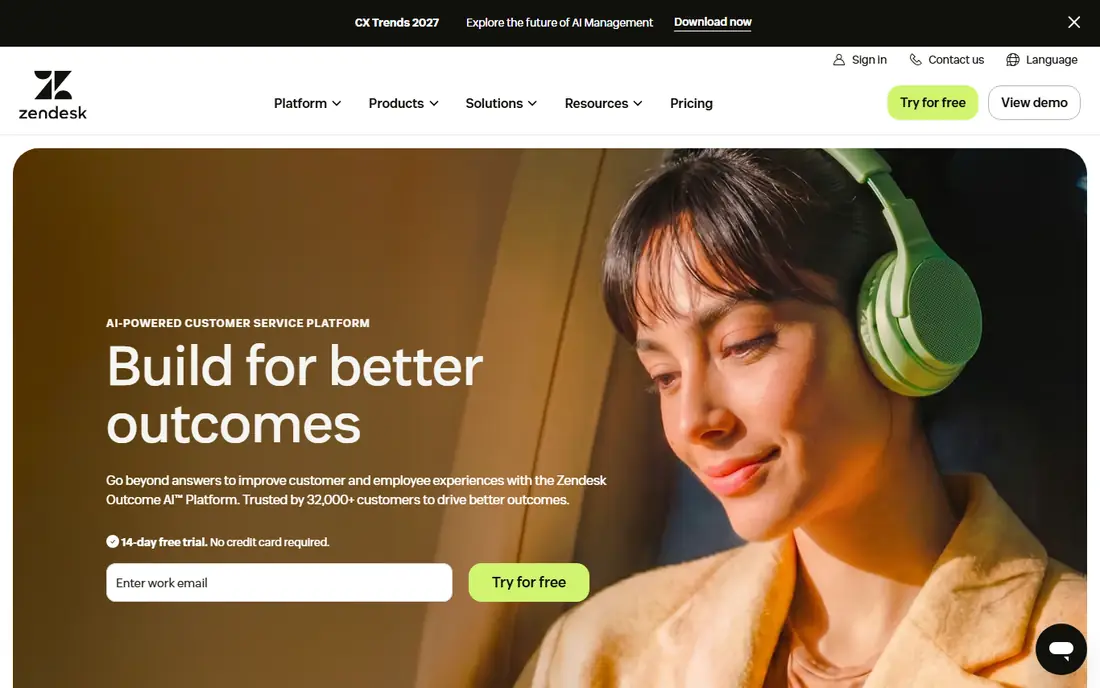
Zendesk is best known for customer support, but its ticketing, automation, and self-service tools suit internal IT help desks too, especially in companies that already use Zendesk for customers. Tickets arrive from email, chat, phone, and web forms into one queue, with triggers and automations routing, prioritizing, and escalating them by rules the team defines. The help center gives users a self-service portal and knowledge base, which deflects common requests such as password resets. Reporting covers agent performance, backlog, and satisfaction. The trade-offs are cost, which grows with agents and add-ons, and ITSM depth: change, problem, and asset management are lighter than in dedicated ITSM platforms. For teams that value a polished, omnichannel queue above deep ITIL process, Zendesk is a strong choice.
- Omnichannel tickets, strong automation, large app marketplace
- Pricing adds up with add-ons, ITSM depth is lighter than ServiceNow
Freshservice
Ideal for: Growing IT teams that want ITSM without a long setup
Freshservice, from Freshworks, is a cloud ITSM platform built for teams that want proper service management without enterprise implementation timelines. It covers incident, problem, change, and release management, with a service catalog, self-service portal, knowledge base, and SLA policies. Asset management tracks hardware and software alongside tickets, so agents see device history when a user reports a fault. Automation rules handle routing, approvals, and notifications, and AI features help categorize and prioritize incoming tickets. A free tier covers small teams getting started, with paid plans adding more automation and reporting. For growing companies that have outgrown a shared inbox or a free tool but are not ready for ServiceNow, Freshservice hits a practical middle ground.
- Quick setup, modern interface, asset management, free tier
- Enterprise depth is lighter than ServiceNow, some features on higher plans
Jira Service Management
Ideal for: Organizations already running Jira and Confluence
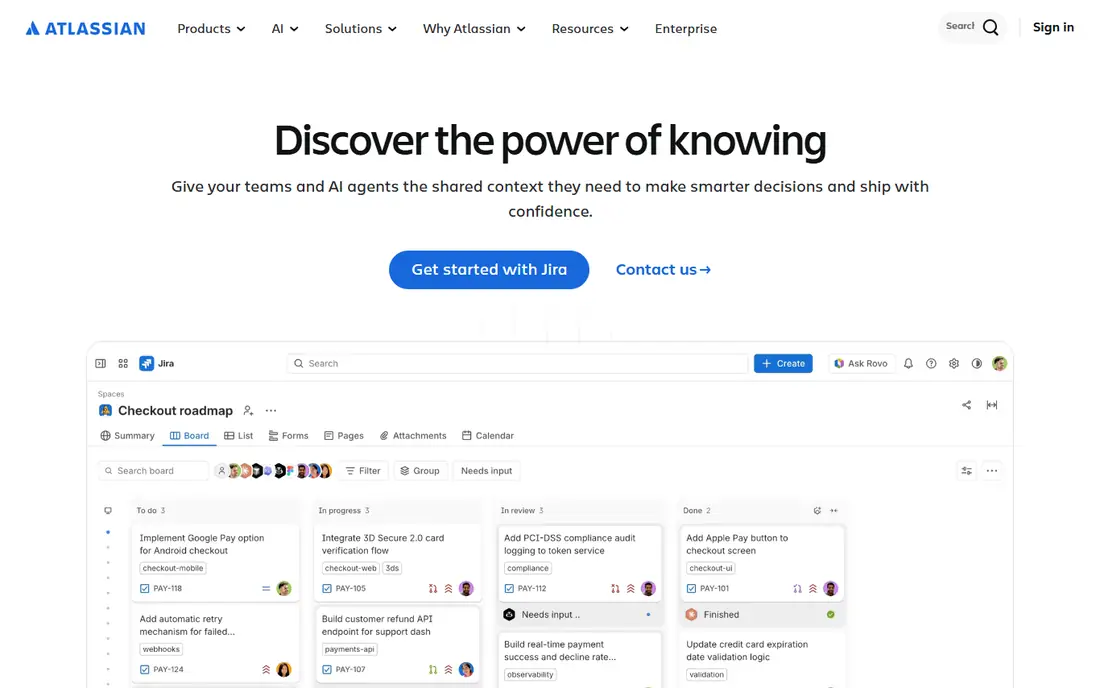
Jira Service Management brings Atlassian's workflow engine to IT support, with request portals, queues, SLAs, incident management, change management, and asset tracking. Its main advantage is integration: development work in Jira Software, documentation in Confluence, and operations in Compass connect to service requests, so an incident can link directly to the engineering work fixing it. Teams can build custom request types and workflows without code, and automation rules handle approvals and escalations. A free tier covers small teams, with paid plans scaling to enterprises. Configuration depth is both a strength and a cost: teams that invest in setup get a highly tailored service desk, while teams that want a tool that works out of the box may prefer Freshservice. For Atlassian shops, Jira Service Management is the natural choice.
- Deep Atlassian integration, flexible workflows, asset and change management
- Configuration takes effort, best value inside the Atlassian stack
ServiceNow
Ideal for: Large enterprises standardizing ITSM across the business
ServiceNow is the enterprise standard for IT service management, covering incident, problem, change, asset, and service catalog management, plus workflow automation that extends beyond IT into HR, facilities, and other departments. Its platform approach lets large organizations standardize service delivery, with AI-assisted routing, virtual agents, and analytics across the whole estate. Integrations cover the major cloud, monitoring, and security tools, and the platform scales to global operations with complex approval and compliance needs. The cost is real: licensing is enterprise-priced, implementation takes planning and often partner help, and small teams will find it far more than they need. For large organizations that want one service platform for the whole business, ServiceNow remains the benchmark.
- Deep ITSM breadth, workflow automation, enterprise integrations
- Enterprise pricing and implementation, overkill for small teams
SolarWinds Service Desk
Ideal for: IT teams that want ticketing plus asset and service management
SolarWinds Service Desk combines incident management, a service catalog, an employee self-service portal, and integrated asset management in a cloud ITSM tool. Agents can see hardware, software, and warranty data alongside a ticket, which shortens diagnosis, and the service catalog lets users request standard services through an approval workflow instead of an unstructured email. Automation handles routing and SLA escalation, and reporting covers team performance and service trends. SolarWinds is well known in IT operations, which gives the service desk credibility with infrastructure teams. Pricing is quote-based, and the product's profile is smaller than ServiceNow or Jira Service Management. For IT teams that want asset-aware ticketing without enterprise complexity, it is a solid option.
- Integrated asset management, service catalog, reporting, employee portal
- Pricing requires a quote, less well known than larger ITSM rivals
ManageEngine ServiceDesk Plus
Ideal for: ITIL-aligned ITSM at a modest price
ManageEngine ServiceDesk Plus is an ITSM platform with incident, problem, change, asset, and project management, plus a self-service portal and knowledge base, aligned to ITIL practices. It suits teams that want formal ITIL process without enterprise pricing: a free edition covers basic help desk use, and paid editions add automation, advanced reporting, and enterprise features. An on-premises option exists for organizations with data residency requirements, alongside the cloud version. Asset management covers hardware and software discovery and tracking, and integrations connect to the wider ManageEngine operations suite. The interface packs a lot in and can feel dense to new users. For budget-conscious IT teams that still want real ITSM structure, ServiceDesk Plus offers unusual value.
- ITIL processes included, asset management, free edition, on-premises option
- Interface can feel dense, advanced features on higher editions
SysAid
Ideal for: IT teams that want AI agents handling routine tickets
SysAid is ITSM software with agentic AI at its center: AI agents can handle routine tickets, answer employee questions, and route work, reducing the load on human agents. Customers report significant weekly ticket volumes handled by AI and large increases in self-service usage, according to the vendor site. Beyond AI, SysAid covers ticketing, asset management, automation, and a self-service portal with an interface that reviewers describe as intuitive. That combination suits midsize IT teams whose ticket volume is dominated by repeatable requests that an AI agent can resolve or triage. Pricing is quote-based, and AI features need tuning to each organization's knowledge base and policies before they perform at their best. For teams ready to let AI take the first line of support, SysAid is a leading option.
- AI agents for ticket handling, intuitive interface, automation, self-service
- Pricing requires a quote, AI features need tuning to each environment
Spiceworks
Ideal for: Small IT teams that need a free help desk
Spiceworks offers a free help desk and network inventory tool that has served small IT teams for years. The help desk covers ticket creation, assignment, prioritization, and a user portal, while inventory discovery maps devices on the network. Its large community of IT professionals is a genuine resource for troubleshooting and product advice. The free model is supported by advertising and partnerships, which keeps costs at zero but means the product's depth and update pace differ from paid ITSM platforms. Formal change management, advanced SLA reporting, and enterprise integrations are lighter here. For a small team with no budget, or a team testing whether a ticketing discipline helps before buying, Spiceworks remains the best free starting point.
- Free help desk, network inventory, large IT community
- Ad-supported model, lighter ITSM depth than paid tools
How we picked these
We looked for tools whose core job is IT ticketing and service management, covering small-team free options through enterprise ITSM. We balanced general support platforms with ITIL-aligned tools and AI-assisted options, because the right choice depends on team size, existing stack, and process maturity. We compared official feature pages, pricing pages, documentation, and public reviews, and we left out generic customer service tools without IT-specific features such as asset management and change control. Where a vendor did not publish a current price, we wrote "See website" rather than repeat a third-party figure.
How to run a ticketing trial that tells the truth
A trial with fake tickets proves nothing. Import a week of real tickets, including the messy ones, and run the new queue alongside the old one. Measure first response time, resolution time, and reopen rate, not just how the interface looks. Test the self-service portal with real users, because adoption there decides whether ticket volume falls. Check SLA behavior when a ticket breaches, and check reporting when a manager asks an awkward question, such as which category of tickets grew this month. Finally, test the mobile experience for technicians in the field. A tool that passes those tests with real work is worth paying for; one that only looks good in a demo is not.
Frequently asked questions
What is IT ticketing software?
It is software that turns IT requests into trackable tickets with assignment, priority, status, and history, so nothing is lost in an inbox and service levels can be measured.
What is the difference between a help desk and ITSM?
A help desk handles incoming tickets. ITSM adds structured processes around it, including incident, problem, change, asset, and service catalog management, aligned to frameworks such as ITIL.
Do I need asset management in a ticketing tool?
It helps significantly. When an agent sees the device, its software, and its ticket history alongside a new request, diagnosis is faster and repeat problems are easier to spot.
Can ticketing software reduce ticket volume?
Yes, through self-service portals, knowledge bases, and automation that resolve common requests such as password resets without an agent, plus AI agents that handle routine questions.
Is a free ticketing tool enough for a small team?
Often yes at first. Spiceworks, Freshservice, and ManageEngine ServiceDesk Plus offer free tiers that cover basic ticketing. Move to a paid plan when you need automation, SLAs, and reporting at scale.
How do SLAs work in ticketing software?
SLAs define response and resolution targets by priority or service, and the tool tracks each ticket against those targets, escalating or alerting when a target is at risk or breached.