7 Best Job Application Automation Software Options for 2026

- JobCopilot is the opening pick, best for daily matched applications.
- JobRight fits US job matching plus autofill.
- AIApply is the lowest-priced starter here at $49 per month.
- The main caution on JobCopilot: no permanent free level.
- Free plans exist at 3 of 7 tools (Simplify, Teal, JobRight).
Direct answer
This list puts JobCopilot first for daily matched applications. For a different need, Sonara covers AI-matched auto-applying and LazyApply covers high-volume browser applying. Prices, free plans and limits for all 7 tools follow.
Quick comparison
| Product | Ideal for | Price from | Free version | |
|---|---|---|---|---|
 JobCopilot | Daily matched applications | $0.93 per day | No | Visit |
 Sonara | AI-matched auto-applying | See website | No | Visit |
 LazyApply | High-volume browser applying | $99 a year | No | Visit |
 AIApply | Tailored documents plus auto-apply | $49 per month | No | Visit |
 Simplify | Free autofill plus Autopilot | Free | Yes | Visit |
 Teal | Organized manual applying | Free | Yes | Visit |
 JobRight | US job matching plus autofill | Free | Yes | Visit |
Job Application Automation Software compared in detail
This Ainotely guide covers 7 options for job application automation software. Each profile lists a starting price, free plan details, strengths and drawbacks, so you can drop poor fits quickly.
JobCopilot
Ideal for: Daily matched applications
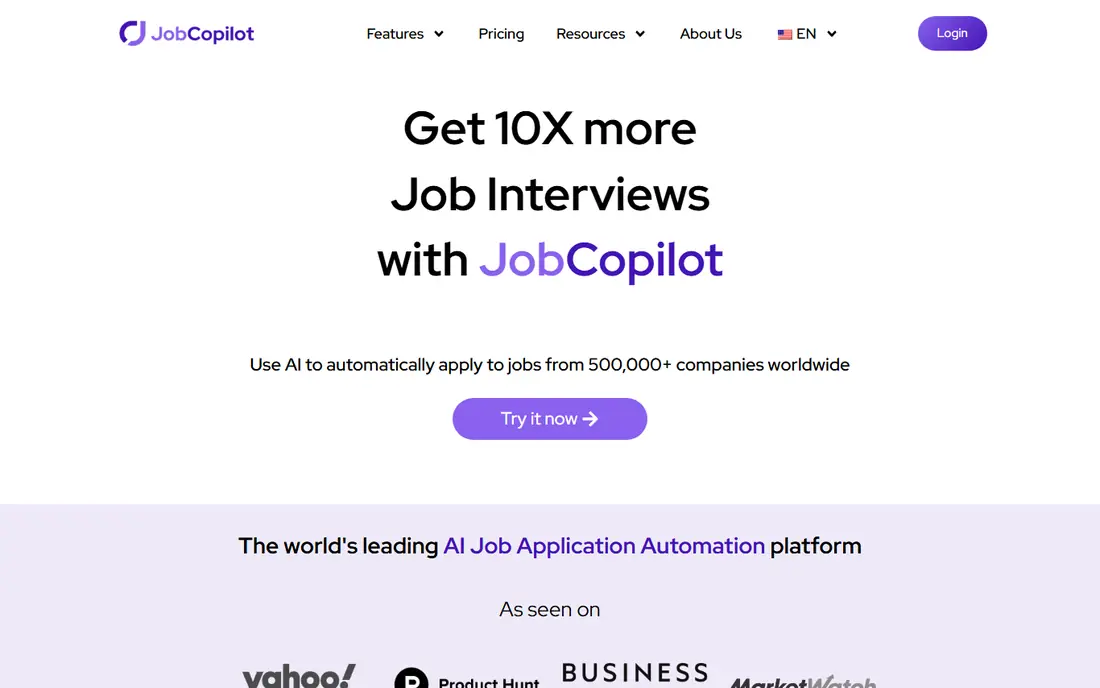
JobCopilot makes the most sense for daily matched applications. Plans contain choices to save applications for review, which helps you check tailored resumes before they go out.
In daily use, JobCopilot centres on company career pages instead of only job boards. Starting cost for JobCopilot: $0.93 per day. JobCopilot has no free plan.
Points against: Match quality varies by role.
- Applies on official company career pages
- Review choices on plans
- Daily pricing can add up over months
Sonara
Ideal for: AI-matched auto-applying
Sonara is built with AI-matched auto-applying in mind. That approach fits job seekers who are short on time and want a steady stream of matched applications without managing each board themselves.
No starting price is listed for Sonara here; confirm pricing on the vendor site. Sonara has no free plan.
Points against: Match quality is hard to judge before signup.
- Apply flow built around fit
- AI matching to roles
- Less control than manual tools
LazyApply
Ideal for: High-volume browser applying
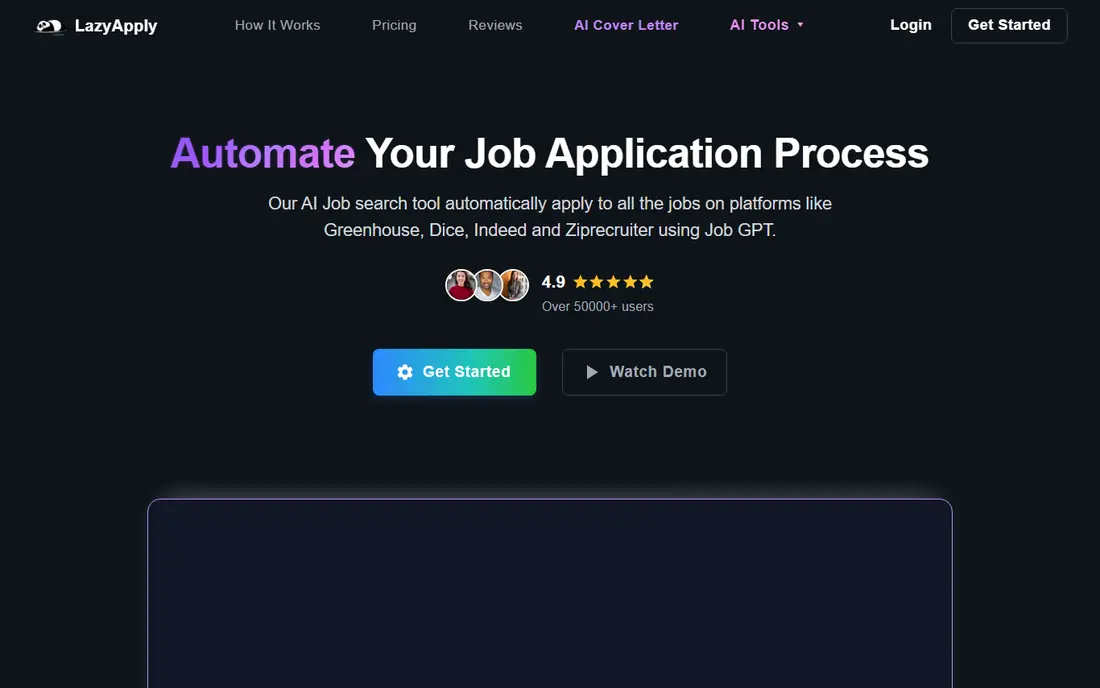
Choose LazyApply for high-volume browser applying. The risk is quality.
The main drawbacks: Review controls are restricted.
Applying to hundreds of poorly matched roles can waste employer attention and your own follow-up time, and some systems flag rapid automatic submissions. LazyApply pricing: $99 per year. LazyApply does not include a free plan.
- Works on LinkedIn, Indeed, Greenhouse
- Daily caps by plan
- Risk of employer flags on automatic submissions
AIApply
Ideal for: Tailored documents plus auto-apply
AIApply was built for tailored documents plus auto-apply. The credit model can push users toward volume, so set a clear target list first.
It also provides resume, handle letter, and interview tools, which help a seeker prepare beyond the application itself. AIApply starts at: $49 per month. AIApply has no free tier.
Where it falls short: Credit packs can encourage over-applying.
- Interview preparation tools
- Auto-apply credits
- $49 a month for 100 applications
Simplify
Ideal for: Free autofill plus Autopilot
In short, Simplify is for free autofill plus Autopilot. Ease starts as a free autofill and tracker, which makes it a decent first tool for most job seekers. Its Copilot extension fills forms on plenty of company career sites, and the tracker keeps applications organized.
Where it is weaker: Autopilot is in beta and has weekly limits.
More specifically, free autofill keeps you in control, since you review and submit each form yourself. Autopilot saves time but removes that review step, so use it only for well-matched roles and check the weekly allowance before relying on it for a large search. Price to start with Simplify: Free. Simplify has a free plan.
- Job tracker included
- Free autofill on numerous career sites
- You submit each form on free autofill
Teal
Ideal for: Organized manual applying
Teal makes the most sense for organized manual applying. Teal does not auto-apply, and that is a strength for job seekers who want control. Its free plan bundles a resume builder, job tracker, and autofill, whereas Teal+ costs $13 per week for added features.
From a buyer's view, you fill forms quicker, but you still review and submit each application yourself. That control cuts the risk of employer flags and poor matches. Entry price for Teal: Free. Teal includes a free tier.
Highlights: Free resume builder and tracker. Limits to weigh: No auto-apply feature; Teal+ costs $13 per week.
- AI autofill on any site
- You submit each application yourself
- Autofill still needs review for each form
JobRight
Ideal for: US job matching plus autofill
JobRight was built for US job matching plus autofill. Use JobRight for matching and referrals, and tailor the top applications yourself instead of relying on autofill alone.
Trade-offs to know: Autofill still needs your review.
Also, the in-app Turbo pricing makes comparison harder, so check the price inside the app before paying. For everyday use, a referral finder helps you find insiders at target firms, which can matter more than volume for competitive roles. Starting cost for JobRight: Free. JobRight offers a free plan.
- US-focused matching
- One-click autofill
- US focus may limit other regions
Worth knowing about job application automation software
Start with a target list, not a volume goal. Watch for warning signs. If an employer asks a custom question, answer it yourself instead of letting a tool guess.
Also, a smaller number of capable, tailored applications will normally serve you better than hundreds of generic ones. It lowers the risk of being flagged for automatic submissions.
How these tools were picked
For each of the 7 tools we noted price, free plan or trial, fit for job application automation software and the main limit, using vendor pages and documentation. Figures are shown as the vendors publish them. Billing terms, seat minimums and add-ons can change the real cost. The order reflects how well each tool fits the most common buying scenario for job application automation software, then price clarity, then free plan access. It is a starting point, not a verdict.
A buyer's checklist
- Confirm the entry price on the vendor page. For Sonara that means a quote rather than a fixed price.
- Read the fine print on the free plans from Simplify, Teal and JobRight; seat, project and feature caps differ.
- Read the limits listed for JobCopilot first: no permanent free tier.
- Let daily users try JobRight on real work; their feedback beats any feature checklist.
- Make sure JobCopilot lets you export your data in a format another tool can read.
Frequently asked questions
Should I use auto-apply for every job I want?
No. Use auto-apply sparingly for well-matched roles, and tailor applications for roles you truly want. A tailored resume, a specific handle note, and a referral frequently matter more than speed, particularly for competitive or senior roles.
What is the top job application automation software for volume?
Start with JobCopilot if you need daily matched applications. Sonara is the better match for AI-matched auto-applying, and LazyApply for high-volume browser applying. The best choice depends on budget, team size and workflow.
What are the best job application automation tools for control?
Start with JobCopilot if you need daily matched applications. Sonara is the better match for AI-matched auto-applying, and LazyApply for high-volume browser applying. The best choice depends on budget, team size and workflow.
How are the tools for job application automation software ordered?
The order follows typical fit for job application automation software, with JobCopilot first and JobRight last, then price clarity and free access. It is editorial judgement, not a score, so another team could rank the tools differently.
Which options for job application automation software have a free plan?
Simplify, Teal and JobRight offer a free plan in this list. Free plans usually cap users, projects or features, so check the limits on the vendor page.
Can I try these options before paying?
Often, yes. Simplify, Teal and JobRight have a free plan. Use your own data and a real task during the test, and check what the free tier or trial limits before you rely on it.