Best Job Application Software for Agencies in 2026: 8 Tools Compared

- Bullhorn and JobAdder lead for staffing agencies with deep candidate and client workflows.
- Vincere and Recruit CRM suit smaller agencies that want CRM plus ATS in one tool.
- Manatal and Zoho Recruit fit agencies that want AI sourcing and simple pipelines.
- Loxo and Crelate suit agencies that value sourcing, outreach, and placement tracking.
- Check client portals, billing, and job board links before choosing.
Quick comparison
| Product | Ideal for | Price from | Free version | |
|---|---|---|---|---|
 Bullhorn | Large staffing agencies | See website | No | Visit |
 JobAdder | Staffing and recruiting firms | See website | No | Visit |
 Vincere | Small and mid-size agencies | See website | Free trial | Visit |
 Recruit CRM | CRM plus ATS for agencies | See website | Free trial | Visit |
 Manatal | AI sourcing and pipelines | See website | Free trial | Visit |
 Zoho Recruit | Affordable agency recruiting | See website | Yes | Visit |
 Loxo | Sourcing and outreach | See website | Free trial | Visit |
 Crelate | Placement tracking and CRM | See website | Free trial | Visit |
The best job application software for agencies
We compared official feature pages, pricing pages, and public reviews for eight agency recruiting tools. Agencies differ from in-house teams: they manage many clients, candidates, and placements at once, so CRM, client portals, and billing links matter as much as job posting.
Bullhorn
Ideal for: Large staffing agencies
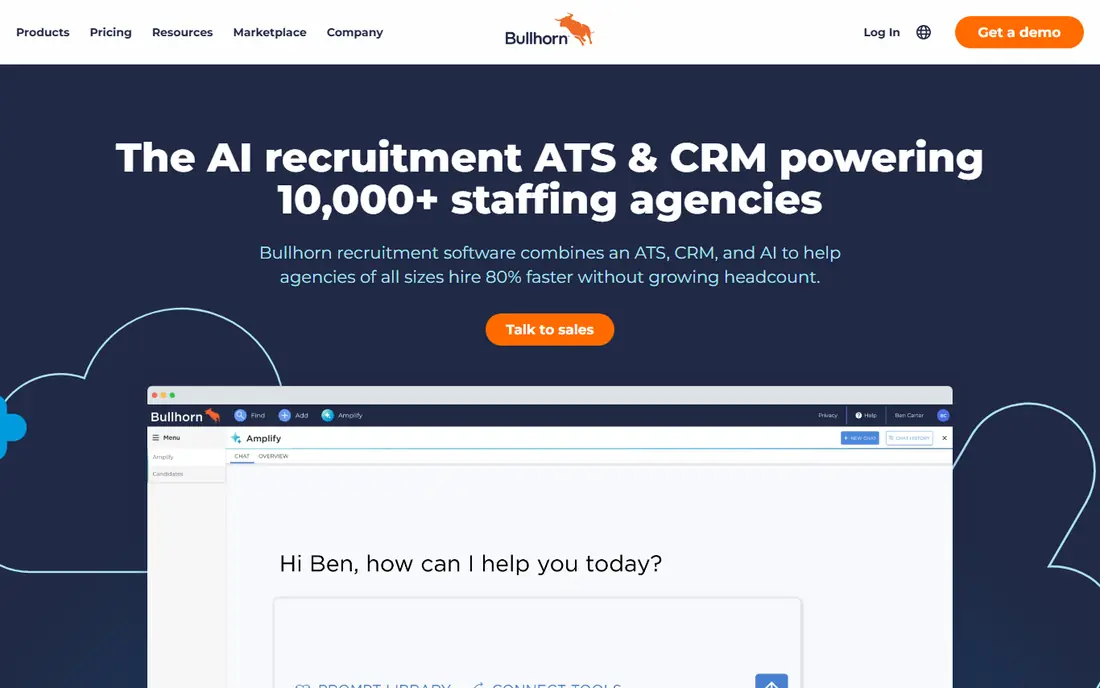
Bullhorn is a standard for staffing agencies, with candidate tracking, client management, job orders, and placement workflows in one system. Recruiters manage large candidate databases, track submissions, and link placements to billing where integrated. The platform scales to large agencies with many recruiters.
Pricing is quoted, and implementation needs planning for data migration and workflows. Smaller agencies may find Bullhorn broad. For a large staffing firm that needs proven agency workflows, Bullhorn is a leading choice.
- Deep staffing workflows
- Candidate and client management
- Many integrations
- Pricing is quoted
- Implementation takes planning
JobAdder
Ideal for: Staffing and recruiting firms
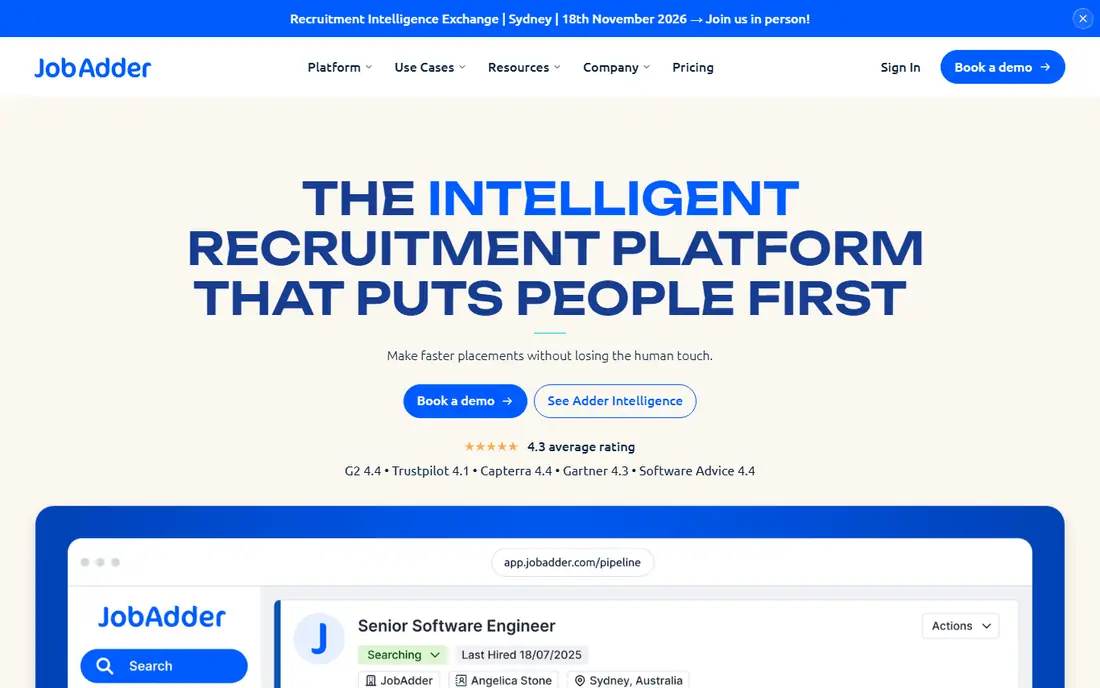
JobAdder serves staffing and recruiting firms with job posting, candidate tracking, and client management. Recruiters can post to boards, track applications, and manage placements from one dashboard. Reporting helps agency leaders see recruiter activity and placement pipelines.
Pricing is quoted, and the interface is functional rather than flashy. For an agency that wants solid recruiting workflows without enterprise complexity, JobAdder is a practical pick. Check board coverage for your markets.
- Agency workflows and job boards
- Candidate management
- Reporting
- Pricing is quoted
- Interface is functional
Vincere
Ideal for: Small and mid-size agencies
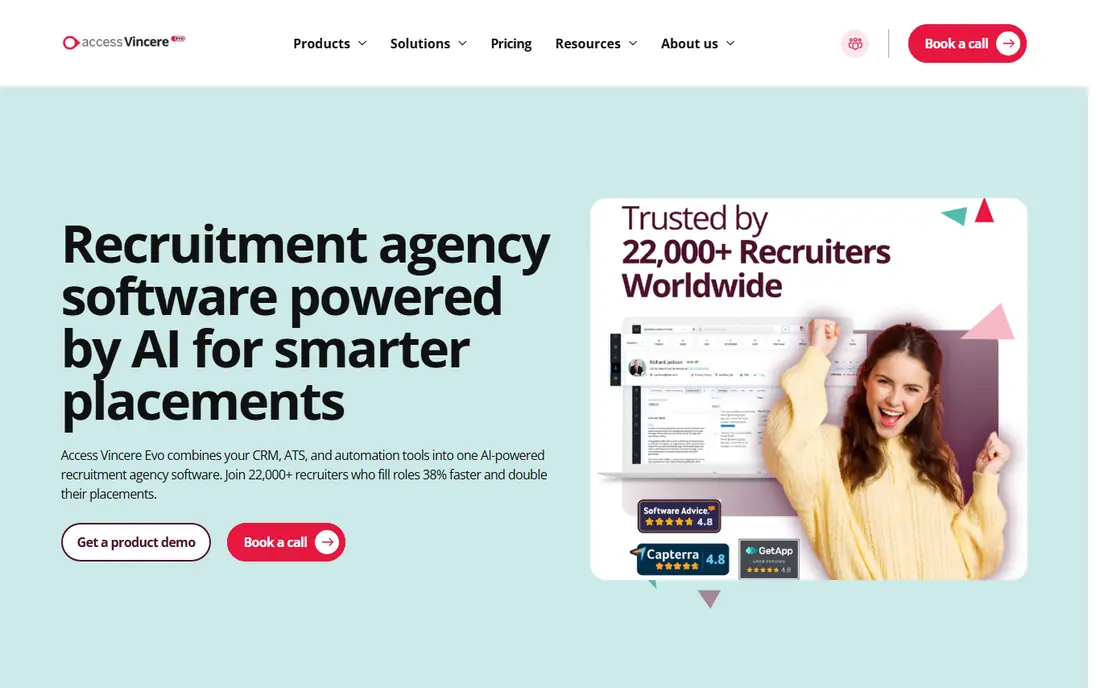
Vincere combines CRM and ATS for recruitment agencies, with candidate pipelines, client management, and placement tracking. Client portals let hiring managers view shortlists and give feedback, which speeds agency work. Reporting covers recruiter performance and pipeline health.
Pricing rises with users, and some advanced features sit on higher plans. For a small or mid-size agency that wants CRM plus ATS in one tool, Vincere offers a clean balance. Test client portal workflows during a trial.
- CRM and ATS together
- Client portals
- Reporting for agencies
- Pricing rises with users
- Advanced features need higher plans
Recruit CRM
Ideal for: CRM plus ATS for agencies
Recruit CRM gives agencies a simple combined CRM and ATS, with resume parsing, candidate pipelines, and email outreach. Recruiters can manage clients, candidates, and jobs without switching tools. The interface is easy to learn, which helps smaller agencies adopt it fast.
Enterprise depth for very large firms is lighter than Bullhorn. For a small agency that wants one affordable tool for clients and candidates, Recruit CRM is a strong value choice. Check limits for parsing and email volume.
- Simple CRM and ATS
- Resume parsing
- Email and outreach tools
- Enterprise depth is lighter
- Pricing rises with users
Manatal
Ideal for: AI sourcing and pipelines
Manatal uses AI to score candidates, enrich profiles, and source from social platforms, which helps agencies shortlist faster. Pipelines are simple, and recruiters can manage clients and jobs in one dashboard. The tool suits agencies that handle many applications per role.
Billing and back-office features are lighter than Bullhorn. For an agency that values AI sourcing and speed, Manatal is a modern choice. Test AI scoring with your own candidate data before relying on it.
- AI candidate scoring and sourcing
- Simple pipelines
- Social media sourcing
- Agency billing features are lighter
- Pricing rises with users
Zoho Recruit
Ideal for: Affordable agency recruiting
Zoho Recruit offers affordable recruiting with job posting, candidate pipelines, and client management, plus links to other Zoho apps. Agencies on a budget value the free and low-cost plans, which cover core hiring well. The tool suits small agencies and in-house teams that also place candidates.
Agency-specific features such as billing are lighter than Bullhorn or Vincere. For a budget-conscious agency that wants solid recruiting basics, Zoho Recruit is good value. Check plan limits for users and job postings.
- Affordable plans
- Job board posting
- Zoho app links
- Agency-specific depth is lighter
- Support varies by plan
Loxo
Ideal for: Sourcing and outreach
Loxo combines a recruiting CRM with sourcing and outreach, helping agencies find candidates and contact them from one platform. AI features assist with matching and messaging, while pipelines track candidates through placement. The tool suits agencies that source actively rather than waiting for applications.
Pricing is quoted on higher plans, and sourcing tools take learning. For an agency that lives on outbound sourcing, Loxo offers a focused toolkit. Test sourcing coverage for your industries and regions.
- Sourcing and outreach tools
- Candidate CRM
- AI features
- Pricing is quoted on higher plans
- Learning curve for sourcing tools
Crelate
Ideal for: Placement tracking and CRM
Crelate gives agencies a combined CRM and ATS with placement tracking and customizable workflows. Recruiters manage candidates, clients, and jobs, with reporting on placements and pipelines. Custom fields and workflows suit agencies with specific processes.
The interface is functional rather than modern, and pricing rises with users. For an agency that wants flexible workflows and placement tracking, Crelate is a steady choice. Test customization with your agency process during a trial.
- CRM and ATS for agencies
- Placement tracking
- Customizable workflows
- Interface is functional
- Pricing rises with users
How we picked these
We compared official feature pages, pricing pages, and public reviews for agency recruiting tools in October 2026. We favored tools with candidate pipelines, client management, job board posting, sourcing, and placement tracking, and we mixed large agency platforms with affordable small-agency options. We did not claim hands-on testing, and we list prices as shown on vendor sites, using See website where pricing is quoted.
What to check before you buy
Start with your agency model: temp staffing, permanent placement, or executive search, since each needs different workflows. Then test client portals, since hiring managers judge agencies by how easy shortlists and feedback feel. Check job board coverage for your markets and resume parsing accuracy with real CVs.
Next, confirm billing and placement tracking, including fees, splits, and back-office links. Check data migration from spreadsheets or an older ATS, and confirm compliance for candidate data and consent. Finally, run a trial with a live role, involve recruiters and a client, and measure time to shortlist before signing.
A final check before you commit
Security and privacy checks should match the sensitivity of the data you will store, so review access controls, authentication options, and audit logs for each finalist. Ask who at the vendor can access your data, how incidents are reported, and where data is hosted, especially for regulated or client-confidential work. Smaller teams can keep this review short, but it should still be written down, since verbal assurances are hard to rely on later. If a vendor cannot answer plainly, treat that as a signal about transparency.
Implementation planning should start before purchase, with a named owner, a migration checklist, and a date for reviewing whether the tool still fits. Plan data import, user permissions, and training in that order, and keep the old system running in parallel for a short period where possible, so mistakes can be corrected without lost work. Set a review point after thirty and ninety days to check usage, costs, and complaints, and be willing to adjust seats or plans at that point. Tools that are reviewed regularly tend to stay useful, while tools bought and forgotten tend to drift from team needs.
Budget holders often ask for a single recommendation, but a short ranked list with reasons serves the team better than a forced single winner. Rank your top three by fit for daily work, total yearly cost, and support quality, and state plainly where each one falls short, so decision makers see trade-offs instead of a sales pitch. If the top choice is rejected on price, the second choice should already be tested and ready, which avoids a rushed purchase later. Keep the ranking with the trial notes, since it becomes the baseline for the next review cycle and for onboarding new staff who ask why this tool was chosen.
Also check references from firms of similar size and in a similar line of work, since a vendor that serves large enterprises well may still struggle with small-team needs, and the reverse is true as well. Ask references about onboarding time, support responsiveness, and the one feature they wish worked better, since those answers reveal patterns that no demo will show. If a vendor hesitates to provide references, or only offers very large customers, treat that as useful information about fit for your size. Two short reference calls often save weeks of trial and error, and they give your team confidence that the choice rests on real user experience rather than polished sales material alone.
Frequently asked questions
What is job application software for agencies?
It tracks job applications, candidates, clients, and placements for recruitment agencies. It combines ATS and CRM features so agencies can manage many clients and roles at once.
How is agency software different from in-house ATS tools?
Agency tools add client management, portals, placement tracking, and billing links. In-house ATS tools focus on one employer hiring pipeline, while agency tools handle many clients.
Which tool is best for a small recruitment agency?
Recruit CRM, Zoho Recruit, and Vincere suit small agencies with affordable CRM plus ATS features. Bullhorn and JobAdder suit larger staffing firms.
Can agency software post to job boards?
Yes, most tools post to many boards and track applications by source. Check board coverage for your industries and countries before buying.
Does agency software handle billing?
Some tools track placements and fees, while others link to accounting or back-office systems. Confirm billing, splits, and invoice handling for your agency model.