Best Job Apps in 2026: 8 Apps Compared

- Indeed is our pick for sheer listing volume, while LinkedIn is best for recruiter visibility and networking.
- Glassdoor is worth checking before you apply, since salary data and interview reports help you judge a role.
- ZipRecruiter and Snagajob suit different markets, with ZipRecruiter for general roles and Snagajob for hourly work.
- All core job searching is free for seekers on the major apps, with paid features aimed at employers or power users.
- Watch for scam listings on any app, and never pay a fee to apply for a job or share bank details during hiring.
Quick comparison
| Product | Ideal for | Price from | Free version | |
|---|---|---|---|---|
 Indeed | Largest listing volume | Free | Yes | Visit |
 LinkedIn | Networking and recruiters | Free | Yes | Visit |
 Glassdoor | Salary and company research | Free | Yes | Visit |
 ZipRecruiter | Fast matching | Free | Yes | Visit |
 Dice | Tech roles | Free | Yes | Visit |
 FlexJobs | Remote and flexible work | See website | No | Visit |
 Snagajob | Hourly and shift work | Free | Yes | Visit |
 Wellfound | Startup roles | Free | Yes | Visit |
The best job apps
Job apps solve different parts of a search, and using the wrong one wastes time. Some maximise listings, others show you what a company is really like, and a few focus on a single market like tech or hourly work. We compared official feature pages, app listings and public reviews to find apps that still serve US job seekers well in October 2026.
Indeed
Ideal for: Largest listing volume
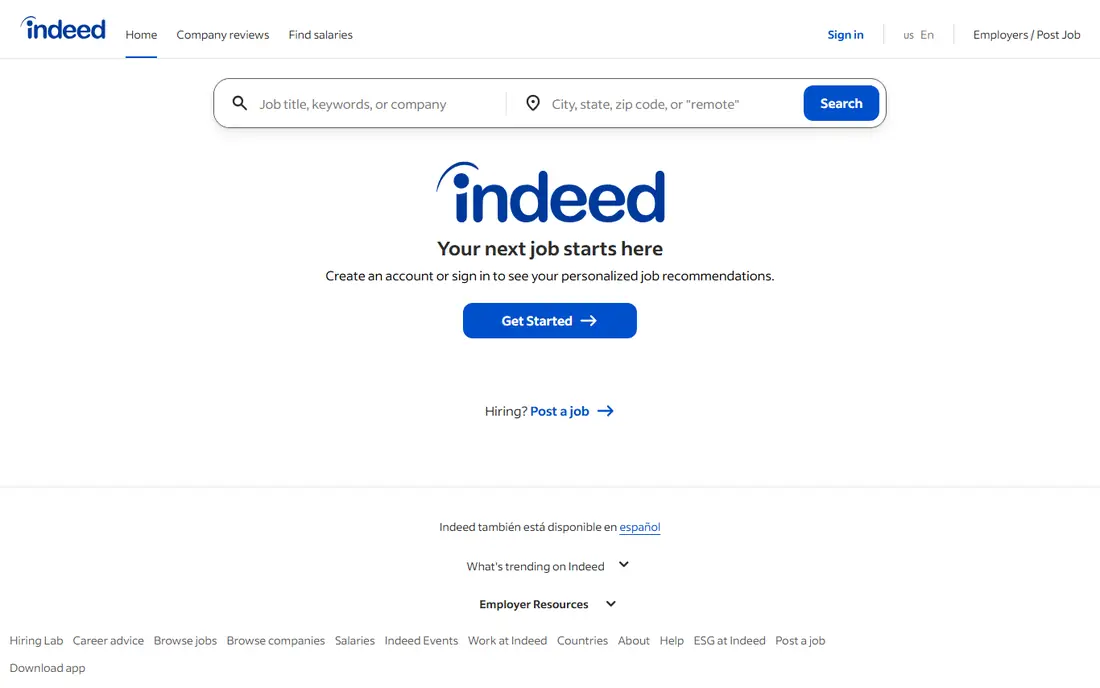
Indeed remains the best starting point for most job seekers because of volume. It aggregates employer postings and direct listings across industries, so a single search can cover roles that would take several niche boards to find. Filters for salary, location, remote work and job type help narrow that volume, and job alerts keep new roles in front of you.
Volume is also the weakness. Popular roles attract hundreds of applicants, and scam postings do appear, so vet every employer before sharing personal details. Use Indeed for discovery and applications, but pair it with Glassdoor research and LinkedIn networking for roles you really want.
- Largest aggregator of listings
- Fast apply on many roles
- Salary filters and alerts
- High competition for popular roles
- Scam listings slip through
- Quality varies by posting
Ideal for: Networking and recruiters
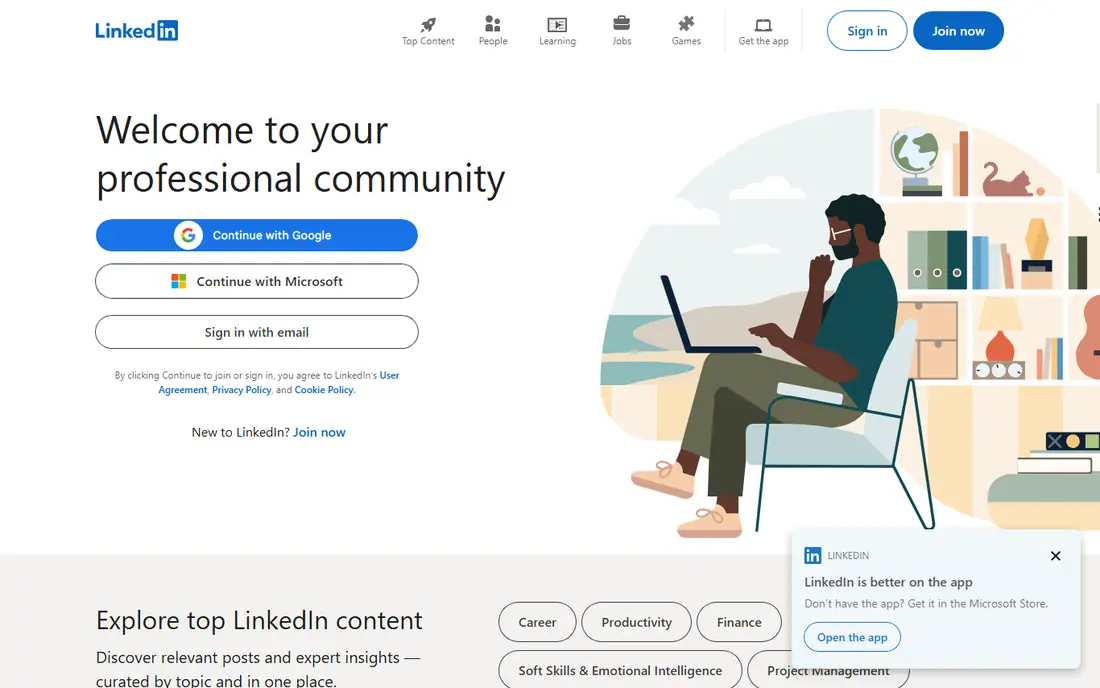
LinkedIn is the only job app where your profile works while you sleep. Recruiters search for candidates by skills and location, and a strong profile with a clear headline and recent experience can bring inbound messages without an application. Referrals from connections also carry weight, since many roles are filled through people who already work at the company.
A weak or outdated profile can work against you, so keep it current before you turn on job seeking signals. Core job searching is free, while Premium, reported around $29.99 per month in some listings, adds extra insights and messaging. For most seekers, the free account plus an active network is enough.
- Recruiters search your profile
- Networking and referrals
- Job alerts and Easy Apply
- Weak profile hurts more than no profile
- Premium features cost extra
- Feed can distract
Glassdoor
Ideal for: Salary and company research

Glassdoor is best used before you apply, not just during the search. Salary reports, company reviews and real interview questions help you judge whether a role is worth pursuing and what to ask for in negotiation. That research can save you from a low offer or a workplace that does not fit.
Reviews skew negative, since unhappy employees are more likely to post, so treat any single review as one signal rather than a verdict. Look for patterns across many reviews, check salary ranges for your specific role and city, and use Glassdoor alongside Indeed or LinkedIn rather than as your only source of listings.
- Salary data and company reviews
- Interview questions by company
- Job listings included
- Reviews skew negative
- Salary data varies by role and location
- Some content needs contribution
ZipRecruiter
Ideal for: Fast matching
ZipRecruiter uses matching to push relevant roles to you, rather than making you search from scratch every day. That suits seekers who want a steady flow of suitable jobs and quick applications, especially for mid level and general roles. Notifications when an employer views your application also reduce the uncertainty of waiting.
Matching quality depends on how complete your profile is, so fill in skills, location and job preferences carefully. ZipRecruiter is free for job seekers, with employers paying for postings, which means the listing mix reflects employer demand in your area rather than a neutral view of every open role.
- AI matching to relevant roles
- One click apply
- Alerts when employers view your application
- Job seeker experience varies by market
- Employer paid model shapes some listings
Dice
Ideal for: Tech roles
Dice is the best niche board for technology professionals, because every listing is tech related and search is built around skills, tools and certifications. That focus saves time for developers, engineers, data professionals and IT support staff who would otherwise filter through unrelated roles on a general board. Salary insights for tech roles are also more relevant than general averages.
Outside tech, Dice has nothing to offer, and some listings come from recruiters rather than direct employers. Tech seekers should use Dice alongside LinkedIn, where many tech recruiters also search, and check employer details before applying through a third party.
- Tech only focus
- Skill based search
- Salary data for tech roles
- Useless outside tech
- Smaller volume than Indeed
- Some listings are recruiter heavy
FlexJobs
Ideal for: Remote and flexible work
FlexJobs is different because it manually screens listings for legitimacy and focuses only on remote, hybrid and flexible work. That screening removes many scam postings and in person roles that waste time for remote seekers, which is valuable when remote listings attract heavy competition and fraud. Categories include freelance, part time and flexible schedule roles as well as full time remote jobs.
The catch is cost. Full access requires a subscription, unlike the free major boards, so FlexJobs is best for people who specifically want remote work and are willing to pay for a curated list. Check the current subscription price and cancellation terms before signing up, and use the free preview to judge listing quality in your field.
- Manually screened listings
- Remote, hybrid and flexible focus
- Scam filtering
- Requires a subscription for full access
- Smaller volume than Indeed
- Not for in person roles
Snagajob
Ideal for: Hourly and shift work
Snagajob focuses on hourly and shift based work in retail, hospitality, food service and warehousing, where speed matters more than a long application process. Listings often show shift details and pay upfront, and hiring can move quickly, which suits seekers who need work soon rather than a long executive search.
Professional and salaried roles are largely absent, so white collar seekers should look elsewhere. For hourly work, though, Snagajob is more efficient than filtering a general board, and its focus on shift work means you are less likely to waste time on roles that do not match your availability.
- Hourly and shift focus
- Fast hiring for retail and hospitality
- Shift details upfront
- Limited to hourly roles
- Fewer professional listings
- Quality varies by employer
Wellfound
Ideal for: Startup roles
Wellfound, formerly AngelList Talent, is the best board for startup jobs, because it shows salary ranges and equity information upfront for many roles. That transparency helps candidates judge whether a startup offer is fair, and direct contact with founders or hiring managers can move faster than a corporate portal. Early stage roles, in particular, are better represented here than on general boards.
Startup risk is the honest downside. Equity may end up worth little, funding can change quickly, and benefits may be thinner than at larger firms. Research the startup's funding, team and runway before accepting, and weigh salary more heavily than equity unless you understand the risk.
- Startup jobs with salary and equity transparency
- Direct employer contact
- Early stage focus
- Smaller volume than general boards
- Startup risk is real
- Equity values are uncertain
How we picked these
We compared official feature pages, app listings and public reviews, and we only included apps that still serve US job seekers in October 2026. We favoured apps that are free for seekers, that cover distinct markets, and that add something beyond a generic list, such as salary data, matching or scam screening. Where a subscription price was not clearly published, we used See website.
How to use job apps without burning out
Use one app for discovery, one for research and one for tracking. Indeed or LinkedIn can supply listings, Glassdoor can vet employers, and a simple spreadsheet or tracker can record where you applied and when to follow up. That structure prevents duplicate applications and keeps you from refreshing five apps all day.
Tailor each application to the role, even on fast apply listings, since a generic resume is easy to spot. Check the employer independently before sharing sensitive details, and never pay to apply, share bank details during hiring, or accept a job that asks you to buy equipment upfront without verification. Those are common scam signals on any platform.
Frequently asked questions
What is the best job app overall?
Indeed has the largest listing volume, while LinkedIn is best for recruiter visibility and networking. Most seekers should use both, plus Glassdoor for employer research.
Are job apps free for job seekers?
Yes, core job searching is free on Indeed, LinkedIn, Glassdoor, ZipRecruiter, Dice, Snagajob and Wellfound. FlexJobs is the main exception, since full access needs a subscription.
Which job app is best for remote work?
FlexJobs is best for screened remote listings, while Indeed and LinkedIn also have strong remote filters. Use FlexJobs for curation and the larger boards for volume.
How do I avoid job scams on apps?
Vet the employer independently, never pay to apply, and be wary of roles that ask for bank details, upfront equipment purchases or personal documents before an interview. Report suspicious listings to the app.
Should I use multiple job apps?
Yes, since different apps solve different problems. Use one for listings, one for company research and one for networking, and keep a single tracker so you do not apply twice to the same role.