Best Job Search Apps for Remote Jobs in 2026: 7 Apps Compared

- FlexJobs is our pick for screened remote and flexible listings with less scam noise.
- Remote.co, We Work Remotely, and Remote OK suit fully remote roles across tech and other fields.
- LinkedIn, Indeed, and ZipRecruiter give the widest range, with remote filters on top of general listings.
- Always verify remote employers, since remote job scams are common.
Quick comparison
| Product | Ideal for | Price from | Free version | |
|---|---|---|---|---|
 FlexJobs | Screened remote and flexible jobs | See website | Free trial | Visit |
 Remote.co | Fully remote company jobs | Free | Yes | Visit |
 We Work Remotely | Remote tech and design jobs | Free | Yes | Visit |
 Remote OK | Global remote job listings | Free | Yes | Visit |
 LinkedIn | Professional remote search | Free | Yes | Visit |
 Indeed | Widest remote listings | Free | Yes | Visit |
 ZipRecruiter | Remote alerts and matching | Free | Yes | Visit |
The best job search apps for remote jobs
Remote job search is different from local search: you need filters for time zones, work type, and company remote policy, and you need to spot scams that target remote seekers.
We compared official app pages, help pages, and listing pages for each board below. Our pick for most people is FlexJobs, because it screens listings and covers remote, hybrid, and flexible roles in one place.
No board lists every remote job, so use two or three together, and always verify a company before sharing personal details or doing unpaid test work.
FlexJobs
Ideal for: Screened remote and flexible jobs

FlexJobs lists remote, hybrid, and flexible jobs that are screened before posting, which cuts down on scams and misleading listings. Filters cover work type, schedule, and career level.
Full access needs a subscription, though a trial and free resources exist. Listing volume is smaller than Indeed, but the screening is the point: fewer, more trustworthy postings.
Our view: the best paid-quality remote board for serious remote seekers.
Bottom line: FlexJobs is a strong fit for screened remote and flexible jobs, and its main draw is screened listings. Weigh that against the limits above before you commit, and test it with your own real work during any trial or free period.
- Screened listings
- Remote, hybrid, and freelance filters
- Career resources
- Subscription needed for full access
- Listing volume is smaller than general boards
Remote.co
Ideal for: Fully remote company jobs
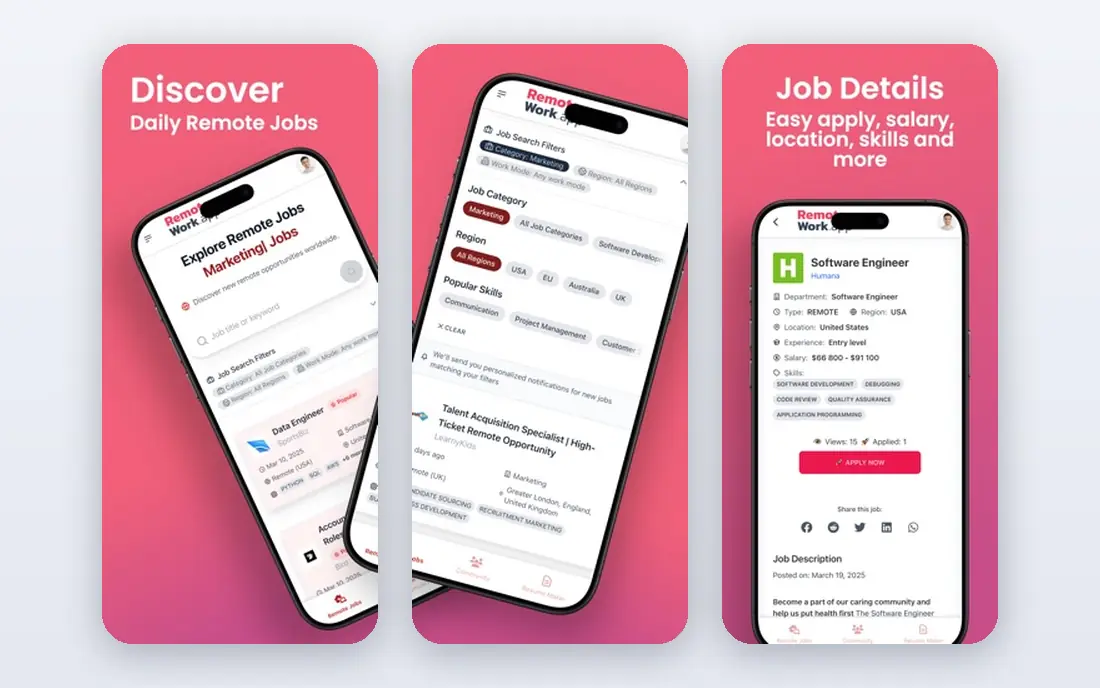
Remote.co lists jobs from companies that work remotely, with company profiles and resources on remote work. It suits seekers who want fully remote roles, not hybrid office jobs.
Listing volume is smaller than general boards, and the focus leans toward tech and professional roles. For fully remote work, though, its focus saves search time.
Our view: a strong board for fully remote roles and remote-first companies.
Bottom line: Remote.co is a strong fit for fully remote company jobs, and its main draw is fully remote listings. Weigh that against the limits above before you commit, and test it with your own real work during any trial or free period.
- Fully remote listings
- Company profiles
- Remote work resources
- Smaller listing volume
- Tech and professional focus
We Work Remotely
Ideal for: Remote tech and design jobs
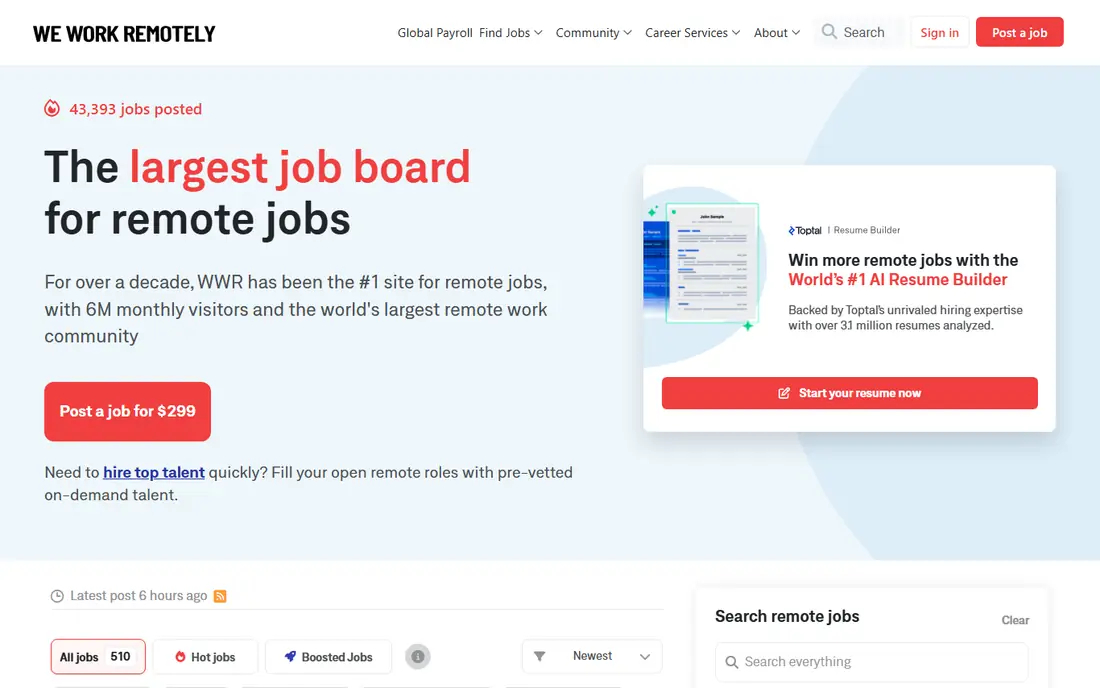
We Work Remotely is a long-running board for remote jobs, strongest in programming, design, marketing, and customer support. Listings are simple to browse, with clear remote and location details.
Non-tech roles are thinner, so seekers outside tech should pair it with FlexJobs or LinkedIn. For tech remote work, it remains a first stop for many.
Our view: a classic remote board, best for tech and design roles.
Bottom line: We Work Remotely is a strong fit for remote tech and design jobs, and its main draw is long-running remote board. Weigh that against the limits above before you commit, and test it with your own real work during any trial or free period.
- Long-running remote board
- Tech, design, and support roles
- Simple search
- Tech heavy
- Non-tech roles are thinner
Remote OK
Ideal for: Global remote job listings
Remote OK aggregates remote jobs from many sources, with filters for salary, tech, and job type. Its volume is high, especially for developers, designers, and marketers.
Because it aggregates widely, listing quality varies, and seekers must verify employers themselves. Use it for discovery, then research each company before applying.
Our view: a high-volume discovery board for global remote roles.
Bottom line: Remote OK is a strong fit for global remote job listings, and its main draw is large global remote listings. Weigh that against the limits above before you commit, and test it with your own real work during any trial or free period.
- Large global remote listings
- Salary and tech filters
- Simple interface
- Listing quality varies
- Scam checks are up to the seeker
Ideal for: Professional remote search
LinkedIn lets you filter professional listings by remote, hybrid, or on-site, and apply with Easy Apply on many roles. Recruiters can also find you for remote roles you did not apply to.
Remote filter accuracy varies, since some listings marked remote still expect office time. Read each posting carefully and confirm remote terms before applying.
Our view: the best general professional board with remote search.
Bottom line: LinkedIn is a strong fit for professional remote search, and its main draw is remote filters on professional listings. Weigh that against the limits above before you commit, and test it with your own real work during any trial or free period.
- Remote filters on professional listings
- Recruiter visibility
- Easy Apply
- Remote filter accuracy varies
- Competition is high on popular roles
Indeed
Ideal for: Widest remote listings
Indeed has the largest overall job listings, and its remote filter surfaces remote roles across industries. Alerts catch new remote postings early, and company reviews add context.
Scale brings noise: mislabelled remote jobs and occasional scams appear, so verify employers and never pay for a job or equipment up front. With care, its range is unmatched.
Our view: the widest remote search, best paired with a screened board.
Bottom line: Indeed is a strong fit for widest remote listings, and its main draw is very large listings with remote filters. Weigh that against the limits above before you commit, and test it with your own real work during any trial or free period.
- Very large listings with remote filters
- Alerts
- Company reviews
- Scam and mislabelled listings need care
- Competition is high
ZipRecruiter
Ideal for: Remote alerts and matching
ZipRecruiter matches your profile to jobs and sends alerts for remote roles that fit. Its mobile app makes applying quick, and one-tap apply works on many listings.
Remote volume is smaller than Indeed, and some listings repeat across boards. As a second source for alerts, though, it catches roles you might otherwise miss.
Our view: a useful alerts-based second board for remote seekers.
Bottom line: ZipRecruiter is a strong fit for remote alerts and matching, and its main draw is remote job alerts. Weigh that against the limits above before you commit, and test it with your own real work during any trial or free period.
- Remote job alerts
- Matching based on profile
- Mobile-friendly
- Smaller remote volume than Indeed
- Some listings repeat across boards
How we picked these
We compared official app pages, help pages, and listing pages, and we looked at remote filters, screening, listing volume, and scam guidance. We favoured boards that make remote terms clear.
We did not claim hands-on applications. Where screening or subscription terms varied, we noted them rather than promising a scam-free experience.
How to search for remote jobs safely
Define your remote type first. Fully remote, hybrid, and remote-first mean different things, so filter for your exact type and confirm terms in the posting before applying.
Use a screened board plus a general board. FlexJobs gives screened quality, while Indeed or LinkedIn gives range. Together they balance trust and volume. Re-check listings weekly, since remote roles close fast and new ones appear daily.
Verify every employer before sharing details. Check the company website, reviews, and contact details, and be wary of recruiters who use free email accounts or ask for fees, equipment payments, or bank details.
Show remote-ready skills in your profile. Highlight written communication, self-management, time zone experience, and tools you have used for remote work, since employers screen for those traits.
Apply early and follow up politely. Remote roles attract many applicants, so alerts and quick, tailored applications help. A short follow-up after a week is reasonable if no reply comes.
Finally, test the job, not just the listing. Ask about team time zones, meeting load, equipment, and growth paths in interviews. A good remote job respects boundaries as well as flexibility.
If you are still unsure, start with a free plan and move to a paid plan only when you hit its limits.
Frequently asked questions
Which job app is best for remote jobs?
FlexJobs is our pick for screened remote listings, while Indeed and LinkedIn give the widest range. We Work Remotely and Remote OK suit tech remote roles.
Are remote job listings on general boards reliable?
Mostly, but check remote terms in each posting, since some roles marked remote still need office time. Verify the employer before sharing personal details.
How do I avoid remote job scams?
Never pay for a job, equipment, or training, and never share bank details before a verified offer. Research companies independently and report suspicious listings.
Do remote jobs pay less?
Not necessarily. Pay varies by role, company, and location policy, with some companies paying by role and others by location. Check salary ranges in listings before applying.
Can I find remote jobs outside tech?
Yes. FlexJobs, LinkedIn, and Indeed list remote roles in marketing, support, writing, finance, and more, though tech still dominates fully remote boards.
Should I use a paid remote job board?
FlexJobs charges for full access, but its screening can save time and reduce scams. Many seekers pair it with free boards such as Indeed and LinkedIn for range.