Best Journal Apps in 2026: 8 Apps Compared

- Day One is our pick for most people: its free Basic plan includes unlimited entries and end-to-end encryption, and paid plans start at $49.99 per year.
- Diarium is the best way to avoid subscriptions: Pro is a one-time purchase per platform, listed at $14.99 on iOS.
- Daylio and Stoic are free to start, which makes them the easiest picks if you want the best journaling app free of charge.
- Rosebud and Mindsera add AI to journaling, with paid plans from $8.99 and $10.75 per month on annual billing.
- None of these apps replaces therapy, and the AI ones in particular should be treated as a writing aid, not medical support.
Quick comparison
| Product | Ideal for | Price from | Free version | |
|---|---|---|---|---|
 Day One | Most people who want a polished, private diary | Free | Yes | Visit |
 Journey | Photos, travel maps and cross-platform use | See website | Yes | Visit |
 Diarium | Journaling without a subscription | $14.99 one-time (iOS) | Yes | Visit |
 Daylio | Quick mood and habit logging | Free | Yes | Visit |
 Stoic | Guided prompts and daily check-ins | Free | Yes | Visit |
 Rosebud | AI-guided reflection | Free | Yes | Visit |
 Penzu | Simple web diary | Free | Yes | Visit |
 Mindsera | AI feedback on your writing | Free | Yes | Visit |
The best journal apps
A journal app has to be pleasant enough that you open it every day and private enough that you trust it with honest writing. The eight apps below cover classic diaries, mood trackers and AI companions.
Day One
Ideal for: Most people who want a polished, private diary
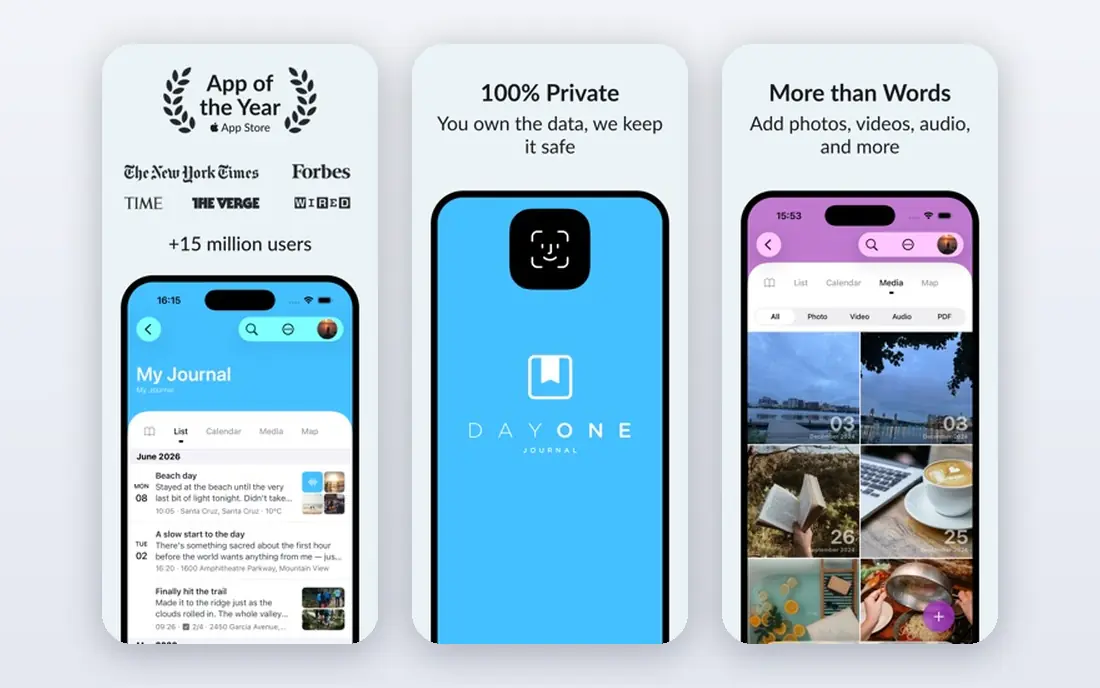
Day One is the benchmark that other journal apps get compared to. Its site lists iPhone, iPad, Android, Mac, Apple Watch and Windows apps plus browser access, with end-to-end encryption, passcode and biometric locks and automatic backups. The company is part of Automattic, and it highlights awards including Apple Editors' Choice and an Apple Design Award.
The pricing page lists Basic at $0 per year with unlimited entries and journals, daily prompts, templates, search and On This Day memories, but only one device and one photo per entry. Silver is $49.99 per year and adds up to 30 photos and videos per entry, sync across unlimited devices and audio transcription. Gold is $74.99 per year and adds Daily Chat, AI summaries and prompts.
It is the safe first choice. The limit that will push most people to pay is syncing across more than one device.
- Free Basic plan with unlimited entries and journals
- End-to-end encryption
- Runs on iPhone, iPad, Android, Mac, Windows and web
- Free plan is limited to one device and one photo per entry
- Silver is $49.99 per year and Gold is $74.99 per year
Journey
Ideal for: Photos, travel maps and cross-platform use
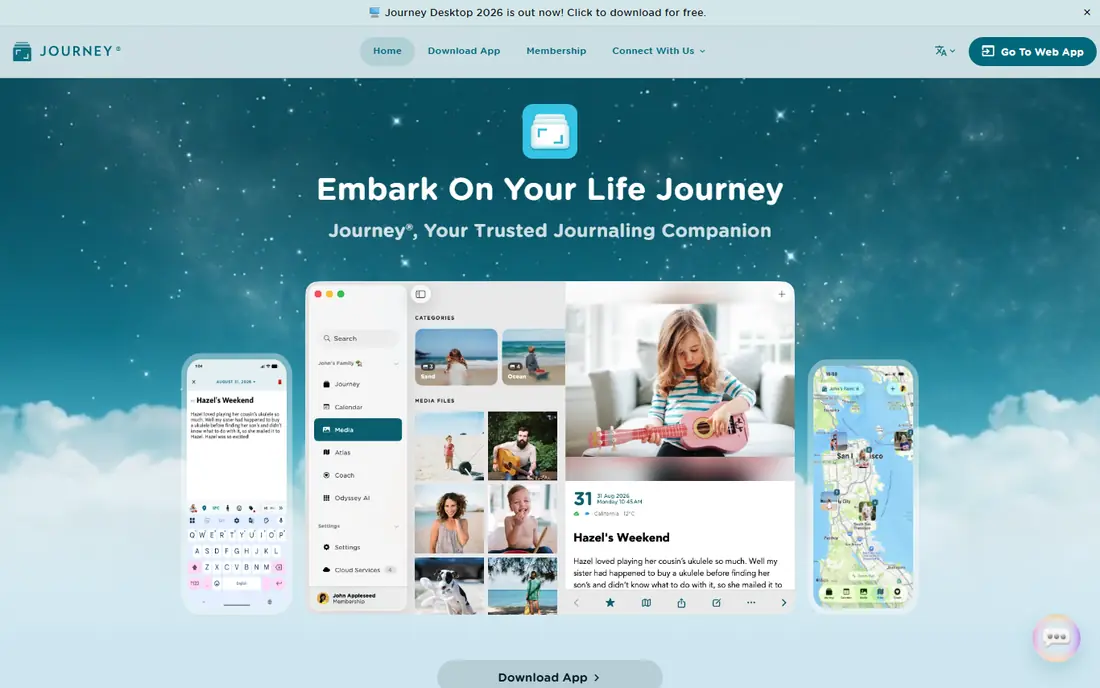
Journey covers more platforms than almost any rival. Its site lists Android, iOS, Mac, Windows, web and Chrome OS, plus Linux. Features include photos, video and audio in entries, an Atlas that maps entries by location, shared journals, and the ability to create entries by email or through WhatsApp. The site says it offers end-to-end encryption, and a Docker image is available for people who want to self-host sync.
Pricing is confusing. The iOS listing describes a membership at $6.99 per month or $49.99 per year, and also shows a lifetime membership at $199 plus a long list of in-app purchases at other prices. The site did not detail free-plan limits, so confirm what the free version includes before you rely on it. The iOS listing shows a 4.6 rating from about 5,100 ratings.
Pick Journey if you switch between a Windows PC, a Mac and an Android phone. Read the purchase screen carefully first.
- Apps for Android, iOS, Mac, Windows, web and Chrome OS
- Atlas map, shared journals and email or WhatsApp entry
- End-to-end encryption with Journey Cloud Sync
- Several overlapping prices in the App Store listing
- Lifetime option is expensive
Diarium
Ideal for: Journaling without a subscription
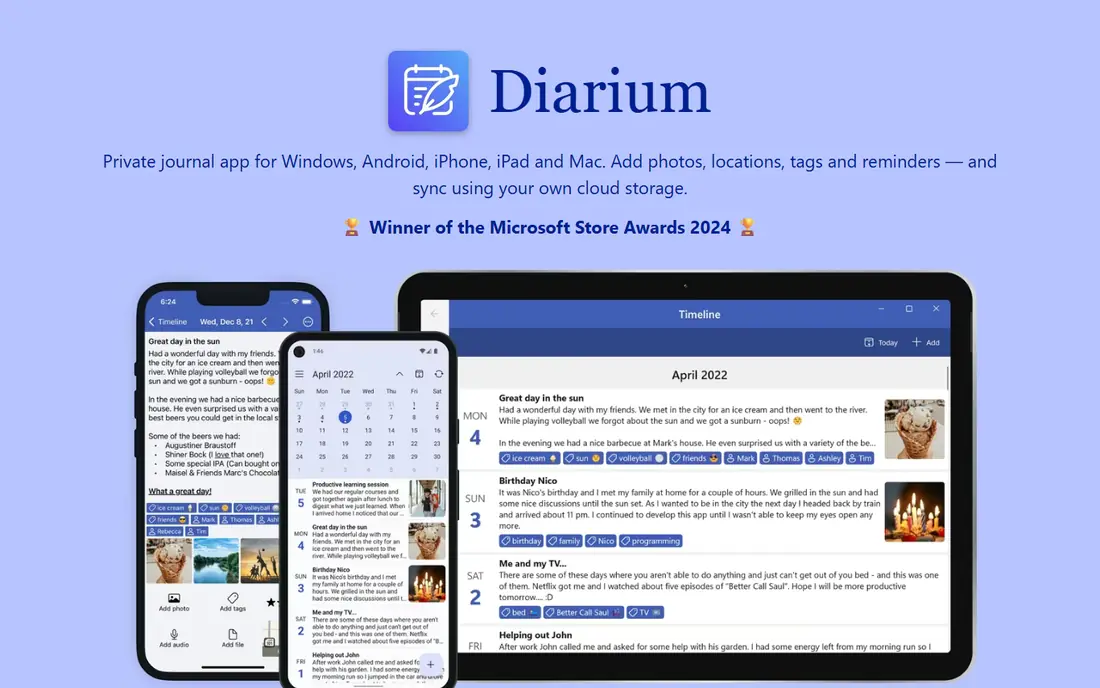
Diarium is built for people who dislike subscriptions. Its site says Pro is a one-time purchase per platform, no account is needed, and optional sync uses your own OneDrive, Google Drive, Dropbox, iCloud or WebDAV storage. It runs on Windows, Android, iPhone, iPad and Mac.
The iOS listing shows Pro at $14.99 as a one-time purchase, with seven days to try Pro features. Pro adds sync, unlimited attachments, Word export, connected feeds, custom fonts, widgets and weather. You can import from Day One, Journey and Daylio, and export to Word, HTML, JSON or plain text. The listing shows a 4.8 rating from about 2,100 ratings.
The catch is that each platform needs its own license, so a phone and a PC cost twice. Even so, the lifetime math favors Diarium within a couple of years.
- Pro is a one-time purchase, with no subscription
- No account required
- Sync through your own cloud storage
- Licenses are bought separately for each platform
- Sync and unlimited attachments need the paid Pro version
Daylio
Ideal for: Quick mood and habit logging
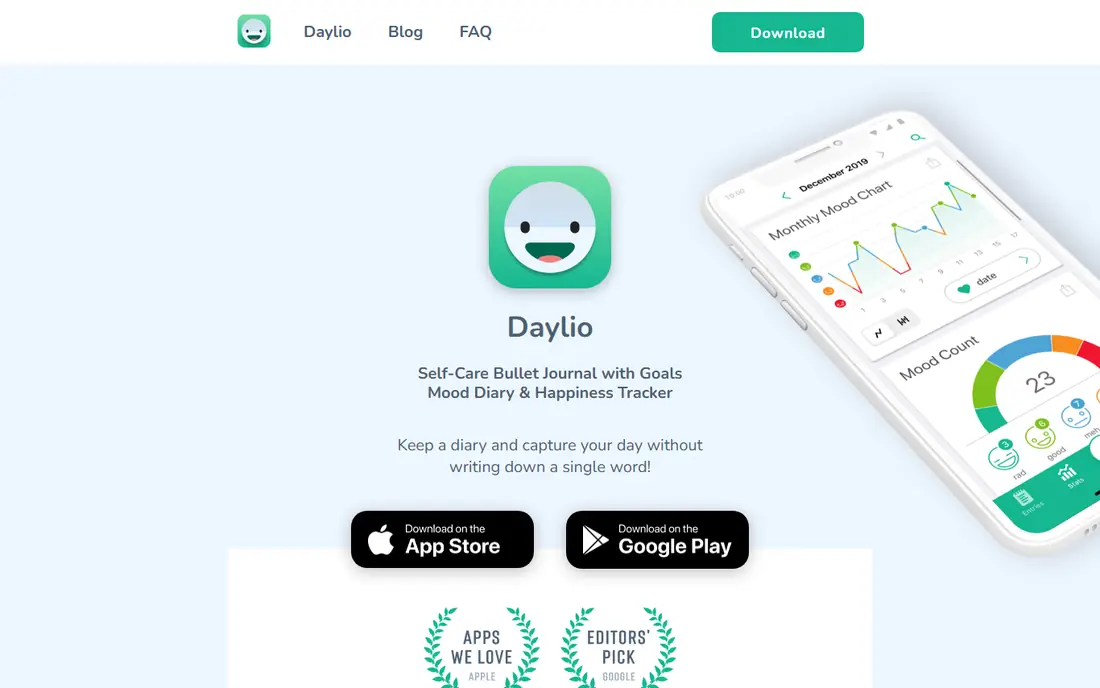
Daylio is a journal for people who do not like writing. You pick a mood and the activities you did, and you can add a note, photo or voice memo. The site lists stats and charts, a Year in Pixels view, goals and habits, reminders and a PIN or biometric lock, with export to PDF or CSV.
The site says it does not send your data to its servers and that backups go to Google Drive or iCloud. It says the app is free, but it lists no prices. The iOS listing shows several Premium purchases between $4.99 and $59.99 without explaining each, plus a 4.8 rating from about 62,000 ratings.
Choose Daylio when streaks and patterns matter more than prose. Pair it with a longer-form app if you also want to write.
- Entries in two taps using mood and activities
- Stats, charts and a Year in Pixels view
- Site states entries are not sent to its servers
- Less suited to long-form writing
- Premium prices are unclear in the App Store listing
Stoic
Ideal for: Guided prompts and daily check-ins
Stoic is a good option if a blank page intimidates you. The site says it is free and lists guided journals, daily reflections, trend tracking, habit streaks, meditation and breathing exercises, and AI-powered personalization marked as new. It runs on iPhone, iPad, Mac, Apple Watch, Android and the web.
On privacy, the site says entries are stored locally on your devices and backed up, and that nobody else can access them. The page did not list any paid plan or price, so look in the app stores for current upgrade options.
It works well for people who want structure and gentle accountability. The guidance leans toward mindfulness and self-improvement, so it will not suit everyone's taste.
- Guided journals and prompts from therapists and experts
- Morning and evening check-ins plus mood trends
- Runs on iPhone, iPad, Mac, Apple Watch, Android and web
- Paid plan prices not listed on the site
- Prompt-led, so less free-form than a plain diary
Rosebud
Ideal for: AI-guided reflection
Rosebud is an AI journal that talks back. Its site says the AI recalls past entries to find connections, supports voice journaling, produces weekly reports and offers guided sessions, including an Internal Family Systems journal. It has iOS and Android apps and a browser version.
The site lists Rosebud as free to use, without limits for the free plan. Bloom is $12.99 per month, or $8.99 per month billed as $107.99 per year. It says data is encrypted in transit and at rest and shows a badge reading HIPAA aligned without explaining what that means in practice.
This is a tool for self-reflection, not a therapist. If you are in distress, contact a licensed professional, or call or text 988 in the US.
- AI recalls past entries to connect patterns
- Voice journaling and weekly reports
- Free to use, with Bloom at $8.99 per month billed annually
- Free plan limits are not listed
- AI journaling raises extra privacy questions
Penzu
Ideal for: Simple web diary
Penzu is a plain online diary. Its site lists a free Basic plan with unlimited entries, mobile apps, basic covers and fonts and simple reminders. It runs in a browser and has iOS and Android apps, with support for unlimited devices.
The paid tiers are priced per year. Pro is $29.99 and adds encryption locking, custom covers and fonts, entry tagging, PDF export, writing prompts and writing via email. Pro+ is $49.99 and adds fullscreen zen mode, entry recovery and premium support. Note that the encryption lock sits on the paid plans, which matters if privacy is your main reason for choosing a diary app.
It suits people who want a simple web diary without extras. If you want modern features such as maps and mood stats, look elsewhere.
- Free Basic plan with unlimited entries
- Works in any browser plus iOS and Android apps
- Pro is $29.99 per year
- Encryption locking is a paid feature
- Free plan lacks tagging, PDF export and prompts
Mindsera
Ideal for: AI feedback on your writing

Mindsera is the most analytical app here. The site lists emotional analysis, a chat with your journal, recurring topic detection, a Big Five personality profile, smart prompts and templates based on frameworks such as First Principles Thinking and Daily Review. It has iPhone, Android and web apps.
The free Curious plan covers basic journaling, habit tracking and AI prompting. Genius is $14.99 per month or $10.75 per month billed annually at $129, and adds voice and call modes, entry analysis and personality assessment. The site says writing is encrypted in transit and at rest, exports are available, and data is not used to train or improve AI models. It also says AI features work best in English.
It fits thinkers who like frameworks and feedback. As with any AI journal, do not treat its analysis as a clinical assessment.
- Free Curious plan with basic journaling and habit tracking
- AI analysis, prompts and 50+ journaling frameworks
- States data is not used to train AI models
- Genius is $14.99 per month, or $10.75 on annual billing
- AI is optimized for English
How we picked these
We compared official websites, pricing pages and App Store listings, and we did not run hands-on tests. For each app we noted platforms, free-plan limits, price model, encryption claims and sync options, and we tried to include a mix of classic diaries, mood trackers and AI journals.
Where a store listing showed several prices without labels, we said so and sent you to the purchase screen instead of picking a number. Ratings come from the iOS listings we saw in October 2026.
How to choose a journal app
Think about why you journal. A daily gratitude note, a travel diary and an AI-guided reflection each call for a different tool.
Decide how much you want to write
Short check-ins suit Daylio or Stoic. Long entries with photos suit Day One, Journey or Diarium. If you want prompts and feedback, look at Rosebud or Mindsera.
Look at privacy and sync
Check whether entries are encrypted, where backups live, and whether sync needs an account. Diarium lets you sync through your own cloud, Day One lists end-to-end encryption, and Penzu puts its encryption lock on paid plans. Read the privacy policy of any AI journal to see how your text is handled.
Compare long-term cost
Subscriptions add up over the years. Day One Silver is $49.99 per year, Penzu Pro is $29.99, and Diarium is a one-time purchase per platform. Try the free tier for two weeks of real writing before you pay.
Frequently asked questions
What is the best journal app?
For most people we would start with Day One, since the free plan is generous and its paid plans are clearly priced. If you hate subscriptions, choose Diarium. If you want short mood logs, choose Daylio.
What is the best journaling app free?
Day One Basic, Daylio, Stoic, Penzu Basic and Mindsera's Curious plan are all free to start. Each limits something, such as devices, photos, themes or AI features, so check what matters to you.
What is the best diary app for privacy?
Look for end-to-end encryption, a lock, and clear backup options. Day One lists end-to-end encryption, Diarium needs no account, and Daylio says entries are not sent to its servers. Read each privacy policy for details.
What is the best digital journal app for AI help?
Rosebud and Mindsera both build AI into the journal, and Day One's Gold plan adds AI summaries and prompts. They suit reflection, but they are not a replacement for professional mental health care.
Is a paper journal better than a journaling app?
Neither is better for everyone. Apps add search, reminders, photos and backups, while paper avoids screens and accounts. Pick the one you will open daily.
Sources
- https://dayoneapp.com/
- https://dayoneapp.com/pricing/
- https://journey.cloud/
- https://apps.apple.com/us/app/journey-diary-journal/id1300202543
- https://diariumapp.com/en
- https://apps.apple.com/us/app/diarium-journal-private-diary/id1436044299
- https://daylio.net/
- https://apps.apple.com/us/app/daylio-journal-mood-tracker/id1194023242
- https://www.getstoic.com/
- https://www.rosebud.app/
- https://penzu.com/
- https://www.mindsera.com/