Best Knowledge Base App for Midsize Companies

- 1
 Zendesk GuideTicketing plus knowledge baseVisit
- 2
 IntercomChat, AI answers and help centerVisit
- 3
 HelpjuiceDedicated help center with design helpVisit
- 4
 Document360Formal docs with approval workflowsVisit
- 5
 ConfluenceInternal wiki for product and support teamsVisit
- Zendesk Guide and Freshdesk suit midsize teams that want a knowledge base tied to ticketing, while Helpjuice and Document360 suit teams that want a dedicated help center first.
- Intercom and HubSpot Service Hub work best when the knowledge base must sit beside live chat, CRM records, and AI chat, and the budget allows for usage charges on top of seats.
- Confluence and Notion are the lowest cost starting points, at $7.15 and $10 per user per month, but both need setup work before they behave like a customer help center.
- Document360 does not publish a price, so request a written quote before you compare it with the other seven tools on this list.
- For most midsize companies, the deciding factors are permissions, search analytics, AI answers, and the plan that includes those features, not the entry price alone.
Quick comparison
| Product | Ideal for | Price from | Free version | |
|---|---|---|---|---|
| Zendesk Guide | Ticketing plus knowledge base | $55 per agent/month (billed annually) | Free trial (14 days) | Visit |
| Intercom | Chat, AI answers and help center | $29 per seat/month (billed annually) | Free trial (14 days) | Visit |
| Helpjuice | Dedicated help center with design help | $249 per month (flat, up to 30 users) | Free trial (14 days) | Visit |
| Document360 | Formal docs with approval workflows | quote only | Free trial (14 days) | Visit |
| Confluence | Internal wiki for product and support teams | $7.15 per user/month (first 100 users) | Yes | Visit |
 Notion | Flexible wiki and internal docs | $10 per user/month (billed annually) | Yes | Visit |
 Freshdesk | Low cost ticketing plus knowledge base | $19 per agent/month (billed annually) | Free trial (14 days) | Visit |
 HubSpot Service Hub | CRM linked help desk and knowledge base | $90 per seat/month (billed annually) | Yes | Visit |
The best knowledge base apps for midsize companies
Zendesk Guide
Ideal for: Ticketing plus knowledge base
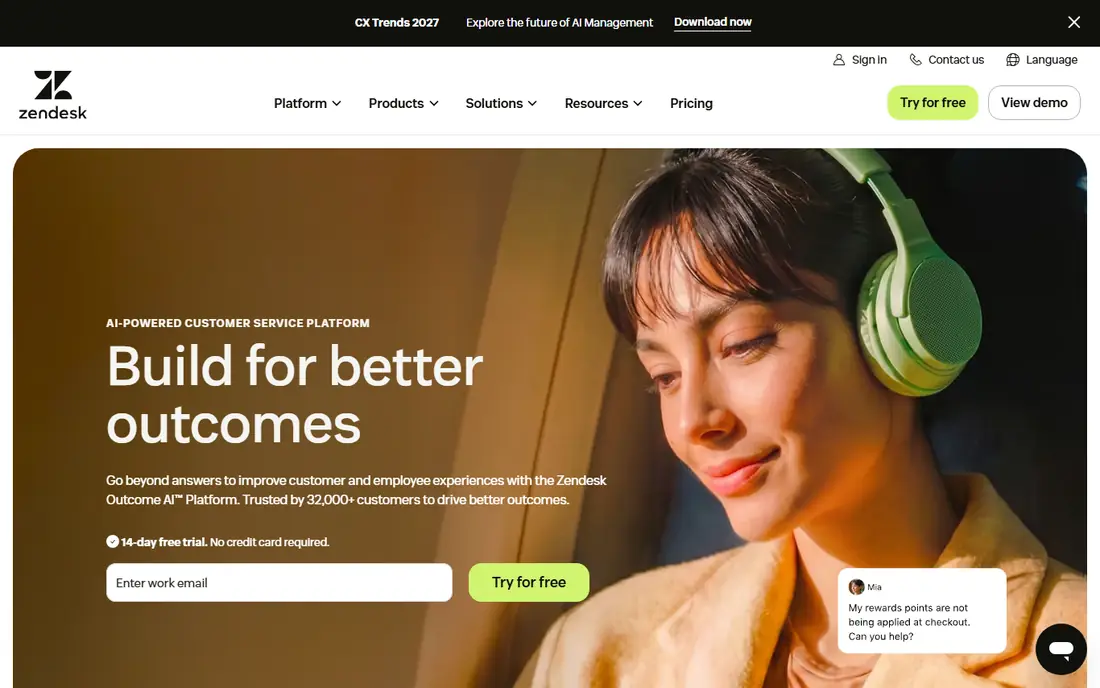
Zendesk Guide is the knowledge base inside Zendesk Suite, so articles, tickets, chat, and voice share one system. A midsize support team can link an article to a ticket, suggest articles while an agent works, and track which articles reduce repeat contacts. The Suite Team plan at $55 per agent per month on annual billing is the first tier that includes the knowledge base, along with messaging, live chat, and ticketing. Permissions, custom roles, and deeper analytics sit on higher tiers, with Suite Professional at $115 per agent per month on annual billing. AI resolutions are metered beyond a small included allowance, and Copilot is a separate $50 per agent per month charge on Professional and above. For a company with 50 to 500 staff, Zendesk fits when support volume is high, several teams share one help center, and managers need reports on article use, search terms, and deflection.
- Knowledge base sits inside the same ticket system
- Strong permissions and analytics on higher plans
- AI Copilot costs $50 per agent per month extra
- Entry Support Team plan at $19 does not include the knowledge base
Intercom
Ideal for: Chat, AI answers and help center
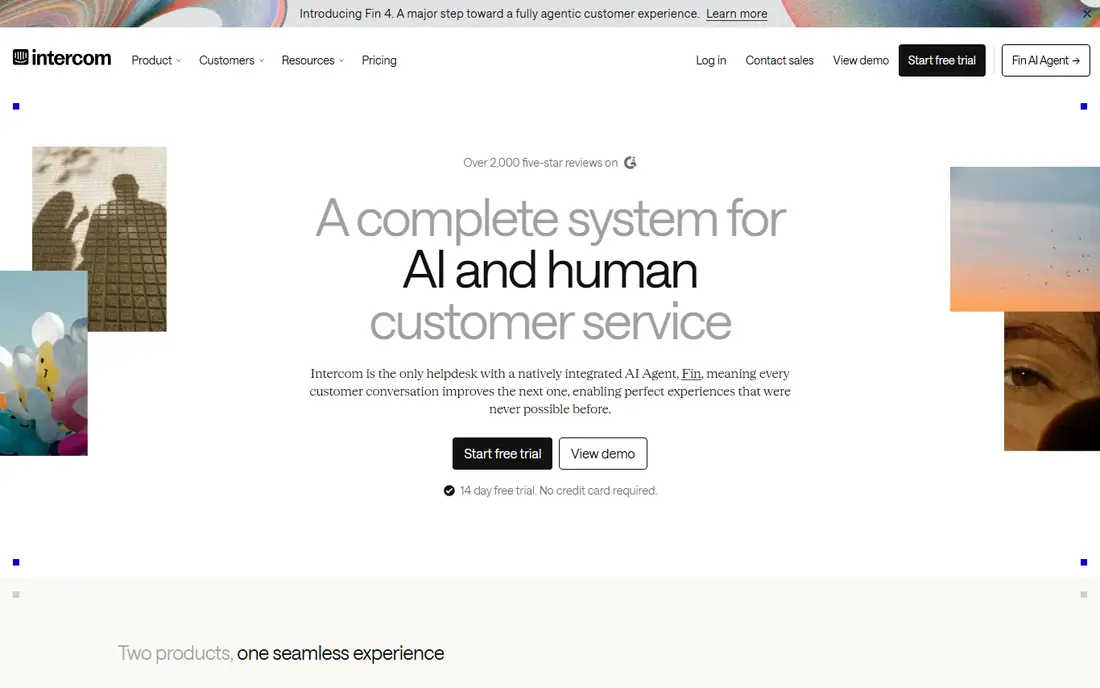
Intercom combines a public help center with Messenger live chat, a shared inbox, and ticketing. Its Fin AI Agent reads help center articles and answers customer questions. The Essential plan starts at $29 per seat per month on annual billing and includes a public help center, Messenger, a shared inbox, and ticketing. Fin is charged at $0.99 per resolved outcome on every plan, so AI volume adds a second charge beside seats. Midsize teams usually need Advanced at $85 per seat per month on annual billing, because that tier adds workflow automation, multiple team inboxes, round robin assignment, and a private and multilingual help center. Expert at $132 per seat per month adds single sign-on, HIPAA support, service level agreements, and multibrand support. Intercom fits a company that already talks to customers in chat and wants AI answers tied to its articles.
- Fin AI Agent answers from help center articles
- Messenger and inbox share one workspace
- Fin costs $0.99 per resolved outcome on top of seats
- Private help center needs the Advanced plan
Helpjuice
Ideal for: Dedicated help center with design help
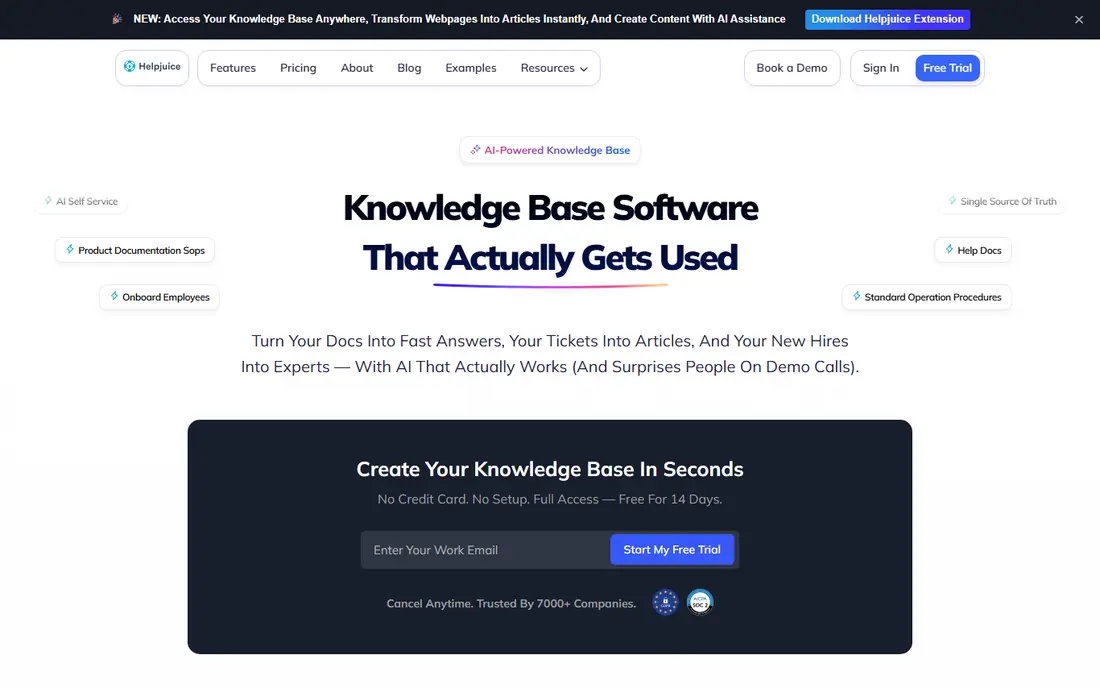
Helpjuice is a dedicated knowledge base, not a ticket suite, and that focus shows in its feature set. The Knowledge Base plan costs $249 per month flat for up to 30 users, with 12 GB of storage, custom design, collaboration and workflows, localization, and AI article translation. Analytics show which articles customers read, which searches fail, and where content needs work. The catch is the AI gate. AI Writer, AI Search, AI Chatbot, the Chrome extension, and the tutorial builder are part of the AI Suite, which starts on the AI-Knowledge Base plan at $449 per month for up to 100 users, along with single sign-on. The top plan at $799 per month covers unlimited users. Helpjuice fits a midsize company that wants a polished public help center, strong search analytics, and a vendor led setup.
- Flat pricing covers up to 30 users
- Vendor builds a custom help center design on every plan
- AI search, AI writer and AI chatbot start only on the $449 plan
- No free plan
Document360
Ideal for: Formal docs with approval workflows
Document360 is built for teams that treat documentation as a controlled publishing process. It supports version history, review and approval workflows, private knowledge bases, and multiple product workspaces. Editors can work in categories, set roles for who can draft, review, and publish, and keep a clear audit trail for changes. Pricing is the main drawback. Document360 does not publish a price on its pricing page, and new buyers receive a quote based on team accounts, workspaces, languages, single sign-on and security needs, and AI use. Its Eddy AI chatbot is billed by search credit, and the number of credits in each plan is not published. There is a 14 day free trial and no permanent free plan. Document360 fits a midsize team that needs formal control over docs and can wait for a sales quote.
- Version control, review workflows and private knowledge bases suit regulated teams
- Strong structure for large doc sets
- No published price, so every buyer must request a quote
- AI features are billed through search credits
Confluence
Ideal for: Internal wiki for product and support teams
Confluence is Atlassian team wiki, and many midsize companies already use it beside Jira. It is strong for internal knowledge: product docs, runbooks, onboarding guides, and support playbooks. Space and page permissions, guests, public links, and audit logs are available on Standard, which costs $7.15 per user per month for the first 100 users on monthly billing, with lower rates in higher user bands. The free plan covers up to 10 users with 2 GB of storage. Premium costs $14.10 per user per month for the first 100 users and adds unlimited storage, analytics, a company hub, IP allowlisting, a sandbox, and 24 hour support with a 99.9 percent uptime service level agreement. Confluence fits a midsize company that needs an internal wiki first and a customer help center second, and that already works in Atlassian tools. It needs extra setup to serve customers well.
- Low entry cost with a free plan for up to 10 users
- Deep permissions and Jira integration
- Not a customer help center out of the box
- Analytics and automation need the Premium plan
Notion
Ideal for: Flexible wiki and internal docs
Notion is a flexible workspace for pages, databases, and wikis, and many midsize teams use it for internal knowledge. The Plus plan costs $10 per user per month on annual billing, or $12 month to month, and adds unlimited blocks for a team, unlimited file uploads, 30 day page history, custom forms and sites, and charts. The Business plan at $20 per user per month on annual billing is the realistic tier for a midsize company, because it adds full Notion AI, Notion Agent, AI Meeting Notes, Enterprise Search, SAML single sign-on, private teamspaces, granular database permissions, and 90 day history. Notion fits internal docs, product wikis, and support playbooks that change often. It is weaker as a public customer help center, because it lacks native ticketing and help center analytics.
- Very flexible pages, databases and templates
- Low entry price and generous free plan
- Full AI and SAML single sign-on start only on Business at $20
- No native ticket workflow
Freshdesk
Ideal for: Low cost ticketing plus knowledge base
Freshdesk is Freshworks help desk, and its knowledge base is included from the Growth plan. Growth costs $19 per agent per month on annual billing, or $23 month to month, and includes a shared inbox, customer portal, knowledge base, standard analytics, roles and permissions, and automation. Pro at $55 per agent per month adds multilingual support, custom dashboards, intelligent routing, multiple service level policies, and external collaborators. Enterprise at $89 adds skill based routing, audit logs, and a sandbox. AI is a separate charge. Freddy AI Copilot costs $29 per agent per month on annual billing and is available only on Pro and Enterprise, so a Pro seat with Copilot costs $84 per agent per month. Freddy AI Agent sessions include 500 sessions once per account, then cost $49 per 100 sessions. Freshdesk fits a midsize team that wants a low cost, email first help desk with a knowledge base and clear upgrade path. Chat, social, and voice sit in Freshdesk Omni at higher prices.
- Lowest entry seat price among the suites here
- Knowledge base included from the Growth plan
- Freddy AI Copilot costs $29 per agent per month extra and is only on Pro and above
- Broader channels need Freshdesk Omni
HubSpot Service Hub
Ideal for: CRM linked help desk and knowledge base
HubSpot Service Hub ties support to the HubSpot CRM, so agents can see a customer company record, past deals, and past tickets beside a knowledge base article. The free tier covers up to 2 users with basic tools. Starter is listed from $7 per seat per month on annual billing as a promotional rate, with a standard rate of $20, but it does not include the knowledge base. Professional at $90 per seat per month on annual billing is the tier that adds the knowledge base, help desk workspace, customer portal, customer feedback surveys, and Breeze Customer Agent, plus a $1,500 one time onboarding fee. Enterprise at $150 per seat per month adds conditional service level agreements, customer journey analytics, skill based routing, and a $3,500 onboarding fee. Breeze Customer Agent is billed in HubSpot Credits, at 50 credits per resolved conversation. HubSpot fits a midsize company that already uses HubSpot CRM and wants support, sales, and marketing data in one place. For a knowledge base alone, it is an expensive choice, since that feature forces the Professional tier and its onboarding fee.
- Knowledge base links to CRM contact and company records
- Help desk workspace and customer portal on Professional
- Knowledge base is only on Professional at $90
- Professional adds a $1,500 one time onboarding fee
How we chose
We compared vendor pricing pages, plan comparison tables, feature lists, and help documentation for each tool, and we checked the prices in this guide on 11 November 2026. We ranked tools on five points that matter most at 50 to 500 staff: permissions and admin controls, AI search and AI answers, analytics on searches and article use, integrations with ticketing and CRM tools, and the plan that includes each feature. The decision table below gives a fast shortlist by team size and budget. Use it as a starting point, then confirm the exact plan and any onboarding fee on the vendor pricing page before you sign.
| Team size and budget | First pick | Second pick | Why | | 50 to 100 staff, under $300 a month for the knowledge base | Freshdesk Growth | Notion Business | Freshdesk gives ticketing plus a knowledge base for $19 per agent; Notion gives a flexible wiki for $20 per user with AI and single sign-on | | 100 to 250 staff, $300 to $1,000 a month | Helpjuice AI-Knowledge Base | Zendesk Suite Team | Helpjuice gives a dedicated help center with AI for $449 flat; Zendesk gives tickets plus articles for $55 per agent | | 100 to 250 staff, chat and AI first | Intercom Advanced | HubSpot Professional | Intercom gives Fin AI and private help center for $85 per seat; HubSpot gives CRM linked support for $90 per seat | | 250 to 500 staff, formal docs and control | Document360 on quote | Confluence Premium | Document360 gives review workflows and private bases; Confluence gives wiki plus analytics for $14.10 per user in the first band | | Any size, internal wiki only | Confluence Standard | Notion Plus | Confluence costs $7.15 per user in the first band with Jira links; Notion costs $10 per user with flexible databases |
What to check before you buy
Check which plan includes the knowledge base, because several vendors list a low entry price that does not include it. Zendesk needs Suite Team, HubSpot needs Professional, and Intercom needs Advanced for a private help center. Ask for the full first year cost in writing, including seats, AI outcomes or credits, onboarding fees, and any add-on for Copilot or AI search. A 10 seat team on Freshdesk Pro with Copilot costs $840 a month, not $550, and a 10 seat team on HubSpot Professional costs $900 a month plus a $1,500 onboarding fee. Test search with real customer questions, not demo queries. Type the exact phrases customers use, check whether the search returns the right article, and check whether failed searches are logged. Confirm single sign-on, SCIM provisioning, and data residency on the plan you will buy, not on the top plan. Check the export path for articles, images, and analytics if you leave.
Frequently asked questions
What is the best knowledge base app for midsize companies?
There is no single best choice for every midsize company, because the right tool depends on whether the team needs ticketing, chat, CRM links, or a standalone help center. Zendesk Guide and Freshdesk suit ticket led teams, Intercom suits chat led teams, Helpjuice suits a dedicated help center, and Confluence or Notion suit internal wikis. Compare the plan that includes permissions, AI search, and analytics, then trial the top two with real articles.
How much does a knowledge base app cost for a midsize company?
Entry prices in this guide run from $7.15 per user per month for Confluence Standard to $249 per month flat for Helpjuice, with most suites at $19 to $90 per seat per month. A 10 agent team on Freshdesk Growth costs $190 a month, on Zendesk Suite Team $550 a month, and on HubSpot Professional $900 a month plus onboarding. Add AI charges, Copilot, and onboarding fees before you compare totals, because those charges can double the seat price.
Which knowledge base app has the best AI search?
Intercom Fin, Helpjuice AI Search, Zendesk AI, and HubSpot Breeze Customer Agent are the strongest AI options here, but each one is gated by plan or usage. Intercom charges $0.99 per resolved outcome, Helpjuice includes AI only from the $449 plan, and HubSpot charges credits per resolved conversation. Test AI answers with your own articles and measure how often the answer is correct, because a generic demo does not prove accuracy on your content.
Do I need a dedicated knowledge base or a help desk suite?
Choose a dedicated knowledge base such as Helpjuice or Document360 when the help center is the main product and you already have a ticket system. Choose a suite such as Zendesk, Freshdesk, Intercom, or HubSpot when agents need articles, tickets, and customer records in one workspace. A suite saves context switching, while a dedicated tool usually gives stronger article design, search analytics, and publishing control for the same effort.
Can Confluence or Notion work as a customer knowledge base?
Yes, both can work, but both need setup before they serve customers well. Confluence needs templates, permissions, and a public space plan, while Notion needs a clear structure for public pages and a separate ticket tool. Both are strong for internal knowledge, and both are low cost. Pick them for internal docs first, and pick a dedicated help center when public search, deflection, and customer analytics are the main goals.