If you need simple, dependable publishing for small teams, KnowledgeOwl is the first tool to look at here. Listed starting prices: KnowledgeOwl from $100 per month. Look at Freshdesk for omnichannel support with knowledge and automation, and at Salesforce Service Cloud for scalable enterprise service with AI. The full list of 6 tools follows, with prices and free plan facts.
Ainotely compared 6 tools for knowledge base software for customer Self-Service. The goal is a practical shortlist: published prices, free plan facts, best-fit use cases and honest limits for every entry.
Key takeaways
KnowledgeOwl is the opening pick, best for straightforward, steady publishing for small teams.
For expanding teams already in HubSpot, HubSpot Service Hub is worth a look.
KnowledgeOwl, HubSpot Service Hub and the 4 others all need a premium plan or a trial, since no free plan is listed.
Salesforce Service Cloud comes with a trade-off: configuration demands specialist effort.
Best for: Straightforward, dependable publishing for small teams
Where KnowledgeOwl fits: straightforward, steady publishing for small teams. KnowledgeOwl provides easy-to-use software for sharing information rapidly with customers and staff, positioning reliability at the center of its knowledge base offering.
What to check first: Restricted fit for complicated enterprise needs.
On top of that, if your priority is a clean, manageable knowledge base for self-service, KnowledgeOwl keeps the scope sensible. On top of that, teams with heavy customization needs should look at broader products. What you pay to start with KnowledgeOwl: $100 per month. On free options: Free trial.
Best for: Omnichannel support with knowledge and automation
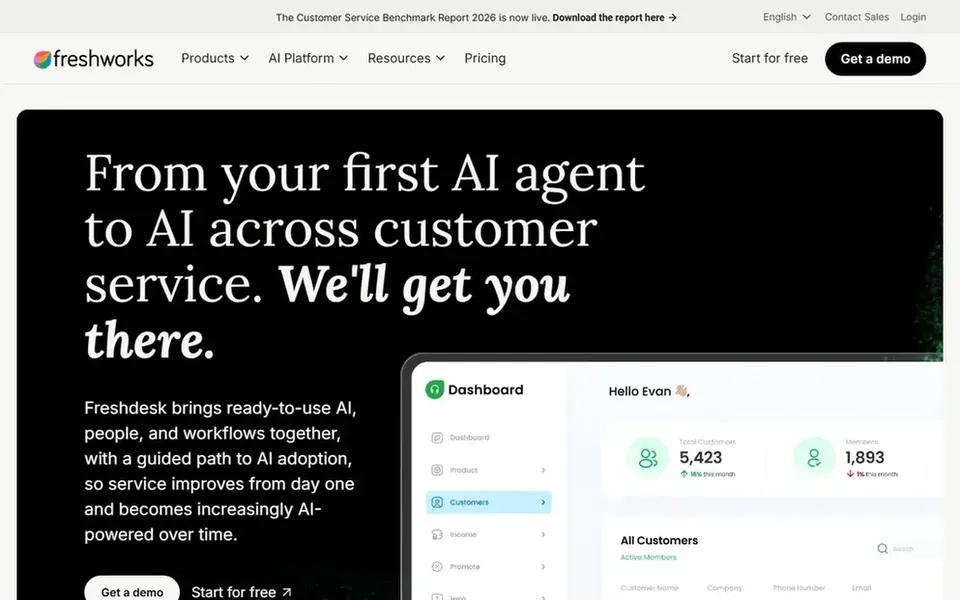
Choose Freshdesk for omnichannel support with knowledge and automation. Freshdesk is an AI-powered customer services from Freshworks with omnichannel ticketing and automatic workflows.
In daily use, teams that only need a public documentation site may find the full support suite more than necessary. From a buyer's view, getting the most from automation and self-service needs thoughtful configuration and clean article content. No starting price is listed for Freshdesk here; confirm pricing on the vendor site. Free options: Not stated.
Points against: Knowledge base is one part of a broader suite.
Salesforce Service Cloud is a good fit for scalable enterprise service with AI. Knowledge and self-service features support agents and customers within that product. More specifically, the product's depth can be heavy for small teams or simple help centers, and configuration usually needs specialist skills.
Trade-offs to know: Heavier than small teams need.
Also, smaller organizations may prefer a dedicated knowledge base tool that publishes articles with far less overhead. Self-service results rely on disciplined content maintenance. Salesforce Service Cloud does not show a starting price in this comparison, so check the vendor site for current pricing. Free options: Not stated.
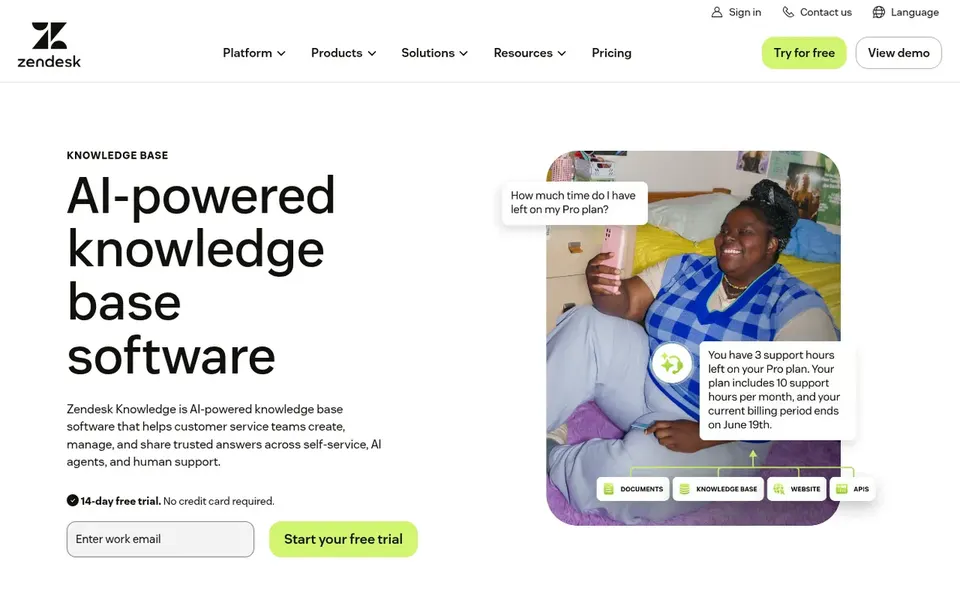
Zendesk Guide is a good fit for AI self-service inside Zendesk support. Zendesk Guide is the help center and knowledge base component of Zendesk, described by the vendor as AI-powered knowledge base software for customer service.
It centres on connecting trusted content, powering AI agents and self-service, and helping teams deliver better answers. From a buyer's view, content quality still relies on your own editorial process, and AI answers are only as decent as the articles behind them. This comparison lists no price for Zendesk Guide; ask the vendor. Trial and free access: Not stated.
Watch-outs: Most value includes the wider Zendesk suite.
Best for: Searchable knowledge bases for support teams
Helpjuice is aimed squarely at searchable knowledge bases for support teams. Helpjuice is knowledge base software pitched at simplifying support and boosting productivity, with a focus on helping teams organize and publish answers for customers and staff.
Limits to weigh: Narrower than full service suites.
As a focused knowledge base product, it does not replace ticketing or broader service operations. This comparison lists no price for Helpjuice; ask the vendor. Free access: Free trial.
HubSpot Service Hub is built with expanding teams already in HubSpot in mind. If your only goal is publishing help articles rapidly, a leaner dedicated tool can be a better match.
Where it falls short: Breadth can slow initial setup.
Its knowledge base supports customer self-service whereas sitting alongside the wider service toolset, so help content stays connected to customer records and support conversations. This comparison lists no price for HubSpot Service Hub; ask the vendor. On free options: Not stated.
Ask Freshdesk, Salesforce Service Cloud, Zendesk Guide and others for a written quote, since no starting price is shown.
Run a trial of KnowledgeOwl and Helpjuice with real work before paying for a year; your own workflow is the best test.
Before choosing KnowledgeOwl, weigh its main limit: fewer adjacent service features.
Ask Freshdesk how an export works before you move any records in; an easy exit lowers the risk.
Add up seats, add-ons and usage charges for Zendesk Guide before comparing it with cheaper entries.
How we picked
For each of the 6 tools we noted price, free plan or trial, fit for knowledge base software for customer Self-Service and the main limit, using vendor pages and documentation. Seat minimums, billing terms and add-ons can move the real cost, so the starting prices here are a guide and not a quote. Tools are placed by general fit for knowledge base software for customer Self-Service, with price clarity and free access as tie-breakers. A different team can reasonably rank them differently.
Every price and plan detail on this page comes from the vendors’ own websites. We did not run hands-on tests unless the text says so, and we do not publish star ratings or review scores. See how we score and our disclosure.
Keep your shortlist in one place
Paste prices, trial dates and notes from this guide into Ainotely, our AI note app. It files them into a topic and pulls out tasks like “cancel trial by Friday”. Free 7-day trial, no card needed.
How are the tools for knowledge base software for customer Self-Service ordered?
KnowledgeOwl sits first and HubSpot Service Hub last because the order follows typical fit for knowledge base software for customer Self-Service, then price clarity and free access. It is a judgement call, so read each profile for fit and limits.
What should a customer self-service knowledge base contain?
Look for clear article organization, solid search and a way to keep content current. AI search or chatbots can help customers find answers, but they rely on well-maintained articles.
Do these tools publish their prices?
Not all of them. Freshdesk, Salesforce Service Cloud, Zendesk Guide and others publish no starting price, so expect a quote request for those. The rest, KnowledgeOwl included, show a starting price, though seats and billing terms still change the final cost.
Can I try these tools before paying?
Often, yes. KnowledgeOwl and Helpjuice offer a free trial. Use your own data and a real task during the test, and check what the free tier or trial limits before you rely on it.
Is KnowledgeOwl the right pick for everyone comparing knowledge base software for customer Self-Service?
No single tool suits every team. KnowledgeOwl comes first because it fits simple, reliable publishing for small teams, while Freshdesk suits omnichannel support with knowledge and automation and Salesforce Service Cloud suits scalable enterprise service with AI. Match the tool to your own size, budget and workflow before deciding.