If you need adaptable HR workspace with documents and databases, Notion is the first tool to look at here. Listed starting prices: Notion from $10 per member a month. If your case is different, Zendesk Guide suits HR help centers tied to service workflows and Confluence suits collaborative HR policy and knowledge pages. The full list of 5 tools follows, with prices and free plan facts.
Short on time? The summary and table above give the quick view of 5 knowledge base software for HR departments, and the profiles that follow give the detail behind each entry.
Key takeaways
Top of the list is Notion, which targets adaptable HR workspace with documents and databases.
Notion has the lowest monthly starting price in this list: $10 per member per month.
Notion is the only tool of the 5 with a free plan.
One limit worth knowing about Zendesk Guide: centered on customer service use cases.
Best for: Adaptable HR workspace with documents and databases
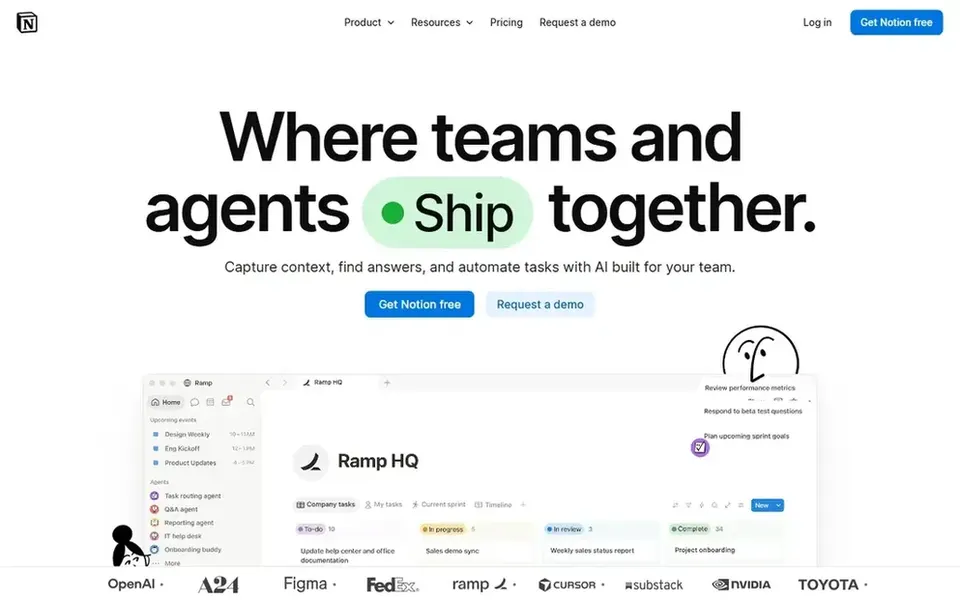
Notion is a good fit for flexible HR workspace with documents and databases. Since Notion is a general workspace, HR governance, permissions and review cycles rely on how carefully the team designs them.
Content can become inconsistent if pages multiply without conventions. For everyday use, Notion describes itself as an AI workspace where teams get more done, quicker, with custom agents, search across connected apps and automation of routine work. Starting cost for Notion: $10 per member per month. Notion includes a free tier.
Where it is weaker: Governance must be set up manually.
Best for: HR help centers tied to service workflows
Zendesk Guide serves HR help centers tied to service workflows. Zendesk Guide is AI-powered knowledge base software for customer service, letting teams link trusted content, power AI agents and self-service, and deliver better answers. The product is designed around customer service, so HR teams must adapt its structure and terminology to employee-facing needs.
The main drawbacks: HR use needs adapting service workflows.
It is less of a general internal wiki. HR departments with a shared services or employee support model can adapt it to publish policy articles and route questions. Zendesk Guide shows no starting price here, so confirm the cost on the vendor site. Free plan details: Not stated.
Best for: Collaborative HR policy and knowledge pages
Pick Confluence if this describes you: collaborative HR policy and knowledge pages. For HR departments, it suits policy hubs, onboarding material and internal process documentation that multiple people contribute to and update over time.
Teams that already work inside the Atlassian ecosystem will find it a natural home for internal knowledge. No starting price is listed for Confluence here; confirm pricing on the vendor site. Free options: Not stated.
Watch-outs: Can grow cluttered without page governance.
Best for: Enterprise HR knowledge with self-service
ServiceNow Knowledge Management serves enterprise HR knowledge with self-service. It suits teams already standardizing employee services on a shared system.
Beyond that, choose it when HR knowledge should sit inside a broader service management environment. No starting price is listed for ServiceNow Knowledge Management here; confirm pricing on the vendor site. Trial and free access: Not stated.
Limits to weigh: Enterprise setup can be involved.
Best for: Governed knowledge for trusted AI answers
Pick Guru if this describes you: governed knowledge for trusted AI answers. It is a good fit for organizations that treat knowledge quality as a continuing process instead of a one-time documentation project. Pick Guru when verified, governed answers matter more than adaptable page building.
From a buyer's view, Guru is oriented toward governed answer delivery instead of open-ended document collaboration. So teams wanting freeform wikis may find it narrower. This comparison lists no price for Guru; ask the vendor. Free options: Not stated.
Drawbacks to consider: Concentrated on governance over wide document editing.
Ask Zendesk Guide, Confluence, ServiceNow Knowledge Management and Guru for a written quote, since no starting price is shown.
Test the free plan from Notion against your real workload before relying on it.
Read the limits listed for Notion first: structure depends heavily on how you build it.
Read the plan comparison for Zendesk Guide carefully; key features often start on a higher tier.
Ask ServiceNow Knowledge Management how an export works before you move any records in; an easy exit lowers the risk.
How we picked
The comparison looks at four things: starting price, free access, how well the feature set matches knowledge base software for HR departments, and the main limit of each tool. Seat minimums, billing terms and add-ons can move the real cost, so the starting prices here are a guide and not a quote. Tools are placed by general fit for knowledge base software for HR departments, with price clarity and free access as tie-breakers. A different team can reasonably rank them differently.
Every price and plan detail on this page comes from the vendors’ own websites. We did not run hands-on tests unless the text says so, and we do not publish star ratings or review scores. See how we score and our disclosure.
Keep your shortlist in one place
Paste prices, trial dates and notes from this guide into Ainotely, our AI note app. It files them into a topic and pulls out tasks like “cancel trial by Friday”. Free 7-day trial, no card needed.
Which options for knowledge base software for HR departments have a free plan?
Notion is the only tool in this list with a free plan. Free plans usually cap users, projects or features, so check the limits on the vendor page. All 5 picks in this knowledge base software for HR Departments comparison show their pricing, free plan details and main limits on the cards above.
How do we keep HR knowledge from going stale?
Assign an owner for each policy area, set review intervals, and archive outdated pages instead of leaving them visible. Tools with governance features, like Guru, are built around continuous improvement of content quality.
What is the cheapest option for knowledge base software for HR departments in this list?
On published monthly entry prices, Notion is the lowest here at $10 per member per month. Entry price is only part of the cost, because seats, add-ons and billing terms can change the total. For the full picture, the cards above cover all 5 entries of this knowledge base software for HR Departments list, including price, free plan and limits.
Do these tools publish their prices?
Not all of them. Zendesk Guide, Confluence, ServiceNow Knowledge Management and Guru publish no starting price, so expect a quote request for those. The rest, Notion included, show a starting price, though seats and billing terms still change the final cost.
What should HR departments look for in knowledge base software?
Prioritize accurate, current policy content, clear ownership and review workflows, and search that employees can actually use. Permissions matter for sensitive material, and integration with existing service or intranet tools cuts duplication.
How are the tools for knowledge base software for HR departments ordered?
The order follows typical fit for knowledge base software for HR departments, with Notion first and Guru last, then price clarity and free access. It is editorial judgement, not a score, so another team could rank the tools differently.