For AI-powered documentation and chatbots, Document360 is where this list starts. Listed starting prices: Notion from $10 per member a month. For a different need, Notion covers configurable AI workspace and agents and Helpjuice covers dedicated knowledge base for support. The other 3 tools in the list cover narrower or pricier cases.
If you are comparing knowledge base software for internal teams, this page covers 6 tools in one place: what each is best for, what it costs to start, whether it has a free plan, and the main limit to know about.
Key takeaways
Number one here is Document360, a fit for AI-powered documentation and chatbots.
One limit worth knowing about Helpjuice: less emphasis on AI features.
Notion stands alone as the one tool in this list with a free plan.
For collaborative knowledge sharing with AI, Confluence is worth a look.
Starting prices begin at $10 per member per month with Notion.
Document360 targets AI-powered documentation and chatbots. Document360 is AI knowledge base software for documentation. It comes with AI search, an AI chatbot, and writing tools to help teams build intelligent documentation.
Document360 is tailored for documentation, so teams seeking a general-purpose wiki might find it too specialized. It may also be more than straightforward internal knowledge sharing needs. Pricing for Document360 is not stated here, so ask the vendor for current figures. As for free access: Not stated.
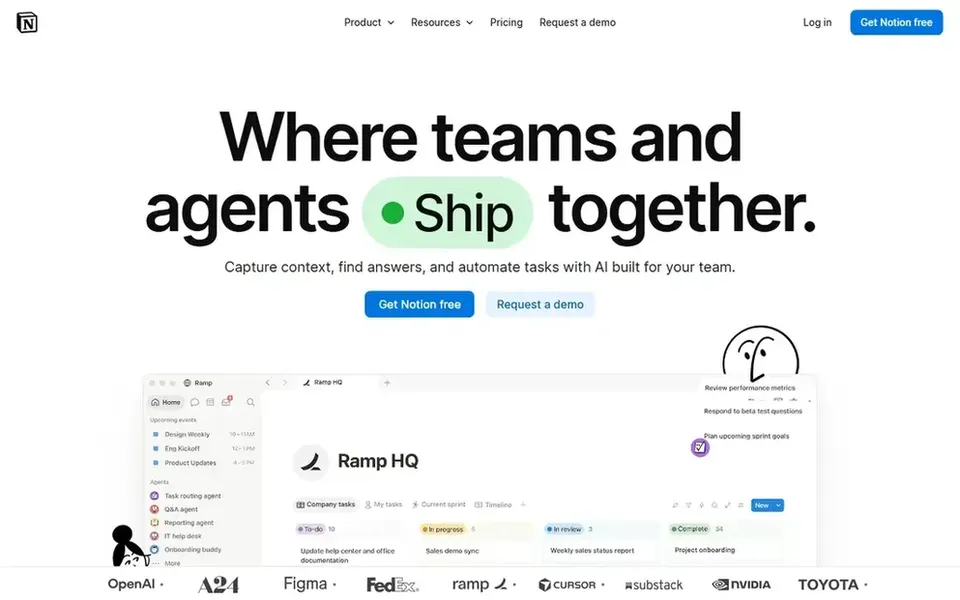
Notion is built with configurable AI workspace and agents in mind. Notion's adaptability can result in clutter if not managed carefully, and its advanced features may need time to learn.
Downsides: Can become cluttered without discipline.
Entry price for Notion: $10 per member per month. Free access exists with Notion.
For dedicated knowledge base for support, Helpjuice is a natural candidate. Helpjuice is knowledge base software meant to simplify support and boost productivity.
Watch-outs: Less emphasis on AI features.
Teams looking for broad AI capabilities might find it less advanced. In practice, consider it when a straightforward, dedicated knowledge base is sufficient and integration with other tools is not a priority. Helpjuice shows no starting price here, so confirm the cost on the vendor site. Free access: Free trial.
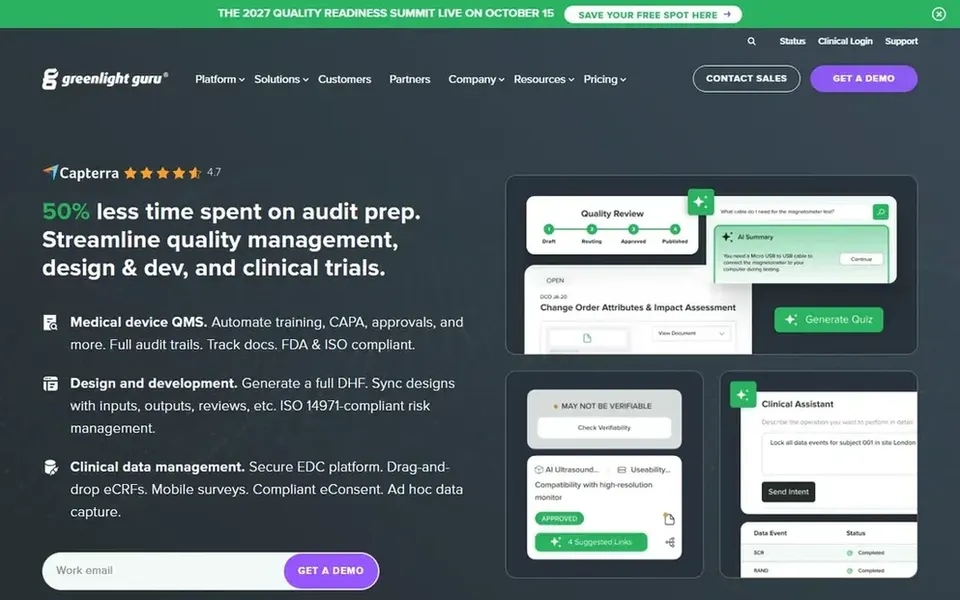
Guru is built with governed knowledge for enterprise AI in mind. It structures, governs, and continuously boosts knowledge so AI answers can be trusted. Guru's emphasis on governance and structure may be more than small teams need.
Where it falls short: Focus on governance can add complexity.
It could need dedicated effort to set up and maintain. In daily use, consider it when knowledge accuracy and AI readiness are top priorities. Check the vendor site for Guru pricing; none is listed in this comparison. On free options: Not stated.
Zendesk Guide targets customer service knowledge base. Zendesk Guide is AI-powered knowledge base software for customer service. Zendesk Guide is closely tied to the Zendesk ecosystem, so teams not using Zendesk may find integration challenging.
It is primarily aimed at customer service, which might be more than internal teams need. In practice, consider it if customer support is a key function and you want a knowledge base that plugs into service tools. Zendesk Guide does not show a starting price in this comparison, so check the vendor site for current pricing. Free options: Not stated.
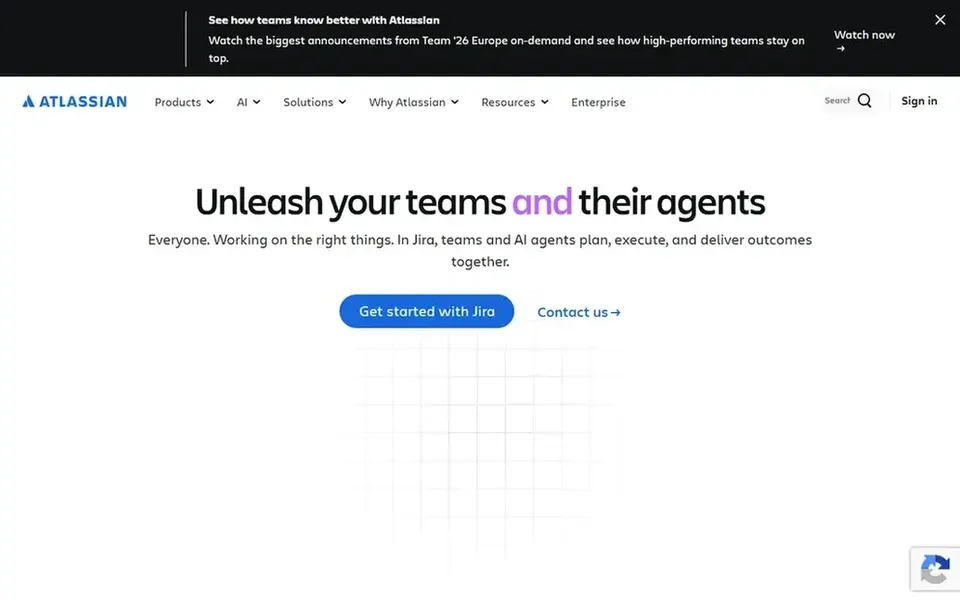
Confluence is designed for collaborative knowledge sharing with AI. Confluence can grow complicated as pages and spaces multiply, requiring governance to stay organized.
Beyond that, teams needing a more straightforward, more lightweight wiki might prefer a dedicated knowledge base tool. It uses AI to help draft, summarize, and find answers, aiming to accelerate projects. Pricing for Confluence is not stated here, so ask the vendor for current figures. As for free access: Not stated.
Where it is weaker: Can become complicated to organize at scale.
Get a written quote from Document360, Helpjuice, Guru and others; the list shows no starting price for them.
Look at the free plan from Notion closely: its caps decide whether it is usable for real work.
Take the trial from Helpjuice and push a live task through it before you pay.
Read the limits listed for Document360 first: may be more than needed for straightforward wikis.
Check whether the features you need in Confluence sit on the entry plan or only on higher tiers.
Ask Guru which support channels and response times come with the plan you would buy.
How we picked
We compared the tools on published pricing, free plan or trial availability, feature coverage for knowledge base software for internal teams, and the limits each vendor documents. Plan names, prices and limits change often. Treat the figures here as a starting point and verify them with the vendor. Tools are placed by general fit for knowledge base software for internal teams, with price clarity and free access as tie-breakers. A different team can reasonably rank them differently.
Every price and plan detail on this page comes from the vendors’ own websites. We did not run hands-on tests unless the text says so, and we do not publish star ratings or review scores. See how we score and our disclosure.
Keep your shortlist in one place
Paste prices, trial dates and notes from this guide into Ainotely, our AI note app. It files them into a topic and pulls out tasks like “cancel trial by Friday”. Free 7-day trial, no card needed.
Not all of them. Document360, Helpjuice, Guru and others publish no starting price, so expect a quote request for those. The rest, Notion included, show a starting price, though seats and billing terms still change the final cost.
Can I try these tools before paying?
Often, yes. Notion has a free plan and Helpjuice offers a free trial. Use your own data and a real task during the test, and check what the free tier or trial limits before you rely on it. All 6 picks in this knowledge base software for internal teams comparison show their pricing, free plan details and main limits on the cards above.
Which options for knowledge base software for internal teams have a free plan?
Notion is the only tool in this list with a free plan. Free plans usually cap users, projects or features, so check the limits on the vendor page. One other tool offers a trial instead. For the full picture, the cards above cover all 6 entries of this knowledge base software for internal teams list, including price, free plan and limits.
How are the tools for knowledge base software for internal teams ordered?
The order follows typical fit for knowledge base software for internal teams, with Document360 first and Confluence last, then price clarity and free access. It is editorial judgement, not a score, so another team could rank the tools differently.
What should internal teams look for in a knowledge base tool?
Internal teams should prioritize simplicity, searchability, and integration with existing tools. Features like AI-assisted search and content governance can help maintain accuracy.