Guru is the first pick on this list for governed knowledge for enterprise AI. Listed starting prices: Notion from $10 per member per month. Document360 is the stronger choice for AI-assisted documentation and knowledge bases, while Confluence suits team knowledge and collaboration workspace. Prices, free plans and limits for all 5 tools follow.
Choosing knowledge management software benefits usually comes down to price, fit and limits. This Ainotely guide sets 5 tools side by side on those three points, with the facts kept short and checkable.
Key takeaways
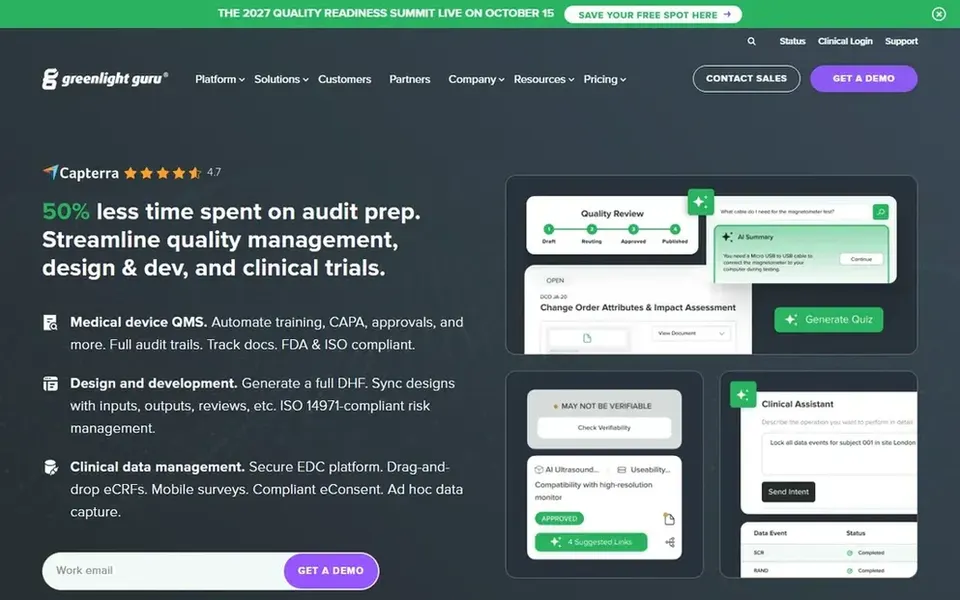
Guru takes the first slot, best suited to governed knowledge for enterprise AI.
Notion stands alone as the one tool in this list with a free plan.
For the cheapest start, look at Notion: $10 per member per month.
Notion is the one to check for adaptable all-in-one AI workspace.
For governed knowledge for enterprise AI, Guru is a natural candidate. If you want a straightforward wiki or a public help center instead of governed AI context, a lighter tool is likely the better choice.
What to check first: Value relies on content curation effort.
The payoff relies on keeping content current. The benefit is confidence: rather than raw documents, teams work with organized knowledge that is intended to stay accurate over time. Guru shows no starting price here, so confirm the cost on the vendor site. As for free access: Not stated.
Best for: AI-assisted documentation and knowledge bases
Document360 makes the most sense for AI-assisted documentation and knowledge bases. Document360 is AI knowledge base software for documentation, offering AI search, an AI chatbot and writing tools inside the system.
Watch-outs: Documentation focus may not include all internal knowledge.
Its benefit is a documentation-first experience: teams can publish structured articles and help readers find answers through search and conversational support. Pricing for Document360 is not stated here, so ask the vendor for current figures. Free access: Not stated.
Best for: Team knowledge and collaboration workspace
Confluence was built for team knowledge and collaboration workspace. Confluence is a team workspace for creating and sharing knowledge, with AI used to draft content, summarize pages and find answers so projects move quicker. More specifically, teams already using Atlassian products tend to see the clearest benefit from keeping knowledge alongside their project activity.
The central limits are sprawl and maintenance: without naming conventions and review habits, spaces can become hard to navigate. It is also most natural for teams already invested in the Atlassian ecosystem. If you primarily need a light wiki or public documentation, a more straightforward dedicated tool may be a better fit. Confluence does not show a starting price in this comparison, so check the vendor site for current pricing. Free access: Not stated.
Trade-offs to know: Best value inside the Atlassian ecosystem.
Slab was built for simple knowledge base and wiki. Slab is knowledge base and wiki software built around simple creation, organization and integrations. The vendor notes appeal across both non-technical and tech-savvy teams.
Honest limits: Advanced documentation needs may outgrow it.
Worth adding: if your priority is enterprise AI trust layers or developer-facing documentation portals, compare the specialized options before deciding. The benefit is low friction: teams can start writing and organizing internal knowledge rapidly without a long setup. Slab leans toward internal knowledge sharing, so teams needing governed AI context or advanced public documentation features may find it restricted. It is also only as handy as the content people maintain. Slab shows no starting price here, so confirm the cost on the vendor site. On free options: Not stated.
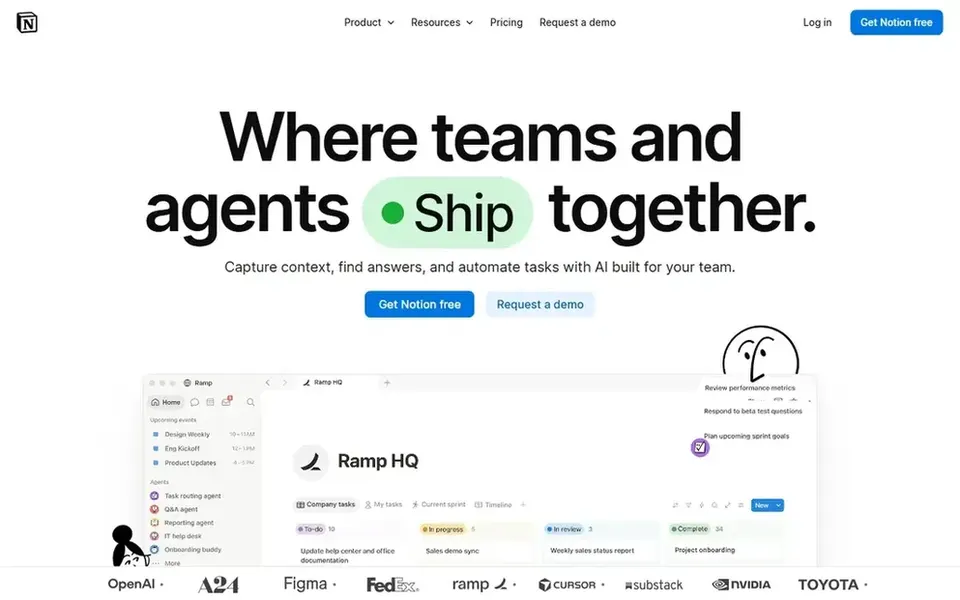
Notion works best for adaptable all-in-one AI workspace. Without conventions, workspaces can become inconsistent and harder to search, and governance features are lighter than in tools made for controlled knowledge. If your priority is strict documentation publishing or governed enterprise AI context, a specialized product may serve you better.
Its benefit is adaptability: a single environment can hold notes, project trackers and internal documentation without switching tools. That openness is also the catch. Notion starts at: $10 per member per month. You can start on Notion without paying.
Ask Guru, Document360, Confluence and Slab for a written quote, since no starting price is shown.
Look at the free plan from Notion closely: its caps decide whether it is usable for real work.
Read the limits listed for Guru first: enterprise focus may be heavy for small teams.
Check whether the features you need in Slab sit on the entry plan or only on higher tiers.
Test how quickly Notion answers a pre-sales question; it hints at how support will feel later.
How we picked
Selection started from tools commonly considered for knowledge management software benefits, then narrowed to 5 that have clear pricing information or a clear quote process. Plan names, prices and limits change often. Treat the figures here as a starting point and verify them with the vendor. Tools are placed by general fit for knowledge management software benefits, with price clarity and free access as tie-breakers. A different team can reasonably rank them differently.
Every price and plan detail on this page comes from the vendors’ own websites. We did not run hands-on tests unless the text says so, and we do not publish star ratings or review scores. See how we score and our disclosure.
Keep your shortlist in one place
Paste prices, trial dates and notes from this guide into Ainotely, our AI note app. It files them into a topic and pulls out tasks like “cancel trial by Friday”. Free 7-day trial, no card needed.
How are the tools for knowledge management software benefits ordered?
The order follows typical fit for knowledge management software benefits, with Guru first and Notion last, then price clarity and free access. It is editorial judgement, not a score, so another team could rank the tools differently.
Which options for knowledge management software benefits have a free plan?
Notion is the only tool in this list with a free plan. Free plans usually cap users, projects or features, so check the limits on the vendor page. Pricing, free plan details and limits for all 5 tools in this knowledge management software benefits roundup sit on the individual cards above.
What are the central benefits of knowledge management software?
Governed products also aim to keep AI answers trustworthy. Also, the exact benefits rely on how well content is organized and maintained.
What is the cheapest option for knowledge management software benefits in this list?
On published monthly entry prices, Notion is the lowest here at $10 per member per month. Entry price is only part of the cost, because seats, add-ons and billing terms can change the total. The 5 tool cards above repeat this per product for knowledge management software benefits, with the listed price or "pricing on request".
Can I try these tools before paying?
Often, yes. Notion has a free plan. Use your own data and a real task during the test, and check what the free tier or trial limits before you rely on it. Each of the 5 options in this knowledge management software benefits guide has its own card above with the price, free plan and limits.