Start with Notion if you need flexible all-in-one team workspace. Listed starting prices: Notion from $10 per member a month. If your case is different, Slab suits straightforward knowledge base and wiki and Confluence suits collaborative policy and project knowledge. Details, prices and limits for the rest of the 6 tools are below.
Choosing knowledge management software for pharmacies usually comes down to price, fit and limits. This Ainotely guide sets 6 tools side by side on those three points, with the facts kept short and checkable.
Key takeaways
Notion sits first on this list: adaptable all-in-one team workspace.
The lowest published monthly entry price here is $10 per member per month, from Notion.
Document360 fits published SOPs and knowledge bases.
The main caution on Notion: structure relies on you.
Only Notion offers a free plan among these 6 tools.
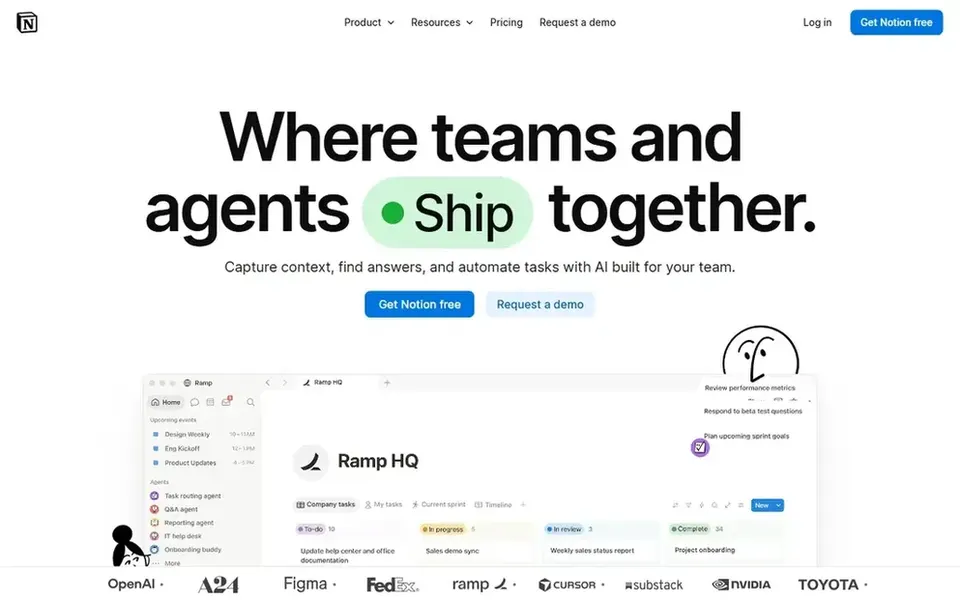
Where Notion fits: adaptable all-in-one team workspace. Notion describes itself as an AI workspace where teams build custom agents, search across apps, and automate busywork. Also, teams needing strict document control may prefer a dedicated documentation product.
Pharmacies can use it for procedure pages, training checklists, and reference databases in one place. Governance and approval workflows are not its central focus. Notion pricing: $10 per member per month. Notion offers a free plan.
Slab is designed for straightforward knowledge base and wiki. Slab is knowledge base and wiki software emphasizing simple creation, organization, and numerous integrations for both non-technical and technical teams. If you need formal documentation publishing or governed AI answers, look at a dedicated system instead.
The main drawbacks: Restricted AI depth.
Pharmacies can use it to collect procedures, contacts, and how-to notes in a searchable wiki. It is a wiki at heart, so advanced governance and AI answer delivery are not its focus. No starting price is listed for Slab here; confirm pricing on the vendor site. On free options: Not stated.
Best for: Collaborative policy and project knowledge
Where Confluence fits: collaborative policy and project knowledge. Confluence is a team workspace for creating and sharing knowledge, with AI to draft, summarize, and find answers so work moves quicker. For everyday use, since pages are simple to build, content can become scattered or outdated without clear ownership and review habits.
On top of that, teams needing tightly governed answer delivery may prefer a dedicated knowledge layer. Worth adding: for pharmacies it can hold standard operating procedures, training notes, and project documentation in one collaborative space. Check the vendor site for Confluence pricing; none is listed in this comparison. As for free access: Not stated.
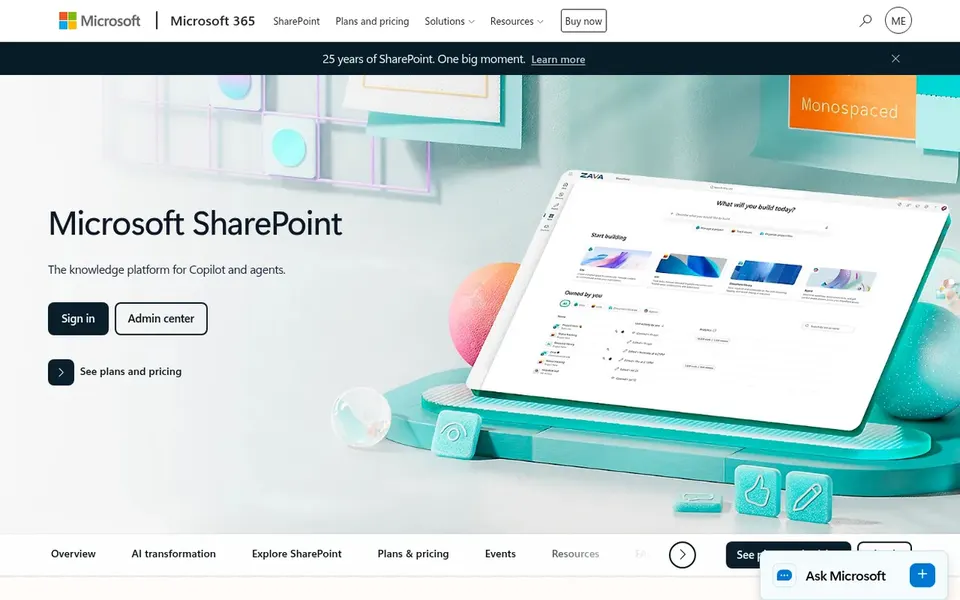
Microsoft SharePoint makes the most sense for governed content inside Microsoft 365. Microsoft SharePoint is meant to build, share, and govern trusted knowledge, powering collaboration, communication, automation, and AI experiences across Microsoft 365.
Navigation and permissions can become complicated as sites multiply. In practice, getting governance right takes planning, and the breadth of features can overwhelm smaller pharmacy teams. Pricing for Microsoft SharePoint is not stated here, so ask the vendor for current figures. Free options: Not stated.
Watch-outs: Can feel complicated for small teams.
Best features of Microsoft SharePoint: Trusted content governance.
For governed context for enterprise AI, Bloomfire is a natural candidate. Bloomfire describes itself as governed context for enterprise AI, giving AI agents and surfaces a trusted reasoning layer built from enterprise knowledge instead of raw documents. More specifically, the positioning is enterprise-focused, which may exceed the needs of a single pharmacy or small group.
Watch-outs: Enterprise-oriented focus.
In daily use, teams wanting straightforward page editing and sharing may find it indirect. Worth adding: consider a lighter workspace if AI context governance is not a priority. Pricing for Bloomfire is not stated here, so ask the vendor for current figures. Free access: Not stated.
Think of Document360 for published SOPs and knowledge bases. Document360 is AI knowledge base software for documentation, offering AI search, an AI chatbot, and writing tools inside the system.
Limits to weigh: Needs content upkeep.
If you want an open wiki for brainstorming and notes, a broader workspace may suit better. For everyday use, published content still needs owners and review cycles to stay accurate. This comparison lists no price for Document360; ask the vendor. As for free access: Not stated.
Ask Slab, Confluence, Microsoft SharePoint and others for a written quote, since no starting price is shown.
Look at the free plan from Notion closely: its caps decide whether it is usable for real work.
Read the limits listed for Notion first: structure relies on you.
Check the support hours and onboarding help Confluence offers; smaller vendors vary a lot here.
Compare total cost, not headline price: for Notion, add extra seats, add-ons and any usage-based charges.
How we picked
We compared the tools on published pricing, free plan or trial availability, feature coverage for knowledge management software for pharmacies, and the limits each vendor documents. Treat prices as a snapshot: vendors change plans often, so check the vendor site for the figure that applies today. Tools are placed by general fit for knowledge management software for pharmacies, with price clarity and free access as tie-breakers. A different team can reasonably rank them differently.
Every price and plan detail on this page comes from the vendors’ own websites. We did not run hands-on tests unless the text says so, and we do not publish star ratings or review scores. See how we score and our disclosure.
Keep your shortlist in one place
Paste prices, trial dates and notes from this guide into Ainotely, our AI note app. It files them into a topic and pulls out tasks like “cancel trial by Friday”. Free 7-day trial, no card needed.
What is the cheapest option for knowledge management software for pharmacies in this list?
On published monthly entry prices, Notion is the lowest here at $10 per member per month. Entry price is only part of the cost, because seats, add-ons and billing terms can change the total. The 6 tool cards above repeat this per product for knowledge management software for Pharmacies, with the listed price or "pricing on request".
How are the tools for knowledge management software for pharmacies ordered?
The order follows typical fit for knowledge management software for pharmacies, with Notion first and Document360 last, then price clarity and free access. It is editorial judgement, not a score, so another team could rank the tools differently.
Is Notion the right pick for everyone comparing knowledge management software for pharmacies?
No single tool suits every team. Notion comes first because it fits flexible all-in-one team workspace, while Slab suits simple knowledge base and wiki and Confluence suits collaborative policy and project knowledge. Match the tool to your own size, budget and workflow before deciding.
Can I try these tools before paying?
Often, yes. Notion has a free plan. Use your own data and a real task during the test, and check what the free tier or trial limits before you rely on it. Each of the 6 options in this knowledge management software for Pharmacies guide has its own card above with the price, free plan and limits.