Document360 leads the list, best for AI-powered knowledge bases and documentation. Listed starting prices: Notion from $10 per member per month. If your case is different, Guru suits governed knowledge for trustworthy AI answers and Microsoft SharePoint suits secure, governed content management in Microsoft 365. The other 2 tools in the list cover narrower or pricier cases.
Choosing knowledge management software for universities usually comes down to price, fit and limits. This Ainotely guide sets 5 tools side by side on those three points, with the facts kept short and checkable.
Key takeaways
Document360 takes the first slot, best suited to AI-powered knowledge bases and documentation.
Notion is the only tool of the 5 with a free plan.
Confluence suits structured team collaboration and knowledge sharing.
For the cheapest start, look at Notion: $10 per member per month.
Best for: AI-powered knowledge bases and documentation
Document360 makes the most sense for AI-powered knowledge bases and documentation. Choose Document360 when your priority is a searchable, AI-enhanced knowledge base. If you need a tool for project collaboration alongside documentation, Confluence or Notion might be more suitable.
Where it falls short: May lack broader collaboration features.
It supplies AI search, an AI chatbot, and writing tools to help teams build intelligent documentation. It is especially handy for IT support, library services, and administrative departments that maintain in-depth guides. Check the vendor site for Document360 pricing; none is listed in this comparison. On free options: Not stated.
Best for: Governed knowledge for trustworthy AI answers
For governed knowledge for trustworthy AI answers, Guru is a natural candidate. Guru is a governed knowledge layer for enterprise AI. It structures, governs, and continuously boosts your knowledge so every AI answer can be trusted.
What to check first: May be overkill for small departments.
Pick Guru when answer accuracy and AI trustworthiness are critical. In daily use, Guru needs continuing content curation to be effective, which can be resource-intensive. More specifically, for universities, it is a strong match for administrative units or help desks that require to supply accurate, consistent answers to typical questions. This comparison lists no price for Guru; ask the vendor. Trial and free access: Not stated.
Best for: Secure, governed content management in Microsoft 365
Microsoft SharePoint was built for secure, governed content management in Microsoft 365. Microsoft SharePoint is a system for collaborative content management and secure file sharing. It helps produce, share, and govern trusted knowledge whereas powering collaboration, communication, automation, and AI experiences across Microsoft 365.
On top of that, choose SharePoint when integration with Microsoft services and solid governance are top priorities. As for the details, SharePoint can be complicated to set up and maintain, frequently requiring IT support. Check the vendor site for Microsoft SharePoint pricing; none is listed in this comparison. As for free access: Not stated.
Where it falls short: Can be complicated to configure.
Best for: Adaptable, configurable workspaces for academic teams
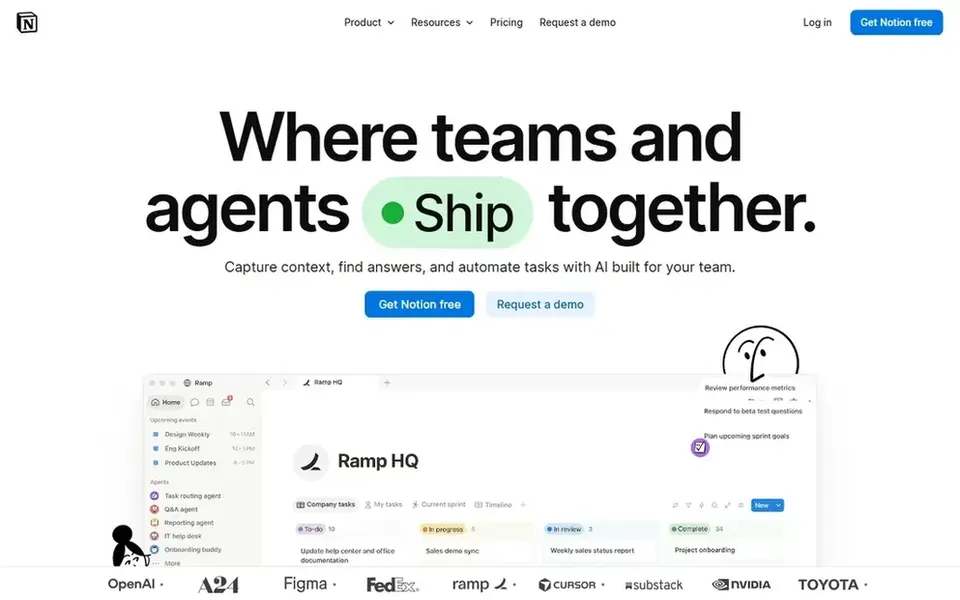
Choose Notion for adaptable, configurable workspaces for academic teams. It is recognised for its adaptability, allowing users to build wikis, databases, and project trackers in one place. Since Notion is so adaptable, it can lack the strict governance and compliance features some institutions need.
If you need more solid administrative controls or integration with existing enterprise systems, Microsoft SharePoint or Guru may be a better fit. More specifically, for universities, it fits faculty and student groups that want a tailored workspace without heavy setup. It is particularly handy for interdisciplinary projects that require to adapt quickly. Price to start with Notion: $10 per member per month. Notion has a free plan.
What to check first: Can become disorganized without templates.
Best for: Structured team collaboration and knowledge sharing
For structured team collaboration and knowledge sharing, Confluence is a natural candidate. It performs well for IT teams, research groups, and administrative units that want a single source of truth.
For everyday use, the product can grow cluttered if pages are not managed, and new users may need onboarding to navigate spaces effectively. If your institution prefers a simpler, more adaptable tool, consider Notion. Pricing for Confluence is not stated here, so ask the vendor for current figures. Free plan details: Not stated.
Points against: Can become complicated without governance.
Confirm the entry price on the vendor page. For Document360, Guru, Microsoft SharePoint and Confluence that means a quote rather than a fixed price.
Test the free plan from Notion against your real workload before relying on it.
Before choosing Document360, weigh its main limit: concentrated on external documentation.
Compare total cost, not headline price: for Document360, add extra seats, add-ons and any usage-based charges.
Read the plan comparison for Confluence carefully; key features often start on a higher tier.
How we picked
Ainotely used vendor pricing pages and product documentation as the base, then compared plans, free access and documented limits for 5 tools. Where a price is missing, the vendor does not list one publicly or ties it to a quote. Always confirm before budgeting. Order on the page follows fit for the typical buyer first, then price transparency and free access. Your own requirements should decide the final pick.
Every price and plan detail on this page comes from the vendors’ own websites. We did not run hands-on tests unless the text says so, and we do not publish star ratings or review scores. See how we score and our disclosure.
Keep your shortlist in one place
Paste prices, trial dates and notes from this guide into Ainotely, our AI note app. It files them into a topic and pulls out tasks like “cancel trial by Friday”. Free 7-day trial, no card needed.
What is the cheapest option for knowledge management software for universities in this list?
On published monthly entry prices, Notion is the lowest here at $10 per member per month. Entry price is only part of the cost, because seats, add-ons and billing terms can change the total. Each of the 5 options in this knowledge management software for Universities guide has its own card above with the price, free plan and limits.
Can I try these tools before paying?
Often, yes. Notion has a free plan. Use your own data and a real task during the test, and check what the free tier or trial limits before you rely on it. All 5 picks in this knowledge management software for Universities comparison show their pricing, free plan details and main limits on the cards above.
Can these tools connect with university single sign-on systems?
Numerous knowledge management systems support single sign-on and other authentication methods. Check each vendor's documentation for specific integration choices with your institution's identity provider.
What should universities look for in knowledge management software?
Universities should prioritize tools that offer secure collaboration, governance features, and integration with existing systems. Simplicity for diverse staff and students is also important, as is the capacity to scale across departments.
How are the tools for knowledge management software for universities ordered?
Document360 sits first and Confluence last because the order follows typical fit for knowledge management software for universities, then price clarity and free access. It is a judgement call, so read each profile for fit and limits.
How does Confluence compare to Notion for academic use?
Confluence gives you structured collaboration with AI-assisted drafting and summaries, making it well suited to formal documentation. The choice relies on whether you need strict structure or adaptability.