Start with Guru if you need governed knowledge for enterprise AI. Listed starting prices: Notion from $10 per member a month. Alternatives: Bloomfire for governed context for enterprise AI, and Notion for adaptable all-in-one team workspace. The full list of 5 tools follows, with prices and free plan facts.
Ainotely put together this guide to knowledge management software vendors for readers who want a clear shortlist without reading every vendor page. It compares 5 tools on starting price, free plans, who each one suits and where each one falls short.
Key takeaways
Top of the list is Guru, which targets governed knowledge for enterprise AI.
For the cheapest start, look at Notion: $10 per member per month.
Only Notion offers a free plan among these 5 tools.
What to know about Microsoft SharePoint first: setup and administration can be complicated.
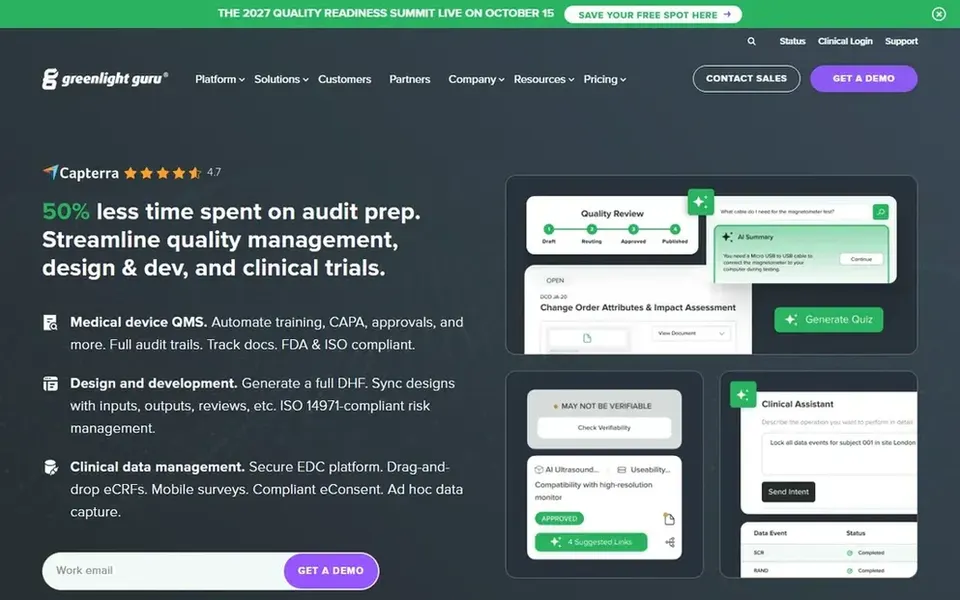
Guru is built with governed knowledge for enterprise AI in mind. Guru presents itself as a governed knowledge layer for enterprise AI, targeted at teams that do not want to run their business on confidently wrong AI. It structures, governs and continuously boosts knowledge so answers can be trusted.
What works well: Continuous knowledge improvement.
What to check first: Narrower fit than general workspaces.
This makes it a fit for support, operations and other teams where accurate, verified answers matter more than open-ended document editing. If you primarily need a place to write and organize pages, a broader workspace tool may be more straightforward. Also, choose Guru when trusted answers are the core requirement. No starting price is listed for Guru here; confirm pricing on the vendor site. Trial and free access: Not stated.
Where Bloomfire fits: governed context for enterprise AI. Teams still building entry-level documentation habits may want a more straightforward workspace first. Beyond that, the specialized positioning means Bloomfire is not a general document editor.
What works well: not raw documents.
Its value relies on having organized, trustworthy source knowledge to govern. Bloomfire describes itself as governed context for enterprise AI, giving AI agents and surfaces a trusted reasoning layer built from enterprise knowledge instead of raw documents. No starting price is listed for Bloomfire here; confirm pricing on the vendor site. On free options: Not stated.
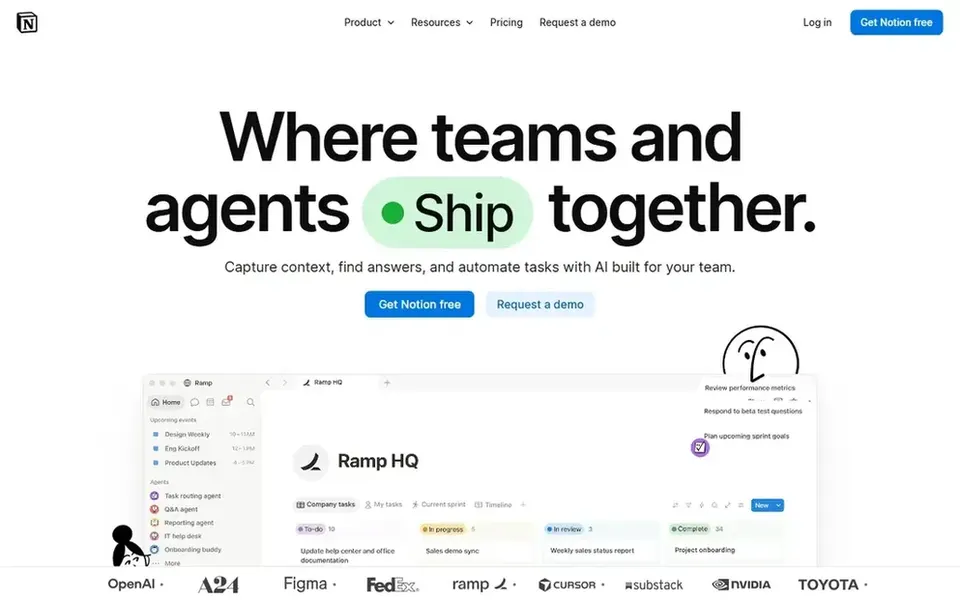
Notion is a good fit for adaptable all-in-one team workspace. It fits teams that want documents, databases and light process tooling in a single adaptable environment.
It appeals to groups that prefer building their own structure over adopting a rigid template. On cost, Notion starts like this: $10 per member per month. Notion offers a free plan.
Drawbacks to consider: Adaptability can result in inconsistent structure.
Best for: Enterprise content and Microsoft 365 integration
Choose Microsoft SharePoint for enterprise content and Microsoft 365 integration. From a buyer's view, choose SharePoint when deep integration with Microsoft 365 and content governance are requirements.
Also, organizations outside Microsoft 365 may find lighter tools simpler to adopt. SharePoint is wide, and the experience depends heavily on how it is configured and administered, which can be demanding for teams without IT support. Microsoft SharePoint shows no starting price here, so confirm the cost on the vendor site. As for free access: Not stated.
The main drawbacks: Experience varies with configuration.
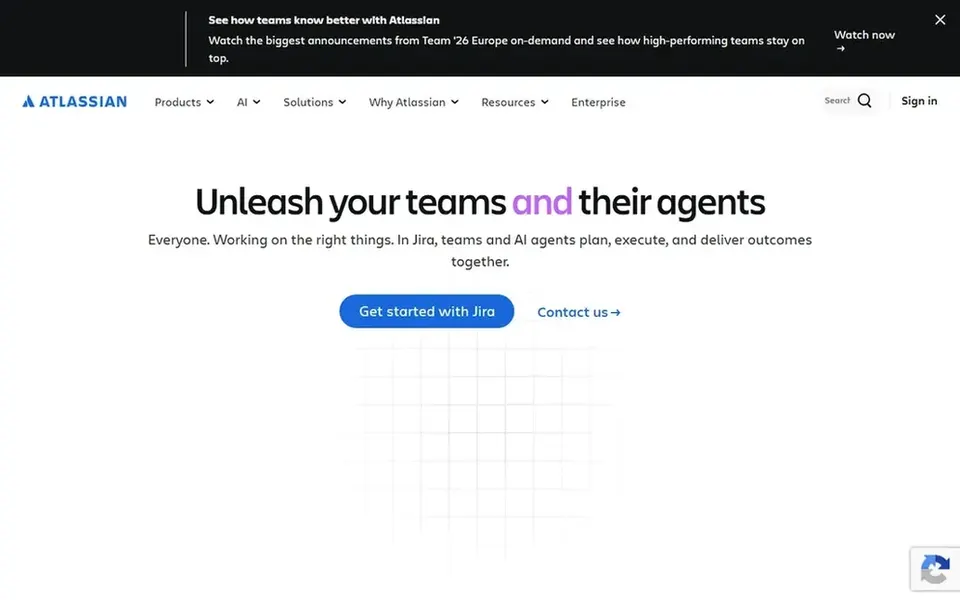
Confluence works best for team workspaces for shared knowledge. Confluence is positioned as an AI workspace for knowledge and collaboration, where teams produce and share knowledge in one place. From a buyer's view, the homepage flags AI for drafting, summarizing and finding answers so projects move quicker.
Honest limits: Structure needs governance as spaces grow.
In practice, choose Confluence when shared spaces and AI-assisted answers matter more than minimal setup. On top of that, if you want a lighter, more adaptable document tool, a more straightforward workspace may fit better. This comparison lists no price for Confluence; ask the vendor. Trial and free access: Not stated.
Get a written quote from Guru, Bloomfire, Microsoft SharePoint and Confluence; the list shows no starting price for them.
Test the free plan from Notion against your real workload before relying on it.
Read the limits listed for Guru first: narrower fit than general workspaces.
Let daily users try Guru on real work; their feedback beats any feature checklist.
Before you load data into Notion, check what an export looks like and who can run it.
How we picked
The comparison looks at four things: starting price, free access, how well the feature set matches knowledge management software vendors, and the main limit of each tool. Where a price is missing, the vendor does not list one publicly or ties it to a quote. Always confirm before budgeting. Position on the page reflects fit for a typical buyer first, with price clarity and free access breaking ties. Treat it as a guide, not a ruling.
Every price and plan detail on this page comes from the vendors’ own websites. We did not run hands-on tests unless the text says so, and we do not publish star ratings or review scores. See how we score and our disclosure.
Keep your shortlist in one place
Paste prices, trial dates and notes from this guide into Ainotely, our AI note app. It files them into a topic and pulls out tasks like “cancel trial by Friday”. Free 7-day trial, no card needed.
Not all of them. Guru, Bloomfire, Microsoft SharePoint and Confluence publish no starting price, so expect a quote request for those. The rest, Notion included, show a starting price, though seats and billing terms still change the final cost.
Does SharePoint replace a dedicated knowledge management tool?
SharePoint handles collaboration, file sharing and content governance within Microsoft 365, so organizations already using that ecosystem can handle knowledge there. Numerous organizations combine SharePoint with a specialized system.
What is the cheapest option for knowledge management software vendors in this list?
On published monthly entry prices, Notion is the lowest here at $10 per member per month. Entry price is only part of the cost, because seats, add-ons and billing terms can change the total. All 5 picks in this knowledge management software vendors comparison show their pricing, free plan details and main limits on the cards above.
Which knowledge management vendor is a good match for AI answers?
The first pick on this list is Guru, because it suits governed knowledge for enterprise AI. Bloomfire is better for governed context for enterprise AI, and Notion for adaptable all-in-one team workspace. Check price and limits against your own needs before choosing.
Which options for knowledge management software vendors have a free plan?
Notion is the only tool in this list with a free plan. Free plans usually cap users, projects or features, so check the limits on the vendor page. For the full picture, the cards above cover all 5 entries of this knowledge management software vendors list, including price, free plan and limits.
What should we check before committing to a vendor?
Confirm how content is structured and governed, which AI features exist and what they draw on, and how the tool connects with your existing stack. Also review the administration effort required and test search quality with your own material before deciding.