Best Label Printing Software in 2026: 8 Compared

- 1
 BarTenderprofessional label designVisit
- 2
 NiceLabellabel management for teamsVisit
- 3
 Labeljoysimple label designVisit
- 4
 Avery Design and Printfree label design for Avery productsVisit
- 5
 Maestro Label Designerfree online label designVisit
- BarTender and NiceLabel suit professional and team label work, while printer specific tools suit single brand setups.
- Avery and Maestro suit quick, low cost labels on standard sheets.
- Check printer compatibility first: the best design tool is useless if it does not drive your printer.
- Test barcode scanning after printing, because design looks can hide scanning problems.
Quick comparison
| Product | Ideal for | Price from | Free version | |
|---|---|---|---|---|
| BarTender | professional label design | See website | No | Visit |
| NiceLabel | label management for teams | See website | No | Visit |
| Labeljoy | simple label design | See website | No | Visit |
| Avery Design and Print | free label design for Avery products | See website | Yes | Visit |
| Maestro Label Designer | free online label design | See website | Yes | Visit |
 ZebraDesigner | label design for Zebra printers | See website | Yes | Visit |
 DYMO Connect | label software for DYMO printers | See website | Yes | Visit |
 Brother P-touch Editor | label software for Brother printers | See website | Yes | Visit |
The best label printing software
Label printing software ranges from free printer tools to professional design and management systems. The right choice depends on label type, printer brand, barcode needs and team size. This guide compares options across that range.
BarTender
Ideal for: professional label design
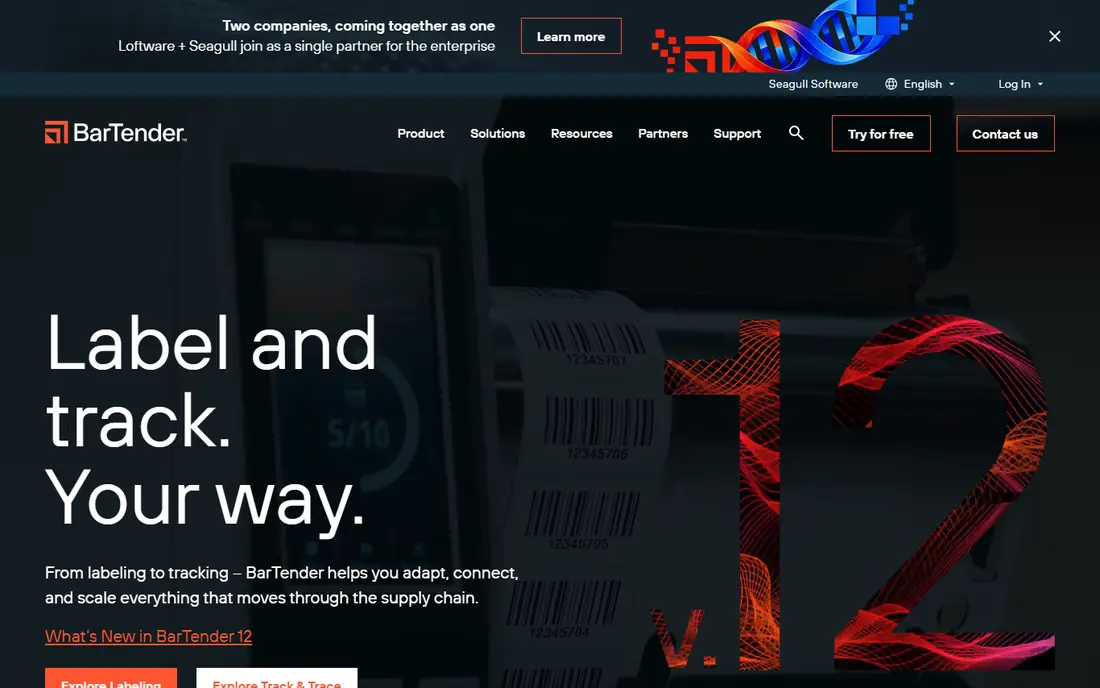
For many buyers, this is the natural starting point. BarTender is a professional label design and printing tool from Seagull Scientific. It suits businesses that need barcode labels, compliance labels and printer management. On pricing, the starting price is listed above, and where a vendor does not publish a clear price we list it as See website. Check what is included at that level, because seats, usage limits and add-ons often change the real monthly cost. Pricing varies by edition, and the full feature set takes time to learn. That trade-off does not make this a poor choice, but it does decide who should pick it. If the weakness touches your main use case, look at another option on this list. If it touches only a secondary need, the strengths here may still make it our pick for you.
- Label design
- Barcode support
- Printer management
- Pricing varies by edition
- Learning curve
NiceLabel
Ideal for: label management for teams
This is a strong choice when the basics matter most. NiceLabel, now part of Loftware, offers label design and management for teams. It suits companies that need approval workflows and central label control. On pricing, the starting price is listed above, and where a vendor does not publish a clear price we list it as See website. Check what is included at that level, because seats, usage limits and add-ons often change the real monthly cost. Pricing is quoted, and setup takes time for large label libraries. That trade-off does not make this a poor choice, but it does decide who should pick it. If the weakness touches your main use case, look at another option on this list. If it touches only a secondary need, the strengths here may still make it our pick for you.
- Label design
- Approval workflows
- Printing
- Pricing is quoted
- Setup takes time
Labeljoy
Ideal for: simple label design
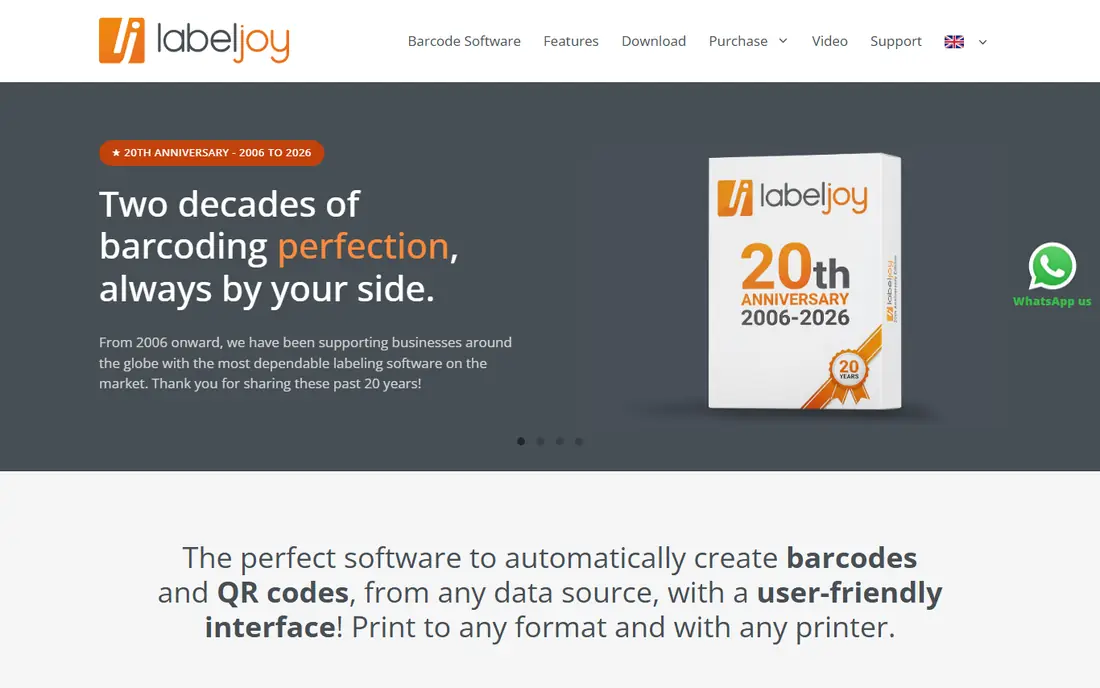
What sets this option apart is its focus on a clear use case. Labeljoy offers simple label design with barcode support and templates. It suits small businesses that need straightforward labels without enterprise complexity. On pricing, the starting price is listed above, and where a vendor does not publish a clear price we list it as See website. Check what is included at that level, because seats, usage limits and add-ons often change the real monthly cost. It is mainly Windows focused, with fewer enterprise features than BarTender or NiceLabel. That trade-off does not make this a poor choice, but it does decide who should pick it. If the weakness touches your main use case, look at another option on this list. If it touches only a secondary need, the strengths here may still make it our pick for you.
- Label design
- Barcode
- Templates
- Windows focused
- Fewer enterprise features
Avery Design and Print
Ideal for: free label design for Avery products
Teams that want a straightforward setup should look closely here. Avery Design and Print is a free tool for designing labels on Avery products. It suits small businesses and home users who already use Avery label sheets. On pricing, the starting price is listed above, and where a vendor does not publish a clear price we list it as See website. Check what is included at that level, because seats, usage limits and add-ons often change the real monthly cost. It is focused on Avery products, with fewer advanced barcode and database features. That trade-off does not make this a poor choice, but it does decide who should pick it. If the weakness touches your main use case, look at another option on this list. If it touches only a secondary need, the strengths here may still make it our pick for you.
- Free design
- Avery templates
- Easy printing
- Avery product focused
- Fewer advanced features
Maestro Label Designer
Ideal for: free online label design
This option earns its place through a different strength than the leaders. Maestro Label Designer is a free online tool from OnlineLabels for label design. It suits users who want quick label designs in a browser. On pricing, the starting price is listed above, and where a vendor does not publish a clear price we list it as See website. Check what is included at that level, because seats, usage limits and add-ons often change the real monthly cost. It is focused on OnlineLabels products, with fewer advanced features than professional tools. That trade-off does not make this a poor choice, but it does decide who should pick it. If the weakness touches your main use case, look at another option on this list. If it touches only a secondary need, the strengths here may still make it our pick for you.
- Free online design
- Templates
- Easy use
- Online Labels focused
- Fewer advanced features
ZebraDesigner
Ideal for: label design for Zebra printers
For buyers with a specific need, this one deserves a closer look. ZebraDesigner offers label design for Zebra printers, with free and paid editions. It suits businesses already using Zebra printers for labels. On pricing, the starting price is listed above, and where a vendor does not publish a clear price we list it as See website. Check what is included at that level, because seats, usage limits and add-ons often change the real monthly cost. It is Zebra focused, so other printer brands need another tool. That trade-off does not make this a poor choice, but it does decide who should pick it. If the weakness touches your main use case, look at another option on this list. If it touches only a secondary need, the strengths here may still make it our pick for you.
- Zebra printer support
- Barcode
- Free editions
- Zebra focused
- Advanced features need paid editions
DYMO Connect
Ideal for: label software for DYMO printers
This is worth considering when budget or simplicity is a priority. DYMO Connect is the free label software for DYMO printers. It suits small offices and home users with DYMO label printers. On pricing, the starting price is listed above, and where a vendor does not publish a clear price we list it as See website. Check what is included at that level, because seats, usage limits and add-ons often change the real monthly cost. It is DYMO focused, with limited advanced features compared with professional tools. That trade-off does not make this a poor choice, but it does decide who should pick it. If the weakness touches your main use case, look at another option on this list. If it touches only a secondary need, the strengths here may still make it our pick for you.
- DYMO printer support
- Simple design
- Free
- DYMO focused
- Limited advanced features
Brother P-touch Editor
Ideal for: label software for Brother printers
Our shortlist would feel incomplete without this option. Brother P-touch Editor is the free label software for Brother P-touch printers. It suits users with Brother printers who need simple labels and templates. On pricing, the starting price is listed above, and where a vendor does not publish a clear price we list it as See website. Check what is included at that level, because seats, usage limits and add-ons often change the real monthly cost. It is Brother focused, with limited database and enterprise features. That trade-off does not make this a poor choice, but it does decide who should pick it. If the weakness touches your main use case, look at another option on this list. If it touches only a secondary need, the strengths here may still make it our pick for you.
- Brother printer support
- Templates
- Free
- Brother focused
- Limited database features
How we picked these
We compared official feature pages, pricing pages, app store listings, privacy policies and public reviews for each product on this list. We checked that each product exists, works in October 2026 and truly fits the topic, and we left out products that did not fit even when they were well known in a nearby category. We also weighed who each product suits, what it does well and where it falls short. Prices change, so where we could not verify a current price from the vendor we wrote See website. We did not claim hands-on testing that did not happen, and we focused on facts a buyer can check before paying.
How to choose label printing software
First, start here
Check printer compatibility first. Some tools work only with one printer brand, while professional tools support many printers. List your printers, including model numbers, and confirm driver and label size support before choosing.
Next, check the details
Check barcode and data needs. Simple labels need text and shapes only. Product, shipping and compliance labels need barcodes, batch data and database links. Test a real label with your barcode scanner and data source before committing.
Finally, decide with confidence
Check team and approval needs. Solo users need simple design. Teams need shared templates, version control and approvals to avoid wrong labels reaching production. Central control matters when labels carry safety, legal or compliance information.
Frequently asked questions
What is label printing software?
Label printing software designs and prints labels for products, shipping, assets and organisation. It handles text, images, barcodes and templates, and sends labels to label printers. Professional tools also manage label approval and printing across teams.
What is the best label printing software?
BarTender suits professional label design and printing. NiceLabel suits team label management. Avery Design and Print and Maestro suit free, simple labels. Printer specific tools such as ZebraDesigner suit single brand setups.
Can I print labels for free?
Yes, free tools include Avery Design and Print, Maestro Label Designer and printer specific software such as ZebraDesigner and DYMO Connect. Free tools suit simple labels, while professional barcode and database labels need paid software.
What is barcode label software?
Barcode label software creates labels with barcodes for products, inventory and shipping. It should support your barcode types and printer, and produce barcodes that scan reliably. Test printed barcodes with your actual scanner.
Do I need label management software?
Teams with many labels, compliance needs or multiple printers benefit from label management with approvals and version control. Solo users with simple labels can use free design tools. Choose based on label count and risk of errors.