Best Landing Page Tools in 2026: 7 Tools Compared

- Unbounce suits marketers who want AI optimization and testing without developers.
- Instapage suits teams that need personalized pages at scale for paid campaigns.
- Leadpages suits small teams that want a simple builder plus testing and checkout.
- Framer and Webflow suit design-led teams that want landing pages inside a full site platform.
- Always test on mobile first, since most ad traffic arrives on phones.
Quick comparison
| Product | Ideal for | Price from | Free version | |
|---|---|---|---|---|
 Unbounce | AI optimization | See website | Yes | Visit |
 Instapage | Personalization at scale | See website | Yes | Visit |
 Leadpages | Small teams | $29/month | Yes | Visit |
 Framer | Design-led pages | See website | Yes | Visit |
 Webflow | Full site platform | See website | Yes | Visit |
 GetResponse | Email plus landing pages | See website | Yes | Visit |
 Landingi | Campaign scale | $24/month | Yes | Visit |
The best landing page tools
A landing page tool should help you build a focused page fast, connect it to your ads and email tools, and test what converts. Some tools specialize in campaign pages, while others build full websites with landing pages inside. We compared official product pages, pricing, and public reviews for the tools below, looking at builders, templates, testing, personalization, integrations, and cost. Where we could not verify a current price on the vendor's own page, we list See website rather than guessing.
Unbounce
Ideal for: AI optimization
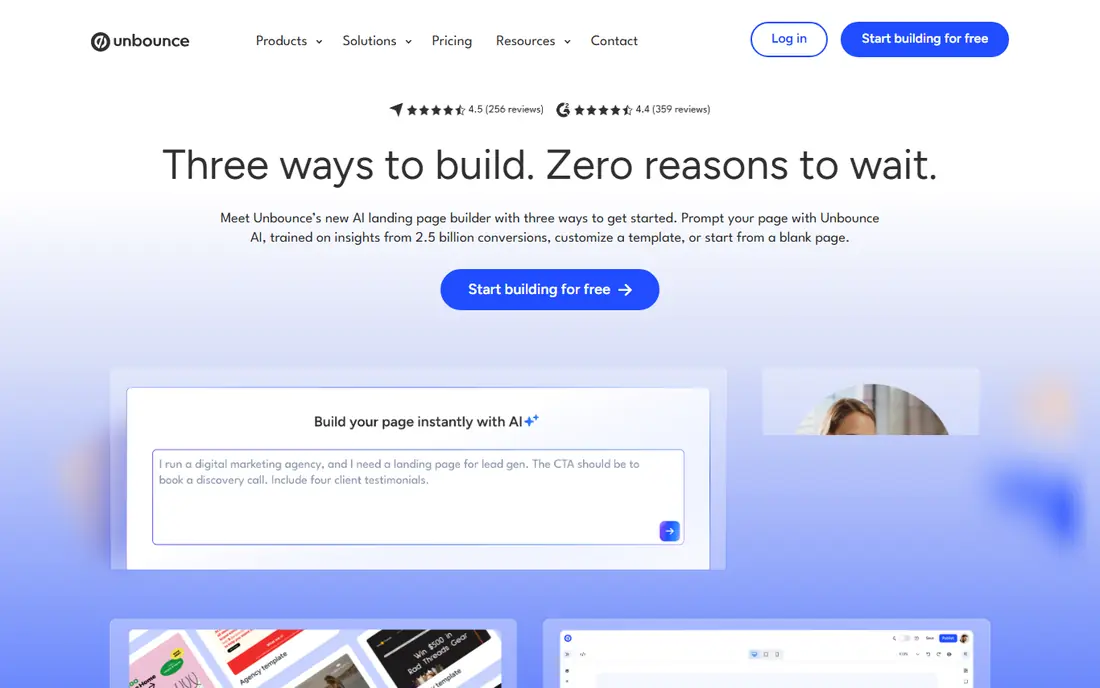
Unbounce is a landing page and conversion platform with a drag-and-drop builder, customizable templates, popups, and sticky bars, plus AI tools that route each visitor to the variant most likely to convert. Dynamic text replacement matches page copy to the search terms visitors used, and integrations cover Salesforce, HubSpot, Mailchimp, Zapier, and analytics tools. A 14-day free trial lets teams test the builder before paying.
Unbounce suits marketers and agencies that run paid campaigns and want testing and AI optimization without developers. Smaller teams with simpler needs may prefer Leadpages or Landingi.
- Drag-and-drop builder with conversion templates
- Smart Traffic AI routing
- A/B testing
- Dynamic text replacement
- Wide integrations
- Full optimization features need higher plans
- Pricing is per-conversion oriented on some plans
Instapage
Ideal for: Personalization at scale
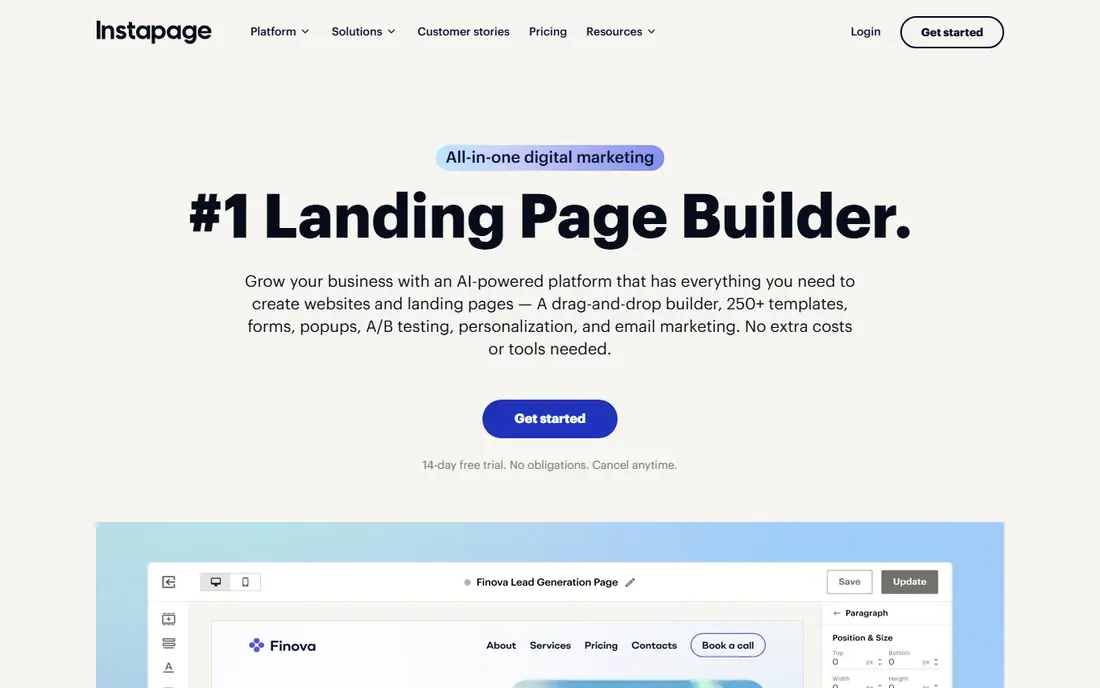
Instapage is an all-in-one landing page platform with a drag-and-drop builder, hundreds of templates, forms, popups, A/B testing, and personalization that adapts pages to each visitor. AdMap visualizes ad campaigns and connects ads to matching pages, while analytics with heatmaps show where visitors engage and drop off. A 14-day free trial is available with no obligations.
Instapage suits marketing teams and agencies that run many paid campaigns and need personalized pages at scale. Solo creators may find its depth more than they need.
- 250 plus templates
- AI content generation
- Personalization and AdMap campaign mapping
- Heatmaps and A/B tests
- 120 plus integrations
- Pricing is quote-based for full plans
- Depth can overwhelm solo users
Leadpages
Ideal for: Small teams
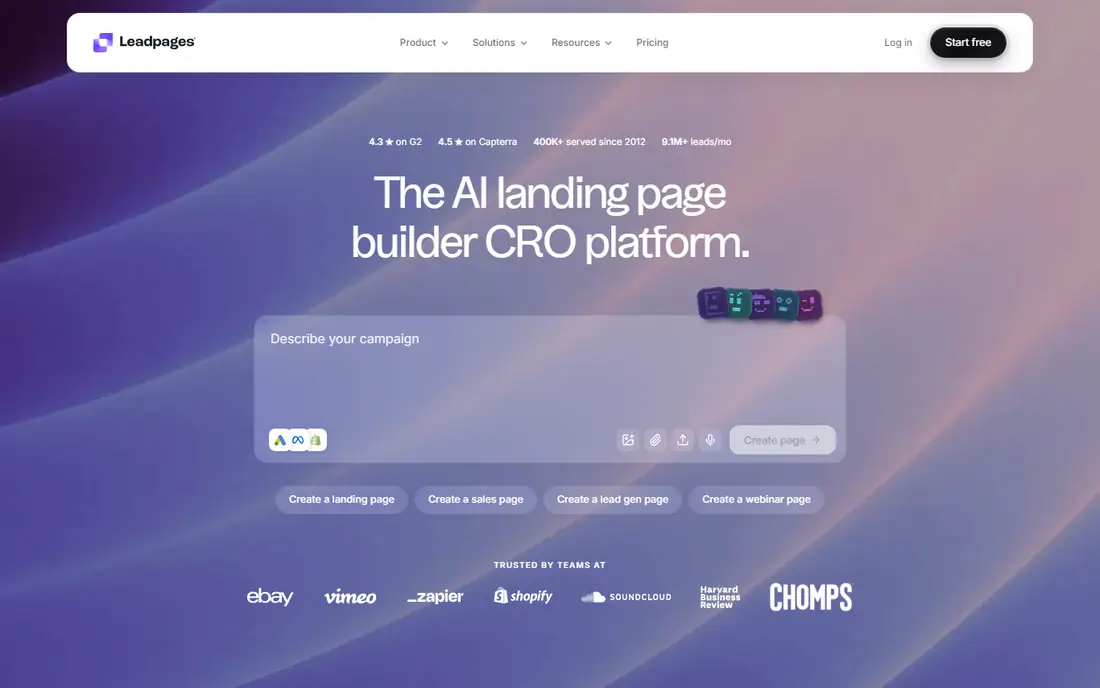
Leadpages combines a landing page builder with lead capture, checkout, and AI workflows, with templates built around conversion structure rather than generic layouts. Plans start at $29 per month for publishing, while testing and optimization features start at $99 per month with A/B testing, dynamic text replacement, and personalization. Brand kits keep pages consistent, and integrations sync leads to email, CRM, and ad tools.
Leadpages suits solo creators and small teams that want a straightforward builder with room to grow into testing. Teams that need heavy personalization at scale may prefer Instapage.
- AI landing page builder
- Templates that look designed
- A/B testing and Smart Traffic on higher plans
- Checkout and lead capture built in
- Testing features need the $99 per month Grow plan or higher
- Page limits on lower plans
Framer
Ideal for: Design-led pages
Framer is a free website builder with an AI design agent that works directly on the canvas, generating and refining pages in place with every change visible and editable. A CMS manages collections such as blog posts and creators, and the platform supports interactions, animations, and custom code through agents. Landing pages built in Framer live inside a full site, which suits brands that want design control beyond a single campaign page.
Framer suits design-led teams and startups that want beautiful pages with AI help and a full site behind them. Campaign teams that need deep A/B testing should pair it with analytics or choose Unbounce.
- Free website builder tier
- AI design agent on the canvas
- CMS included
- Modern templates and interactions
- Less campaign-focused than Unbounce or Instapage
- Testing tools are lighter
Webflow
Ideal for: Full site platform
Webflow is a full website platform where marketing teams can design, publish, and optimize pages without developer tickets, with a visual canvas, drag-and-drop templates, CMS, and hosting included. Conversion tools cover A/B tests, personalization, and AI-driven experiments, while AI search features track how AI systems crawl and cite the site. Page branching lets teams design safely without affecting live pages.
Webflow suits teams that want landing pages inside a serious website platform with design freedom. Beginners may need time to learn the canvas, while campaign-only users may prefer a simpler builder.
- Visual canvas with fine design control
- CMS and hosting included
- A/B testing and personalization
- AI search optimization
- Branching workflows
- Learning curve for beginners
- Pricing scales with site plans and features
GetResponse
Ideal for: Email plus landing pages
GetResponse is an email, automation, and SMS platform that also builds landing pages for launches, flash sales, and lead capture, with AI that writes copy, selects layouts, and helps pages go live in minutes. Funnels, forms, popups, and webinars sit in the same system, so leads flow straight into automation journeys. A free 14-day trial needs no credit card.
GetResponse suits businesses that already run email marketing and want landing pages in the same tool. Teams that need advanced testing and personalization should look at Unbounce or Instapage.
- Landing pages inside an email and automation platform
- AI copy and layout help
- Funnels, forms, and webinars included
- 150 plus integrations
- Landing page depth is lighter than dedicated builders
- Best for existing email users
Landingi
Ideal for: Campaign scale
Landingi is an AI landing page platform built on years of campaign work, with an AI generator that turns a chat into a complete editable page, plus a classic drag-and-drop builder for pixel-perfect control. Testing covers A/B and multivariate experiments with behavioral analytics, while programmatic pages generate many localized variants from one template. Build plans start at $24 per month on annual billing, with a 14-day free trial.
Landingi suits teams and agencies that run many campaigns across markets and need scale with governance. Solo users with one page may prefer Leadpages or Framer.
- AI page generator with five coordinated models
- Pixel-perfect editor
- A/B and X testing
- Programmatic pages
- Multi-language support
- 14-day trial
- Visit limits on lower plans
- Enterprise features need higher tiers
How we picked these
We compared official product pages, pricing, and public reviews, checking builders, templates, testing, personalization, integrations, and cost. We favored tools that are active in October 2026 and publish clear feature and pricing information. Where we could not verify a current price on the vendor's own page, we list See website rather than guessing.
How to choose a landing page tool
Start with your use case. Campaign marketers should shortlist Unbounce, Instapage, and Landingi, while small teams should try Leadpages or GetResponse, and design-led teams should try Framer or Webflow. Next, check the limits that matter: page counts, visit caps, custom domains, and whether testing sits on the plan you can afford.
Then build one real page before committing. Test the editor on mobile, connect your email or CRM, and publish to a test domain to check speed and form delivery. Finally, plan your first test before launch: pick one headline or offer to test, set a clear conversion goal, and give the test enough traffic to reach a useful result.
Page speed is a conversion factor that many teams overlook, since slow pages lose mobile visitors before the offer even loads. Compress images, limit heavy scripts, and test load time on a mid-range phone with a mobile connection, not just on office wifi. Forms deserve the same care: ask only for the fields you truly need at first contact, since every extra field lowers completion, and add the rest to a later step or a follow-up form. Trust signals help as well, including clear privacy notes near the form, recognizable payment or security badges where relevant, and honest testimonials that match the offer rather than generic praise. Review the page on several screen sizes before launch, since a layout that looks clean on desktop can crowd text and buttons on a small phone screen.
Frequently asked questions
What is the best landing page builder for beginners?
Leadpages and Framer are strong beginner picks. Leadpages offers a simple builder with templates and a clear upgrade path to testing, while Framer offers a free tier with AI help and modern templates for design-led users.
Do I need a developer to build a landing page?
No, with most tools on this list. Drag-and-drop builders, templates, and AI generators let marketers publish pages without code, though custom code options exist for teams that want finer control.
What is A/B testing for landing pages?
A/B testing compares two or more page versions to see which converts better. You split traffic between variants, measure conversions for each, and keep the winner, then test the next element to keep improving results.
How much does landing page software cost?
Costs range from free tiers to hundreds of dollars per month, depending on pages, visits, and testing features. Dedicated builders often start around $24 to $29 per month, while personalization and enterprise features cost more.
Can I use my own domain for landing pages?
Yes, on paid plans for most tools on this list. Custom domains with SSL are standard on paid tiers, while free plans often use a platform subdomain with platform branding.