Best reporting apps for yard businesses in 2026: 8 Compared

- 1
 Jobberyard firms that want job and revenue reportingVisit
- 2
 Housecall Profield service firms that want reporting plus dispatchVisit
- 3
 ServiceTitanlarger field service firms with deep reporting needsVisit
- 4
 FieldEdgefield service firms that want job reporting and dispatchVisit
- 5
 GorillaDesksmaller yard firms that want simple reportingVisit
- Our top choice for most readers is Jobber, which balances coverage, ease of use, and clear pricing for best reporting apps for yard businesses.
- Housecall Pro is a strong alternative when field service firms that want reporting plus dispatch matters more than a single all round option.
- Prices and free plans vary widely across this list, so check the vendor website for the current plan that fits your budget.
- We compared official feature pages, pricing, app-store listings, privacy policies, and public reviews for every option below.
Quick comparison
| Product | Ideal for | Price from | Free version | |
|---|---|---|---|---|
| Jobber | yard firms that want job and revenue reporting | See website | No | Visit |
| Housecall Pro | field service firms that want reporting plus dispatch | See website | No | Visit |
| ServiceTitan | larger field service firms with deep reporting needs | See website | No | Visit |
| FieldEdge | field service firms that want job reporting and dispatch | See website | No | Visit |
| GorillaDesk | smaller yard firms that want simple reporting | See website | No | Visit |
 WorkWave | yard and field firms that want routing plus reporting | See website | No | Visit |
 Service Autopilot | yard firms that want automation and reporting | See website | No | Visit |
 LMN | yard firms that want job costing and budgeting reports | See website | No | Visit |
The best reporting apps for yard businesses
Yard businesses need reports that link jobs, crews, and revenue, so we compared job reporting, crew tracking, invoicing, and how clearly each app shows profit by job or client. We compared official feature pages, pricing, app-store listings, privacy policies, and public reviews to build this list, and we focused on options that work in October 2026.
Jobber
Ideal for: yard firms that want job and revenue reporting
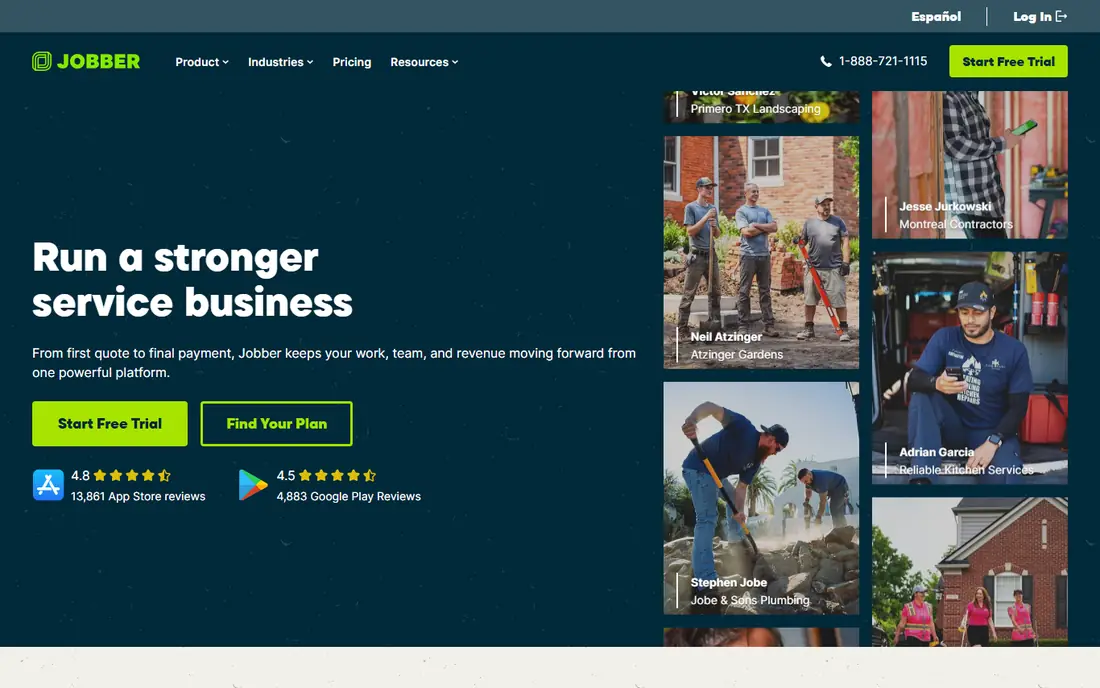
Jobber fits yard firms that want job and revenue reporting. Jobber gives yard firms a clear view of jobs, schedules, and invoices, with reports that help owners spot which jobs pay best. The starting price is shown on the vendor website, and there is no free plan. Higher reporting features sit in higher tiers, so check which reports your plan actually includes.
What stood out in our comparison was job tracking and reporting. The honest catch is price rises with users. Support and setup matter here too, so check help pages and onboarding before you commit to a paid plan.
If yard firms that want job and revenue reporting is your main need, Jobber deserves a close look, but check reporting depth varies by plan before you commit. We also weighed how clearly Jobber explains its pricing and privacy terms, since vague terms often hide extra costs. Our pick for most readers in this group is the option that balances price, coverage, and ease of use.
- Job tracking and reporting
- Scheduling
- Invoicing
- Price rises with users
- Reporting depth varies by plan
Housecall Pro
Ideal for: field service firms that want reporting plus dispatch
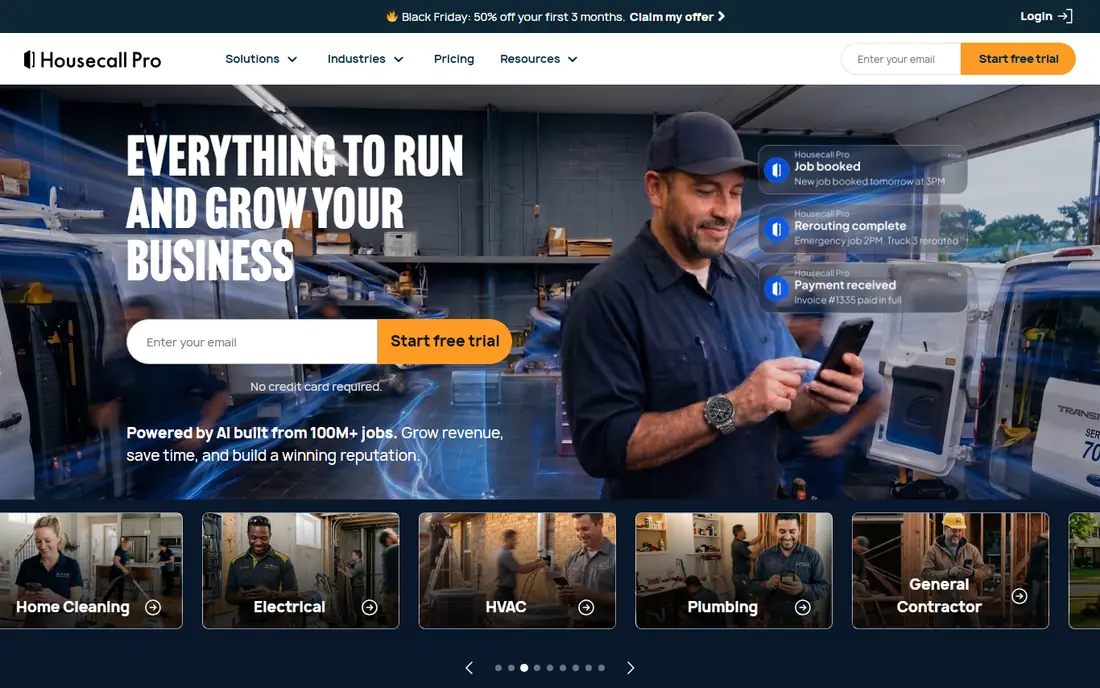
Housecall Pro fits field service firms that want reporting plus dispatch. Housecall Pro combines dispatch, reporting, and invoicing, which suits firms juggling many jobs and crews each day. The starting price is shown on the vendor website, and there is no free plan. Setup and per user pricing mean small firms should trial it with one crew before rolling it out widely.
What stood out in our comparison was dispatch and reporting. The honest catch is pricing per user. Integration with tools you already use can matter as much as the headline feature, so confirm that link early.
If field service firms that want reporting plus dispatch is your main need, Housecall Pro deserves a close look, but check setup takes time before you commit. We also weighed how clearly Housecall Pro explains its pricing and privacy terms, since vague terms often hide extra costs. We would shortlist this one beside the category leader and compare them on a real trial.
- Dispatch and reporting
- Invoicing
- Customer notifications
- Pricing per user
- Setup takes time
ServiceTitan
Ideal for: larger field service firms with deep reporting needs

ServiceTitan fits larger field service firms with deep reporting needs. ServiceTitan offers the deepest reporting in this list, with analytics that larger firms use to manage crews and margins. The starting price is shown on the vendor website, and there is no free plan. Its cost and setup are heavier than simpler apps, so it fits established firms rather than a one crew startup.
What stood out in our comparison was deep reporting and analytics. The honest catch is price and setup suit larger firms. Privacy terms deserve a read as well, especially where personal or payment data is involved.
If larger field service firms with deep reporting needs is your main need, ServiceTitan deserves a close look, but check learning curve before you commit. We also weighed how clearly ServiceTitan explains its pricing and privacy terms, since vague terms often hide extra costs. This is a solid second choice when the leading option does not cover your area or budget.
- Deep reporting and analytics
- Dispatch
- CRM tools
- Price and setup suit larger firms
- Learning curve
FieldEdge
Ideal for: field service firms that want job reporting and dispatch
FieldEdge fits field service firms that want job reporting and dispatch. FieldEdge covers dispatch, job tracking, and reporting for field service teams, including yard and outdoor crews. The starting price is shown on the vendor website, and there is no free plan. Quote based pricing makes comparison harder, so ask for a written quote covering your crew size and modules.
What stood out in our comparison was dispatch. The honest catch is quote based pricing. Trial periods and free tiers are worth using first, since a short test often reveals more than a feature list.
If field service firms that want job reporting and dispatch is your main need, FieldEdge deserves a close look, but check interface varies by module before you commit. We also weighed how clearly FieldEdge explains its pricing and privacy terms, since vague terms often hide extra costs. It earns a place here on the strength of its core feature, even though it is not the best all rounder.
- Dispatch
- Job reporting
- Invoicing
- Quote based pricing
- Interface varies by module
GorillaDesk
Ideal for: smaller yard firms that want simple reporting
GorillaDesk fits smaller yard firms that want simple reporting. GorillaDesk is a simpler, more affordable option for smaller yard firms that need core job reporting without enterprise complexity. The starting price is shown on the vendor website, and there is no free plan. Larger firms may miss deeper analytics and integrations, so check reporting depth before switching.
What stood out in our comparison was job scheduling. The honest catch is smaller feature set than enterprise rivals. Long term cost matters as much as the starting price, so check what happens when you add users or usage.
If smaller yard firms that want simple reporting is your main need, GorillaDesk deserves a close look, but check integrations limited before you commit. We also weighed how clearly GorillaDesk explains its pricing and privacy terms, since vague terms often hide extra costs. We kept it in the list because it serves a specific need better than more general rivals.
- Job scheduling
- Reporting
- Invoicing
- Smaller feature set than enterprise rivals
- Integrations limited
WorkWave
Ideal for: yard and field firms that want routing plus reporting
WorkWave fits yard and field firms that want routing plus reporting. WorkWave pairs routing with reporting, which helps yard firms that spend a lot of time travelling between jobs. The starting price is shown on the vendor website, and there is no free plan. Because pricing is quote based and modules vary, confirm exactly which reporting tools are included in your quote.
What stood out in our comparison was routing and scheduling. The honest catch is pricing is quote based. Customer reviews can highlight recurring problems, so look for patterns rather than single complaints.
If yard and field firms that want routing plus reporting is your main need, WorkWave deserves a close look, but check modules vary before you commit. We also weighed how clearly WorkWave explains its pricing and privacy terms, since vague terms often hide extra costs. It is worth a trial if its main strength matches the problem you are trying to solve.
- Routing and scheduling
- Reporting
- Mobile app
- Pricing is quote based
- Modules vary
Service Autopilot
Ideal for: yard firms that want automation and reporting
Service Autopilot fits yard firms that want automation and reporting. Service Autopilot suits yard firms that want automated scheduling, billing, and reporting in one system. The starting price is shown on the vendor website, and there is no free plan. Its learning curve is real, so plan training time for office staff and crew leaders.
What stood out in our comparison was automation. The honest catch is learning curve. Ease of use for everyone on your team counts, since a tool only one person understands will not stick.
If yard firms that want automation and reporting is your main need, Service Autopilot deserves a close look, but check price suits established firms before you commit. We also weighed how clearly Service Autopilot explains its pricing and privacy terms, since vague terms often hide extra costs. We would test it for a week on a real task before moving a whole team or household to it.
- Automation
- Job reporting
- Billing
- Learning curve
- Price suits established firms
LMN
Ideal for: yard firms that want job costing and budgeting reports
LMN fits yard firms that want job costing and budgeting reports. LMN stands out for job costing and budgeting, helping yard firms price jobs and track whether estimates hold up. The starting price is shown on the vendor website, and there is no free plan. It is less of a general dispatch suite, so firms that need full scheduling may pair it with another tool.
What stood out in our comparison was job costing. The honest catch is focus is narrower than full field service suites. Check update frequency and support responsiveness, because neglected apps fall behind quickly.
If yard firms that want job costing and budgeting reports is your main need, LMN deserves a close look, but check setup takes time before you commit. We also weighed how clearly LMN explains its pricing and privacy terms, since vague terms often hide extra costs. It stands out for value rather than breadth, which suits buyers with a clear single need.
- Job costing
- Budgeting
- Estimating tools
- Focus is narrower than full field service suites
- Setup takes time
How we picked these
We started from the topic itself and shortlisted products that genuinely fit it, rather than adding well known names that only partly match. For each candidate we checked its official feature pages and pricing, looked at its app-store listing where one exists, and read its privacy terms and public reviews for recurring problems. Products that were discontinued, region locked for the stated market, or impossible to verify were left out. We then ranked the list by fit for the stated need, breadth of coverage, clarity of pricing, and ease of use for ordinary readers. No product paid for a place on this list, and our pick for most people is the one that balances those factors best, not the one with the longest feature list.
What to check in reporting software for yard work
Use the points below as a checklist before you sign up, since the right choice depends on your budget, your device, and how often you will actually use the service.
Look for job level reports that show time, materials, and revenue together, not just a total hours figure.
Check whether reports can be shared with clients or exported for your accountant without manual reformatting.
Test reporting on a phone, since crew leaders often need job updates at the site rather than back at the office.
Frequently asked questions
What is the best option for best reporting apps for yard businesses?
For most readers, Jobber is a strong starting point because it covers yard firms that want job and revenue reporting well and its pricing is clear. That said, the best choice depends on your budget, your location, and how often you will use it. Shortlist two or three options from this list and test them before you commit.
Are there free options for best reporting apps for yard businesses?
Yes, several options in this list offer a free plan or a free tier, including Jobber where a free plan is listed. Free plans usually limit features, storage, or usage, so check those limits against your needs. If you use the service daily, a paid plan often works out better than juggling free limits.
How much do these options cost?
Costs vary widely, and several vendors list pricing only on their own websites, so we mark those as See website in the comparison table. Compare the total monthly cost, including extra users, add ons, and transaction fees, rather than the headline price alone. A free trial is a good way to test value before paying.
How do I choose between the top options?
Start with the problem you need to solve, then check coverage for your area, device support, and pricing. Read the privacy terms if the service handles personal data, and look for recent public reviews that mention support quality. A short trial on a real task usually makes the choice clear.
Can I switch later if I pick the wrong one?
In most cases yes, though switching takes more effort when you have stored data, scheduled items, or a team using the service. Export your data before you cancel, and check whether the new service can import it. Keep your old account active until the new setup is working smoothly.