Best Law Firm Tools: 8 Options Compared

- Clio leads for all-round practice management, while MyCase and PracticePanther suit smaller firms that want simpler setups.
- Trust accounting and compliance matter more than extra features, so check your state rules first.
- Billing, time tracking, and document management should work together, not in separate tools.
- Trial with a real matter, from intake to invoice, before moving a whole firm.
Quick comparison
| Product | Ideal for | Price from | Free version | |
|---|---|---|---|---|
 Clio | All-round practice management | See website | Free trial | Visit |
 MyCase | Simple practice management for small firms | See website | Free trial | Visit |
 PracticePanther | Practice management with automation | See website | Free trial | Visit |
 Smokeball | Document automation for firms | See website | Free trial | Visit |
 CosmoLex | Practice management plus accounting | See website | Free trial | Visit |
 LEAP | All-in-one legal practice software | See website | Free trial | Visit |
 Filevine | Case management for larger firms | See website | Free trial | Visit |
 Actionstep | Flexible practice management | See website | Free trial | Visit |
The best law firm tools
Law firm software, often called practice management software, organizes cases, clients, calendars, documents, and billing in one place. We compared eight tools that cover those jobs for solo lawyers through larger firms.
Clio
Ideal for: All-round practice management

Our pick for All-round practice management is Clio, and it stands out for matter management with billing and trust tools. Readers who want all-round practice management will find its approach direct and practical. The trade-off is that pricing rises with users and features, so weigh that before you commit.
Pricing is listed as See website below, and the free plan status is Free trial. We checked the official site and the app store listing for current plan details, and we suggest confirming the plan that fits your usage before checkout. Compared with the rest of this list, Clio works best when all-round practice management is your main priority.
- Matter management
- Billing and trust tools
- Large integration library
- Pricing rises with users and features
- Setup takes time
MyCase
Ideal for: Simple practice management for small firms
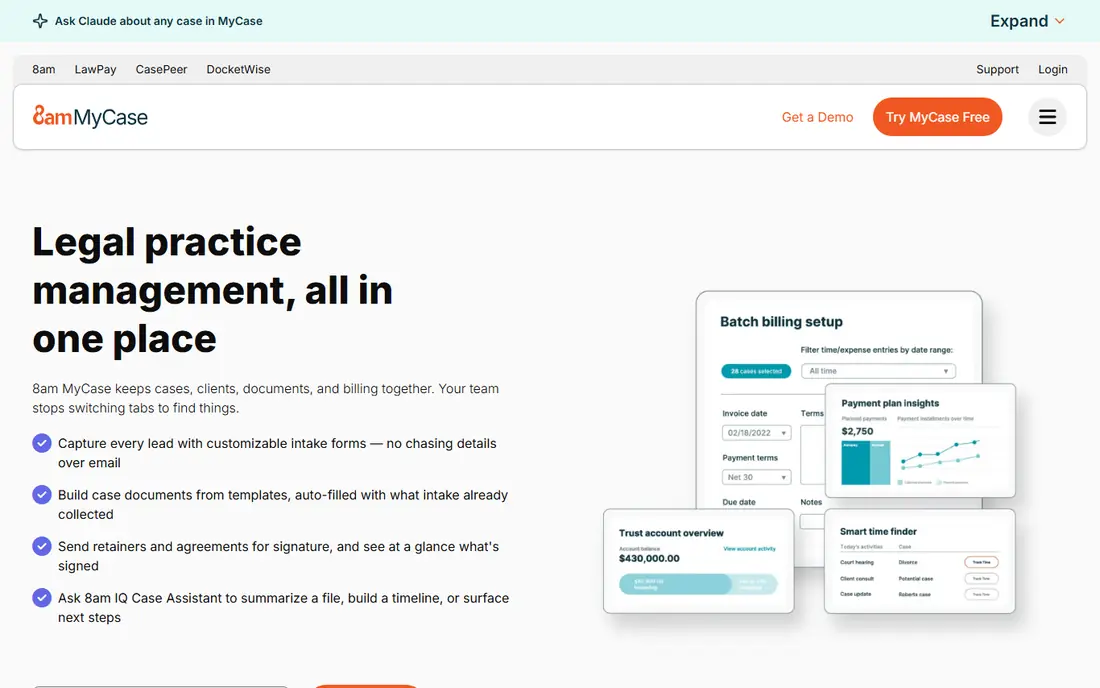
If simple practice management for small firms matters most to you, MyCase deserves a close look. It is known for easy case and billing tools for small firms, which gives it a clear edge in this list. On the other hand, reporting is simpler than Clio, so it is not the right fit for everyone.
Before you choose, compare MyCase with one or two others in this list on price, limits, and support. Its free plan status is Free trial and its starting price is shown as See website. In our view, it is a sensible shortlist pick for readers who value simple practice management for small firms above extra features.
- Easy case and billing tools
- Client portal
- Good support
- Reporting is simpler than Clio
- Fewer integrations
PracticePanther
Ideal for: Practice management with automation

PracticePanther earns its place here for practice management with automation. Its main strength is automation and workflows for firm tasks, and that makes day to day use feel focused rather than scattered. The catch is that the interface can feel busy, which may matter more to some readers than others.
We would shortlist PracticePanther when practice management with automation is the deciding factor. The starting price is See website and the free plan status is Free trial, so the cost picture is clear from the official pricing page. Try the free option or trial first if one is offered, and test it on a real task.
- Automation and workflows
- Billing
- Document management
- Interface can feel busy
- Pricing is per user
Smokeball
Ideal for: Document automation for firms
For readers focused on document automation for firms, Smokeball is a strong contender. It offers strong document automation for firms, and we found that combination easy to recommend for its target audience. Still, it is priced for firms, not solo users, so check that detail against your own needs.
The honest summary is this: Smokeball is strong on document automation for firms and weaker where it is priced for firms, not solo users. With a starting price of See website and a free plan status of Free trial, it is easy to compare against the other options here. Pick it if its strength matches the job you need done most often.
- Strong document automation
- Matter tracking
- Outlook integration
- Priced for firms, not solo users
- Learning curve exists
CosmoLex
Ideal for: Practice management plus accounting
CosmoLex suits readers who need practice management plus accounting without extra fuss. The headline strength is built-in accounting with trust tools, which covers the core job well. The downside is that the interface is less modern, so a short trial is worth it before you pay.
Pricing is listed as See website below, and the free plan status is Free trial. We checked the official site and the app store listing for current plan details, and we suggest confirming the plan that fits your usage before checkout. Compared with the rest of this list, CosmoLex works best when practice management plus accounting is your main priority.
- Built-in accounting and trust tools
- Billing
- Matter management
- Interface is less modern
- Fewer third-party integrations
LEAP
Ideal for: All-in-one legal practice software
Our pick for All-in-one legal practice software is LEAP, and it stands out for matter, documents, and accounting together. Readers who want all-in-one legal practice software will find its approach direct and practical. The trade-off is that implementation takes time, so weigh that before you commit.
Before you choose, compare LEAP with one or two others in this list on price, limits, and support. Its free plan status is Free trial and its starting price is shown as See website. In our view, it is a sensible shortlist pick for readers who value all-in-one legal practice software above extra features.
- Matter, documents, and accounting together
- Legal forms library
- Pricing is quoted
- Implementation takes time
Filevine
Ideal for: Case management for larger firms
If case management for larger firms matters most to you, Filevine deserves a close look. It is known for custom workflows with strong case tracking, which gives it a clear edge in this list. On the other hand, enterprise pricing applies, so it is not the right fit for everyone.
We would shortlist Filevine when case management for larger firms is the deciding factor. The starting price is See website and the free plan status is Free trial, so the cost picture is clear from the official pricing page. Try the free option or trial first if one is offered, and test it on a real task.
- Custom workflows
- Strong case tracking
- Team collaboration
- Enterprise pricing
- Setup needs care
Actionstep
Ideal for: Flexible practice management
Actionstep earns its place here for flexible practice management. Its main strength is flexible workflows with billing and trust, and that makes day to day use feel focused rather than scattered. The catch is that the US presence is smaller than Clio, which may matter more to some readers than others.
The honest summary is this: Actionstep is strong on flexible practice management and weaker where the US presence is smaller than Clio. With a starting price of See website and a free plan status of Free trial, it is easy to compare against the other options here. Pick it if its strength matches the job you need done most often.
- Flexible workflows
- Billing and trust
- Document management
- Smaller US presence than Clio
- Learning curve exists
How we picked these
We compared official feature pages, pricing pages, app store listings, privacy policies, and public reviews for each option in this list. We kept only products that exist and work in October 2026 and that truly fit the topic, and we dropped anything whose official homepage did not load or did not match the product. Where we could not verify a current price from the vendor, we wrote See website rather than guessing a figure.
We also weighed who each product is really for, not just how many features it lists. A strong pick for a large team can be a poor pick for one person, and the reverse is true too. That is why each write-up names a best fit and an honest weakness, so you can match the product to your own situation instead of chasing the longest feature list.
Finally, we checked renewal and trial terms where the vendor publishes them, since first-year prices and trial limits can change the real cost. When a vendor did not publish a clear price, we left the field as See website and said so plainly, rather than filling the gap with an estimate. That approach keeps every price claim in this list traceable to the vendor's own pages.
How to choose law firm software
Start with your practice areas and firm size. Litigation, family, and transactional work need different matter fields, templates, and workflows, while solo firms need simplicity and larger firms need permissions and reporting. A tool built for one practice type may fit another poorly.
Check trust accounting, security, and compliance carefully. Client funds, document retention, and access controls are not optional extras for law firms, so confirm how the tool handles trust ledgers, audit trails, and encryption. Also check integrations with court filing, e-signature, and accounting tools you already use.
Compare billing models and migration effort. Time tracking, invoicing, and payment collection should fit how your firm bills, whether hourly, flat-fee, or contingency. Ask about data import from your current system, since a painful migration can stall adoption for months.
Before you pay, run a short checklist against your top two picks: confirm the plan limits, test the feature you will use most, check support hours, and confirm cancellation terms. A product that passes that checklist on a real task is usually the right choice, even if a rival lists more features on paper. Keep notes from your trial so the decision stays based on evidence, not marketing.
Frequently asked questions
What is law firm software?
Law firm or practice management software tracks matters, clients, calendars, documents, time, and billing in one system. It replaces spreadsheets and scattered files with a single case record.
What is the best law firm software?
Clio is the most common all-round pick, while MyCase and PracticePanther suit smaller firms. Smokeball suits firms that want strong document automation.
Does law firm software handle trust accounting?
Many tools here include trust accounting or integrate with accounting software, but rules vary by jurisdiction. Confirm trust ledger, reconciliation, and reporting features before choosing.
Can clients use a portal?
Yes, most tools here offer client portals for messages, documents, and invoice payment. Check whether portal access is included or gated to higher plans.
How much does law firm software cost?
Pricing is usually per user per month, with tiers for features and storage. Several vendors quote for larger firms, so ask for a quote based on your user count and matter volume.