Which Lead Routing Software Fits You? 8 Tools Compared

- 1
 DistributelyHubSpot teams that outgrew workflow-based routingVisit
- 2
 LeadAngelTeams routing across Salesforce, HubSpot, or Dynamics 365Visit
- 3
 Chili PiperInbound teams measured on booked meetingsVisit
- 4
 DefaultGrowth-stage teams that want routing, enrichment, and scheduling in one systemVisit
- 5
 RevenueHeroInbound teams that want routing and scheduling without enterprise pricingVisit
- Distributely sits first on this list: HubSpot teams that outgrew workflow-based routing.
- A fair warning about Default: newer vendor with a smaller install base.
- For the cheapest start, look at Distributely: $20/user/month.
- Warmly stands alone as the one tool in this list with a free plan.
- For Salesforce teams that require data cleanup bundled with routing, Traction Complete is worth a look.
Direct answer
This list puts Distributely first for HubSpot teams that outgrew workflow-based routing. LeadAngel fits teams routing across Salesforce, HubSpot, or Dynamics 365; Chili Piper fits inbound teams measured on booked meetings. All 8 tools are compared below on price, free plan and limits.
Quick comparison
| Product | Ideal for | Price from | Free version | |
|---|---|---|---|---|
| Distributely | HubSpot teams that outgrew workflow-based routing | $20/user/month (billed yearly) | No | Visit |
| LeadAngel | Teams routing across Salesforce, HubSpot, or Dynamics 365 | $500/month (Professional, billed yearly) | Free trial | Visit |
| Chili Piper | Inbound teams measured on booked meetings | $1,250/month (Routing & Scheduling) | No | Visit |
| Default | Growth-stage teams that want routing, enrichment, and scheduling in one system | $1,250/month (Growth) | No | Visit |
| RevenueHero | Inbound teams that want routing and scheduling without enterprise pricing | $25/user/month (Inbound Essentials, plus $79/month platform fee) | Free trial | Visit |
 Warmly | Website-driven teams that route on intent signals | $700/month (Startup, billed yearly) | Yes | Visit |
 LeanData | Enterprise Salesforce shops with complicated routing rules | See website | No | Visit |
 Traction Complete | Salesforce teams that require data cleanup bundled with routing | See website | No | Visit |
Every option for lead routing software explained
Ainotely put together this guide to lead routing software for readers who want a clear shortlist without reading every vendor page. It compares 8 tools on starting price, free plans, who each one suits and where each one falls short.
Distributely
Ideal for: HubSpot teams that outgrew workflow-based routing
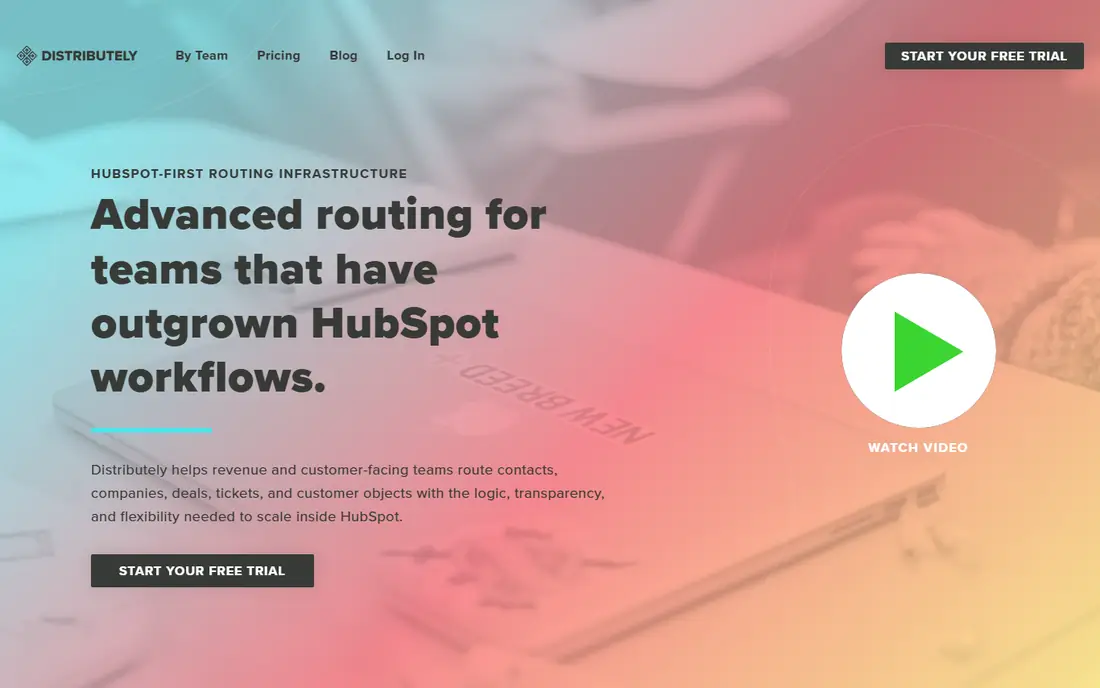
Where Distributely fits: HubSpot teams that outgrew workflow-based routing. Distributely is the answer for the HubSpot shop that has hit the ceiling of workflow-based assignment.
Watch-outs: No meeting-booking widget included.
Pricing is refreshingly straightforward: $25 per user monthly or $20 per user annually, with unlimited routing rules. It does not try to be a scheduling tool, so pair it with a calendar product if you want form-to-meeting flows. What you pay to start with Distributely: $20/user/month. No free plan comes with Distributely.
- Designed for HubSpot objects
- Published pricing with an annual discount
- Younger vendor than the Salesforce incumbents
LeadAngel
Ideal for: Teams routing across Salesforce, HubSpot, or Dynamics 365
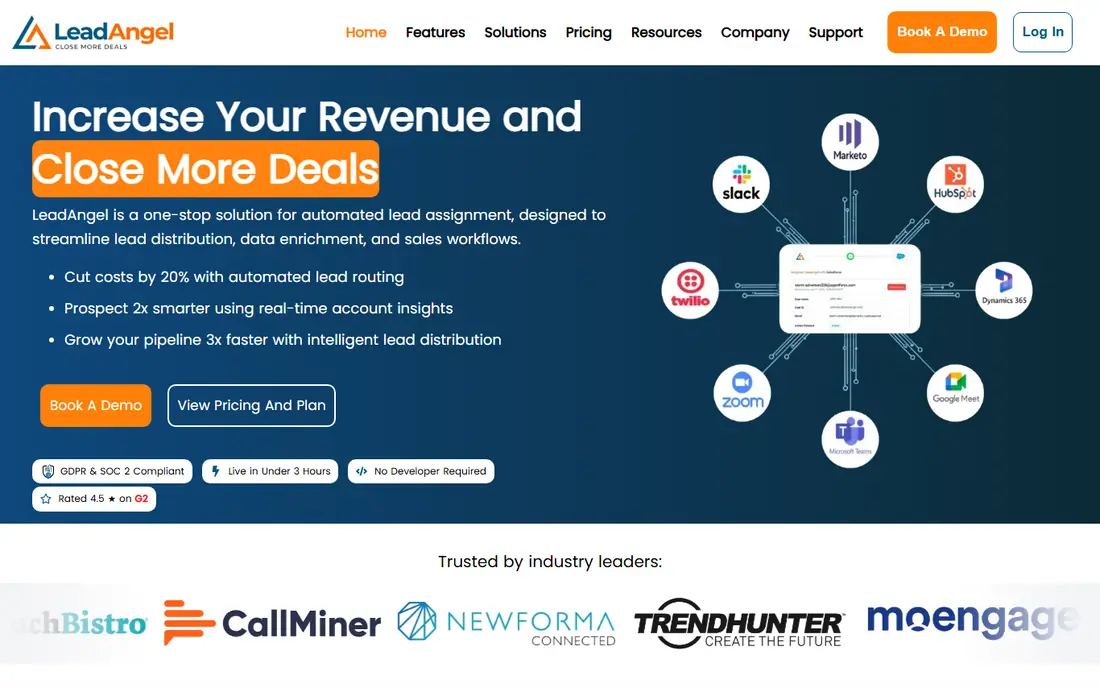
LeadAngel is built with teams routing across Salesforce, HubSpot, or Dynamics 365 in mind. The Professional plan at $500 a month comes with two-way lead-to-account matching and routing for up to 10 salespeople, and the vendor claims 99.7 percent matching accuracy.
On cost, LeadAngel starts like this: $500/month. Trial and free access: Free trial.
Drawbacks to consider: One-time setup fee applies.
- One router across several CRMs
- Capable lead-to-account matching accuracy
- Key features like dedupe cost additional
Chili Piper
Ideal for: Inbound teams measured on booked meetings
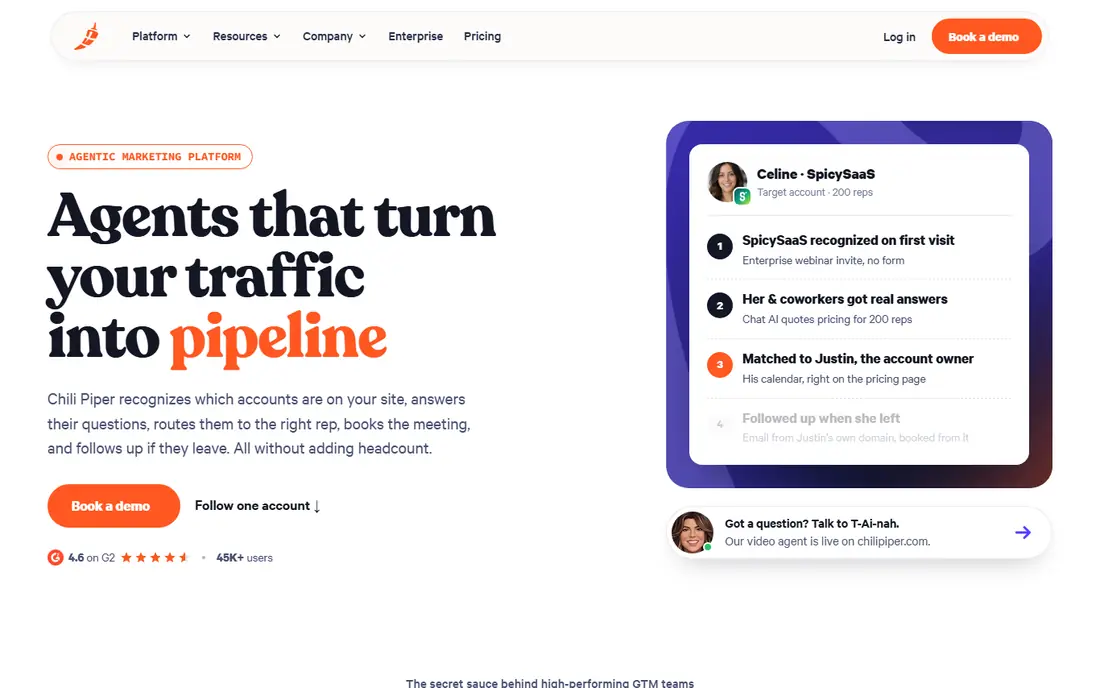
Chili Piper targets inbound teams measured on booked meetings. Nothing sits in a queue waiting for a SDR to review it.
Points against: Pricing assumes an inbound-heavy motion.
Also, the routing level opens at $1,250 a month, and adding products like chat or live concierge pushes totals much higher. Teams with straightforward round-robin needs will pay for sophistication they never use. Entry price for Chili Piper: $1,250/month. Chili Piper does not include a free plan.
- Capable Salesforce and HubSpot routing
- Re-engagement automation for dropped leads
- Product fees stack on top of seats
Default
Ideal for: Growth-stage teams that want routing, enrichment, and scheduling in one system
Default is designed for growth-stage teams that want routing, enrichment, and scheduling in one product. Its answer is one workflow layer where forms, enrichment waterfalls, routing rules, and scheduling live together, with audit logs on every run.
Reasons to shortlist it: Visual builder a RevOps generalist can edit.
Territories can be written in plain text and AI applies enrichment data behind them. Pricing begins at $1,250 a month for the Growth plan, plus $45 per user per month for routing seats and metered enrichment credits. Price to start with Default: $1,250/month. Default has no permanent free option.
The main drawbacks: Pricing meters enrichment credits and seats.
- Routing, enrichment, scheduling
- Workflows in one place
- Onboarding needs a demo call
RevenueHero
Ideal for: Inbound teams that want routing and scheduling without enterprise pricing
For inbound teams that want routing and scheduling without enterprise pricing, RevenueHero is a natural candidate. The trade-off is depth: matching and qualification logic do not match the enterprise engines.
In practice, RevenueHero does the core Chili Piper motion, qualify, route, and book, at a fraction of the price. A nice touch: it reads each rule back to you in plain English, so misconfigured routing is simpler to catch. On cost, RevenueHero starts like this: $25/user/month. On free options: Free trial.
Points against: Product fee brings up for tiny teams.
- Published per-user pricing
- Qualifications and routing happen at form submission
- Younger company with fewer enterprise references
Warmly
Ideal for: Website-driven teams that route on intent signals
Warmly is built with website-driven teams that route on intent signals in mind. Warmly spots who is on your website, scores them against your ICP, and uses AI chat and orchestrated outreach to engage them before routing warm accounts to reps.
Honest limits: premium plans start at $700 a month billed yearly.
Beyond that, the free forever plan, up to 500 identified visitors per month with basic routing, is a genuine way to test the concept. Starting cost for Warmly: $700/month. Warmly has a free plan.
- AI chat qualifies before routing
- De-anonymizes website visitors to person level
- Cost scales with visitor volume
LeanData
Ideal for: Enterprise Salesforce shops with complicated routing rules
LeanData is aimed squarely at enterprise Salesforce shops with complicated routing rules. Where Chili Piper optimizes the top of the funnel, LeanData optimizes everything underneath it. Also, LeanData only works with Salesforce, setup usually needs a dedicated admin or consultant, and packages are quoted, not listed.
The main drawbacks: Implementation is a real project.
The audit logs show exactly why each record went where, which matters for compliance and for settling ownership disputes between reps. That depth includes strings. This comparison lists no price for LeanData; ask the vendor. LeanData has no permanent free option.
- Best-in-class lead-to-account matching
- Takes care of multi-object and multi-segment routing
- Salesforce only
Traction Complete
Ideal for: Salesforce teams that require data cleanup bundled with routing
For Salesforce teams that require data cleanup bundled with routing, Traction Complete is a natural candidate. Traction Complete opens from a different premise than most tools here: routing only works when the underlying data is trustworthy.
If your CRM is a mess and routing is one of multiple symptoms, the bundle makes sense. No starting price is listed for Traction Complete here; confirm pricing on the vendor site. There is no free plan with Traction Complete.
Where it falls short: You pay for a suite even if you only need routing.
- Routing in one native suite
- Account hierarchies
- Pricing is unpublished and contracts run large
How these tools were picked
Pricing pages, product documentation and feature lists were the main sources, and every entry carries at least one honest drawback. Seat minimums, billing terms and add-ons can move the real cost, so the starting prices here are a guide and not a quote. The order reflects how well each tool fits the most common buying scenario for lead routing software, then price clarity, then free plan access. It is a starting point, not a verdict.
Before you commit
- Get a written quote from LeanData and Traction Complete; the list shows no starting price for them.
- Test the free plan from Warmly against your real workload before relying on it.
- Take the trial from LeadAngel and RevenueHero and push a live task through it before you pay.
- Read the limits listed for Distributely first: HubSpot only.
- Confirm the exact LeadAngel plan that includes your must-have features.
- Price LeanData for your actual team size; headline prices rarely include add-ons or overage.
Frequently asked questions
How quick should new leads be routed?
Within minutes, not hours. Industry research consistently displays conversion drops sharply after the first five to ten minutes, which is why instant routing and instant booking exist.
Which options for lead routing software have a free plan?
Warmly is the only tool in this list with a free plan. Free plans usually cap users, projects or features, so check the limits on the vendor page. Several others offer a trial instead.
How are the tools for lead routing software ordered?
Distributely sits first and Traction Complete last because the order follows typical fit for lead routing software, then price clarity and free access. It is a judgement call, so read each profile for fit and limits.
What is the difference between round-robin and territory routing?
Round-robin distributes leads evenly or by weight across reps, which is fair but ignores fit. Most teams combine both: territory first, round-robin within the territory.
Do these tools publish their prices?
Not all of them. LeanData and Traction Complete publish no starting price, so expect a quote request for those. The rest, Distributely included, show a starting price, though seats and billing terms still change the final cost.
Do I still need this if Salesforce has assignment rules?
They struggle with lead-to-account matching, capacity limits, SLA reassignment, and audit trails. Teams normally outgrow them when routing logic changes monthly or when misrouted leads become a visible revenue problem.