Lead Tracking Software Compared: 7 Tools, Prices and Limits

- 1
 CopperGoogle Workspace teamsVisit
- 2
 CloseHigh-volume inside salesVisit
- 3
 HubSpotFree CRM that grows with youVisit
- 4
 Less Annoying CRMSimplicity-first small companiesVisit
- 5
 SalesforceLarge or complicated sales orgsVisit
- Top of the list is Copper, which targets Google Workspace teams.
- Check the limits for HubSpot before you commit: per-seat costs jump quick from Starter to Professional.
- Pipedrive is the one to check for pipeline-first sales teams.
- Copper is the lowest-priced starter here at $9/seat/month.
- Free plans exist at 2 of 7 tools (HubSpot, Freshsales).
Direct answer
For Google Workspace teams, Copper is where this list starts. Close is the stronger choice for high-volume inside sales, while HubSpot suits free CRM that grows with you. Details, prices and limits for the rest of the 7 tools are below.
Quick comparison
| Product | Ideal for | Price from | Free version | |
|---|---|---|---|---|
| Copper | Google Workspace teams | $9/seat/month (Starter, billed yearly) | Free trial (14 days) | Visit |
| Close | High-volume inside sales | $9/user/month (Solo, billed annually) | Free trial (14 days) | Visit |
| HubSpot | Free CRM that grows with you | $9/seat/month (Sales Hub Starter, billed yearly) | Yes | Visit |
| Less Annoying CRM | Simplicity-first small companies | $15/user/month (single plan, no tiers) | Free trial (30 days) | Visit |
| Salesforce | Large or complicated sales orgs | $25/user/month (Starter Suite, billed annually) | Free trial | Visit |
 Freshsales | Low-cost AI-assisted selling | $9/user/month (Growth, billed yearly) | Yes | Visit |
 Pipedrive | Pipeline-first sales teams | $14/seat/month (Lite, billed annually) | Free trial (14 days) | Visit |
The 7 tools in detail
Ainotely compared 7 tools for lead tracking software. The goal is a practical shortlist: published prices, free plan facts, best-fit use cases and honest limits for every entry.
Copper
Ideal for: Google Workspace teams
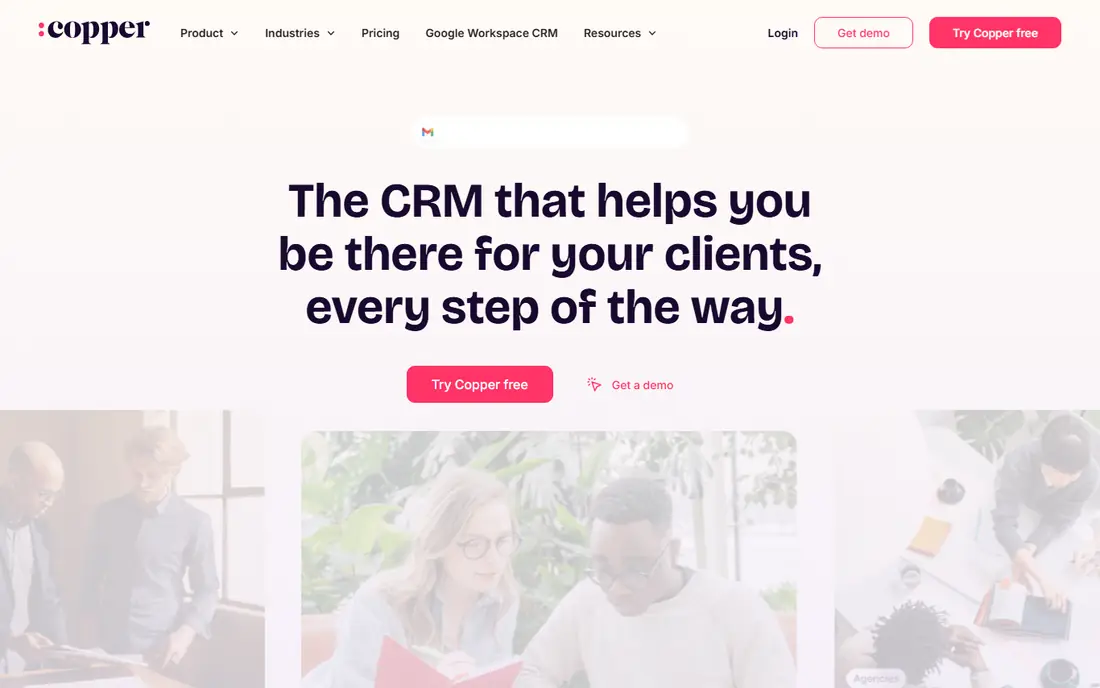
Copper makes the most sense for Google Workspace teams. If your company lives in Gmail, Google Calendar, and Drive, Copper is the CRM that feels like it was designed for you. It is the only major CRM Google officially suggests for Workspace users.
Points against: No free plan.
Emails, calendar events, and Drive files flow into contact records automatically, and the Chrome extension lets reps work pipelines without leaving the inbox. From a buyer's view, professional at $59 is where workflow automation and unlimited custom reports become available, and that is the plan most expanding teams end up on. The 14-day trial needs no credit card. Starter at $9 per seat a month deals with entry-level contact tracking. On cost, Copper starts like this: $9/seat/month. Free plan details: Free trial (14 days).
- Native Google Workspace integration
- Recommended by Google
- Workflow automation only from Professional ($59/seat/month)
Close
Ideal for: High-volume inside sales
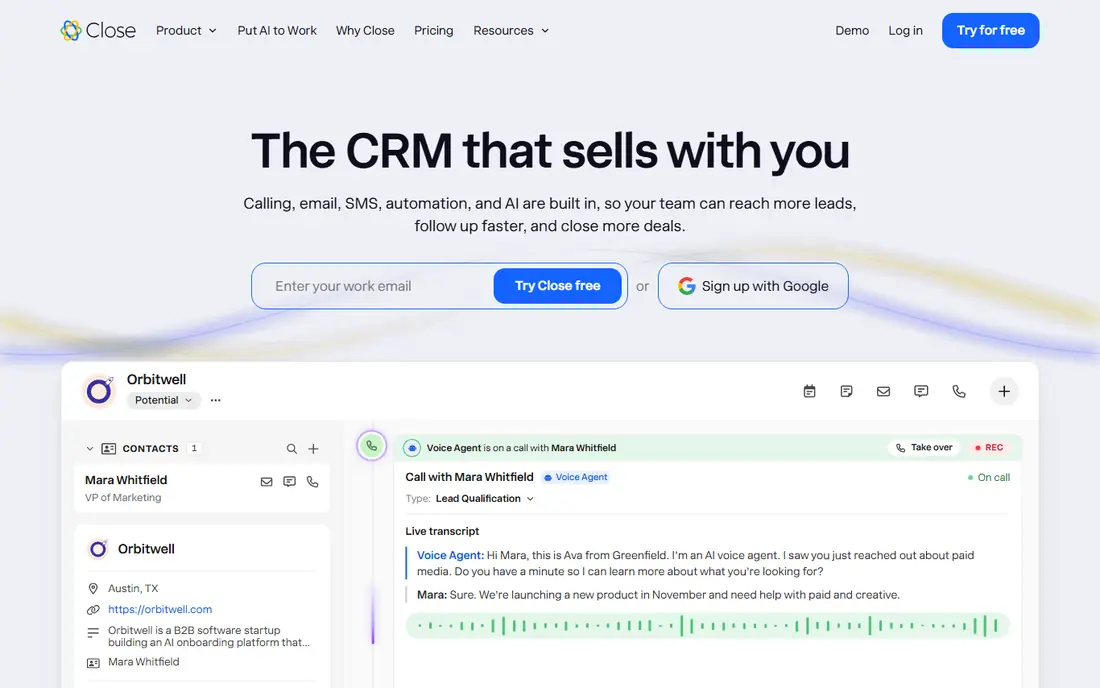
Close targets high-volume inside sales. Close is for teams that sell by phone. Reps can work through a call list without switching tools, and managers get live call coaching on the Scale plan.
Honest limits: Per-seat pricing gets pricey past 3-4 users.
Calling and SMS usage sits outside the seat price, so budget a usage envelope on top. In daily use, solo at $9 per user a month (annual) fits a single founder doing outbound. Entry price for Close: $9/user/month. Free access: Free trial (14 days). Where it shines: Quick setup with free migration from other CRMs.
- Built-in calling, email
- SMS in one inbox
- Calling and SMS usage billed separately
HubSpot
Ideal for: Free CRM that grows with you
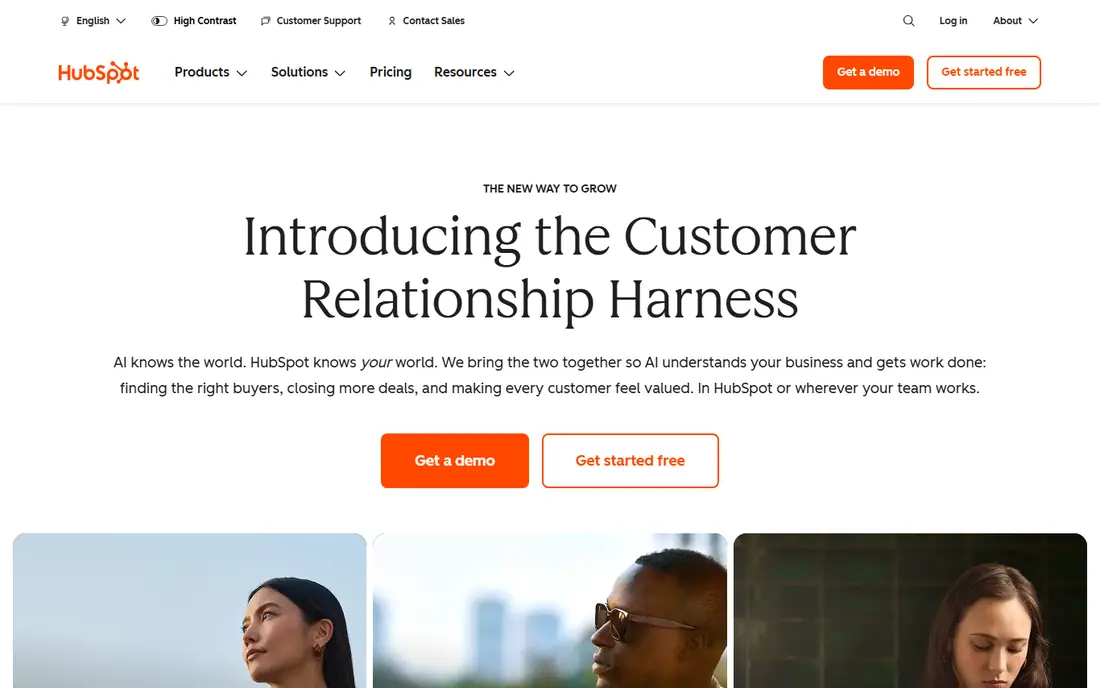
HubSpot is a good fit for free CRM that grows with you. The free CRM hands you contact management, a deal pipeline, email tracking, and meeting scheduling for up to two users, with no time limit. Beyond that, for a founder doing their own follow-up, that is enough to run a real pipeline at no cost.
Reasons to shortlist it: service hubs.
What to check first: Onboarding fees apply on Professional and Enterprise. The premium ladder is where you have to pay attention. Professional jumps to $90 per seat a month annually, plus a mandatory $1,500 one-time onboarding fee. That is a big step, and it is where forecasting, custom reports, and advanced automation live. The starting price for HubSpot: $9/seat/month. HubSpot includes a free tier.
- Not a demo
- Shared database across marketing, sales
- Per-seat costs jump quick from Starter to Professional
Less Annoying CRM
Ideal for: Simplicity-first small companies
Less Annoying CRM makes the most sense for simplicity-first small companies. It is made for the thousands of consultants, agents, and small business owners who have outgrown spreadsheets but want nothing to do with enterprise CRM complexity. What you get is a clean contact list, a calendar that syncs with Google and Outlook, straightforward pipelines.
A daily agenda email so follow-ups never slip. What you do not get is automation: no drip campaigns, no lead scoring, no workflow builder. You cannot send emails from inside the interface. From a buyer's view, if straightforward and predictable beats capable and complicated, this is your pick. On top of that, the 30-day trial needs no credit card, which is longer than most competitors offer. Entry price for Less Annoying CRM: $15/user/month. As for free access: Free trial (30 days).
Downsides: Cannot send emails from inside the CRM.
- Human US-based phone and email support
- One flat price with every feature included
- No marketing automation or advanced workflows
Salesforce
Ideal for: Large or complicated sales orgs
Pick Salesforce if this describes you: large or complicated sales orgs. Salesforce is the CRM everything else gets measured against. Extras for sales engagement, advanced AI, and integrations stack up, and getting full value from the product frequently means hiring an admin or a consultant.
Drawbacks to consider: Frequently needs an admin or consultant to run well.
Also, starter Suite at $25 per user a month includes entry-level CRM for up to 10 users: leads, contacts, accounts, opportunities, and email integration. It is a fair entry point, but be honest about where you are headed. Beyond that, for a company with complicated sales processes, several territories, and a decade of growth ahead, nothing else matches it. Salesforce pricing: $25/user/month. Free access: Free trial.
- AppExchange marketplace with thousands of integrations
- Deepest customization and reporting in the category
- Realistic costs for expanding teams start at Pro Suite ($100/user/month)
Freshsales
Ideal for: Low-cost AI-assisted selling
Freshsales is a good fit for low-cost AI-assisted selling. The Growth plan at $9 per user a month on annual billing contains contact management, kanban pipelines, built-in email, chat and phone, and entry-level workflows, plus Freddy AI lead scoring. That is lots of software for nine dollars.
Where it is weaker: Less configurable than Zoho or Salesforce.
A handful of widely used extras, like branded documents and additional AI agent sessions, are billed separately, so confirm what is included before you commit. Worth adding: the free plan spans up to three users for testing the basics. The 21-day trial opens up Enterprise-level features without a credit card. From a buyer's view, Pro ($39) layers on sales sequences, territory management, and deal insights. Enterprise ($59) brings forecasting, custom modules, and audit logs. On cost, Freshsales starts like this: $9/user/month. Free access exists with Freshsales.
- 21-day free trial with Enterprise features
- Built-in phone, email, chat
- Some AI and marketing features cost additional
Pipedrive
Ideal for: Pipeline-first sales teams
Pipedrive is built with pipeline-first sales teams in mind. That activity-based approach is the entire philosophy. In practice, every deal needs a scheduled next step, or it presents up as overdue.
Pricing begins at Lite, $14 per seat a month on annual billing, which takes care of manual pipeline management. Also, growth at $39 brings two-way email sync and automations, and that is the practical starting point for most sales teams. For teams that live and die by follow-up discipline, it works. Premium ($59) bundles lead generation and document tools. The starting price for Pipedrive: $14/seat/month. Free plan details: Free trial (14 days).
Where it falls short: Key features like email campaigns and lead generation are premium extras.
- Activity-based selling keeps follow-ups on track
- 400+ integrations
- No free plan
Notes on lead tracking software
A lead fills in your contact form on Monday. On top of that, by Wednesday, nobody has called. That is not a marketing problem.
It is a tracking problem. Worth adding: the best lead tracking software exists for one reason: to make sure every inquiry gets logged, assigned, and followed up on time. I have seen small firms run their whole sales process on sticky notes and memory, and it always ends the same way.
In daily use, prices come from vendor pricing pages and current external verification against those pages, checked in October 2026.
How we built this list
Ainotely used vendor pricing pages and product documentation as the base, then compared plans, free access and documented limits for 7 tools. Where a price is missing, the vendor does not list one publicly or ties it to a quote. Always confirm before budgeting. The ranking is editorial: typical fit first, then clear pricing, then free access. If your needs are unusual, read the profiles rather than relying on position.
Questions to settle before buying
- Check the vendor page for the current price: Copper starts at $9/seat/month here, and seats or billing terms can move it.
- Look at free plan limits closely: HubSpot and Freshsales have one, and the caps decide whether it is usable for real work.
- Take the trial from Copper, Close, Less Annoying CRM and others and push a live task through it before you pay.
- Read the limits listed for Copper first: no free plan.
- Look at which plan of Copper unlocks the features you need; entry tiers are often cut down.
- Confirm minimum seats and billing terms with Salesforce before you commit to an annual plan.
Frequently asked questions
What is lead tracking software?
Lead tracking software, normally called a CRM, records every prospective customer in one place: their contact details, every conversation, where they sit in your sales process, and what the next step is.
Is a free CRM really free?
Largely, with limits. They are genuinely free with no time limit, but expanding teams normally upgrade within per year for sequences, more pipelines, and better reports.
Is Copper the right pick for everyone comparing lead tracking software?
No single tool suits every team. Copper comes first because it fits Google Workspace teams, while Close suits high-volume inside sales and HubSpot suits free CRM that grows with you. Match the tool to your own size, budget and workflow before deciding.
What is the cheapest option for lead tracking software in this list?
On published monthly entry prices, Copper is the lowest here at $9/seat/month. Entry price is only part of the cost, because seats, add-ons and billing terms can change the total.
Which options for lead tracking software have a free plan?
HubSpot and Freshsales offer a free plan in this list. Free plans usually cap users, projects or features, so check the limits on the vendor page. Several others offer a trial instead.
Do these tools publish their prices?
Yes. Every tool from Copper to Pipedrive shows a starting price, though seats, add-ons and billing terms still change the final cost.