Best Free Learning Apps for Kids in 2026: 9 Options Compared

- 1
 Khan Academy KidsAges 2 to 8, all-round learningVisit
- 2
 PBS Kids GamesGames tied to PBS showsVisit
- 3
 Duolingo ABCEarly reading for ages 3 to 8Visit
- 4
 StarfallPhonics and early readingVisit
- 5
 ABCyaClassroom-style games by gradeVisit
- Khan Academy Kids and PBS Kids Games offer the strongest free content for young children with no subscription required.
- Duolingo ABC and Starfall are strong for early reading, while Prodigy makes maths practice feel like a game.
- Free does not always mean ad-free, so check each app for ads and in-app purchases before handing over a device.
- The best app is the one a child returns to willingly, so let them try two or three before settling.
Quick comparison
| Product | Ideal for | Price from | Free version | |
|---|---|---|---|---|
| Khan Academy Kids | Ages 2 to 8, all-round learning | Free | Yes | Visit |
| PBS Kids Games | Games tied to PBS shows | Free | Yes | Visit |
| Duolingo ABC | Early reading for ages 3 to 8 | Free | Yes | Visit |
| Starfall | Phonics and early reading | Free | Yes | Visit |
| ABCya | Classroom-style games by grade | Free | Yes | Visit |
 Funbrain | Reading and maths games | Free | Yes | Visit |
 Prodigy Math | Maths practice as a game | Free | Yes | Visit |
 ScratchJr | First coding for ages 5 to 7 | Free | Yes | Visit |
 Khan Academy | Older children, all subjects | Free | Yes | Visit |
The best free learning apps for kids
We focused on apps with a genuinely usable free tier, not a short trial dressed up as free. Our pick for most families is Khan Academy Kids for younger children, paired with one subject app for the skill a child needs most.
Khan Academy Kids
Ideal for: Ages 2 to 8, all-round learning
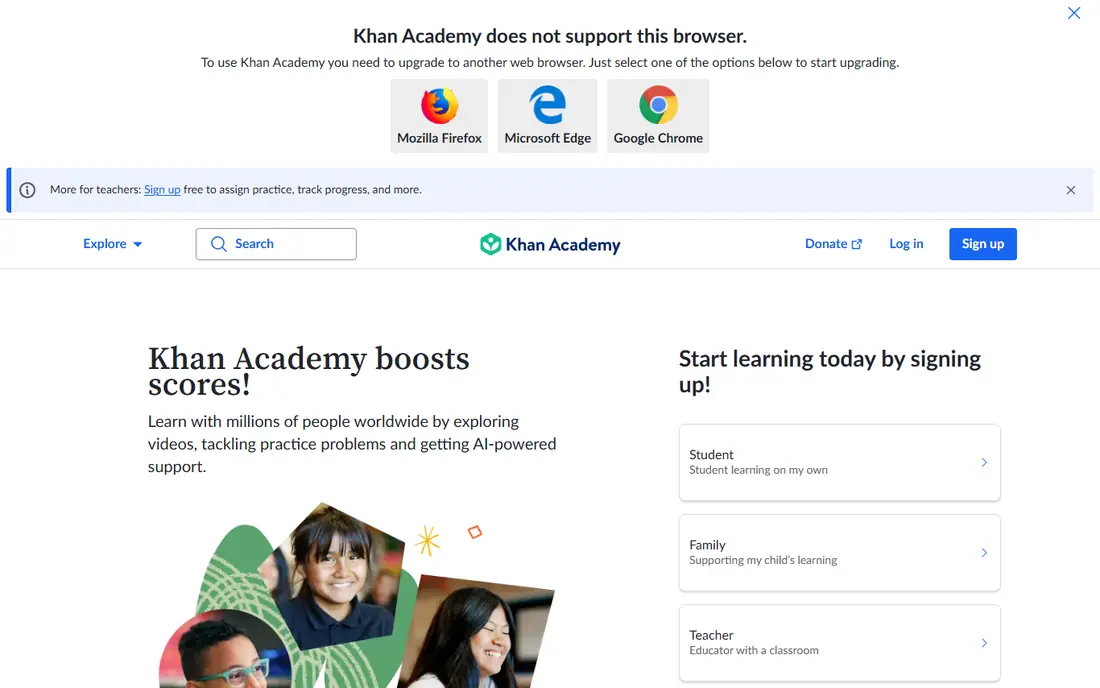
Our first look at Khan Academy Kids starts with who it serves best. It is the free app we recommend first for younger children. Its adaptive path adjusts to the child, and the lack of ads or purchases removes the usual free-app worry.
The catch is age range: older children will outgrow it quickly. It fits families with children aged 2 to 8 who want one safe, free starting point. Check the current pricing page before you commit, since plans in this category change often, and use the free plan or trial to confirm the fit with your own work.
Before you pay for Khan Academy Kids, run one real task through it, such as a full document, a full trip plan or a full project, and judge it on that result rather than on the marketing page.
- Completely free with no ads
- Covers reading, maths and social skills
- Adaptive learning path
- Content ends around age 8
- Less depth for older children
PBS Kids Games
Ideal for: Games tied to PBS shows
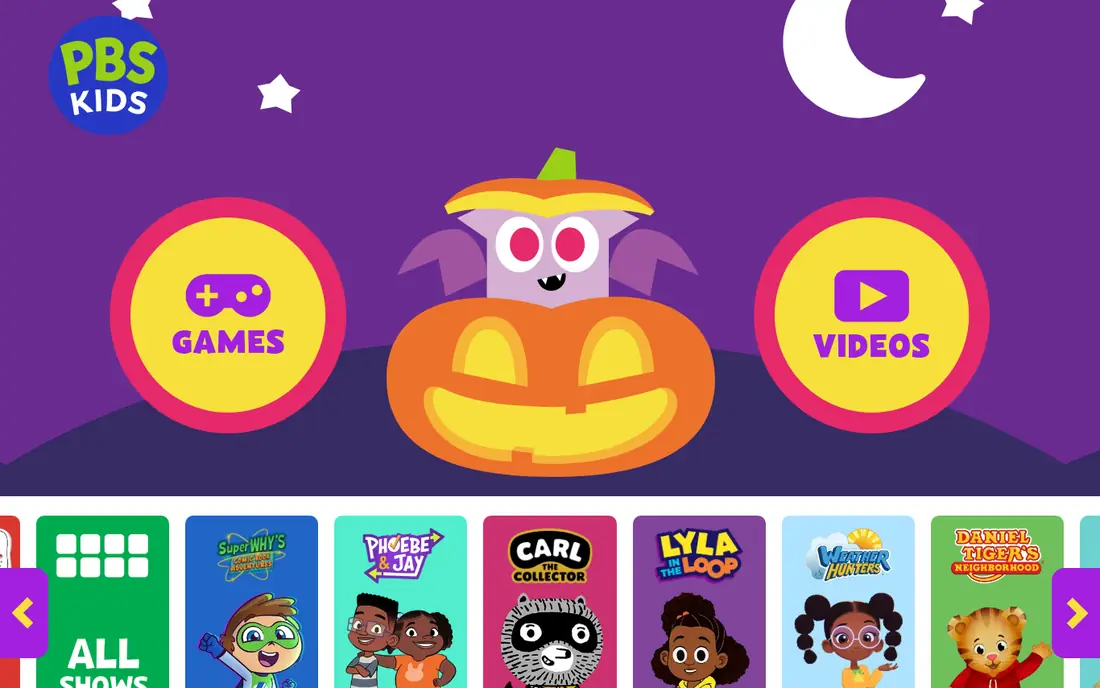
For many readers, PBS Kids Games will be the most practical choice on this list. It turns characters children already know into learning games. Games are short, friendly and clearly tied to a skill, which suits younger players.
The catch is depth: it is better for practice than for structured lessons. It fits families who want free, familiar and low-pressure play. Check the current pricing page before you commit, since plans in this category change often, and use the free plan or trial to confirm the fit with your own work.
A useful test for PBS Kids Games is to try the exact workflow you will repeat weekly, then check how long it takes and whether the output needs heavy fixing before it is usable.
- Free games with familiar characters
- No subscription
- Covers reading, maths and science
- Progress tracking is light
- Some games are simple for older kids
Duolingo ABC
Ideal for: Early reading for ages 3 to 8

Next up is Duolingo ABC, which takes a different approach to the same job. It is the most focused free reading app for early learners. Short phonics lessons build letter sounds and words step by step, with rewards that keep children going.
The catch is narrow scope: you will need a second app for maths. It fits parents focused on early reading skills. Check the current pricing page before you commit, since plans in this category change often, and use the free plan or trial to confirm the fit with your own work.
When you trial Duolingo ABC, note what is missing as well as what works, since the missing piece often decides whether a tool survives past the first month.
- Free reading lessons with phonics
- Playful rewards
- No ads in the kids app
- Reading only, no maths or science
- Best for early readers
Starfall
Ideal for: Phonics and early reading
Starfall earns its place here for a specific kind of user. It has taught early reading online longer than most rivals. Its phonics path is clear and uncluttered, which helps children who get distracted by busy games.
The catch is that the full library needs a membership. It fits early readers who need a calm, structured phonics path. Check the current pricing page before you commit, since plans in this category change often, and use the free plan or trial to confirm the fit with your own work.
We would also check support and documentation for Starfall during the trial, since a tool you cannot get help with becomes expensive in staff time even when the subscription looks cheap.
- Strong phonics sequence
- Free core content
- Simple interface children can use alone
- Some content sits behind a paid membership
- Design feels older than rivals
ABCya
Ideal for: Classroom-style games by grade
If the options so far have not fit, ABCya is worth a closer look. It is the closest free option to classroom practice. Games are organised by grade, so parents can pick work that matches school level.
The catch is ads on the free tier, so supervise younger children or consider the paid version. It fits school-age children who need grade-matched practice. Check the current pricing page before you commit, since plans in this category change often, and use the free plan or trial to confirm the fit with your own work.
Before you pay for ABCya, run one real task through it, such as a full document, a full trip plan or a full project, and judge it on that result rather than on the marketing page.
- Games organised by grade and subject
- Free tier covers many games
- Teacher-friendly
- Free version includes ads
- Premium removes ads and adds content
Funbrain
Ideal for: Reading and maths games
Funbrain is the option we point to when a reader has a clear priority in mind. It is a simple, no-signup option for quick practice. Children can jump straight into games and books without an account, which lowers the barrier to starting.
The catch is advertising, which parents should check before unsupervised use. It fits families who want free practice without creating accounts. Check the current pricing page before you commit, since plans in this category change often, and use the free plan or trial to confirm the fit with your own work.
A useful test for Funbrain is to try the exact workflow you will repeat weekly, then check how long it takes and whether the output needs heavy fixing before it is usable.
- Free games, books and videos
- No account needed for much content
- Long-running and stable
- Ads appear on the free site
- Reading levels vary across games
Prodigy Math
Ideal for: Maths practice as a game
Another strong contender is Prodigy Math, and it stands out for one clear reason. It is the best free motivator for children who resist maths practice. Battles and rewards turn practice into a game children ask to play, while questions adapt to ability.
The catch is upselling: membership extras are visible inside the game. It fits children who need motivation more than new instruction. Check the current pricing page before you commit, since plans in this category change often, and use the free plan or trial to confirm the fit with your own work.
When you trial Prodigy Math, note what is missing as well as what works, since the missing piece often decides whether a tool survives past the first month.
- Free maths game with adaptive questions
- Teachers can set assignments
- Strong motivation for reluctant learners
- Paid membership adds extras that children may ask for
- Game elements can distract
ScratchJr
Ideal for: First coding for ages 5 to 7
We round out the list with ScratchJr, which fills a gap the others leave open. It introduces coding before reading is fluent. Children snap together blocks to move characters and tell stories, which teaches sequencing without typing.
The catch is scale: projects stay simple, and older children will want Scratch next. It fits ages 5 to 7 curious about how games and stories are made. Check the current pricing page before you commit, since plans in this category change often, and use the free plan or trial to confirm the fit with your own work.
We would also check support and documentation for ScratchJr during the trial, since a tool you cannot get help with becomes expensive in staff time even when the subscription looks cheap.
- Free coding with blocks and characters
- No reading required to start
- Builds problem-solving
- Limited to simple projects
- No account or cloud saving on some versions
Khan Academy
Ideal for: Older children, all subjects
Khan Academy rounds out our shortlist with a focused set of strengths. It is the free option that grows with a child into school and beyond. Courses are structured, with videos and practice that track progress clearly.
The catch is style: it feels like school, so younger children may prefer a game first. It fits children aged 8 and up, and parents who want a full curriculum for free. Check the current pricing page before you commit, since plans in this category change often, and use the free plan or trial to confirm the fit with your own work.
Before you pay for Khan Academy, run one real task through it, such as a full document, a full trip plan or a full project, and judge it on that result rather than on the marketing page.
- Free lessons across maths, science and more
- Structured courses
- Practice with instant feedback
- Interface suits older children better than young ones
- Less game-like than rivals
How we picked these
We compared official feature pages, pricing pages, app store listings, privacy policies and public reviews for each product, and kept only products that exist, work today and truly fit the topic. We favoured clear pricing, a usable free plan or trial, and honest limits over long feature lists. Where a price could not be verified on the vendor site, we wrote See website rather than guessing.
We did not claim hands-on testing we did not do. Instead, we weighed what each vendor documents, what reviewers report in practice, and where each product falls short, so the trade-offs below are stated plainly.
How to pick a learning app your child will actually use
Match the app to one goal, such as reading or maths, and to your child's age band rather than downloading everything at once. Try it together for a week, watch whether the child can use it without constant help, and check the parent controls for time limits and progress reports.
Frequently asked questions
What is the best free learning app for kids?
Khan Academy Kids is the strongest all-round free option for ages 2 to 8, with reading, maths and social-emotional activities. For older children, Khan Academy and Code.org cover more subjects at no cost.
Are free kids learning apps safe?
Reputable apps publish privacy policies and avoid ads aimed at children, but quality varies. Check whether an app shows ads, asks for personal details, or pushes in-app purchases, and use device-level controls as well.
What is the best educational app for 5 year olds?
Khan Academy Kids, PBS Kids Games and Duolingo ABC all suit 5 year olds, with short activities and read-aloud support. Short sessions of 15 to 20 minutes work better than long ones.
Do kids learning apps really help?
They help most as practice and reinforcement alongside reading and play, not as a replacement for teaching. Apps that adapt difficulty and give instant feedback tend to hold attention longer.
Which free app is best for maths?
Prodigy Math and Khan Academy Kids both offer free maths practice, with Prodigy adding game rewards and Khan Academy adding structured lessons. SplashLearn also offers free content with a paid upgrade.