Best Learning experience platforms in 2026: 8 Options Compared

- 1
 Degreedenterprises building skills pathwaysVisit
- 2
 Cornerstonelarge employers combining learning and talentVisit
- 3
 Docebocompanies training staff and customersVisit
- 4
 360Learningteams building collaborative coursesVisit
- 5
 Valamisenterprises needing skills-based learningVisit
- The strongest choice depends on your budget and your main job, not on brand size alone, so compare learning experience platforms on fit first.
- Free plans and free trials vary widely across learning experience platforms, so check what is actually included before you rely on a free tier.
- Pricing is often quoted rather than published for learning experience platforms, so ask for the full cost, including add-ons and renewal terms.
- The best shortlist for most buyers mixes a well-known leader with a smaller specialist that fits their exact workflow.
- Read the terms on data, support, and cancellation for learning experience platforms before you commit, since those details matter as much as features.
Quick comparison
| Product | Ideal for | Price from | Free version | |
|---|---|---|---|---|
| Degreed | enterprises building skills pathways | See website | No | Visit |
| Cornerstone | large employers combining learning and talent | See website | No | Visit |
| Docebo | companies training staff and customers | See website | Free trial | Visit |
| 360Learning | teams building collaborative courses | See website | Free trial | Visit |
| Valamis | enterprises needing skills-based learning | See website | No | Visit |
 LearnUpon | companies training employees and partners | See website | Free trial | Visit |
 Udemy Business | teams wanting a large course library | See website | Free trial | Visit |
 LinkedIn Learning | teams using LinkedIn for skills | See website | Free trial | Visit |
The best learning experience platforms
We compared official feature pages, pricing pages, app-store listings, privacy policies, and public reviews to build this shortlist of learning experience platforms. Our pick for most people is the option that balances price, coverage, and day-to-day usability, but the right choice still depends on your budget and your main task.
Degreed
Ideal for: enterprises building skills pathways

For enterprises building skills pathways, Degreed is a practical place to start. Its official pages describe a service built around that use case. Buyers who match that use case are likely to get value sooner than buyers who need a broader tool. The honest catch is that pricing is quoted rather than published, so you will need a sales conversation to get a firm total. That does not rule Degreed out, but test it against your own work first, and compare it with at least two other options in this list.
- Clear focus on enterprises building skills pathways
- Useful official documentation and support pages
- A workable option for its target buyers
- Pricing may need a quote
- Setup can take time
- Some features sit on higher tiers
Cornerstone
Ideal for: large employers combining learning and talent
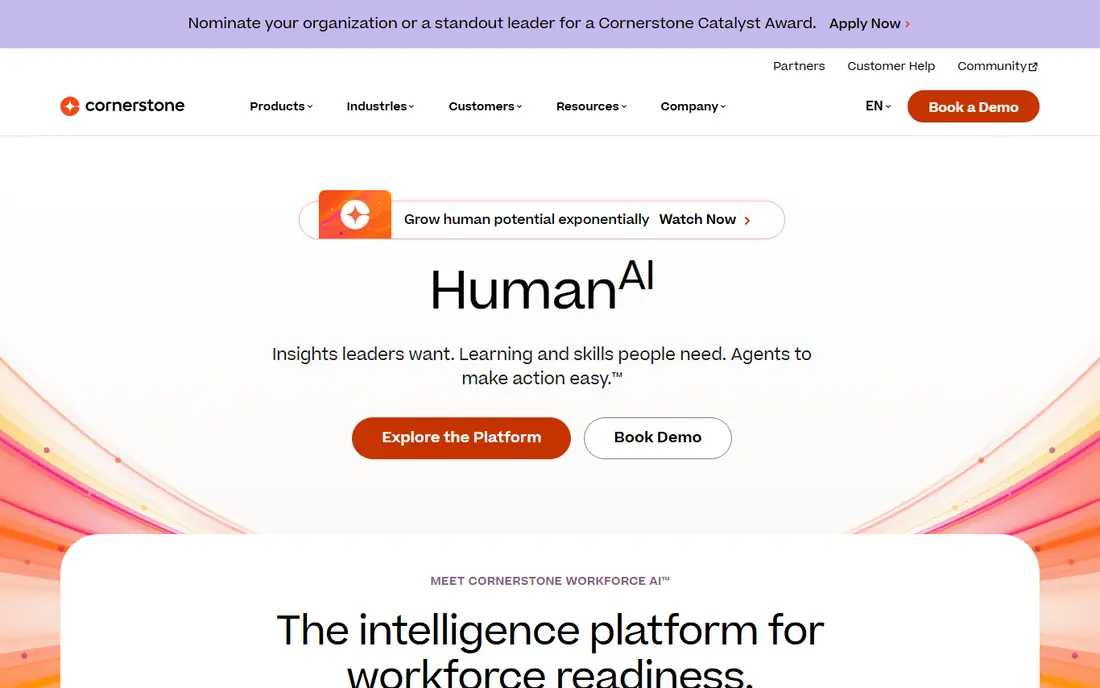
If your priority is large employers combining learning and talent, Cornerstone deserves a close look. Its official pages describe a service built around that use case. Buyers who match that use case are likely to get value sooner than buyers who need a broader tool. The honest catch is that setup takes real work, so plan time for onboarding and training before you expect full value. That does not rule Cornerstone out, but test it against your own work first, and compare it with at least two other options in this list.
- Clear focus on large employers combining learning and talent
- Useful official documentation and support pages
- A workable option for its target buyers
- Pricing may need a quote
- Setup can take time
- Some features sit on higher tiers
Docebo
Ideal for: companies training staff and customers

Docebo stands out for companies training staff and customers, and that focus shapes the whole product. Its official pages describe a service built around that use case. Buyers who match that use case are likely to get value sooner than buyers who need a broader tool. The honest catch is that the strongest features sit on higher tiers, so the entry plan may feel limited once your needs grow. That does not rule Docebo out, but test it against your own work first, and compare it with at least two other options in this list.
- Clear focus on companies training staff and customers
- Useful official documentation and support pages
- A workable option for its target buyers
- Pricing may need a quote
- Setup can take time
- Some features sit on higher tiers
360Learning
Ideal for: teams building collaborative courses
We would point teams building collaborative courses buyers toward 360Learning first in this group. Its official pages describe a service built around that use case. Buyers who match that use case are likely to get value sooner than buyers who need a broader tool. The honest catch is that it fits one workflow well and others less well, so check your exact use case against the feature list first. That does not rule 360Learning out, but test it against your own work first, and compare it with at least two other options in this list.
- Clear focus on teams building collaborative courses
- Useful official documentation and support pages
- A workable option for its target buyers
- Pricing may need a quote
- Setup can take time
- Some features sit on higher tiers
Valamis
Ideal for: enterprises needing skills-based learning
Among the options here, Valamis is the clearest fit for enterprises needing skills-based learning. Its official pages describe a service built around that use case. Buyers who match that use case are likely to get value sooner than buyers who need a broader tool. The honest catch is that support and documentation quality varies by plan, so confirm response times before you rely on it day to day. That does not rule Valamis out, but test it against your own work first, and compare it with at least two other options in this list.
- Clear focus on enterprises needing skills-based learning
- Useful official documentation and support pages
- A workable option for its target buyers
- Pricing may need a quote
- Setup can take time
- Some features sit on higher tiers
LearnUpon
Ideal for: companies training employees and partners
For teams and buyers focused on companies training employees and partners, LearnUpon is worth shortlisting. Its official pages describe a service built around that use case. Buyers who match that use case are likely to get value sooner than buyers who need a broader tool. The honest catch is that costs can rise with usage, seats, or volume, so model your expected use before you commit. That does not rule LearnUpon out, but test it against your own work first, and compare it with at least two other options in this list.
- Clear focus on companies training employees and partners
- Useful official documentation and support pages
- A workable option for its target buyers
- Pricing may need a quote
- Setup can take time
- Some features sit on higher tiers
Udemy Business
Ideal for: teams wanting a large course library
Udemy Business earns its place here for teams wanting a large course library, with a clear and focused offer. Its official pages describe a service built around that use case. Buyers who match that use case are likely to get value sooner than buyers who need a broader tool. The honest catch is that it takes time to learn, so new users should expect a learning curve in the first few weeks. That does not rule Udemy Business out, but test it against your own work first, and compare it with at least two other options in this list.
- Clear focus on teams wanting a large course library
- Useful official documentation and support pages
- A workable option for its target buyers
- Pricing may need a quote
- Setup can take time
- Some features sit on higher tiers
LinkedIn Learning
Ideal for: teams using LinkedIn for skills
If you need help with teams using LinkedIn for skills, LinkedIn Learning is a sensible option to compare. Its official pages describe a service built around that use case. Buyers who match that use case are likely to get value sooner than buyers who need a broader tool. The honest catch is that smaller teams may find parts of it more than they need, so start with the simplest plan that covers your work. That does not rule LinkedIn Learning out, but test it against your own work first, and compare it with at least two other options in this list.
- Clear focus on teams using LinkedIn for skills
- Useful official documentation and support pages
- A workable option for its target buyers
- Pricing may need a quote
- Setup can take time
- Some features sit on higher tiers
How we picked these
We started with the topic itself, best learning experience platforms, and looked for products and services that exist, work in October 2026, and truly fit that topic. We compared official feature pages, pricing pages, app-store listings where available, privacy policies, and public reviews, rather than relying on a single source. Products that had closed, changed focus, or no longer matched the topic were left out. We favoured a mix of well-known leaders and smaller specialists, and we kept price claims only where the vendor site supported them. Where a price could not be verified, we wrote See website instead of guessing. We did not claim hands-on testing, and we did not add Ainotely itself to any list.
What to check before you choose
Start with your main job. Write down the one task that matters most, then check whether each option handles that task well without extra tools. A product that covers your core job cleanly is usually better than a larger product with features you will never use. Look at limits too, such as seats, volume, storage, or supported regions, since those limits often decide the real cost. Next, check the total cost over a year, not just the first month. Ask about setup fees, add-ons, support tiers, and renewal pricing, and check whether a free plan or trial covers the features you actually need. If a vendor quotes a price, ask for it in writing and confirm what happens when you cancel or reduce seats. That step avoids most unpleasant surprises later. Finally, check support, data handling, and exit options. Read the privacy policy and terms, confirm how your data can be exported, and ask how long support takes to respond. A short trial with your own data or your own workflow is the best test, since it shows whether the product fits how your team really works. Keep notes during the trial so the final choice rests on evidence, not on a sales call alone.
Frequently asked questions
What about best learning experience platform?
Best learning experience platform is covered by the same comparison in this article, since buyers often search for it when they are comparing learning experience platforms. Use the shortlist above and match each option to your main task, your budget, and the features you will use every week. The best answer still depends on those three factors, so a short trial is worth more than a general recommendation.
What about best learning experience software?
Best learning experience software is covered by the same comparison in this article, since buyers often search for it when they are comparing learning experience platforms. Use the shortlist above and match each option to your main task, your budget, and the features you will use every week. The best answer still depends on those three factors, so a short trial is worth more than a general recommendation.
How do I choose between these learning experience platforms options?
Start with your main task and your budget, then shortlist two or three options that fit both. Check official pricing, free plans, and terms, and test the strongest candidate with your own work before you commit. That process keeps the choice practical and avoids paying for features you do not need.
Are free plans for learning experience platforms actually useful?
Free plans vary a lot, so read what is included before you rely on one. Some free plans cover the core task well for a single user, while others are only a short trial of a paid plan. Check limits on seats, volume, and support, and confirm the price you would pay if you outgrow the free tier.
How often should I recheck pricing for learning experience platforms?
Pricing and plans change during the year, so check the vendor website again before you buy, even if you read this article recently. Ask for a written quote where pricing is not published, and confirm renewal terms in the same conversation. That check takes a few minutes and can save a larger bill later.
What is the biggest mistake buyers make with learning experience platforms?
The biggest mistake is choosing on brand name alone without testing the product against the main job. A well-known option can still be a poor fit for a specific workflow, budget, or team size. Shortlist on fit, test on real work, and read the terms before you sign.