7 Legal Document Management Software Options Ranked for 2026

- 1
 Clio ManageBusinesses wanting practice management plus docsVisit
- 2
 NetDocumentsMid-to-large businesses, cloud focusVisit
- 3
 SmokeballDocument automation for small businessesVisit
- 4
 MyCaseSmall businesses wanting one predictable billVisit
- 5
 LexWorkplaceCloud-ready businesses, 2-75 usersVisit
- This list starts with Clio Manage, which is built for businesses wanting practice management plus docs.
- For the cheapest start, look at Clio Manage: $39/user/month.
- Before buying Clio Manage, weigh this: document module is not a true DMS.
- A permanent free plan is missing from all 7 tools, Clio Manage and Worldox included; plan for a trial or a premium start.
Direct answer
Clio Manage comes first here, mainly for businesses wanting practice management plus docs. Alternatives: NetDocuments for mid-to-large businesses, cloud focus, and Smokeball for document automation for small businesses. All 7 tools are compared below on price, free plan and limits.
Quick comparison
| Product | Ideal for | Price from | Free version | |
|---|---|---|---|---|
| Clio Manage | Businesses wanting practice management plus docs | $39/user/month (EasyStart, billed annually) | Free trial | Visit |
| NetDocuments | Mid-to-large businesses, cloud focus | See website | No | Visit |
| Smokeball | Document automation for small businesses | See website | Free trial | Visit |
| MyCase | Small businesses wanting one predictable bill | $49/user/month | Free trial | Visit |
| LexWorkplace | Cloud-ready businesses, 2-75 users | $395/month | Free trial | Visit |
 PracticePanther | Solo and small businesses | $49/user/month (Solo) | Free trial | Visit |
 Worldox | Businesses wanting on-premises control | See website | No | Visit |
The 7 tools in detail
Short on time? The summary and table above give the quick view of 7 tools for legal document management software, and the profiles that follow give the detail behind each entry.
Clio Manage
Ideal for: Businesses wanting practice management plus docs

Clio Manage targets businesses wanting practice management plus docs. With over 300 integrations, Clio links to the accounting, intake, and communication tools businesses already use, and the system scales from solo practitioners to large firms.
The ecosystem is the strategic advantage. Clio Manage starts at: $39/user/month. Trial and free access: Free trial.
Downsides: Document module is not a true DMS.
- 300+ integrations
- All-in-one practice management with documents included
- Higher levels get expensive
NetDocuments
Ideal for: Mid-to-large businesses, cloud focus
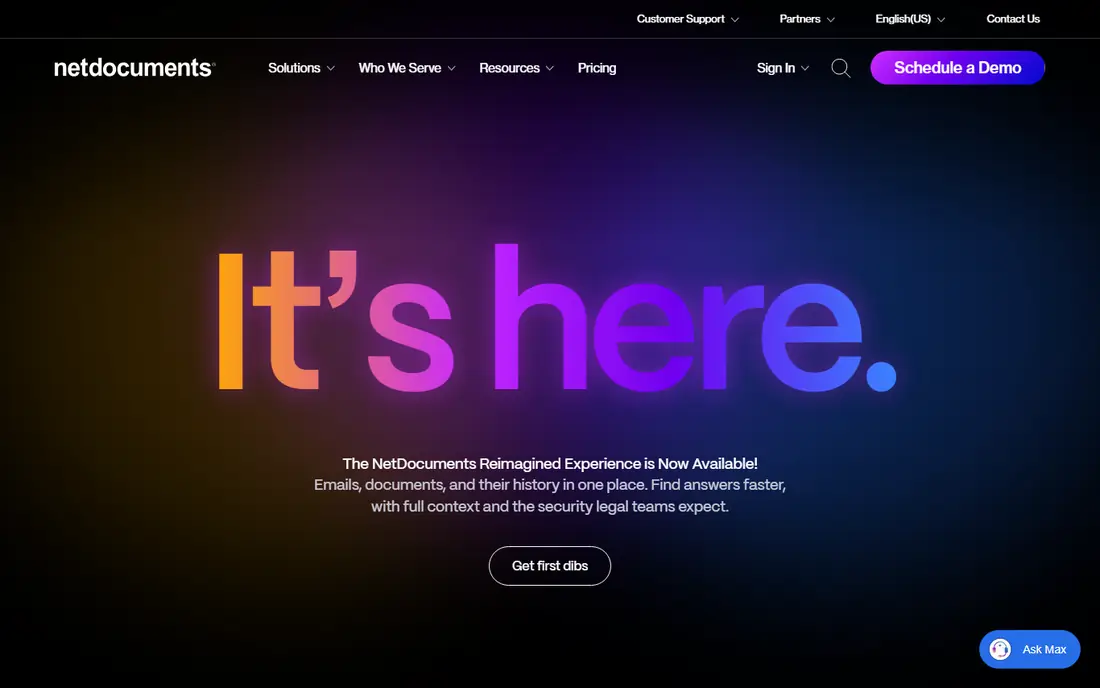
For mid-to-large businesses, cloud focus, NetDocuments is a natural candidate. NetDocuments is the cloud-native alternative to iManage for mid-to-large businesses. More specifically, security and governance features satisfy the requirements of corporate clients with outside counsel guidelines.
It remains the default shortlist entry for cloud-committed businesses above the LexWorkplace size range. In practice, firms avoid the server infrastructure that on-premises DMS systems need, and remote and hybrid work patterns function naturally. Check the vendor site for NetDocuments pricing; none is listed in this comparison. There is no free plan with NetDocuments.
Where it is weaker: Pricing not published.
- Trusted by mid-to-large businesses
- Cloud-native DMS with solid security
- Mac support is restricted
Smokeball
Ideal for: Document automation for small businesses

Smokeball makes the most sense for document automation for small businesses. For family law, conveyancing, and personal injury practices, that is the core value. Worth adding: firms that live in documents will earn it back in drafting time; businesses that do not should buy cheaper.
Smokeball differentiates on document automation. Its library of over 20,000 legal forms and precedents auto-populates from matter data, which collapses the time small businesses spend drafting routine documents. Beyond that, Smokeball is Windows-first, which excludes Mac-based businesses, and the per-user cost runs well above Clio or MyCase for comparable seat counts. More specifically, the built-in AI drafting assistant extends that automation to custom documents. This comparison lists no price for Smokeball; ask the vendor. As for free access: Free trial.
Downsides: Implementation costs add up.
- Automatic time tracking
- AI drafting assistant
- Windows-first
MyCase
Ideal for: Small businesses wanting one predictable bill
Think of MyCase for small businesses wanting one predictable bill. MyCase is the small-firm all-in-one: case management, billing, client communication, and document storage in one subscription beginning at $49 per user a month, with higher levels at $99 and $119. In practice, businesses with heavy document automation or version control needs will feel the ceiling.
Limits to weigh: Less configurable than Clio.
The limitations mirror Clio's: this is document storage inside practice management, not a DMS. The level jumps are also large, so a firm that needs one Pro feature pays for the entire tier. MyCase starts at: $49/user/month. Free options: Free trial.
- Built-in payments
- Solid client communication tools
- Large level jumps between plans
LexWorkplace
Ideal for: Cloud-ready businesses, 2-75 users
Choose LexWorkplace for cloud-ready businesses, 2-75 users. LexWorkplace is the rare legal DMS that tells you the price upfront: from $395 a month for the firm. It is a true document management system, with document profiling, version control, Outlook email management, and full-text search across document content, built cloud-native from the start with full Mac support.
Honest limits: Migration effort is real.
From a buyer's view, AI features are included instead of gated behind a premium level, which matters as document summarization and search assistance become standard expectations. For the businesses it targets, though, published pricing plus true DMS features is a combination nobody else supplies. The honest limitations are scale and ecosystem. From a buyer's view, LexWorkplace targets the businesses that iManage and NetDocuments price out: cloud-ready practices of 2 to 75 users that require real DMS functionality without enterprise procurement. On cost, LexWorkplace starts like this: $395/month. Trial and free access: Free trial.
- Only true DMS with published pricing
- Cloud-native with full Mac support
- Firm-size sweet spot tops out around 75 users
PracticePanther
Ideal for: Solo and small businesses
PracticePanther was built for solo and small businesses. PracticePanther is the budget all-in-one for businesses moving off legacy desktop tools. In practice, four published levels run $49, $69, $89, and $114 per user a month, which makes cost modeling straightforward.
For everyday use, the Business level layers on intake forms, two-way texting, unlimited e-signature, and LEDES billing; Business Pro brings trust and operating accounting. The honest read is the same as its peers: capable document module, not a DMS. In daily use, as a budget-friendly practice system with documents included, it provides. For document purposes, PracticePanther keeps matter-linked documents with sharing and e-signature, which satisfies businesses whose needs stop at organization and execution. Starting cost for PracticePanther: $49/user/month. Trial and free access: Free trial.
Where it falls short: Accounting features need the top level.
- Native e-signature and texting
- Clear published pricing across four levels
- Document management is a module
Worldox
Ideal for: Businesses wanting on-premises control
Pick Worldox if this describes you: businesses wanting on-premises control. Worldox is the veteran DMS for businesses that want their documents on their own servers.
Points against: Cloud offering lags cloud-native competitors.
More specifically, the matter-centric organization and email integration include the core DMS workflows competently. The honest assessment is that Worldox displays its age. Pricing for Worldox is not stated here, so ask the vendor for current figures. There is no free plan with Worldox.
- Long track record
- Matter-centric organization
- Quote-based pricing
What went into this list
Ainotely looked at what each vendor publishes: pricing, plan limits, feature coverage for legal document management software and stated drawbacks. No hands-on testing is claimed. Where a price is missing, the vendor does not list one publicly or ties it to a quote. Always confirm before budgeting. The order reflects how well each tool fits the most common buying scenario for legal document management software, then price clarity, then free plan access. It is a starting point, not a verdict.
Questions to settle before buying
- Get a written quote from NetDocuments, Smokeball and Worldox; the list shows no starting price for them.
- Run a trial of Clio Manage, Smokeball, MyCase and others with real work before paying for a year; your own workflow is the best test.
- Before choosing Clio Manage, weigh its main limit: document module is not a true DMS.
- Confirm you can export your data from PracticePanther, so leaving later does not mean losing records.
- Involve the people who will use Clio Manage daily; a short pilot beats a long feature checklist.
Frequently asked questions
Should a small firm buy iManage or NetDocuments?
Usually not. Both are designed for mid-to-large businesses with dedicated IT and priced accordingly. Small businesses get better value from LexWorkplace if they need a true DMS, or from Clio, MyCase, or PracticePanther if a document module suffices.
Is Clio Manage the right pick for everyone comparing legal document management software?
No single tool suits every team. Clio Manage comes first because it fits firms wanting practice management plus docs, while NetDocuments suits mid-to-large firms, cloud focus and Smokeball suits document automation for small firms. Match the tool to your own size, budget and workflow before deciding.
Do these tools publish their prices?
Not all of them. NetDocuments, Smokeball and Worldox publish no starting price, so expect a quote request for those. The rest, Clio Manage included, show a starting price, though seats and billing terms still change the final cost.
Can I try these options before paying?
Often, yes. Clio Manage, Smokeball, MyCase and others offer a free trial. Use your own data and a real task during the test, and check what the free tier or trial limits before you rely on it.
Is Clio a document management system?
Clio Manage contains document storage, templates, e-signature, and client portal sharing, but it is not a true DMS. It lacks document profiling, automatic version control, Outlook email management as documents, and full-text content search.
Does any tool for legal document management software here have a free plan?
No tool in this list, Clio Manage and Worldox included, has a permanent free plan. Clio Manage, Smokeball, MyCase, LexWorkplace, PracticePanther offer a trial. Trials and quotes are the usual route, so plan a short evaluation period.