Best Legal Transcription Software in 2026: 8 Tools Compared

- Top of the list is Scribie, which targets budget human transcription.
- Sonix fits quick AI transcription and translation.
- Only Otter.ai offers a free plan among these 8 tools.
- Pricing for Trint, SpeakWrite, Otter.ai and others is quote-based, which adds a sales step before you can compare cost.
- The main caution on Scribie: budget level means lighter review.
Direct answer
Scribie is the first pick on this list for budget human transcription. If your case is different, Trint suits AI transcription with editing and SpeakWrite suits legal dictation and transcription. The full list of 8 tools follows, with prices and free plan facts.
Quick comparison
| Product | Ideal for | Price from | Free version | |
|---|---|---|---|---|
 Scribie | Budget human transcription | $0.10 per audio minute | Free trial | Visit |
 Trint | AI transcription with editing | See website | Free trial | Visit |
 SpeakWrite | Legal dictation and transcription | See website | Free trial | Visit |
 Otter.ai | Live meeting transcription | See website | Yes | Visit |
 Rev | AI plus human transcription | See website | Free trial | Visit |
 Verbit | Enterprise legal transcription | See website | No | Visit |
 TranscribeMe | Accurate human transcription | See website | Free trial | Visit |
 Sonix | Quick AI transcription and translation | $5 per hour (Premium) | Free trial | Visit |
The 8 tools in detail
This Ainotely guide covers 8 options for legal transcription software. Each profile lists a starting price, free plan details, strengths and drawbacks, so you can drop poor fits quickly.
Scribie
Ideal for: Budget human transcription
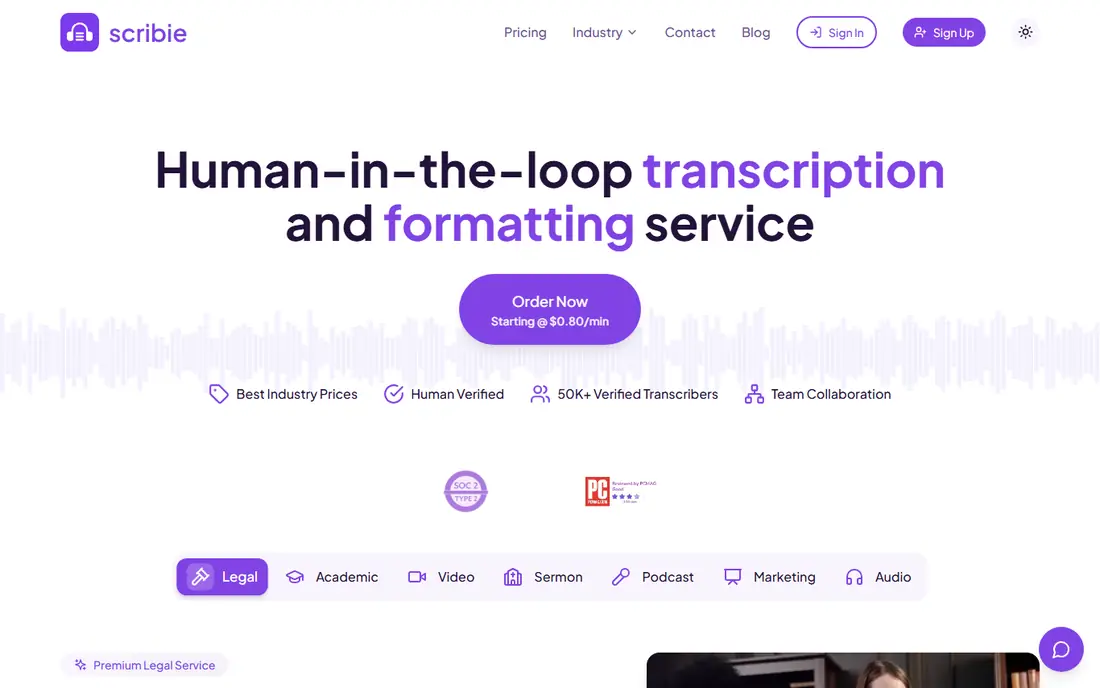
Pick Scribie if this describes you: budget human transcription. Scribie's proposition is straightforward: human transcription at AI-adjacent prices, beginning at $0.10 per audio minute. Also, the lowest level gets lighter quality review, and the service is strict about audio quality; poor recordings get rejected or surcharged.
On top of that, the online editor lets you review and correct, and the API supports programmatic workflows. On top of that, for clean, routine legal dictation and interviews, the value is real. The use case is straightforward transcription of clear audio: interviews, dictation, meetings and single-speaker recordings. For the price, the quality on clean audio is respectable. On cost, Scribie starts like this: $0.10 per audio minute. Free options: Free trial.
Limits to weigh: Budget level means lighter review.
- Human transcription from $0.10 per audio minute
- Large transcriber pool
- Strict audio quality requirements
Trint
Ideal for: AI transcription with editing
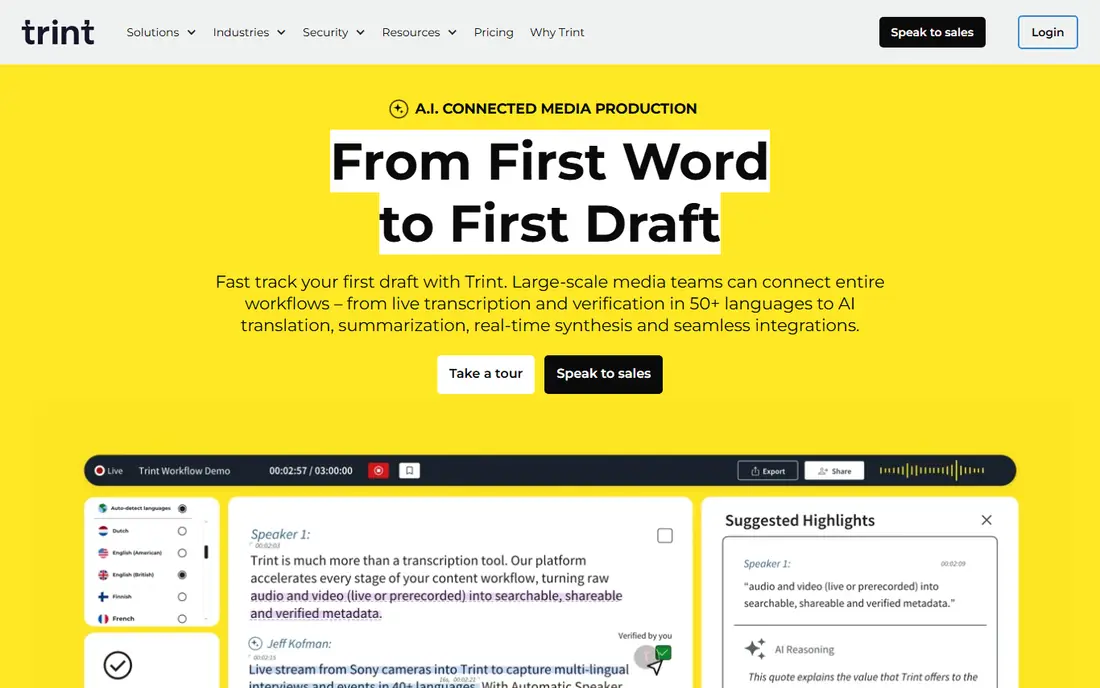
Trint was built for AI transcription with editing. Trint merges AI transcription with one of the best transcript editors in the business.
Drawbacks to consider: Legal-specific features are thin.
More specifically, there is no verbatim certification workflow, no court formatting and no human transcription service. In daily use, the collaboration features let teams share and comment, and the export choices include the standard formats. This comparison lists no price for Trint; ask the vendor. Trial and free access: Free trial.
- Solid editor for polishing transcripts
- Collaboration features
- Priced per user
SpeakWrite
Ideal for: Legal dictation and transcription
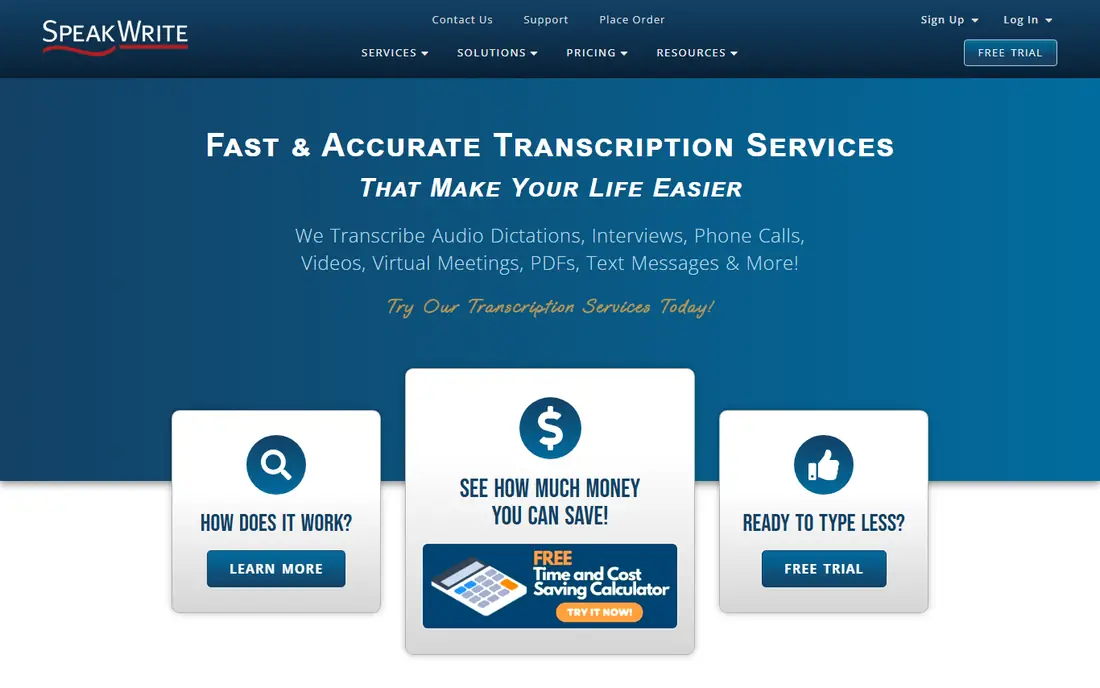
SpeakWrite is built with legal dictation and transcription in mind. The workflow fit is the selling point. On top of that, attorneys dictating between meetings get usable documents without touching a keyboard.
Where it is weaker: Per-minute pricing layers on up.
The pay-as-you-go pricing means no subscription for solo and small businesses. Businesses with steady high volume should compare against enterprise choices or AI-plus-review workflows. The company has served the legal market for years and understands verbatim requirements, speaker labeling and confidentiality. This comparison lists no price for SpeakWrite; ask the vendor. Free access: Free trial.
- Pay as you go with no subscription
- Quick turnaround around three hours
- US-focused service
Otter.ai
Ideal for: Live meeting transcription
Otter.ai was built for live meeting transcription. Otter.ai is the meeting assistant that transcribes in live: join a Zoom, Teams or in-person meeting and get a live transcript with speaker labels, summaries and action items. In practice, law businesses use it for internal meetings, client intake calls and fast capture where a formal transcript is overkill.
The free plan is genuinely handy, and premium plans add the minutes and features a busy practice needs. It is very good for internal use and terrible as a deposition record. Beyond that, the live aspect is the differentiator. Rather than recording and transcribing later, participants can follow along, highlight and comment during the meeting itself. Otter.ai shows no starting price here, so confirm the cost on the vendor site. Otter.ai has a free plan.
Watch-outs: Not designed for legal formatting.
- Live transcription during meetings
- Decent collaboration features
- Accuracy varies with audio quality
Rev
Ideal for: AI plus human transcription
Rev works best for AI plus human transcription. You can start a matter on AI transcription for speed, then escalate the critical recordings to human transcribers without changing vendors. Turnaround choices contain rush delivery, and the system manages the file management, speaker labeling and formatting.
Honest limits: Human transcription is costly.
Beyond that, the AI product is decent but not magic; heavy accents, crosstalk and poor audio still produce errors that require human review. Also, human transcription runs over a dollar per minute, which layers on up quick on multi-day depositions. More specifically, law businesses use the human service for depositions, hearings and anything where accuracy is non-negotiable, and the AI service for internal recordings and fast drafts. The honest catch is price at the top end. Rev shows no starting price here, so confirm the cost on the vendor site. Trial and free access: Free trial.
- Quick turnaround choices
- Human transcripts near 99 percent accuracy
- AI accuracy drops on poor audio
Verbit
Ideal for: Enterprise legal transcription
Verbit makes the most sense for enterprise legal transcription. Verbit is the enterprise transcription product for legal, higher education and media, combining AI with human oversight to deliver high accuracy at scale. The AI-plus-human model balances cost against the accuracy requirements of legal work.
Strengths: Designed for legal.
Trade-offs to know: Overkill and overpriced for small businesses.
For legal departments and courts with continuing volume, it is the purpose-built choice. As for the details, the drawback is the buying model. More specifically, Verbit sells to enterprises through a sales process, not a self-serve signup, and the pricing reflects it. The pitch is accuracy plus compliance at volume. Pricing for Verbit is not stated here, so ask the vendor for current figures. Verbit has no permanent free option.
- High accuracy with human oversight
- Strong security
- Enterprise sales process
TranscribeMe
Ideal for: Accurate human transcription
In short, TranscribeMe is for accurate human transcription. TranscribeMe built its reputation on accurate human transcription with a secure, managed workforce. Also, legal formatting conventions, speaker identification and verbatim choices are available.
More specifically, the company serves legal, law enforcement and enterprise clients with transcription, translation and data annotation. Its processes are designed around confidentiality and accuracy instead of speed. Beyond that, Rush choices exist but add cost. If your need is occasional high-stakes transcription, the quality justifies it. This comparison lists no price for TranscribeMe; ask the vendor. Trial and free access: Free trial.
Limits to weigh: Pricing is per minute with extras.
- Human transcription with quality controls
- Legal and law enforcement experience
- Slower than AI
Sonix
Ideal for: Quick AI transcription and translation
Where Sonix fits: quick AI transcription and translation. Sonix is the AI transcription product that professionals reach for when they need transcripts in minutes, not days. More specifically, upload audio or video and get a time-stamped, speaker-labeled transcript rapidly, with support for over 50 languages and automatic translation.
In practice, the honest limit is that it is AI-only. Use it for speed and volume, not for the record. Also, accuracy on clean audio is capable; on courtroom crosstalk or poor recordings, expect to spend real editing time. On top of that, for legal teams, Sonix fits the high-volume, lower-stakes end: client interviews, internal meetings, recorded calls and first drafts of depositions that a paralegal will verify. Starting cost for Sonix: $5 per hour. Free plan details: Free trial.
Where it is weaker: No human transcription choice.
- In-browser editor
- Quick automatic transcription in 50+ languages
- AI-only, so accuracy needs review
How the list was put together
Pricing pages, product documentation and feature lists were the main sources, and every entry carries at least one honest drawback. Where a vendor does not publish a price, the entry says quote. Where a price depends on seats or billing term, the entry says so. Order on the page follows fit for the typical buyer first, then price transparency and free access. Your own requirements should decide the final pick.
A buyer's checklist
- Ask Trint, SpeakWrite, Otter.ai and others for a written quote, since no starting price is shown.
- Test the free plan from Otter.ai against your real workload before relying on it.
- Run a trial of Scribie, Trint, SpeakWrite and others with real work before paying for a year; your own workflow is the best test.
- Before choosing Scribie, weigh its main limit: budget level means lighter review.
- Look at which plan of Verbit unlocks the features you need; entry tiers are often cut down.
- Check how data leaves Scribie: formats, limits and whether exports are available on every plan.
Frequently asked questions
Can I try these options before paying?
Often, yes. Otter.ai has a free plan and Scribie, Trint, SpeakWrite and others offer a free trial. Use your own data and a real task during the test, and check what the free tier or trial limits before you rely on it.
What is verbatim transcription?
Verbatim transcription records everything exactly as spoken, including fillers, false starts, repetitions and interruptions. It is the standard for depositions and legal proceedings since the record must reflect what was actually said, not a cleaned-up version.
How do I keep client audio confidential?
Use vendors with documented security practices: encryption in transit and at rest, access controls, confidentiality agreements with transcribers and relevant certifications. Ask where data is processed and how long it is retained, and get it in writing.
How much does legal transcription cost?
AI transcription runs from a handful of dollars per hour of audio. Human transcription usually costs $1 to $3 per audio minute, with rush delivery and verbatim certification adding more.
How are the tools for legal transcription software ordered?
The order follows typical fit for legal transcription software, with Scribie first and Sonix last, then price clarity and free access. It is editorial judgement, not a score, so another team could rank the tools differently.
Is Scribie the right pick for everyone comparing legal transcription software?
No single tool suits every team. Scribie comes first because it fits budget human transcription, while Trint suits AI transcription with editing and SpeakWrite suits legal dictation and transcription. Match the tool to your own size, budget and workflow before deciding.