7 Best Live Chat Platforms for SaaS Businesses for 2026

- The list opens with LiveChat, aimed at dedicated chat support teams.
- HubSpot is the one to check for teams already using HubSpot CRM.
- LiveChat is the lowest-priced starter here at $19 per user per month.
- Free plans exist at 3 of 7 tools (Tidio, Crisp, HubSpot).
Direct answer
For dedicated chat support teams, LiveChat is where this list starts. Zendesk fits support teams that want full ticketing; Tidio fits small SaaS and e-commerce teams. All 7 tools are compared below on price, free plan and limits.
Quick comparison
| Product | Ideal for | Price from | Free version | |
|---|---|---|---|---|
 LiveChat | Dedicated chat support teams | $19 per user a month | No | Visit |
 Zendesk | Support teams that want full ticketing | $55 per agent a month | No | Visit |
 Tidio | Small SaaS and e-commerce teams | Free | Yes | Visit |
 Drift | B2B SaaS sales and pipeline generation | See website | No | Visit |
 Intercom | Scaling SaaS teams that want chat plus AI | $29 per seat a month | No | Visit |
 Crisp | Startups with numerous agents on one workspace | Free | Yes | Visit |
 HubSpot | Teams already using HubSpot CRM | Free | Yes | Visit |
The full live chat platforms for SaaS businesses list
If you are comparing live chat platforms for SaaS businesses, this page covers 7 tools in one place: what each is best for, what it costs to start, whether it has a free plan, and the main limit to know about.
LiveChat
Ideal for: Dedicated chat support teams
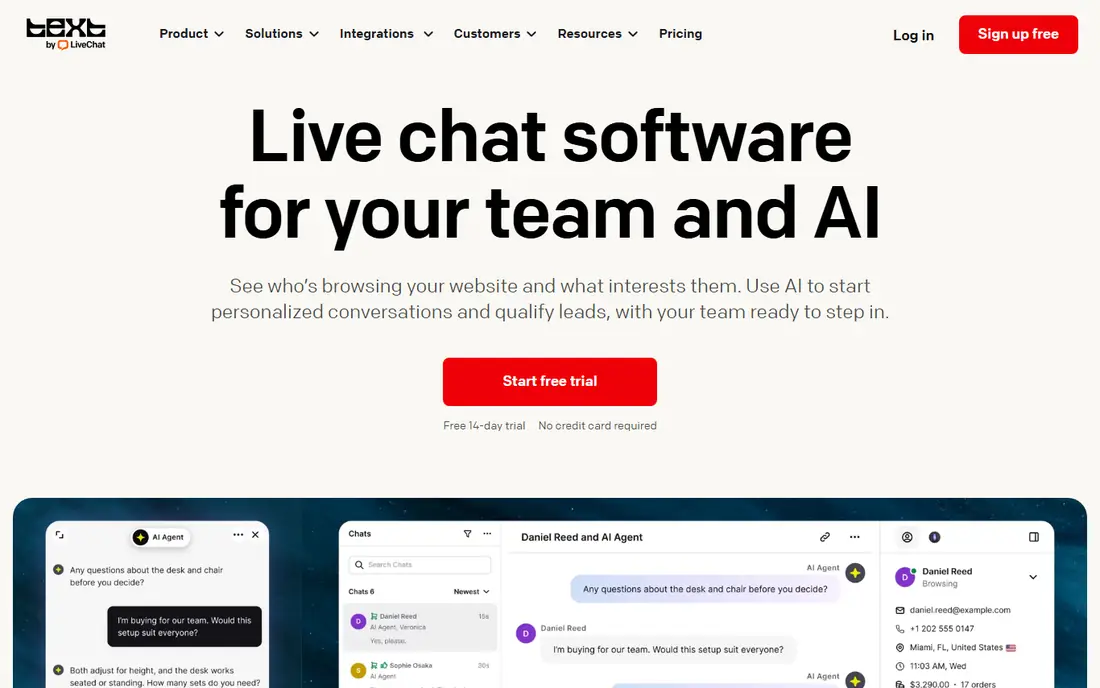
Choose LiveChat for dedicated chat support teams. The widget is quick, routing rules send chats to the right agent or team, and canned responses keep typical answers consistent.
Where it is weaker: Less CRM depth than Intercom or HubSpot.
Best features of LiveChat: Capable canned responses and routing.
For a SaaS team that wants a dependable chat widget with decent reporting and no suite overhead, LiveChat is a solid mid priced choice. As for the details, beginning at $19 per user a month on annual billing, it undercuts Intercom and Zendesk for teams that want chat without a full suite. Entry price for LiveChat: $19 per user per month. LiveChat has no permanent free option.
- Focused
- Steady uptime and reporting
- AI features cost additional
Zendesk
Ideal for: Support teams that want full ticketing
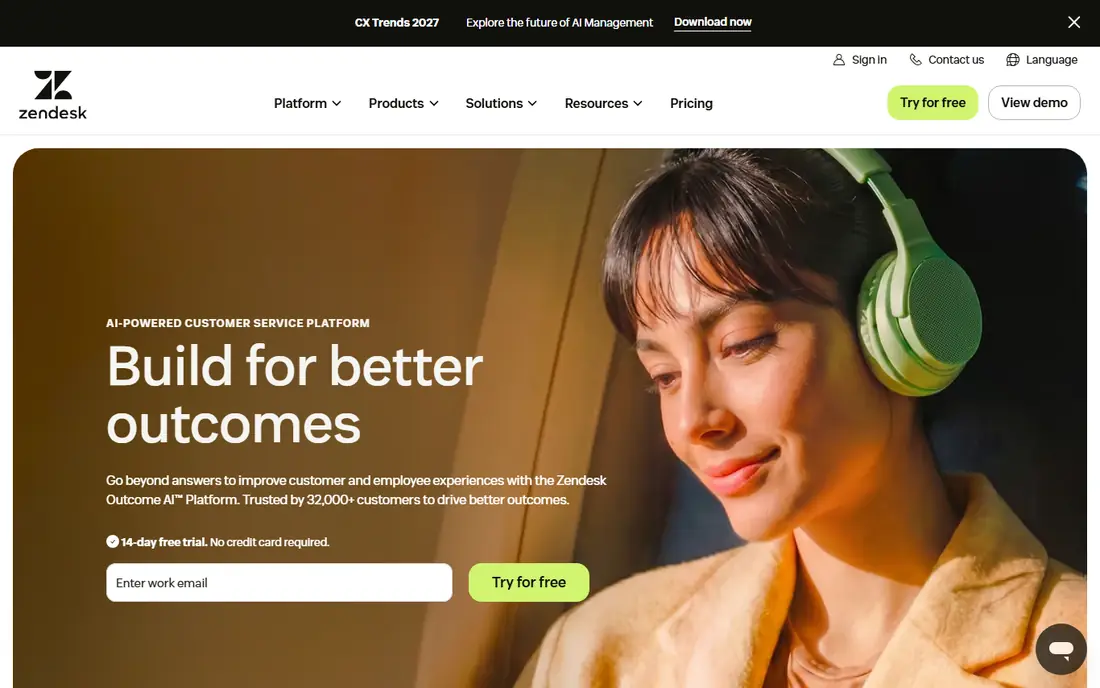
In short, Zendesk is for support teams that want full ticketing. Zendesk bundles live chat inside its Suite plans, pairing chat with full ticketing, email, voice, and social support. Beyond that, the Suite Team plan opens at $55 per agent a month, and AI Copilot is available as a flat $50 per agent a month add-on, which some teams prefer to Intercom's per outcome metering since costs stay predictable.
Beyond that, the entry price is higher than chat only tools, and the suite takes longer to configure well. Worth adding: for a team that only needs a chat widget, a lighter tool costs less. What you pay to start with Zendesk: $55 per agent per month. No free plan comes with Zendesk.
Downsides: Suite setup takes time.
- Chat bundled with full ticketing suite
- AI Copilot available as a flat add-on
- Higher entry price than chat only tools
Tidio
Ideal for: Small SaaS and e-commerce teams
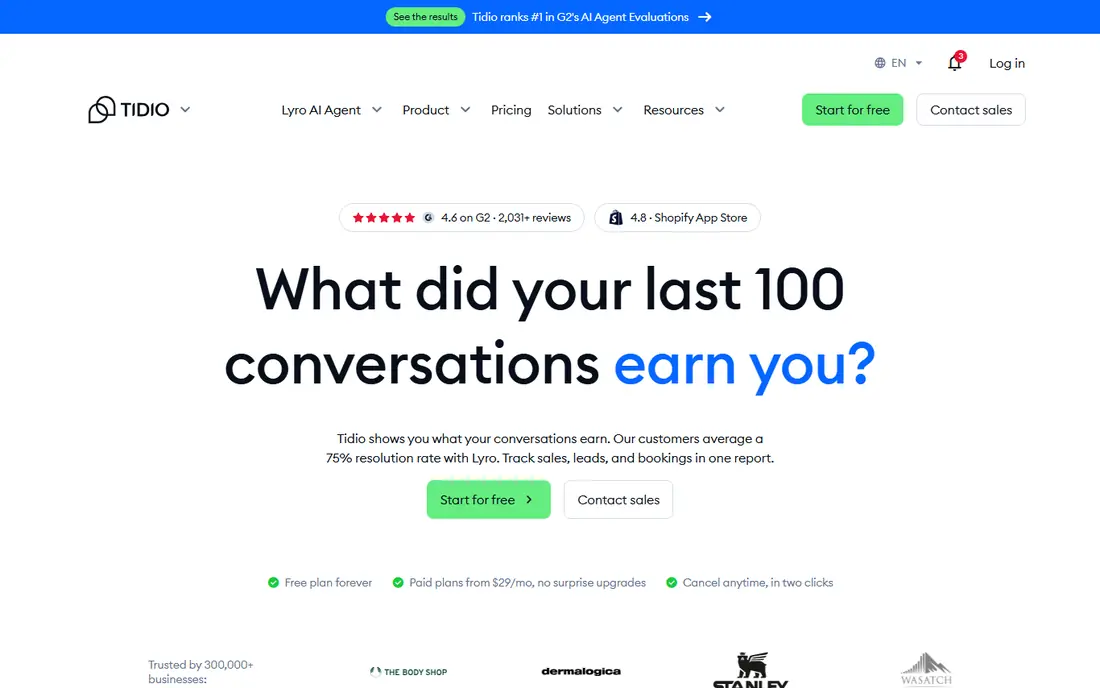
Tidio is built with small SaaS and e-commerce teams in mind. A free plan handles small teams, and the Starter plan opens at $24.17 a month.
In practice, for a small SaaS team that wants chat plus a capable AI assistant at a low entry price, Tidio is a practical pick. In daily use, the widget is fast to install, and the system contains chatbots, automation flows, and a shared inbox. Tidio starts at: Free. Free access exists with Tidio.
Where it is weaker: AI usage limits apply on lower levels.
- Lyro AI answers typical questions
- Free plan for small teams
- Advanced routing needs premium plans
Drift
Ideal for: B2B SaaS sales and pipeline generation
Drift makes the most sense for B2B SaaS sales and pipeline generation. Drift treats chat as a sales tool first. It qualifies visitors, routes high intent accounts to sales reps, and books meetings from conversations, which fits B2B SaaS teams where pipeline matters more than ticket deflection.
As for the details, for a sales led B2B SaaS team, its qualification and routing justify the quote process. Integrations with Salesforce and HubSpot link chat to the sales workflow. Pricing for Drift is not stated here, so ask the vendor for current figures. Drift has no permanent free option.
Points against: No free plan.
- Designed for B2B sales conversations and lead qualification
- Capable intent routing
- Sales focus fits support teams less well
Intercom
Ideal for: Scaling SaaS teams that want chat plus AI
Intercom makes the most sense for scaling SaaS teams that want chat plus AI. For a SaaS team with an expanding trial flow, that automation keeps response times low without adding headcount at the same pace. As for the details, there is no free plan, only a 14 day trial.
Watch-outs: No free plan.
The cost structure needs care. Seats start at $29 a month, but Fin outcomes cost $0.99 per resolution, which can add up for high volume teams. For everyday use, for SaaS teams that treat chat as a core growth channel, Intercom's AI and in app reach justify the price. Intercom pricing: $29 per seat per month. There is no free plan with Intercom.
- In app messaging for product led teams
- Fin AI resolves typical questions automatically
- AI outcomes billed at $0.99 per resolution on top of seats
Crisp
Ideal for: Startups with numerous agents on one workspace
Where Crisp fits: startups with numerous agents on one workspace. That flat pricing fits an expanding startup where every hire would otherwise add a seat fee.
What to check first: Workspace pricing still brings up with extras.
For a startup that expects agent count to grow quicker than budget, Crisp's workspace pricing is a real advantage. Price to start with Crisp: Free. Crisp includes a free tier.
- Shared inbox with chatbots
- Free plan for up to 2 seats
- Smaller integration catalog than Intercom
HubSpot
Ideal for: Teams already using HubSpot CRM
HubSpot targets teams already using HubSpot CRM. Premium Service Hub plans start from $9 per seat a month on some listings, with Starter plans around $15 per seat a month, adding ticketing and automation.
For teams on another CRM, the integration advantage fades. What you pay to start with HubSpot: Free. Free access exists with HubSpot.
The main drawbacks: Chat is one part of a large system.
- Service Hub premium plans from $9 per seat a month
- Conversations feed the HubSpot CRM automatically
- Full capability needs CRM training investment
What went into this list
Pricing pages, product documentation and feature lists were the main sources, and every entry carries at least one honest drawback. Figures are shown as the vendors publish them. Billing terms, seat minimums and add-ons can change the real cost. We ordered the tools by general fit, then by how clearly pricing is shown, then by free access. A buyer with unusual needs may reorder them.
Things to verify first
- Confirm the entry price on the vendor page. For Drift that means a quote rather than a fixed price.
- Read the fine print on the free plans from Tidio, Crisp and HubSpot; seat, project and feature caps differ.
- Read the limits listed for LiveChat first: no free plan.
- Check whether Tidio bills monthly or annually, and what cancelling early costs.
- Involve the people who will use LiveChat daily; a short pilot beats a long feature checklist.
Frequently asked questions
Which options for live chat platforms for SaaS businesses have a free plan?
On this list, Tidio, Crisp and HubSpot include a free plan. Caps on seats, usage or features are common, so test the free plan against your real workload.
Does live chat really increase SaaS conversions?
Chat can lift conversions when it answers pricing and trial questions rapidly, since visitors who chat frequently buy more than those who do not.
Is LiveChat the right pick for everyone comparing live chat platforms for SaaS businesses?
No single tool suits every team. LiveChat comes first because it fits dedicated chat support teams, while Zendesk suits support teams that want full ticketing and Tidio suits small SaaS and e-commerce teams. Match the tool to your own size, budget and workflow before deciding.
How does AI handoff work in live chat?
Test this during a trial: ask the bot an unanswerable question and confirm the agent sees context. Poor handoff is the most common reason teams abandon a chat system.
What is the cheapest option for live chat platforms for SaaS businesses in this list?
On published monthly entry prices, LiveChat is the lowest here at $19 per user per month. Entry price is only part of the cost, because seats, add-ons and billing terms can change the total.
Can I try these tools before paying?
Often, yes. Tidio, Crisp and HubSpot have a free plan. Use your own data and a real task during the test, and check what the free tier or trial limits before you rely on it.