Best Live Chat Software in 2026: 8 Tools Compared

- Our pick for most people is Intercom, because it balances price, features and ease of use for the widest group of readers.
- Free plans are real here, but the limits matter: check what Zendesk and LiveChat actually include before you commit.
- Prices in this guide come from vendor pricing pages and current comparisons checked in October 2026, and they can change, so confirm the plan on the vendor site before you buy.
- The best choice depends on your budget, your experience level and how much support you want, not on which brand is most famous.
Quick comparison
| Product | Ideal for | Price from | Free version | |
|---|---|---|---|---|
 Intercom | AI-first support inside software products | $29 per seat per month | Free trial | Visit |
 Zendesk | Large support teams and omnichannel service | $55 per agent per month | Free trial | Visit |
 LiveChat | Pure live chat for small and mid teams | $19 per agent per month | Free trial | Visit |
 tawk.to | Free live chat with unlimited agents | Free | Yes | Visit |
 Tidio | Ecommerce chatbots and automation | $24.17 per month | Yes | Visit |
 Crisp | Budget startup inbox with a free plan | Free | Yes | Visit |
 Freshchat | Freshworks ecosystem omnichannel chat | Free | Yes | Visit |
 HubSpot Service Hub | Support tied to sales and marketing data | Free | Yes | Visit |
The best Live Chat Software in 2026
We compared official feature pages, pricing pages, app store listings, privacy policies and public reviews to build this list for best live chat software. Every option below exists and works today, and each one earns its place for a different kind of reader.
Intercom
Ideal for: AI-first support inside software products

Here is the short version. Intercom suits product teams that live in chat, with Fin AI resolving common questions and humans handling the rest. It fits readers who want ai-first support inside software products, and its published feature set matches that promise rather than trying to cover every possible use case at once. When we weighed it against the rest of this list, the balance of price, scope and support stood out for that group. The price picture is $29 per seat per month, with a free plan status of free trial. The per-resolution AI cost needs forecasting, so model your monthly resolutions before comparing it with Zendesk. Before you sign up, check the current plan limits on the official site, because caps on users, usage or features are where most buyers get surprised after the first month.
- Fin AI agent at 0.99 dollars per resolution
- Live chat on every plan
- In-app messaging
- No free plan
- AI resolution costs add up at volume
Zendesk
Ideal for: Large support teams and omnichannel service

Start here if you want the safe default. Zendesk suits large support operations that need SLAs, voice, compliance and a huge integration marketplace. It fits readers who want large support teams and omnichannel service, and its published feature set matches that promise rather than trying to cover every possible use case at once. When we weighed it against the rest of this list, the balance of price, scope and support stood out for that group. The price picture is $55 per agent per month, with a free plan status of free trial. Small teams will find Suite pricing heavy, so only choose it when omnichannel depth and SLAs matter. Before you sign up, check the current plan limits on the official site, because caps on users, usage or features are where most buyers get surprised after the first month.
- Chat in Suite Team
- SLAs
- Voice and large app marketplace
- Strong compliance
- Chat needs Suite, not the cheaper Support plan
- Price climbs with tiers
LiveChat
Ideal for: Pure live chat for small and mid teams
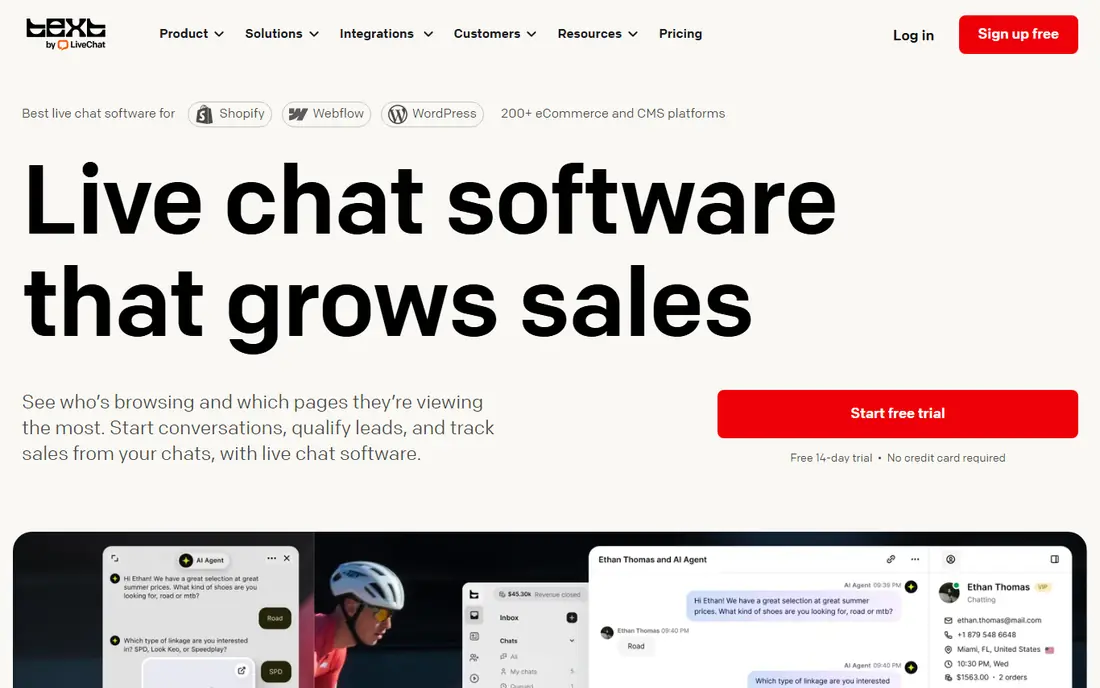
This one suits a specific kind of reader. LiveChat suits teams that only want chat done well, with a polished agent experience. It fits readers who want pure live chat for small and mid teams, and its published feature set matches that promise rather than trying to cover every possible use case at once. When we weighed it against the rest of this list, the balance of price, scope and support stood out for that group. The price picture is $19 per agent per month, with a free plan status of free trial. Teams that also need ticketing and AI should price the add-ons, since the base chat price is not the full bill. Before you sign up, check the current plan limits on the official site, because caps on users, usage or features are where most buyers get surprised after the first month.
- Polished agent app
- Chat-focused
- Ticketing and AI as separate products
- AI and ticketing cost extra
- Per-agent pricing adds up for large teams
tawk.to
Ideal for: Free live chat with unlimited agents
Consider this if the top picks do not fit. tawk.to is the free option that actually works, with unlimited agents and no per-seat fees. It fits readers who want free live chat with unlimited agents, and its published feature set matches that promise rather than trying to cover every possible use case at once. When we weighed it against the rest of this list, the balance of price, scope and support stood out for that group. The price picture is free, with a free plan status of yes. The dated interface and lack of AI mean larger teams will outgrow it, but for a zero budget it is unmatched. Before you sign up, check the current plan limits on the official site, because caps on users, usage or features are where most buyers get surprised after the first month.
- Completely free
- Unlimited agents
- No message limits
- Paid branding removal
- Interface feels dated
- No AI resolution engine
- Add-ons cost extra
Tidio
Ideal for: Ecommerce chatbots and automation
A strong option for a narrower need. Tidio suits small online stores that want chatbots and automation without per-seat pricing. It fits readers who want ecommerce chatbots and automation, and its published feature set matches that promise rather than trying to cover every possible use case at once. When we weighed it against the rest of this list, the balance of price, scope and support stood out for that group. The price picture is $24.17 per month, with a free plan status of yes. Conversation-based pricing means a busy month costs more, so forecast conversations before choosing a tier. Before you sign up, check the current plan limits on the official site, because caps on users, usage or features are where most buyers get surprised after the first month.
- Free plan for 50 conversations
- Chatbots
- Ecommerce integrations
- Pricing scales with conversations
- AI costs extra per conversation
Crisp
Ideal for: Budget startup inbox with a free plan
Worth a close look before you decide. Crisp suits startups that want a shared inbox with a genuine free plan. It fits readers who want budget startup inbox with a free plan, and its published feature set matches that promise rather than trying to cover every possible use case at once. When we weighed it against the rest of this list, the balance of price, scope and support stood out for that group. The price picture is free, with a free plan status of yes. Workspace pricing helps small teams, but larger teams should check the paid tier limits. Before you sign up, check the current plan limits on the official site, because caps on users, usage or features are where most buyers get surprised after the first month.
- Free plan
- Workspace pricing not per seat
- Shared inbox
- Paid tiers price per workspace
- Advanced features need higher plans
Freshchat
Ideal for: Freshworks ecosystem omnichannel chat
This belongs on the shortlist for a reason. Freshchat suits teams already on Freshworks, with a free tier for up to ten agents. It fits readers who want freshworks ecosystem omnichannel chat, and its published feature set matches that promise rather than trying to cover every possible use case at once. When we weighed it against the rest of this list, the balance of price, scope and support stood out for that group. The price picture is free, with a free plan status of yes. AI add-ons raise the bill, so price the full setup, not just the free tier. Before you sign up, check the current plan limits on the official site, because caps on users, usage or features are where most buyers get surprised after the first month.
- Free up to 10 agents
- Omnichannel inbox
- Freshworks integrations
- AI features are add-ons
- Pricing climbs with agents
HubSpot Service Hub
Ideal for: Support tied to sales and marketing data
Do not overlook this one. HubSpot suits teams already in HubSpot, unifying support with sales and marketing data. It fits readers who want support tied to sales and marketing data, and its published feature set matches that promise rather than trying to cover every possible use case at once. When we weighed it against the rest of this list, the balance of price, scope and support stood out for that group. The price picture is free, with a free plan status of yes. Teams outside HubSpot pay for ecosystem depth they may not use, so compare standalone chat tools first. Before you sign up, check the current plan limits on the official site, because caps on users, usage or features are where most buyers get surprised after the first month.
- Free tier
- Chat tied to CRM
- Starter from 9 dollars per seat
- Professional tiers are expensive
- Best value only inside HubSpot
How we picked these
We started from official feature pages and pricing pages, then checked app store listings, privacy policies and public reviews to confirm each product still works and still fits the topic. Products that could not be verified, or that only partly matched the topic, were left out, even when they were well known. We favoured a mix of established leaders and strong smaller options, and we weighted price transparency, a usable free tier or trial, and honest limits more heavily than marketing claims. No product on this list paid for its place, and our pick for most people is the one we would suggest to a friend with ordinary needs and an ordinary budget.
How to choose live chat software without per-seat surprises
Start with your pricing model: per seat, per workspace, per conversation and per AI resolution all produce different bills at the same volume. Next, count agents, conversations and AI resolutions separately, because a cheap seat price with expensive AI resolutions can cost more than a pricier seat with included AI. Then check channels: web chat alone suits a simple site, while WhatsApp, Instagram and email need an omnichannel inbox. Finally, test the agent experience on real chats, since a clunky inbox slows replies and frustrates customers more than a missing feature. Also check AI handoff, because a bot that traps customers in loops damages trust. Set clear handoff rules, test the bot on your ten most common questions, and keep humans one click away. Trial two tools for two weeks with real traffic, and keep the one whose response times and customer satisfaction actually improve.
Frequently asked questions
What is the best live chat software?
Intercom leads for AI-first product support, Zendesk leads for large omnichannel teams, LiveChat leads for pure chat, and tawk.to leads for free. Tidio leads for small ecommerce stores.
What is the best free live chat software?
tawk.to is free forever with unlimited agents, while Crisp, Freshchat and HubSpot offer free tiers. Intercom and Zendesk offer trials rather than free plans.
How much does live chat software cost?
Entry prices run from free for tawk.to to about 19 dollars per agent for LiveChat, 29 dollars per seat for Intercom, and 55 dollars per agent for Zendesk Suite. AI resolution fees add to some plans.
Is Intercom now called Fin?
The company renamed itself Fin in May 2026 and was acquired by Salesforce in September 2026, while its pricing page still sells Essential, Advanced and Expert plans under the Intercom name.
Do I need AI in live chat software?
AI helps for common questions and after-hours coverage, but human handoff matters more than AI depth. Test the bot on your real questions and keep humans reachable.