Best live streaming apps in 2026: 8 Compared

- 1
 OBS StudioFree streaming softwareVisit
- 2
 StreamYardInterview and panel streamsVisit
- 3
 YouTube LiveReach and searchVisit
- 4
 TwitchGaming and communityVisit
- 5
 Facebook LiveSocial live videoVisit
- OBS Studio is our pick for creators who want free, powerful streaming software without a subscription.
- StreamYard suits interview shows and panel streams, since guests join from a browser without installs.
- YouTube Live is best for reach and search, since streams can live on as videos and attract new viewers.
- Twitch remains the home of live gaming and community streaming, with subscriptions and chat culture built in.
Quick comparison
| Product | Ideal for | Price from | Free version | |
|---|---|---|---|---|
| OBS Studio | Free streaming software | Free | Yes | Visit |
| StreamYard | Interview and panel streams | See website | Yes | Visit |
| YouTube Live | Reach and search | Free | Yes | Visit |
| Twitch | Gaming and community | Free | Yes | Visit |
| Facebook Live | Social live video | Free | Yes | Visit |
 Restream | Multi-platform streaming | See website | Yes | Visit |
 Vimeo Livestream | Professional events | See website | No | Visit |
 TikTok Live | Short-form live | Free | Yes | Visit |
The best live streaming apps
We compared official feature pages, pricing pages, app store listings, privacy policies and public reviews to build this list, focusing on products that fit the topic closely and are still available in October 2026.
OBS Studio
Ideal for: Free streaming software
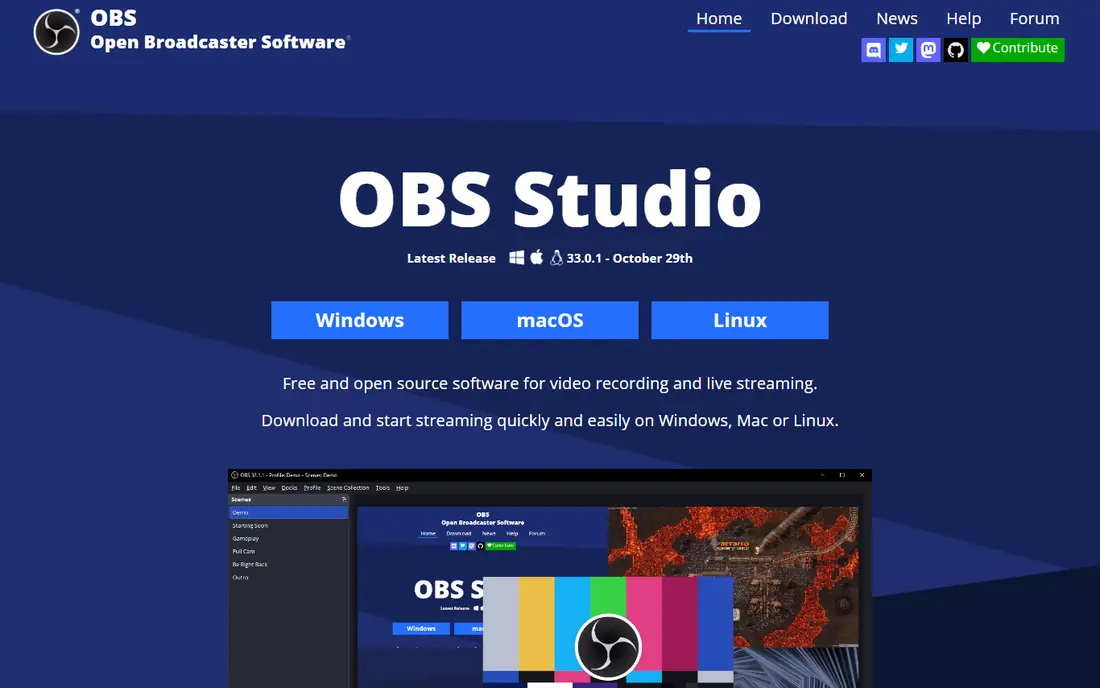
For buyers who want a clear fit, OBS Studio is aimed at creators who want control. OBS Studio is free, open source streaming and recording software with scenes, sources and plugins. Creators can build professional layouts without a subscription. In practice, that means the product earns its place by doing one job well for that audience, rather than trying to cover every possible use case at once. We compared its official feature page, pricing and public reviews against the other options here, and its best-for label reflects where it looked strongest, not where its marketing claims are loudest.
The trade-off is worth naming plainly. The learning curve is real, and multi-streaming needs a plugin or service. On price, the starting point listed above is free, and the free plan entry is Yes. If that combination fits your budget and your main use case, OBS Studio is a sensible shortlist choice. If the catch above is a deal breaker, move to another entry in this list whose strength matches your priority instead.
- Free and open source
- Scenes and sources
- Plugins
- Learning curve
- No built-in multi-streaming
StreamYard
Ideal for: Interview and panel streams

If that use case sounds familiar, StreamYard is aimed at interview shows. StreamYard lets guests join a live show from a browser, without installs. Its branding and multi-streaming suit interview and panel shows. In practice, that means the product earns its place by doing one job well for that audience, rather than trying to cover every possible use case at once. We compared its official feature page, pricing and public reviews against the other options here, and its best-for label reflects where it looked strongest, not where its marketing claims are loudest.
On the other side of that strength, Paid plans are needed for longer streams and full branding. On price, the starting point listed above is not published clearly, so check the vendor site, and the free plan entry is Yes. If that combination fits your budget and your main use case, StreamYard is a sensible shortlist choice. If the catch above is a deal breaker, move to another entry in this list whose strength matches your priority instead.
- Browser guests
- Branding
- Multi-streaming
- Paid for longer streams and branding
- Guest limits by plan
YouTube Live
Ideal for: Reach and search
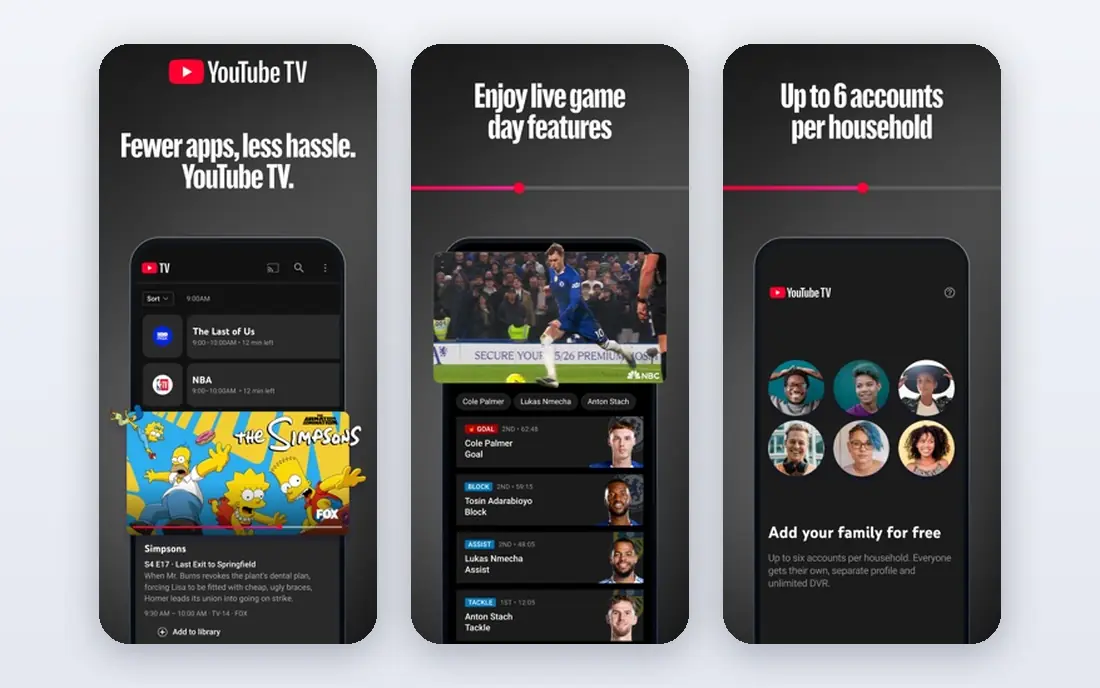
Among the options here, YouTube Live is aimed at creators building an audience. YouTube Live offers huge reach, since live streams can live on as searchable videos. Creators can build an audience that finds streams long after broadcast. In practice, that means the product earns its place by doing one job well for that audience, rather than trying to cover every possible use case at once. We compared its official feature page, pricing and public reviews against the other options here, and its best-for label reflects where it looked strongest, not where its marketing claims are loudest.
Before you commit, weigh this part. Discovery is competitive, and monetisation thresholds apply. On price, the starting point listed above is free, and the free plan entry is Yes. If that combination fits your budget and your main use case, YouTube Live is a sensible shortlist choice. If the catch above is a deal breaker, move to another entry in this list whose strength matches your priority instead.
- Huge audience
- Streams become videos
- Monetisation
- Discovery is competitive
- Monetisation thresholds apply
Twitch
Ideal for: Gaming and community
For a team or household weighing this choice, Twitch is aimed at game streamers. Twitch is the home of live gaming and community streaming, with subscriptions and chat. Its culture suits streamers who build a regular community. In practice, that means the product earns its place by doing one job well for that audience, rather than trying to cover every possible use case at once. We compared its official feature page, pricing and public reviews against the other options here, and its best-for label reflects where it looked strongest, not where its marketing claims are loudest.
The honest catch comes next. Discovery is hard for new streamers, and revenue share rules matter. On price, the starting point listed above is free, and the free plan entry is Yes. If that combination fits your budget and your main use case, Twitch is a sensible shortlist choice. If the catch above is a deal breaker, move to another entry in this list whose strength matches your priority instead.
- Gaming community
- Subscriptions
- Chat culture
- Discovery is hard for new streamers
- Revenue share rules
Facebook Live
Ideal for: Social live video
When the main need is the one above, Facebook Live is aimed at social creators. Facebook Live lets creators stream to friends, pages and groups easily. Its social sharing suits community and local events. In practice, that means the product earns its place by doing one job well for that audience, rather than trying to cover every possible use case at once. We compared its official feature page, pricing and public reviews against the other options here, and its best-for label reflects where it looked strongest, not where its marketing claims are loudest.
Pricing and limits deserve a second look. Algorithm reach varies, and its video tools are basic compared with OBS. On price, the starting point listed above is free, and the free plan entry is Yes. If that combination fits your budget and your main use case, Facebook Live is a sensible shortlist choice. If the catch above is a deal breaker, move to another entry in this list whose strength matches your priority instead.
- Large social audience
- Easy sharing
- Groups
- Algorithm reach varies
- Video tools are basic
Restream
Ideal for: Multi-platform streaming
For readers who put this factor first, Restream is aimed at multi-platform creators. Restream sends one stream to many platforms, with chat aggregation and analytics. Multi-platform creators can reach audiences without running several streams. In practice, that means the product earns its place by doing one job well for that audience, rather than trying to cover every possible use case at once. We compared its official feature page, pricing and public reviews against the other options here, and its best-for label reflects where it looked strongest, not where its marketing claims are loudest.
A smaller drawback can still matter. Full multi-streaming needs a paid plan, and platform exclusivity rules still apply. On price, the starting point listed above is not published clearly, so check the vendor site, and the free plan entry is Yes. If that combination fits your budget and your main use case, Restream is a sensible shortlist choice. If the catch above is a deal breaker, move to another entry in this list whose strength matches your priority instead.
- Stream to many platforms
- Chat aggregation
- Analytics
- Paid for full multi-streaming
- Platform rules still apply
Vimeo Livestream
Ideal for: Professional events
In a crowded field, Vimeo Livestream is aimed at business events. Vimeo Livestream suits professional events with privacy controls and embedding. Businesses can stream conferences and town halls on their own sites. In practice, that means the product earns its place by doing one job well for that audience, rather than trying to cover every possible use case at once. We compared its official feature page, pricing and public reviews against the other options here, and its best-for label reflects where it looked strongest, not where its marketing claims are loudest.
What to check before paying is simple. Paid plans are needed, and its live audience is smaller than YouTube. On price, the starting point listed above is not published clearly, so check the vendor site, and the free plan entry is No. If that combination fits your budget and your main use case, Vimeo Livestream is a sensible shortlist choice. If the catch above is a deal breaker, move to another entry in this list whose strength matches your priority instead.
- Professional live events
- Privacy controls
- Embedding
- Paid plans
- Smaller live audience than YouTube
TikTok Live
Ideal for: Short-form live
For a first purchase in this category, TikTok Live is aimed at short-form creators. TikTok Live brings live video to a huge short-form audience with gifting. Creators who already post short videos can go live to the same audience. In practice, that means the product earns its place by doing one job well for that audience, rather than trying to cover every possible use case at once. We compared its official feature page, pricing and public reviews against the other options here, and its best-for label reflects where it looked strongest, not where its marketing claims are loudest.
The limit to keep in mind is this. Live access needs follower thresholds, and the format suits short, casual streams. On price, the starting point listed above is free, and the free plan entry is Yes. If that combination fits your budget and your main use case, TikTok Live is a sensible shortlist choice. If the catch above is a deal breaker, move to another entry in this list whose strength matches your priority instead.
- Huge short-form audience
- Gifting
- Discovery
- Live access needs follower thresholds
- Short-form format
How we picked these
We compared official feature pages, pricing pages, app store listings, privacy policies and public reviews for each product, and we kept only products that are still available in October 2026 and that fit the topic closely. Where a vendor did not publish a clear starting price on its own site, we wrote See website rather than guessing. Prices can change, so check the vendor page linked in each product block before you buy.
Going live without technical trouble
Test before you go live: check internet upload speed, audio levels and lighting, since audio problems drive viewers away faster than video issues. Use a wired connection when possible, and keep a backup plan if a guest drops out. For multi-platform streaming, a tool such as Restream can send one stream to several platforms, but check each platform rules on exclusivity and monetisation. Finally, plan interaction: chat, polls and Q and A keep live viewers watching longer than a one-way broadcast.
Frequently asked questions
What is the best live streaming app?
OBS Studio is best free software, StreamYard suits interviews, YouTube Live suits reach, and Twitch suits gaming communities. Restream suits multi-platform streaming.
Is OBS Studio really free?
Yes, OBS Studio is free and open source. It has no subscription, though you still need a platform such as YouTube or Twitch to stream to.
Can I stream to multiple platforms at once?
Yes, with Restream or similar tools, though some platforms restrict multi-streaming for monetised partners. Check each platform rules before multi-streaming.
What equipment do I need to live stream?
A computer or phone, a decent microphone and a stable internet connection are enough to start. A webcam, lighting and a capture card improve quality as you grow.
How do streamers make money?
Through subscriptions, ads, donations, sponsorships and merchandise, depending on the platform. Each platform has different thresholds and revenue shares.