6 Strong Live Transfer Service for AI Receptionists in 2026

- Goodcall sits first on this list: predictable monthly AI answering.
- What to know about Goodcall first: AI only, no live human agents.
- Only Smith.ai offers a free plan among these 6 tools.
- Dialzara has the lowest monthly starting price in this list: $29 per month.
Direct answer
Start with Goodcall if you need predictable monthly AI answering. Dialzara is better for low-cost AI answering with quick setup, and Moneypenny is better for people, AI, or both under one provider. The remaining 3 options are covered below with prices and limits.
Quick comparison
| Product | Ideal for | Price from | Free version | |
|---|---|---|---|---|
 Goodcall | Predictable monthly AI answering | $79 a month | No | Visit |
 Dialzara | Low-cost AI answering with quick setup | $29 a month | Free trial | Visit |
 Moneypenny | People, AI, or both under one provider | See website | No | Visit |
 Ruby | Human receptionists with AI tools | See website | No | Visit |
 Smith.ai | AI plus human transfer for law businesses | $150 per month | Yes | Visit |
 Abby Connect | One human and AI service | See website | Free trial | Visit |
The 6 tools in detail
This Ainotely guide covers 6 live transfer service for AI receptionists. Each profile lists a starting price, free plan details, strengths and drawbacks, so you can drop poor fits quickly.
Goodcall
Ideal for: Predictable monthly AI answering
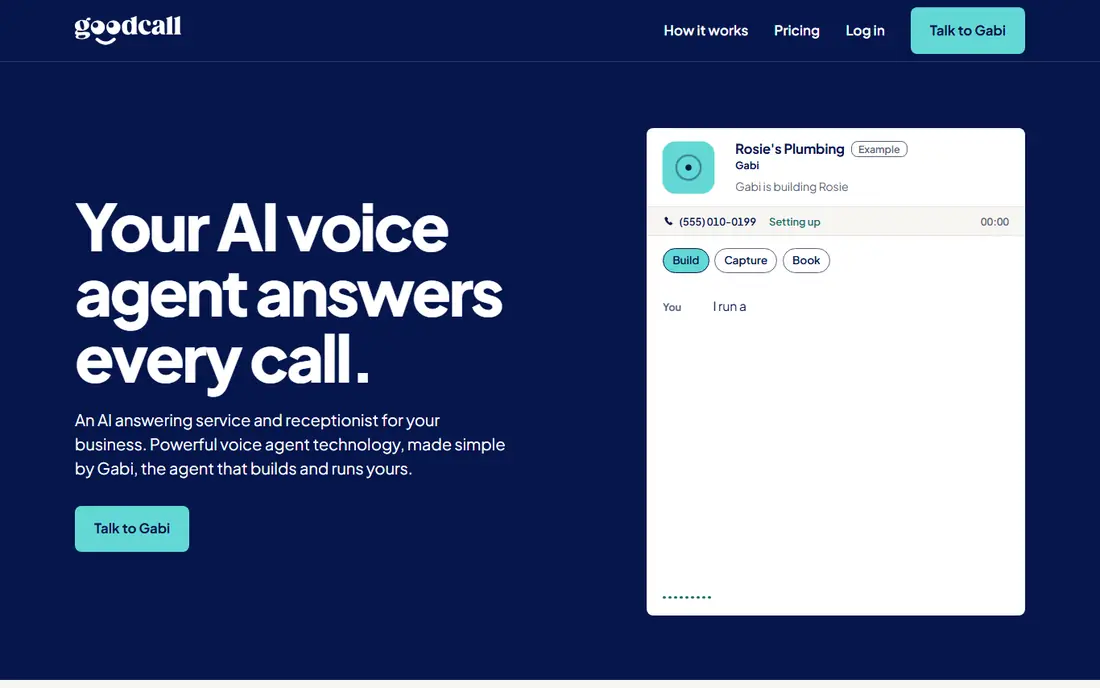
Goodcall serves predictable monthly AI answering. Goodcall provides AI answering on a flat monthly plan beginning at 79 dollars per month, which fits small companies that want a predictable bill rather than per-call charges. The drawbacks are the lack of live human backup and thinner integrations.
When a caller needs judgment that the AI cannot offer, Goodcall can transfer to your team. But there is no pool of live agents to catch calls your staff miss. In daily use, the AI answers around the clock, qualifies callers, books appointments, and transfers live calls to staff phones when the caller needs a person. Goodcall starts at: $79 per month. Goodcall has no permanent free option.
Where it falls short: Fewer deep CRM integrations than Smith.ai; Setup takes some tuning.
- Live transfer to staff phones
- Flat monthly billing
- AI only
Dialzara
Ideal for: Low-cost AI answering with quick setup
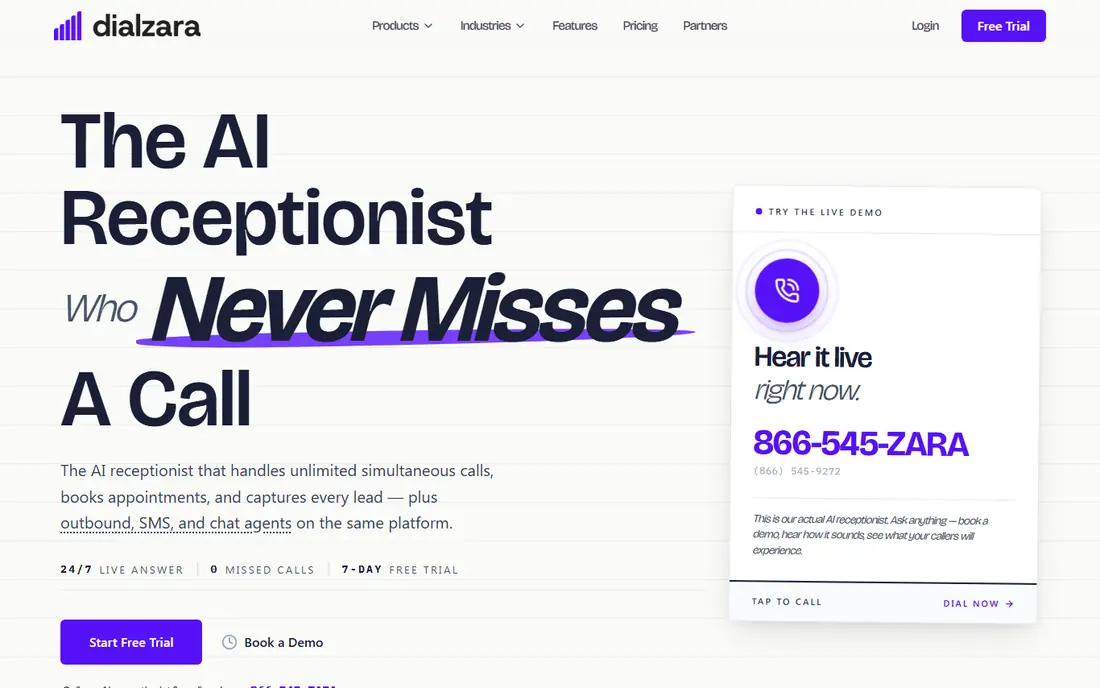
Choose Dialzara for low-cost AI answering with quick setup. Dialzara has no live agent pool, so calls your team cannot take still end as messages. Its integration list is shorter than Smith.ai or Ruby.
Dialzara provides low-cost AI answering beginning at 29 dollars a month, with a free trial. Setup is quick enough for a small business to go live the same day. For everyday use, for solo owners and tiny teams, Dialzara low entry price removes the primary barrier to 24/7 answering. The limits are human backup and integrations. Dialzara starts at: $29 per month. Free access: Free trial.
Watch-outs: AI only with no human fallback.
- Lowest flat price on this list
- Quick setup
- Newer brand with fewer reviews
Moneypenny
Ideal for: People, AI, or both under one provider
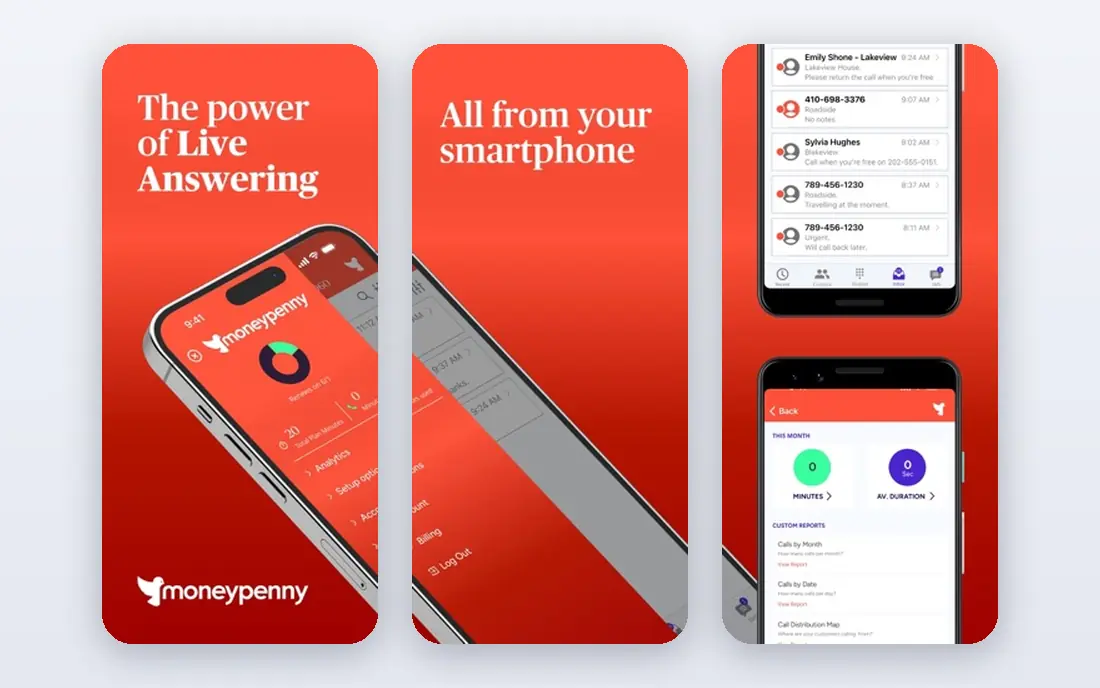
In short, Moneypenny is for people, AI, or both under one provider. The drawbacks are quote-based pricing and complexity.
The main drawbacks: Setup complexity grows with hybrid choices.
Moneypenny does not show a starting price in this comparison, so check the vendor site for current pricing. Moneypenny has no free plan.
Reasons to shortlist it: Established provider with wide coverage.
- Live transfer with context
- Or hybrid answering
- Plans vary widely
Ruby
Ideal for: Human receptionists with AI tools
Ruby is built with human receptionists with AI tools in mind. Ruby built its reputation on human receptionists, and its AI tools now assist those agents with routing, notes, and call summaries instead of replacing them. That human-first model hands callers a warm, professional greeting and a transfer handled by a person who already knows the caller context.
In practice, Ruby fits firms that prioritize human call handling with AI support over the lowest price. The limits are price and AI scope. Human receptionist plans cost more than AI-only services, pricing varies by plan and needs a quote. The AI features assist agents instead of answering alone around the clock. For companies where first impressions matter most, like law businesses and clinics, Ruby call quality is a solid selling point. Ruby shows no starting price here, so confirm the cost on the vendor site. Ruby has no free tier.
Trade-offs to know: Human plans cost more than AI-only rivals.
- AI tools assist routing and notes
- Human receptionists as the core service
- AI features are assistive, not standalone
Smith.ai
Ideal for: AI plus human transfer for law businesses
Smith.ai works best for AI plus human transfer for law businesses. Smith.ai merges an AI receptionist with North America-based live receptionists, so routine calls stay automatic and sensitive calls reach a person without the caller dialing again. In practice, for law businesses and professional services where a missed call can mean a lost case, Smith.ai hybrid transfer is worth the premium.
The AI Pro plan costs 150 dollars a month for 75 calls, live plans start at 300 dollars for 30 calls, and premium extras for booking, transcription, and additional transfer destinations raise the real monthly cost. Worth adding: the AI answers on the first ring, takes care of FAQs and intake, books appointments, and escalates to a human when a call needs judgment, for example an in-depth legal intake or a distressed caller. What you pay to start with Smith.ai: $150 per month. A free plan is available with Smith.ai.
Honest limits: Per-call costs add up at high volume.
- CRM and calendar integrations
- AI answers first and live agents take over complicated calls
- Live plans start at 300 dollars
Abby Connect
Ideal for: One human and AI service
Abby Connect was built for one human and AI service. A free trial lets teams test call quality before committing.
What to check first: Plans vary by call volume.
For everyday use, the limits are price transparency and scale. Pricing for Abby Connect is not stated here, so ask the vendor for current figures. Free options: Free trial.
- Free trial available
- Merges human receptionists with AI tools
- Pricing not published plainly
Selection criteria
Each tool was reviewed on what its vendor publishes: price, plan limits, core features and stated drawbacks. We did not run hands-on tests. Plan names, prices and limits change often. Treat the figures here as a starting point and verify them with the vendor. We ordered the tools by general fit, then by how clearly pricing is shown, then by free access. A buyer with unusual needs may reorder them.
Pre-purchase checklist
- Get a written quote from Moneypenny, Ruby and Abby Connect; the list shows no starting price for them.
- Test the free plan from Smith.ai against your real workload before relying on it.
- Run a trial of Dialzara and Abby Connect with real work before paying for a year; your own workflow is the best test.
- Read the limits listed for Goodcall first: AI only, no live human agents.
- Check whether the features you need in Moneypenny sit on the entry plan or only on higher tiers.
- Find out what support Abby Connect includes on your plan, and whether onboarding help costs extra.
Frequently asked questions
Which options for live transfer service for AI receptionists have a free plan?
Smith.ai is the only tool in this list with a free plan. Free plans usually cap users, projects or features, so check the limits on the vendor page. Several others offer a trial instead.
Do I need human agents if I have AI answering?
Not always, but human backup helps with sensitive, angry, or complicated callers that AI manages poorly. Hybrid services like Smith.ai include this gap, whereas AI-only services transfer to your own team instead.
How are the tools for live transfer service for AI receptionists ordered?
The order follows typical fit for live transfer service for AI receptionists, with Goodcall first and Abby Connect last, then price clarity and free access. It is editorial judgement, not a score, so another team could rank the tools differently.
Can I try these tools before paying?
Often, yes. Smith.ai has a free plan and Dialzara and Abby Connect offer a free trial. Use your own data and a real task during the test, and check what the free tier or trial limits before you rely on it.
Can an AI receptionist transfer to my mobile phone?
Yes, most services on this list transfer live to staff mobiles, office lines, or a call queue you define, and they can follow a schedule so after-hours calls go to voicemail or an on-call rota instead.
What happens when my team misses a transferred call?
The service typically takes an in-depth message with the caller details and AI notes, then sends it by text, email, or CRM alert. Also, some services retry the transfer or route to a backup number before falling back to voicemail.