Best Live Translation App in 2026: 8 Options Compared

- 1
 Google TranslateFree live translation in many languagesVisit
- 2
 Microsoft TranslatorGroup conversations and meetingsVisit
- 3
 DeepL TranslatorAccurate written translationVisit
- 4
 iTranslateTravelers who want voice and camera toolsVisit
- 5
 SayHi TranslateSimple two way voice translationVisit
- Google Translate and Microsoft Translator lead for free live conversation translation.
- iTranslate and SayHi suit travelers who want simple voice and camera translation.
- DeepL is the pick for accurate written translation between major languages.
- Live accuracy depends on internet access, accents, and background noise, so test before an important meeting.
Quick comparison
| Product | Ideal for | Price from | Free version | |
|---|---|---|---|---|
| Google Translate | Free live translation in many languages | Free | Yes | Visit |
| Microsoft Translator | Group conversations and meetings | Free | Yes | Visit |
| DeepL Translator | Accurate written translation | See website | Yes | Visit |
| iTranslate | Travelers who want voice and camera tools | See website | Yes | Visit |
| SayHi Translate | Simple two way voice translation | See website | Yes | Visit |
 Papago | Korean, Japanese, and Chinese translation | Free | Yes | Visit |
 TripLingo | Travelers who want cultural guidance | See website | Yes | Visit |
 Reverso | Context rich written translation | See website | Yes | Visit |
The best best live translation app
Live translation apps turn spoken conversation into another language in near real time. The best choice depends on whether you need face to face conversation, meetings, travel phrases, or accurate written text.
Google Translate
Ideal for: Free live translation in many languages
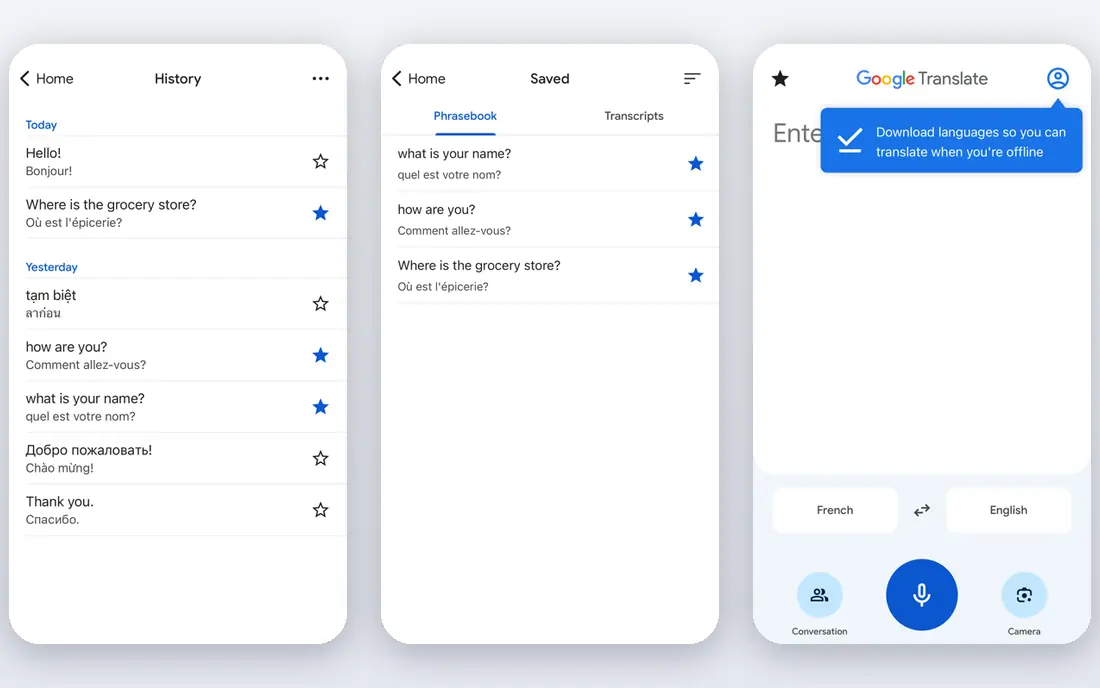
Google Translate covers a very large number of languages with conversation mode, camera translation, and downloadable offline packs. It is free, fast to open, and works on almost any phone. For travel and casual conversation, it is the default choice for a reason.
Quality varies by language pair, and less common languages get weaker results. It is a machine tool, not a professional interpreter. For most live translation needs, it is our pick.
- Many languages
- Conversation and camera modes
- Offline packs
- Accuracy varies by language
- Ads free but data policies apply
Microsoft Translator
Ideal for: Group conversations and meetings
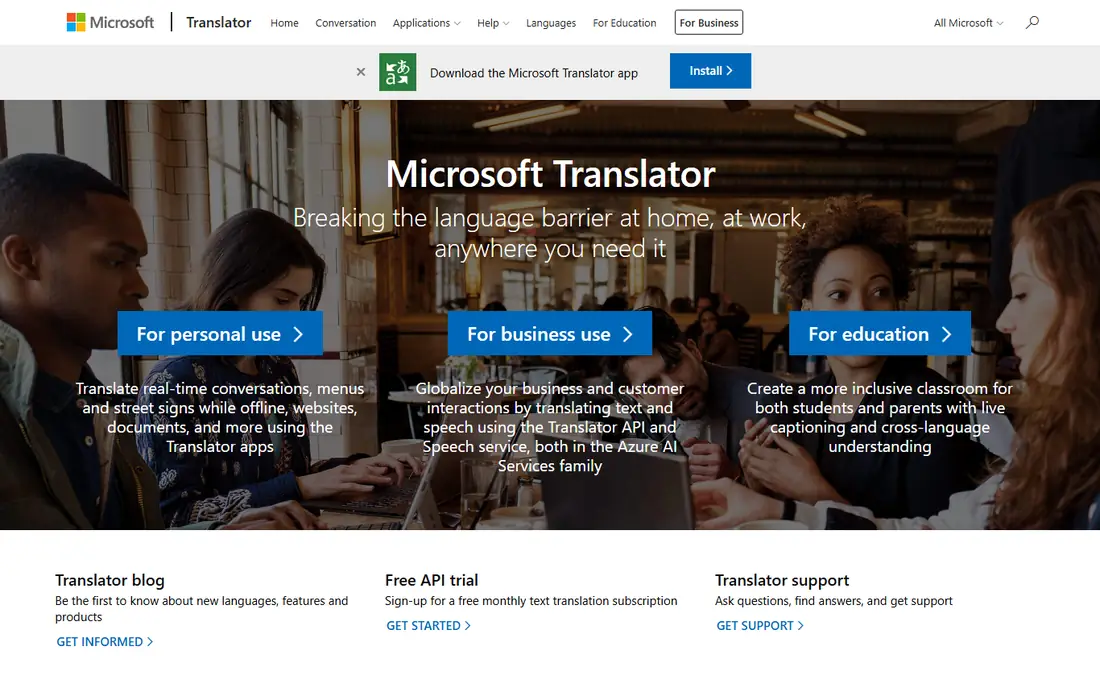
Microsoft Translator stands out for group conversations, letting many people join a session with their own devices. It suits meetings, classrooms, and tours where several speakers need captions. Offline packs cover major languages, and business tools integrate with Microsoft products.
Its language range is smaller than Google, and the design is plainer. For group settings, though, its conversation feature is the best of the free options.
- Group conversation mode
- Offline packs
- Business integration
- Language range smaller than Google
- Interface is plainer
DeepL Translator
Ideal for: Accurate written translation
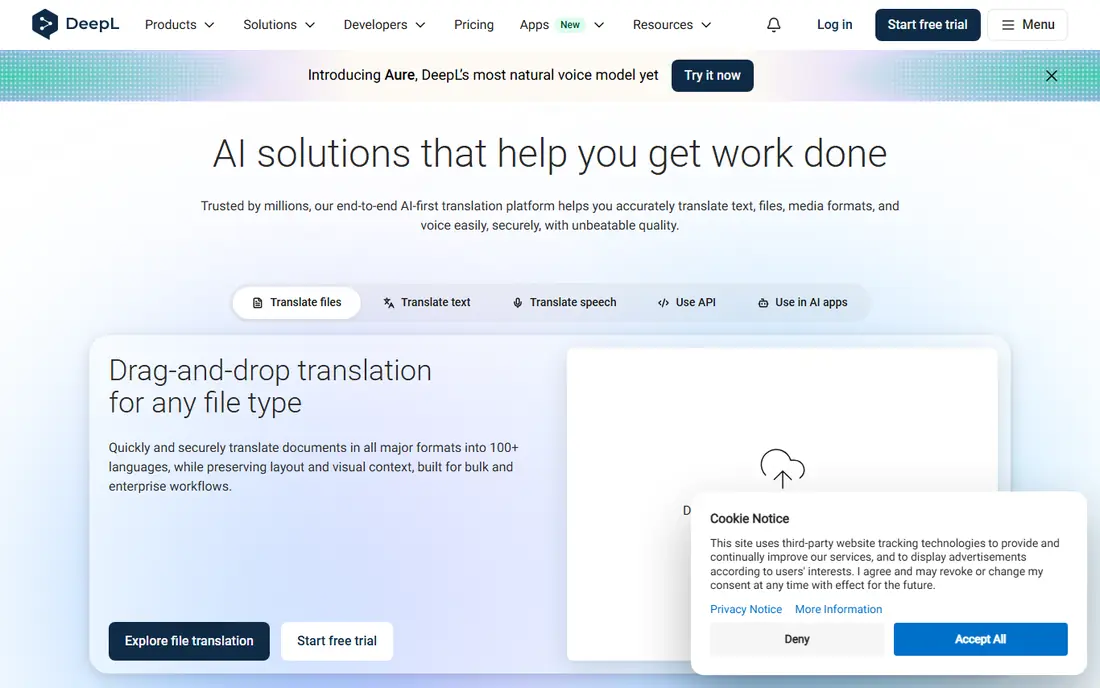
DeepL is the accuracy leader for written translation between major languages, with document translation that preserves formatting. Writers and professionals use it to polish text before sending. The free tier covers generous daily use.
It is weaker for live spoken conversation than Google or Microsoft, and it supports fewer languages. Pair it with a voice app for live talks. For written accuracy, DeepL is our pick.
- High accuracy for major languages
- Document translation
- Clean interface
- Live voice features are limited
- Fewer languages than Google
iTranslate
Ideal for: Travelers who want voice and camera tools
iTranslate offers voice conversation, camera translation, and a phrasebook in a polished travel friendly app. It suits travelers who want one app for menus, signs, and chats. The interface is clear and quick to use on the move.
The best features sit behind a Pro subscription, and offline packs add cost. Free users get a useful but limited version. For travel, it is a strong paid option.
- Voice conversation
- Camera translation
- Phrasebook
- Full features need Pro
- Offline packs cost extra
SayHi Translate
Ideal for: Simple two way voice translation
SayHi keeps live translation simple: pick two languages, speak, and hear the result. That focus makes it easy in face to face conversation, without menus to learn. It covers many languages and speaks translations aloud.
It has fewer extras such as camera translation or document handling. Support comes from a smaller company. If simplicity matters most, SayHi is a good choice.
- Simple conversation interface
- Many languages
- Voice output
- Fewer extra features
- Smaller company support
Papago
Ideal for: Korean, Japanese, and Chinese translation
Papago, from Naver, excels at Korean, Japanese, and Chinese, with conversation, image, and handwriting modes. Travelers and students working with East Asian languages will find it more accurate than general apps for those pairs. It is free and easy to use.
Outside East Asian languages it is less competitive. If your languages are Korean, Japanese, or Chinese, Papago is a top pick.
- Strong East Asian language support
- Conversation and image modes
- Less strong outside East Asian languages
TripLingo
Ideal for: Travelers who want cultural guidance
TripLingo pairs voice translation with cultural tips, a phrasebook, and safety features such as local emergency numbers. It suits travelers who want context with their translations, not just words. The design targets trips rather than meetings.
Full features need a subscription, and the language range is smaller than Google. For travel with cultural guidance, it is a thoughtful choice.
- Voice translation plus culture tips
- Phrasebook
- Safety features
- Subscription for full features
- Smaller language range
Reverso
Ideal for: Context rich written translation
Reverso shows translations with real context examples, which helps you pick the right word for the situation. It suits learners and professionals who want to understand nuance, not just get a quick answer. Grammar and conjugation tools add value.
Live conversation is not its strength, so pair it with a voice app for talks. The free tier has limits. For context rich written translation, Reverso is a strong companion.
- Context examples
- Grammar help
- Many language pairs
- Live conversation is not the focus
- Free tier has limits
How we picked these
We compared official feature pages, language counts, and app store listings for each app, checking conversation mode, offline support, and pricing. We favored apps that handle two way conversation clearly and state their limits honestly. We did not claim hands-on testing; our comparison rests on published features and public reviews.
We also checked whether each option is still offered and supported, and we left out products with unclear pricing, broken pages, or a poor fit for the topic. Where a price or free tier could not be confirmed from the vendor site, we wrote See website rather than guessing. Readers should still check the vendor page before buying, since prices and plans change.
How to get the best live translation
Pick the mode that matches the situation. Conversation mode suits face to face talks, with each person speaking in turn. Meeting translation needs speaker separation and captions, which fewer apps handle well. Travel translation leans on camera and phrasebook features. Match the app to the setting, not just the language count.
Check offline support before you travel. Some apps download language packs for offline use, while others need a connection for live voice translation. Download packs at home over wifi, and test the app in airplane mode so you are not surprised abroad.
Speak clearly and in short sentences. Live translation works best with pauses between speakers and simple phrasing. Background noise, overlapping speech, and slang all reduce accuracy. In noisy places, move closer to the phone and use the text view to confirm what was understood.
Confirm the languages and dialects you need. A high language count can hide weak support for a specific dialect or script. Test your exact language pair before an important trip or meeting, and keep a backup app in case the first one struggles.
Before you pay, confirm the total cost for the first year, including any add ons, renewal prices, and fees that only appear at checkout. A low starting price can hide a higher renewal rate, and a free tier can limit the feature you need most. Write down the features you will use weekly, and pay only for those.
After you choose, give the option a fair trial with your real workload, not just a quick tour. Set a reminder to review it after two to four weeks, and note what worked, what annoyed you, and what you never used. That review tells you whether to keep, upgrade, or switch before a renewal locks you in.
If the option disappoints, switch sooner rather than later. Export your data first, check whether you can keep your account history or settings, and confirm any cancellation terms. A good provider makes leaving straightforward, and a difficult exit is itself useful information about the service.
Talk to people who already use the option before you commit, especially for a business purchase. A short conversation with a current user reveals support quality, setup effort, and daily friction that marketing pages omit. Ask what surprised them after the first month, since early impressions often differ from longer use.
Keep a simple record of why you chose the option, including the price you were quoted and the features that mattered. That note makes renewal talks easier and helps a colleague or future you understand the decision. If the price rises or a key feature changes, the note shows whether the original reasons still hold.
Finally, plan the first week of use before you pay. List the setup steps, the data you need to move, and the people who need access. A clear first week plan turns a promising choice into a working routine, and it exposes missing features while you can still change your mind.
Save the vendor support page and the cancellation instructions in the same place as your receipt. When something goes wrong, you will want support details at hand rather than searching for them under pressure. A tidy record saves time and keeps a small problem from becoming a long one.
Keep notes on the first month of use, including any issues and how support handled them. Those notes give you clear evidence if you need a refund, an upgrade, or a switch, and they help you advise a friend or colleague who asks about the same choice later.
Frequently asked questions
What is the best live translation app?
Google Translate is our pick for most people because it is free, covers many languages, and offers conversation, camera, and offline modes. Microsoft Translator is strong for group conversations, while DeepL leads for written accuracy. Your language pair and setting decide the winner.
Can live translation apps translate conversations in real time?
Yes, conversation mode lets two people speak in turn, with the app speaking and showing the translation. There is a short delay, and accuracy drops with noise, accents, and fast speech. For casual conversation it works well; for legal or medical talks, use a professional interpreter.
Do translation apps work offline?
Some do for downloaded languages, including Google Translate and Microsoft Translator. Offline quality is usually lower than online, and live voice features may need a connection. Download language packs before you travel.
Which translation app is most accurate?
DeepL is widely regarded as the most accurate for written translation between major European languages. For spoken conversation, Google Translate and Microsoft Translator are strong and cover more languages. Accuracy varies by language pair, so test yours.
Are live translation apps free?
Many core features are free, including Google Translate and Microsoft Translator. Paid apps such as iTranslate Pro and DeepL Pro add offline packs, camera features, or higher limits. Check what the free version covers before paying.
How often should I review my choice?
Review it at least once a year, and sooner if your needs, budget, or team size change. Prices, features, and policies shift over time, and a better fit may appear. A short yearly check, comparing your current option with two alternatives, keeps you from paying for features you no longer use.