Start with WebinarJam if you need live and automatic sales webinars. Listed starting prices: Livestorm from €2.50 per attendee. GoTo Webinar is better for engaging audiences in conferences and events, and Goldcast is better for B2B marketers producing video content. The other 3 tools in the list cover narrower or pricier cases.
Choosing live webinar software usually comes down to price, fit and limits. This Ainotely guide sets 6 tools side by side on those three points, with the facts kept short and checkable.
Key takeaways
Number one here is WebinarJam, a fit for live and automated sales webinars.
None of the 6 tools, from WebinarJam to Livestorm, has a free plan, so budget for a subscription or use a trial.
One limit worth knowing about Microsoft Teams Webinars: Webinar marketing features are restricted.
Expect to ask for a quote from WebinarJam, GoTo Webinar, Goldcast and others; the other tools show a starting price.
WebinarJam is built with live and automatic sales webinars in mind. If your events are educational or corporate, a broader system may fit better.
As for the details, choose WebinarJam when the webinar is a sales channel. WebinarJam does not show a starting price in this comparison, so check the vendor site for current pricing. Free options: Not stated.
Where it falls short: Sales-first design may not suit training.
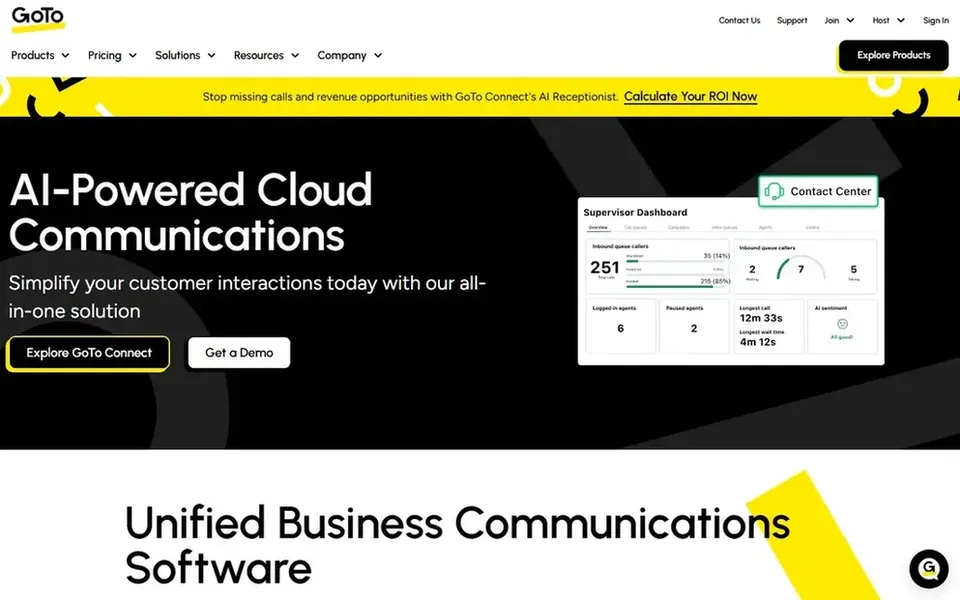
Best for: Engaging audiences in conferences and events
Pick GoTo Webinar if this describes you: engaging audiences in conferences and events. Some users find the interface less modern than newer marketing products, and integration depth relies on how you configure it.
GoTo Webinar shows no starting price here, so confirm the cost on the vendor site. On free options: Free trial.
Drawbacks to consider: Interface can feel dated to some users.
Goldcast targets B2B marketers producing video content. Goldcast describes itself as an AI-first video content system for B2B videos, webinars and events, helping marketers produce and amplify video content that drives engagement, builds brand authority and produces revenue.
Watch-outs: B2B content focus may not fit every team.
It suits B2B marketing teams that treat webinars as content assets to be repurposed instead of one-off broadcasts. No starting price is listed for Goldcast here; confirm pricing on the vendor site. On free options: Not stated.
Best for: Organizations already standardized on Microsoft
Microsoft Teams Webinars is built with organizations already standardized on Microsoft in mind. Choose Teams Webinars when consolidation inside Microsoft matters more than marketing depth.
As for the details, as part of a wide collaboration suite, it supplies fewer dedicated webinar marketing features than specialized products, for example funnel tools or deep event analytics. Microsoft Teams Webinars does not show a starting price in this comparison, so check the vendor site for current pricing. Free plan details: Not stated.
Where it is weaker: Webinar marketing features are restricted.
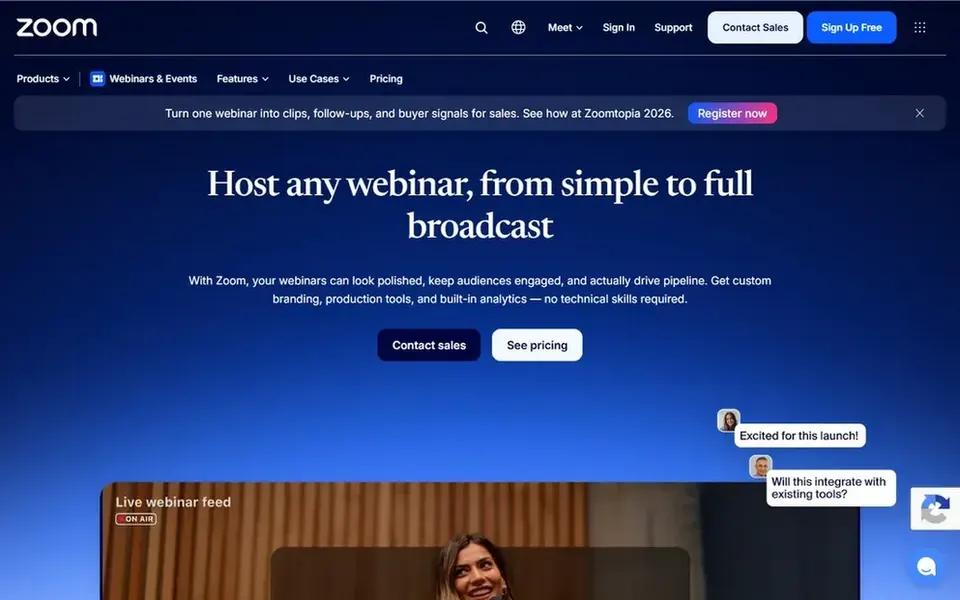
Zoom Webinars targets dependable branded virtual events at scale. Zoom Webinars extends the familiar Zoom meeting experience into hosted webinars and events, positioning itself around professional, high-impact virtual events that drive results.
Downsides: Advanced marketing features may need extras.
It suits organizations that already depend on Zoom for meetings and want live events in the same environment, from internal sessions to public presentations with presenters and an audience. Zoom Webinars shows no starting price here, so confirm the cost on the vendor site. Free options: Not stated.
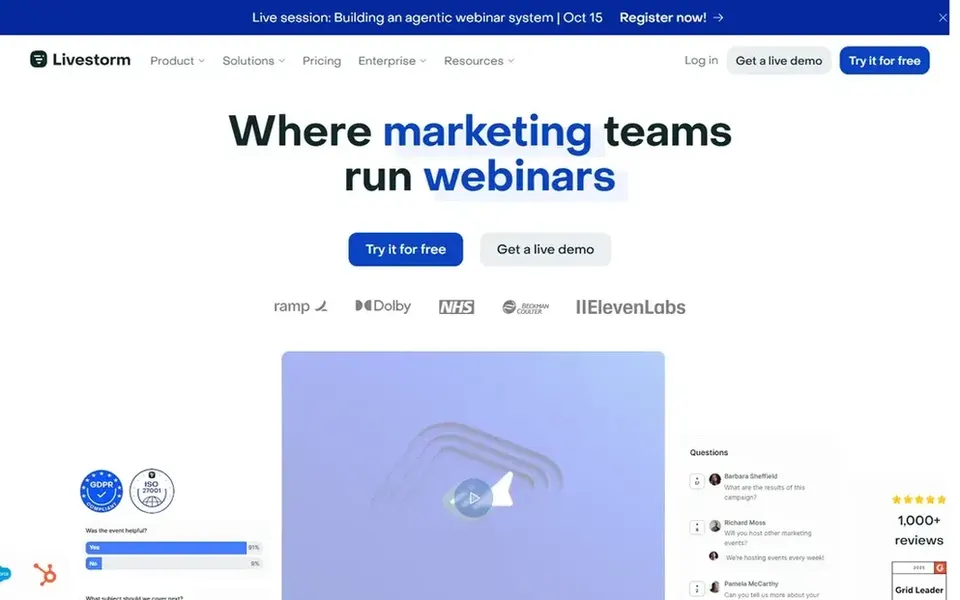
Livestorm is designed for marketing teams running branded events. The marketing orientation can be more than a training or internal communications team needs, and value relies on connecting your CRM properly.
If you chiefly need large broadcasts without marketing data workflows, a more straightforward webinar tool may be enough. Livestorm cost at the entry level: €2.50 per attendee. Free access: Not stated.
Where it falls short: Marketing focus may be additional for internal training.
Get a written quote from WebinarJam, GoTo Webinar, Goldcast and others; the list shows no starting price for them.
Run a trial of GoTo Webinar with real work before paying for a year; your own workflow is the best test.
Read the limits listed for WebinarJam first: sales-first design may not suit training.
Ask WebinarJam which support channels and response times come with the plan you would buy.
Confirm the exact Microsoft Teams Webinars plan that includes your must-have features.
How we picked
The comparison looks at four things: starting price, free access, how well the feature set matches live webinar software, and the main limit of each tool. Where a price is missing, the vendor does not list one publicly or ties it to a quote. Always confirm before budgeting. The sequence is a judgement call: typical use case first, then pricing transparency, then free access. Use the profiles to check fit.
Every price and plan detail on this page comes from the vendors’ own websites. We did not run hands-on tests unless the text says so, and we do not publish star ratings or review scores. See how we score and our disclosure.
Keep your shortlist in one place
Paste prices, trial dates and notes from this guide into Ainotely, our AI note app. It files them into a topic and pulls out tasks like “cancel trial by Friday”. Free 7-day trial, no card needed.
Does any tool for live webinar software here have a free plan?
No tool in this list, WebinarJam and Livestorm included, has a permanent free plan. GoTo Webinar offer a trial. Trials and quotes are the usual route, so plan a short evaluation period.
How are the tools for live webinar software ordered?
The order follows typical fit for live webinar software, with WebinarJam first and Livestorm last, then price clarity and free access. It is editorial judgement, not a score, so another team could rank the tools differently.
Which tool is a good match for sales webinars?
For most readers this guide would start with WebinarJam, built for live and automatic sales webinars. GoTo Webinar is the alternative for engaging audiences in conferences and events, and Goldcast for B2B marketers producing video content. The right answer depends on budget and workflow.
Do these tools publish their prices?
Not all of them. WebinarJam, GoTo Webinar, Goldcast and others publish no starting price, so expect a quote request for those. The rest, Livestorm included, show a starting price, though seats and billing terms still change the final cost.
Is WebinarJam the right pick for everyone comparing live webinar software?
No single tool suits every team. WebinarJam comes first because it fits live and automated sales webinars, while GoTo Webinar suits engaging audiences in conferences and events and Goldcast suits B2B marketers producing video content. Match the tool to your own size, budget and workflow before deciding.
What is the best live webinar software overall?
This list starts with WebinarJam, which fits live and automatic sales webinars. For other needs, GoTo Webinar is aimed at engaging audiences in conferences and events, and Goldcast at B2B marketers producing video content. Check each tool's price and main limit first.