7 Strong Local AI Image Generation Tools in 2026

- 1
 SD.NextModern fork with wide model supportVisit
- 2
 AUTOMATIC1111 Web UIClassic Stable Diffusion controlVisit
- 3
 Easy DiffusionEasiest first local installVisit
- 4
 ComfyUIAdvanced node workflowsVisit
- 5
 SwarmUIComfyUI-style workflows with a more straightforward front endVisit
- SD.Next sits first on this list: modern fork with broad model support.
- One limit worth knowing about Easy Diffusion: less workflow depth than ComfyUI.
- A free plan is offered by 7 of the 7 tools, including SD.Next, AUTOMATIC1111 Web UI, Easy Diffusion and ComfyUI.
- Fooocus suits straightforward prompt-first generation.
Direct answer
Our first pick is SD.Next, best for modern fork with wide model support. Look at AUTOMATIC1111 Web UI for classic Stable Diffusion control, and at Easy Diffusion for easiest first local install. Details, prices and limits for the rest of the 7 tools are below.
Quick comparison
| Product | Ideal for | Price from | Free version | |
|---|---|---|---|---|
| SD.Next | Modern fork with wide model support | Free | Yes | Visit |
| AUTOMATIC1111 Web UI | Classic Stable Diffusion control | Free | Yes | Visit |
| Easy Diffusion | Easiest first local install | Free | Yes | Visit |
| ComfyUI | Advanced node workflows | Free | Yes | Visit |
| SwarmUI | ComfyUI-style workflows with a more straightforward front end | Free | Yes | Visit |
 DiffusionBee | Simple Mac generation | Free | Yes | Visit |
 Fooocus | Straightforward prompt-first generation | Free | Yes | Visit |
Every option for local AI image generation tools explained
Short on time? The summary and table above give the quick view of 7 local AI image generation tools, and the profiles that follow give the detail behind each entry.
SD.Next
Ideal for: Modern fork with wide model support
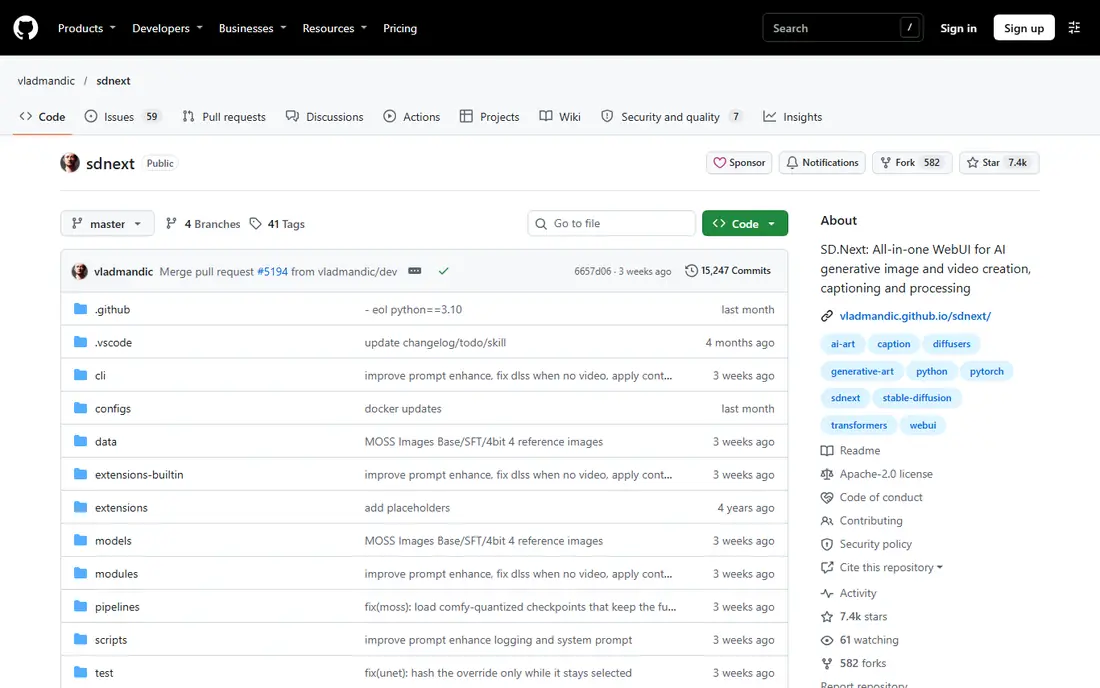
SD.Next was built for modern fork with wide model support. SD.Next is a modern fork in the style of the classic Stable Diffusion web UI, maintained as an alternative for users who want that tabbed workflow with broader model support.
The main drawbacks: Community documentation varies by feature.
It covers text-to-image, image-to-image, and editing tools in a familiar layout, whereas adding support for newer models that the original interface manages less well. SD.Next starts at: Free. SD.Next offers a free plan.
- Free and open source
- Supports a set of model families
- Interface still assumes some technical comfort
AUTOMATIC1111 Web UI
Ideal for: Classic Stable Diffusion control
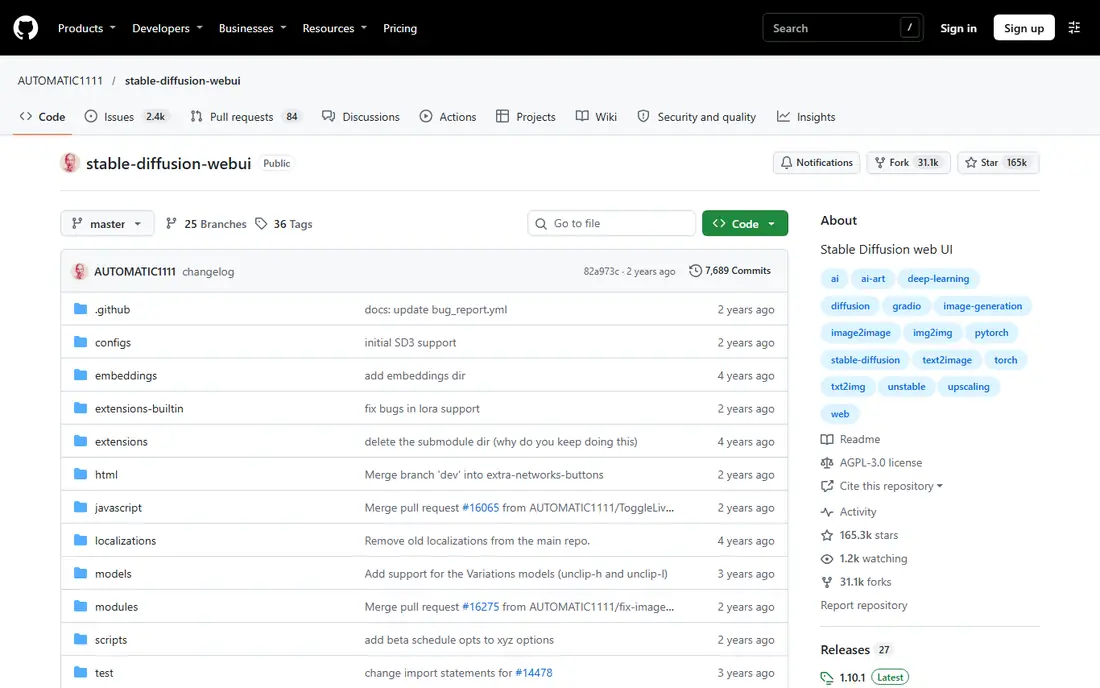
AUTOMATIC1111 Web UI was built for classic Stable Diffusion control. Its tabbed layout for text-to-image, image-to-image, inpainting, and extras is simple to read, and the extension library layers on ControlNet, upscalers, and numerous community tools.
Drawbacks to consider: Core updates have slowed.
Also, for SD 1.5 and SDXL workflows, it remains a comfortable, well-documented choice. More specifically, core updates have slowed compared to ComfyUI, so support for the newest model families may lag or rely on extensions. Entry price for AUTOMATIC1111 Web UI: Free. AUTOMATIC1111 Web UI offers a free plan.
- Familiar tabbed interface
- Huge extension library
- Newer model support should be checked before installing
Easy Diffusion
Ideal for: Easiest first local install
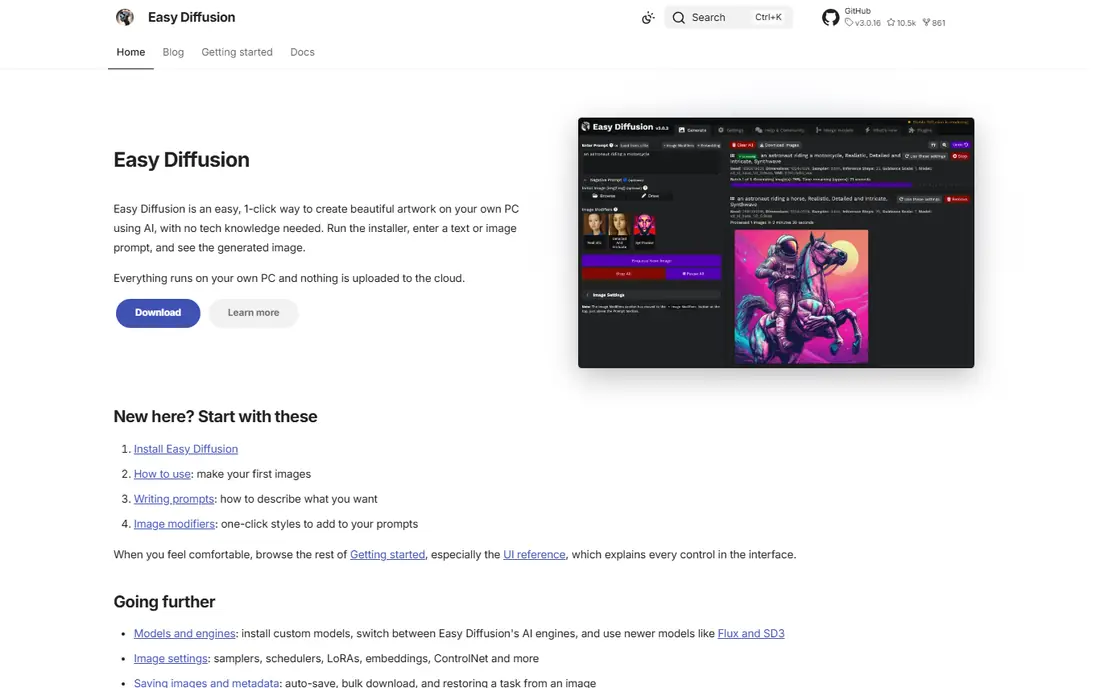
Choose Easy Diffusion for easiest first local install. Simple Diffusion is aimed at the first install. Its installer aims to get a working local Stable Diffusion setup running with minimal command line work.
The interface keeps generation straightforward for a new user. That low friction matters, since numerous beginners provide up at the install step instead of at prompt writing. Simple Diffusion does not offer ComfyUI-style node workflows, and advanced users will likely move on once they want complex pipelines. Easy Diffusion pricing: Free. Easy Diffusion offers a free plan.
The main drawbacks: Less workflow depth than ComfyUI.
- Straightforward interface for beginners
- One-click style installer for Windows, Mac, Linux
- Model support follows its bundled Stable Diffusion base
ComfyUI
Ideal for: Advanced node workflows
In short, ComfyUI is for advanced node workflows. A beginner can start from a ready template, but building a custom workflow takes time, and external custom nodes should only come from sources you trust.
Points against: External nodes need care, since they run code from other authors.
More specifically, for a creator who creates images daily and wants exact control, that effort pays off in adaptability no straightforward app can match. Entry price for ComfyUI: Free. ComfyUI offers a free plan.
- Free and open source
- Workflows are saved with outputs for repeatability
- Node graph has a ramp-up time
SwarmUI
Ideal for: ComfyUI-style workflows with a more straightforward front end
SwarmUI makes the most sense for ComfyUI-style workflows with a more straightforward front end. SwarmUI sits between Fooocus and ComfyUI. It builds on the ComfyUI back end, so workflows can carry over in plenty of cases.
Where SwarmUI stands out: Free and open source.
But the front end feels more like a normal app than a node graph. It is not a one-click beginner app. For an intermediate user, SwarmUI is a solid middle path. You still need a capable graphics card, storage for models. Some setup time, and the interface assumes an entry-level comfort with diffusion settings. On cost, SwarmUI starts like this: Free. Free access exists with SwarmUI.
Where it falls short: Setup is more involved than Fooocus.
- Builds on ComfyUI back end
- Cleaner interface than a raw node graph for numerous users
- Still needs a capable GPU and model downloads
DiffusionBee
Ideal for: Simple Mac generation
In short, DiffusionBee is for Simple Mac generation. DiffusionBee is the friendliest local choice for Mac users who want an app, not a command line.
Where it falls short: Update pace is hard to verify from the site alone.
For everyday use, generation stays on the Mac, so prompts and images are not sent to a cloud service during normal use. DiffusionBee pricing: Free. Free access exists with DiffusionBee.
- Fully free with no per-image fees
- Straightforward desktop app
- Best on Apple silicon Macs
Fooocus
Ideal for: Straightforward prompt-first generation
Fooocus is a good fit for simple prompt-first generation. You type a prompt, pick a style, and the tool manages model choices and defaults behind the scenes, with inpainting, upscaling, and variations available when you want them.
Fooocus starts at: Free. Free access exists with Fooocus.
Where it is weaker: Bug-fix only development in recent versions.
- Very straightforward install and prompt-first interface
- Works with as little as 4 GB of VRAM for SDXL
- Centred on SDXL with no planned support for newer architectures
A closer look at local AI image generation tools
A graphics card with 8 GB or more of VRAM takes care of SDXL comfortably, whereas 4 to 6 GB works for smaller models with slower accelerates. In practice, CPU-only generation is possible in some tools. But it is slow enough that most beginners will provide up before finishing a batch.
Beyond that, use a quick SSD with free space set aside for models, outputs, and upscalers, and delete models you no longer use. Local tools are free, but models carry their own licenses. Some allow commercial use, some restrict it, and some need attribution or compliance with an open RAIL license.
How we chose
Pricing pages, product documentation and feature lists were the main sources, and every entry carries at least one honest drawback. Seat minimums, billing terms and add-ons can move the real cost, so the starting prices here are a guide and not a quote. The order reflects how well each tool fits the most common buying scenario for local AI image generation tools, then price clarity, then free plan access. It is a starting point, not a verdict.
What to check before you buy
- Check the current price for SD.Next, Fooocus and the rest on each vendor page, since seats and billing terms change the total.
- Read the fine print on the free plans from SD.Next, AUTOMATIC1111 Web UI, Easy Diffusion and others; seat, project and feature caps differ.
- Before choosing SD.Next, weigh its main limit: interface still assumes some technical comfort.
- The entry price of SwarmUI is only the starting point; model the full cost with seats and extras.
- Ask the daily users to test ComfyUI on a live task before you roll it out to everyone.
Frequently asked questions
Is SD.Next the right pick for everyone comparing local AI image generation tools?
No single tool suits every team. SD.Next comes first because it fits modern fork with broad model support, while AUTOMATIC1111 Web UI suits classic Stable Diffusion control and Easy Diffusion suits easiest first local install. Match the tool to your own size, budget and workflow before deciding.
Which options for local AI image generation tools have a free plan?
On this list, 7 of 7 tools include a free plan, among them SD.Next, AUTOMATIC1111 Web UI, Easy Diffusion and ComfyUI. Caps on seats, usage or features are common, so test the free plan against your real workload.
Which local tool supports the newest models?
ComfyUI usually layers on support for new model families fastest, followed by forks for example SD.Next. Fooocus and DiffusionBee are more restricted to older Stable Diffusion families, so check model support for your target model before installing.
Are local AI image tools really free?
The costs are hardware, electricity, storage, and time, plus any premium hosted version you choose separately, which is not required for local use.
What is the best local ai image generation software for beginners?
This list starts with SD.Next, which fits modern fork with wide model support. For other needs, AUTOMATIC1111 Web UI is aimed at classic Stable Diffusion control, and Easy Diffusion at easiest first local install. Check each tool's price and main limit first.
Can I try these options before paying?
Often, yes. SD.Next, AUTOMATIC1111 Web UI, Easy Diffusion and others have a free plan. Use your own data and a real task during the test, and check what the free tier or trial limits before you rely on it.