Best Location Sharing App in 2026: 7 Apps Compared

- 1
 Google Maps Location SharingFree sharing on any phoneVisit
- 2
 Apple Find MyiPhone family location sharingVisit
- 3
 Life360Complete family safety appVisit
- 4
 GlympseTemporary location sharingVisit
- 5
 GeoZillaFamily location with safety alertsVisit
- Apple Find My and Google Maps location sharing are the best free built-ins, with no extra app needed.
- Life360 is the most complete family safety app, with driving reports and crash alerts.
- Glympse suits temporary sharing, since it expires automatically and needs no account from viewers.
- WhatsApp live location works for short meetups inside a chat you already use.
Quick comparison
| Product | Ideal for | Price from | Free version | |
|---|---|---|---|---|
| Google Maps Location Sharing | Free sharing on any phone | Free | Yes | Visit |
| Apple Find My | iPhone family location sharing | Free | Yes | Visit |
| Life360 | Complete family safety app | Free | Yes | Visit |
| Glympse | Temporary location sharing | Free | Yes | Visit |
| GeoZilla | Family location with safety alerts | Free | Yes | Visit |
 iSharing | Family locator with alerts | Free | Yes | Visit |
 WhatsApp Live Location | Sharing inside a chat | Free | Yes | Visit |
The best location sharing apps
Location sharing helps families coordinate, friends meet up, and loved ones check safety, but it also shares sensitive data, so privacy controls matter as much as features. The apps below range from built-in phone tools to dedicated family safety apps, with notes on consent, battery use and data handling. Only share location with people you trust, and review who can see you regularly.
Google Maps Location Sharing
Ideal for: Free sharing on any phone
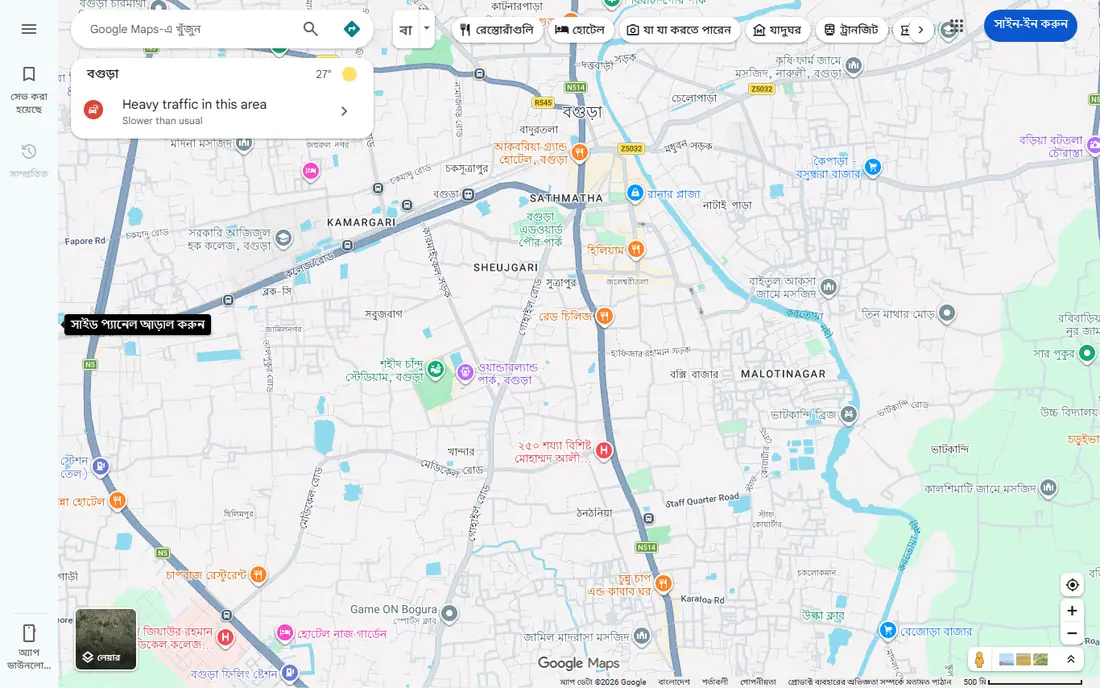
Google Maps location sharing is built into an app most people already have, works on Android and iPhone, and lets you share for a set duration or until turned off. It suits families and friends coordinating meetups without installing a new app, and its maps make meeting points clear.
It needs a Google account, and it lacks driving safety features such as crash alerts. Battery use also rises with continuous sharing. For simple, free sharing across devices, it is the easiest choice.
For readers focused on free sharing on any phone, Google Maps Location Sharing is worth a trial before deciding, since the free tier or trial shows its real feel fast. Check the current plan details on the vendor site, since prices and limits change, and confirm that the version you need works on your devices.
- Built into Google Maps
- Set sharing duration
- Works on Android and iPhone
- Google account needed
- No driving safety features
Apple Find My
Ideal for: iPhone family location sharing
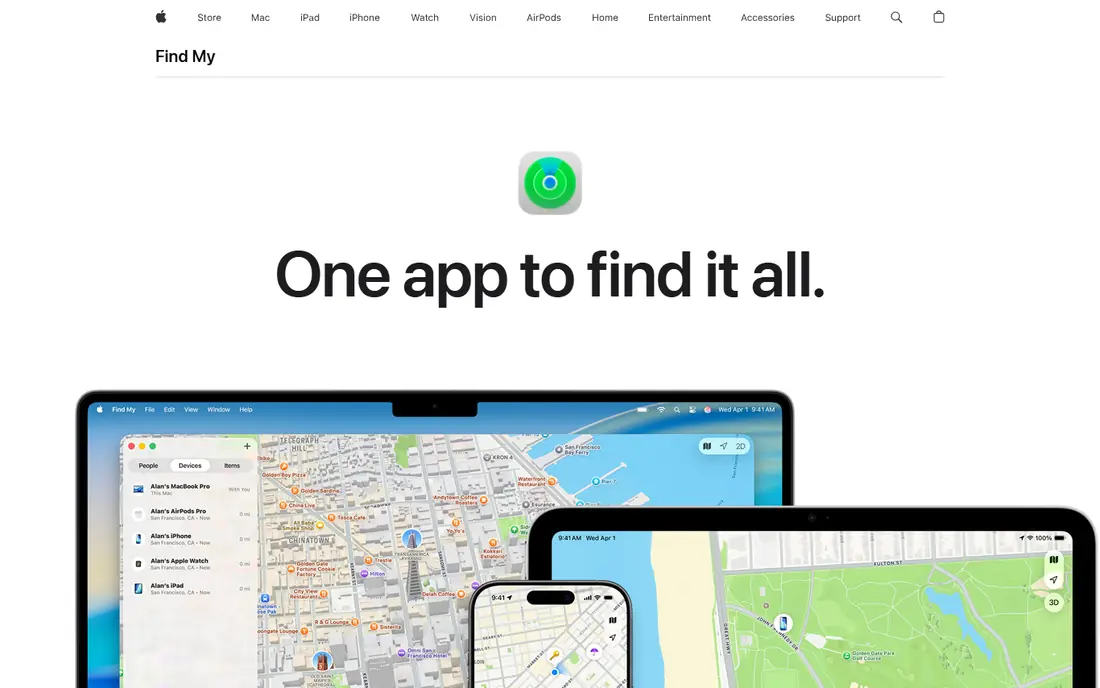
Apple Find My is built into every iPhone and iPad, letting families share locations through Family Sharing and find lost devices in the same app. It needs no extra install, its privacy controls are clear, and its precision finding helps in crowded places. Apple families get location sharing free.
It only works on Apple devices, so mixed-device families need another tool. It also lacks driving reports and crash alerts. For Apple-only families, Find My is the obvious free pick.
We would shortlist Apple Find My for iPhone family location sharing, and compare it directly with the two options nearest it in price before paying. Check the current plan details on the vendor site, since prices and limits change, and confirm that the version you need works on your devices.
- Built into iPhones
- Family sharing
- Device finding included
- Apple devices only
- No Android support
Life360
Ideal for: Complete family safety app
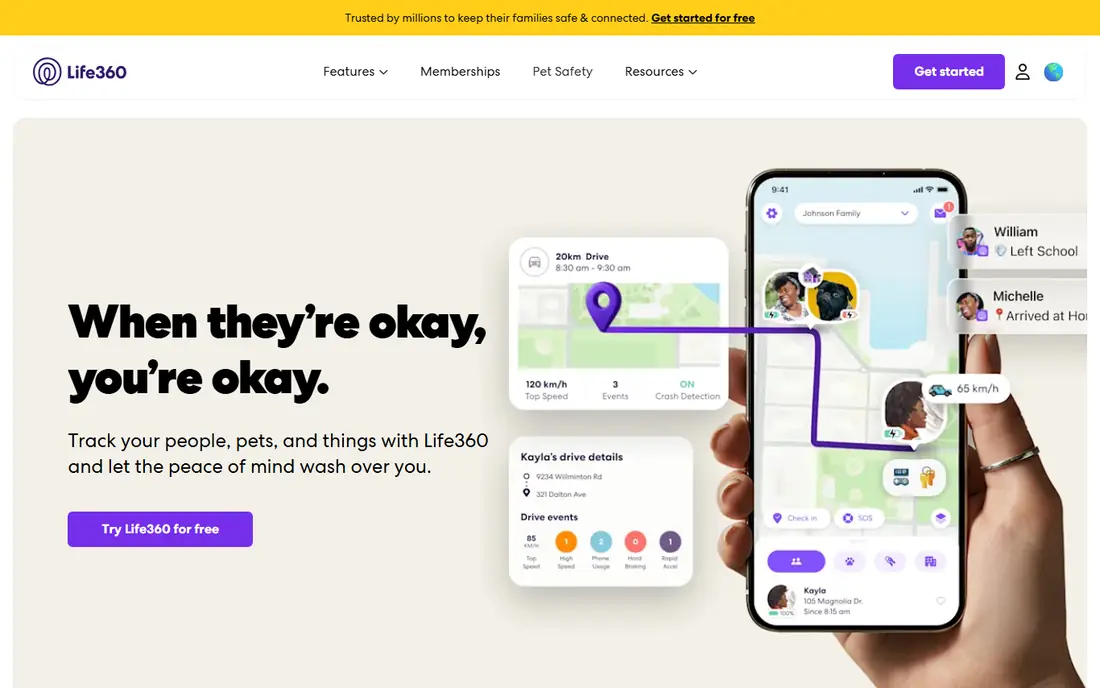
Life360 is the most complete family safety app, with real-time location, place alerts, driving reports, crash detection and roadside help on paid plans. Families use its circles to coordinate kids, parents and caregivers, and its safety features go beyond simple dots on a map.
Full safety features need a paid plan, and the company faced criticism in the past over location data sales, so privacy-conscious families should read its current policy. Free location sharing still works well. For families wanting safety features, Life360 leads.
If complete family safety app is your main need, Life360 deserves a place on a shortlist, provided you test the catch described above first. Check the current plan details on the vendor site, since prices and limits change, and confirm that the version you need works on your devices.
- Real-time family location
- Driving reports
- Crash detection on paid plans
- Safety features need a paid plan
- Past data-selling concerns
Glympse
Ideal for: Temporary location sharing
Glympse specializes in temporary location sharing: send a link, and friends or family see your live location until it expires, with no account needed to view. That design suits meetups, deliveries and travel updates, and it avoids permanent tracking. Privacy is built into the expiry model.
It has no permanent family circles or driving safety tools, so it cannot replace Life360 for ongoing safety. Its simplicity is also its limit. For short, private sharing, Glympse is the best tool here.
Our view is that Glympse earns its place here for temporary location sharing, even with the limits noted above. Check the current plan details on the vendor site, since prices and limits change, and confirm that the version you need works on your devices.
- Sharing expires automatically
- Viewers need no account
- Simple and private
- No permanent family features
- No driving safety tools
GeoZilla
Ideal for: Family location with safety alerts
GeoZilla offers family location sharing with place alerts, safety features and activity history, in a free tier that covers basic sharing. Its circles help families coordinate, and its alerts notify when members arrive or leave places. It is a lighter alternative to Life360.
Its user base is smaller, and premium safety features need a paid plan. Support and update pace also trail larger rivals. For families who want Life360-style features with a simpler app, GeoZilla is worth trying.
For readers focused on family location with safety alerts, GeoZilla is worth a trial before deciding, since the free tier or trial shows its real feel fast. Check the current plan details on the vendor site, since prices and limits change, and confirm that the version you need works on your devices.
- Family location and place alerts
- Safety features
- Free tier
- Smaller user base than Life360
- Premium features are paid
iSharing
Ideal for: Family locator with alerts
iSharing is a family locator app with real-time location, place alerts, location history and a walkie-talkie feature for quick voice messages. Its family focus suits parents tracking kids and caregivers, and its interface is simple for all ages. The free tier covers basic sharing.
Free tier limits apply, and premium features such as longer history need a paid plan. Its design is simpler than Life360. For families wanting location plus quick voice contact, iSharing is a handy option.
We would shortlist iSharing for family locator with alerts, and compare it directly with the two options nearest it in price before paying. Check the current plan details on the vendor site, since prices and limits change, and confirm that the version you need works on your devices.
- Family location and alerts
- Walkie-talkie feature
- History
- Free tier limits
- Premium features are paid
WhatsApp Live Location
Ideal for: Sharing inside a chat
WhatsApp live location lets you share your real-time location inside an individual or group chat for a set duration up to 8 hours. It suits meetups and travel coordination, since most contacts already use WhatsApp, and it stops automatically when time expires. No extra app or account is needed.
It only works inside WhatsApp, with no family circles or driving safety features. It also shares only while the chat feature is active. For short meetups with people you already message, it is the simplest option.
If sharing inside a chat is your main need, WhatsApp Live Location deserves a place on a shortlist, provided you test the catch described above first. Check the current plan details on the vendor site, since prices and limits change, and confirm that the version you need works on your devices.
- Live location inside chats
- Set duration up to 8 hours
- No extra app
- Only works inside WhatsApp
- No family safety features
How we picked these
We compared official feature pages, pricing pages, app store listings, privacy policies and public reviews for each option below. We checked that each product is still available and that its stated plans match what the vendor publishes. We did not run hands-on tests, so our picks rest on documented features, pricing and the fit for the reader described in each section, not on lab results. Where a price could not be confirmed on the vendor site at the time of writing, we wrote See website rather than guessing. We also looked at how each option handles the everyday details that decide whether a tool gets used: setup time, device support, what happens when you cancel or downgrade, and whether help is available when something breaks. A product that looks strong on a feature list but is hard to set up, hard to leave, or poorly supported will cost more in time than it saves, so we weighed those practical points alongside price and features. Where reviewers or users reported a recurring problem, we noted it in the honest catch for that product, rather than leaving it out because the vendor page did not mention it.
How to share location safely
Share with the smallest group that needs it, for the shortest time that works, and use temporary sharing for meetups rather than permanent access. Review your sharing list monthly, since old shares linger after friendships and jobs change. Check battery use, because constant GPS tracking drains phones, and set location accuracy to what the situation needs. Finally, talk with family about expectations, especially for teens, since location sharing works best with consent and clear boundaries.
A final check before you commit
Run a short trial on a real task before you pay for a year or move a whole team. Use the free plan or trial to complete one full job, from setup to export or delivery, and note where you got stuck. Check the cancellation path too: can you leave and keep your data, or does leaving mean starting over? Read the pricing page for renewal rates, not just the first-year offer, and confirm what support you get on the plan you will actually buy. Finally, ask one current user about the worst part of the product, since that answer tells you more than any feature list. If the trial feels good on a real task and the exit path is clear, the choice is much safer.
Frequently asked questions
What is the best location sharing app?
Apple Find My is best for iPhone families, Google Maps location sharing for Android and mixed devices, and Life360 for the most complete family safety features. Glympse is best for temporary sharing.
Is location sharing safe?
It is safe when shared only with trusted people, for limited times, with privacy settings reviewed. Risks come from oversharing, old shares left active, and apps that sell location data, so check each app privacy policy.
Can I share location temporarily?
Yes. Glympse specializes in temporary sharing that expires automatically, Google Maps lets you set a sharing duration, and WhatsApp live location lasts for a chosen period up to 8 hours.
Does location sharing drain battery?
Continuous GPS sharing uses more battery, especially with high accuracy. Most apps offer battery-saving modes, and temporary sharing limits drain. Check battery settings if a sharing app runs all day.
What is Life360?
Life360 is a family safety app with real-time location, driving reports, crash detection and emergency alerts. It offers a free tier with basic location sharing, while safety features need a paid plan.