7 Macro Software Options Ranked for 2026

- 1
 AutoHotkeyAnyone who wants unlimited free automation on WindowsVisit
- 2
 Pulover's Macro CreatorFree macro recording with AutoHotkey power underneathVisit
- 3
 Macro SchedulerFirms automating Windows processes steadilyVisit
- 4
 Jitbit Macro RecorderWindows users who want recording without programmingVisit
- 5
 TinyTaskThe absolute simplest free macro recordingVisit
- AutoHotkey sits first on this list: anyone who wants unlimited free automation on Windows.
- 4 of 7 tools offer a free plan: AutoHotkey, Pulover's Macro Creator, TinyTask, AutoIt.
- Before buying Macro Scheduler, weigh this: no published price found cleanly on the vendor's site.
- AutoIt is the one to check for free BASIC-like scripting for Windows automation.
- No starting price is published for Macro Scheduler and Jitbit Macro Recorder; expect a quote.
Direct answer
This list puts AutoHotkey first for anyone who wants unlimited free automation on Windows. Pulover's Macro Creator fits free macro recording with AutoHotkey power underneath; Macro Scheduler fits firms automating Windows processes steadily. Prices, free plans and limits for all 7 tools follow.
Quick comparison
| Product | Ideal for | Price from | Free version | |
|---|---|---|---|---|
| AutoHotkey | Anyone who wants unlimited free automation on Windows | Free | Yes | Visit |
| Pulover's Macro Creator | Free macro recording with AutoHotkey power underneath | Free | Yes | Visit |
| Macro Scheduler | Firms automating Windows processes steadily | See website (tiered commercial licensing) | Free trial | Visit |
| Jitbit Macro Recorder | Windows users who want recording without programming | See website (commercial license) | Free trial | Visit |
| TinyTask | The absolute simplest free macro recording | Free | Yes | Visit |
 Keyboard Maestro | Mac users who want to automate everything | $36 (one-time) | Free trial | Visit |
 AutoIt | Free BASIC-like scripting for Windows automation | Free | Yes | Visit |
Every option for Macro software explained
This Ainotely guide covers 7 options for Macro software. Each profile lists a starting price, free plan details, strengths and drawbacks, so you can drop poor fits quickly.
AutoHotkey
Ideal for: Anyone who wants unlimited free automation on Windows
AutoHotkey makes the most sense for anyone who wants unlimited free automation on Windows. Its scripting language drives hotkeys, remaps keys, automates GUI interactions, manipulates windows and files, and builds entire utilities.
The main drawbacks: You write code.
Best features of AutoHotkey: Massive community with scripts for everything.
The community has published scripts for nearly every typical task, so most users start by adapting someone else's code. The documentation is thorough, the forum answers are quick, and most typical automations already exist as community scripts you can adapt in minutes. On cost, AutoHotkey starts like this: Free. AutoHotkey includes a free tier.
- Fully free and open source with enormous power: hotkeys
- Scripting logic
- The ramp-up time is real for non-programmers
Pulover's Macro Creator
Ideal for: Free macro recording with AutoHotkey power underneath
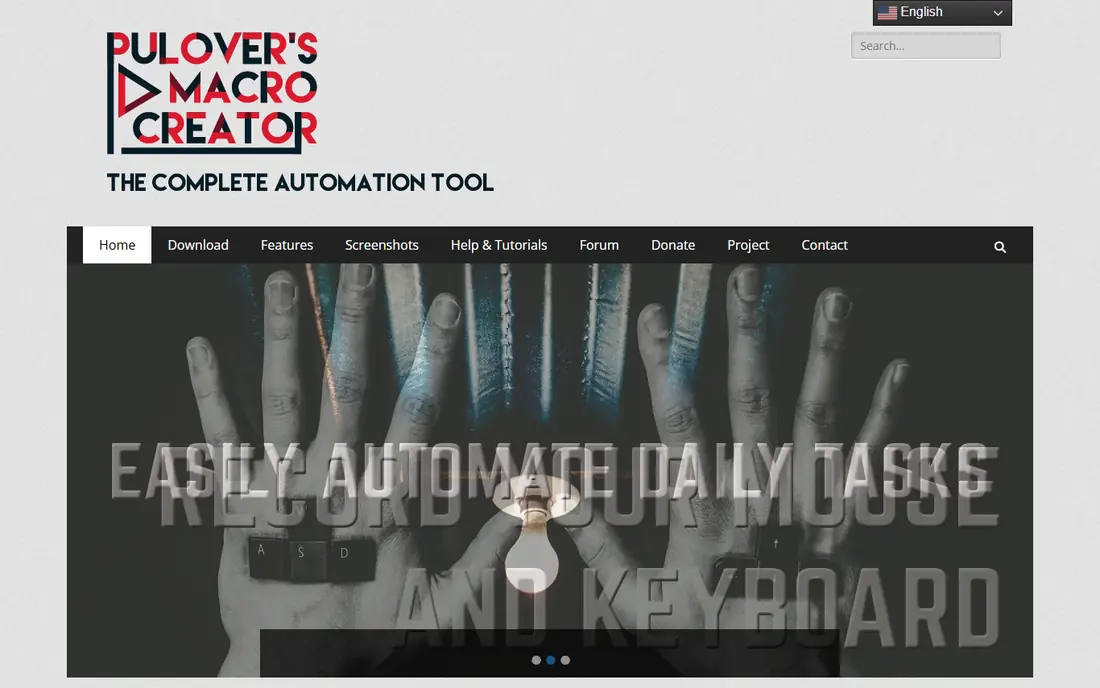
Choose Pulover's Macro Creator for free macro recording with AutoHotkey power underneath. Pulover's Macro Creator is the bridge between recorders and scripters. It records your actions like TinyTask or Jitbit, but exposes loops, variables, if-statements and functions in a visual editor, generating genuine AutoHotkey scripts you can read and edit.
Downsides: Windows-only.
Main advantages: Loops. It is free and runs portably without installation. Worth adding: the interface will not win design awards, and it is Windows-only. For most Windows users, this is where to start. Pulover's Macro Creator cost at the entry level: Free. Pulover's Macro Creator includes a free tier.
- Variables and conditions without hand-writing scripts
- Portable with no install needed
- Interface is utilitarian
Macro Scheduler
Ideal for: Firms automating Windows processes steadily
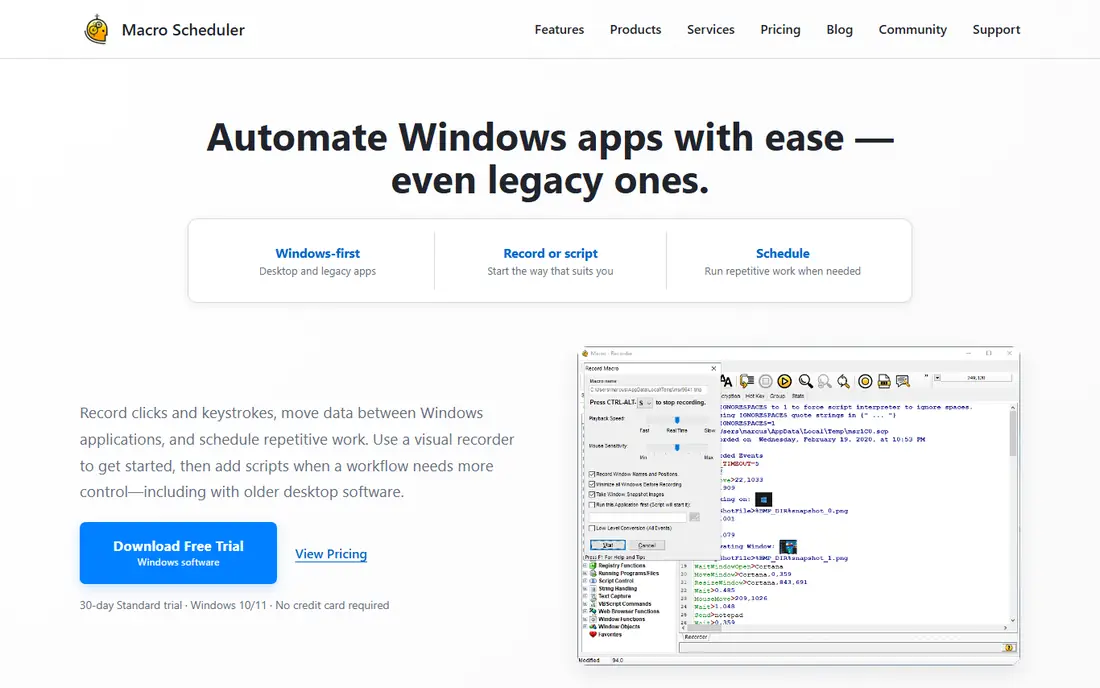
Macro Scheduler is designed for firms automating Windows processes steadily. Macro Scheduler from MJT Net is the business answer to desktop automation. Its macro language handles recording plus programmed logic, scheduling, window management and system tasks, with compiled executables for deployment and documentation targeted at IT departments.
What Macro Scheduler does well: Long track record in enterprise desktop automation.
Limits to weigh: No published price found cleanly on the vendor's site.
It has been automating Windows desktops for decades. Pricing is tiered by edition without a clean published figure in our check, so get the quote for your use case. The language is proprietary, which trades AutoHotkey's community for vendor support. No starting price is listed for Macro Scheduler here; confirm pricing on the vendor site. On free options: Free trial.
- Error handling and compiled EXEs
- Solid documentation
- Windows-only
Jitbit Macro Recorder
Ideal for: Windows users who want recording without programming
For Windows users who want recording without programming, Jitbit Macro Recorder is a natural candidate. Jitbit Macro Recorder is the friendly commercial recorder. On top of that, press record, perform the task, stop.
Where it falls short: Complicated logic needs the pricier automation tools.
You have a replayable macro with an editor for adjusting delays, loops and conditions. It is Windows-focused, and whereas the editor deals with straightforward logic, genuinely complicated automation belongs in a scripting tool. For the office worker automating a repetitive desktop task without learning to code, it is the refined choice. Pricing for Jitbit Macro Recorder is not stated here, so ask the vendor for current figures. Free access: Free trial.
- From an established software vendor
- Records mouse and keyboard with an approachable editor for tweaks
- No published price found on the vendor's product page
TinyTask
Ideal for: The absolute simplest free macro recording
Pick TinyTask if this describes you: the absolute simplest free macro recording. TinyTask is macro software reduced to its essence: a tiny window with record, play and a handful of options. It is free, portable and under 100KB.
Strengths: No install; tiny (tens of kilobytes) and portable.
Drawbacks to consider: No loops or conditions in the entry-level workflow. As for the details, for straightforward repetition, TinyTask is perfect and free. Development is minimal. When the task outgrows press-record-press-play, graduate to Pulover's Macro Creator or AutoHotkey. There is no macro editor, no conditional logic and no scheduling; what you record is what you get. On cost, TinyTask starts like this: Free. TinyTask offers a free plan.
- Record and replay with two buttons
- No account
- No editing of recorded macros
Keyboard Maestro
Ideal for: Mac users who want to automate everything
Keyboard Maestro serves Mac users who want to automate everything. Keyboard Maestro is what Mac automation should be. Beyond that, the $36 one-time price has held for years.
Downsides: No Windows version.
Upsides: One-time $36 price. Worth adding: Macros trigger from hotkeys, typed abbreviations, time schedules, USB devices, application events and more, driving a vast library of actions: text expansion, window management, file operations, web requests, clipboard history and application control. For Mac users, there is no serious alternative at any price; Keyboard Maestro is the answer. Entry price for Keyboard Maestro: $36. Free options: Free trial.
- Schedules and system events
- Typed strings
- The interface packs enormous depth that takes time to learn
AutoIt
Ideal for: Free BASIC-like scripting for Windows automation
AutoIt is aimed squarely at free BASIC-like scripting for Windows automation. AutoIt is the free scripter's alternative to AutoHotkey. Its BASIC-like language automates GUI interactions, and scripts compile to standalone EXE files for distribution.
Honest limits: Smaller community than AutoHotkey.
In practice, either free scripter serves; pick the one whose syntax clicks for you. The language is less modern. But it is free, capable and proven, and some scripters genuinely prefer its readability. Starting cost for AutoIt: Free. You can start on AutoIt without paying.
- Solid for software testing and deployment scripting
- Compiles to standalone executables
- The syntax presents its age
What went into this list
Selection started from tools commonly considered for Macro software, then narrowed to 7 that have clear pricing information or a clear quote process. Prices and plan limits come from vendor pages and can change, so confirm them on the vendor site before you buy. The sequence is a judgement call: typical use case first, then pricing transparency, then free access. Use the profiles to check fit.
Things to verify first
- Ask Macro Scheduler and Jitbit Macro Recorder for a written quote, since no starting price is shown.
- Look at free plan limits closely: AutoHotkey, Pulover's Macro Creator, TinyTask and AutoIt have one, and the caps decide whether it is usable for real work.
- Use real work to test the free trial from Macro Scheduler, Jitbit Macro Recorder and Keyboard Maestro, rather than a demo project.
- Read the limits listed for AutoHotkey first: you write code.
- Look at the renewal terms for Keyboard Maestro: auto-renewal, notice periods and price changes can matter more than the first-year price.
- Look at which plan of Jitbit Macro Recorder unlocks the features you need; entry tiers are often cut down.
Frequently asked questions
Can macro software automate web tasks?
Macro tools drive the browser like a user: clicking, typing and navigating. For dependable web automation, dedicated tools or browser extensions deal with page changes better than pixel-based macros. Keyboard Maestro and AutoHotkey both bundle web-aware actions beyond blind clicking.
Can I try these options before paying?
Often, yes. AutoHotkey, Pulover's Macro Creator, TinyTask and AutoIt have a free plan and Macro Scheduler, Jitbit Macro Recorder and Keyboard Maestro offer a free trial. Use your own data and a real task during the test, and check what the free tier or trial limits before you rely on it.
Which options for Macro software have a free plan?
On this list, AutoHotkey, Pulover's Macro Creator, TinyTask and AutoIt include a free plan. Caps on seats, usage or features are common, so test the free plan against your real workload. Several others offer a trial instead.
What is the best free macro software?
For most readers this guide would start with AutoHotkey, built for anyone who wants unlimited free automation on Windows. Pulover's Macro Creator is the alternative for free macro recording with AutoHotkey power underneath, and Macro Scheduler for companies automating Windows processes dependably. The right answer depends on budget and workflow.
Do these tools publish their prices?
Not all of them. Macro Scheduler and Jitbit Macro Recorder publish no starting price, so expect a quote request for those. The rest, AutoHotkey included, show a starting price, though seats and billing terms still change the final cost.
Which macro software works on Mac?
Most Windows macro tools have no Mac version. macOS also comes with Automator and Shortcuts free, which handle entry-level automation without external software. Between the built-in tools and Keyboard Maestro, Mac users have the most solid free-to-cheap automation story of any system.