Best Marketing Analytics Tools in 2026: 8 Tools Compared

- 1
 Google Analytics 4baseline website and app measurementVisit
- 2
 HubSpot Marketing HubB2B reporting tied to CRM and revenueVisit
- 3
 Mixpanelproduct and behavioral analyticsVisit
- 4
 Amplitudegrowth teams linking marketing to product outcomesVisit
- 5
 Matomoprivacy-conscious teams wanting controlVisit
- Google Analytics 4 is the baseline every team should run, with free web and app measurement.
- HubSpot Marketing Hub suits B2B teams that want marketing tied to deals and revenue.
- Mixpanel is best for product behavior, showing what users do inside an app.
- Matomo suits privacy-conscious teams that want self-hosted or cloud analytics.
Quick comparison
| Product | Ideal for | Price from | Free version | |
|---|---|---|---|---|
| Google Analytics 4 | baseline website and app measurement | Free | Yes | Visit |
| HubSpot Marketing Hub | B2B reporting tied to CRM and revenue | $20 per month | Yes | Visit |
| Mixpanel | product and behavioral analytics | See website | Yes | Visit |
| Amplitude | growth teams linking marketing to product outcomes | See website | Yes | Visit |
| Matomo | privacy-conscious teams wanting control | $26 per month | Free trial | Visit |
 Adobe Analytics | enterprises needing deep segmentation | See website | No | Visit |
 Supermetrics | marketing data pipelines without engineering | $37 per month | Free trial | Visit |
 Looker Studio | shareable dashboards across data sources | Free | Yes | Visit |
The best marketing analytics tools
Marketing analytics tools answer different questions, from website traffic to product behavior to revenue attribution. Most teams need more than one, starting with a free baseline like Google Analytics and adding product or attribution tools as needed.
Google Analytics 4
Ideal for: baseline website and app measurement

Google Analytics 4 works best for baseline website and app measurement. Google Analytics 4 is the free baseline for web and app measurement, with event tracking, Google Ads linking, and BigQuery export. Pricing starts at Free, and a free plan is available. This is the option to look at first if that description matches your situation.
Event architecture takes planning to be meaningful, and standard retention limits apply, so set up key events early. That trade-off matters most if you were hoping for a single tool that covers every situation without compromise. Compared with the other options here, Google Analytics 4 stands out for baseline website and app measurement, while asking you to accept that Event setup takes planning. Weigh that honestly against your budget and your patience for setup before you commit.
- Event-based model
- Google Ads linking
- BigQuery export
- Event setup takes planning
- Data retention limits apply
HubSpot Marketing Hub
Ideal for: B2B reporting tied to CRM and revenue
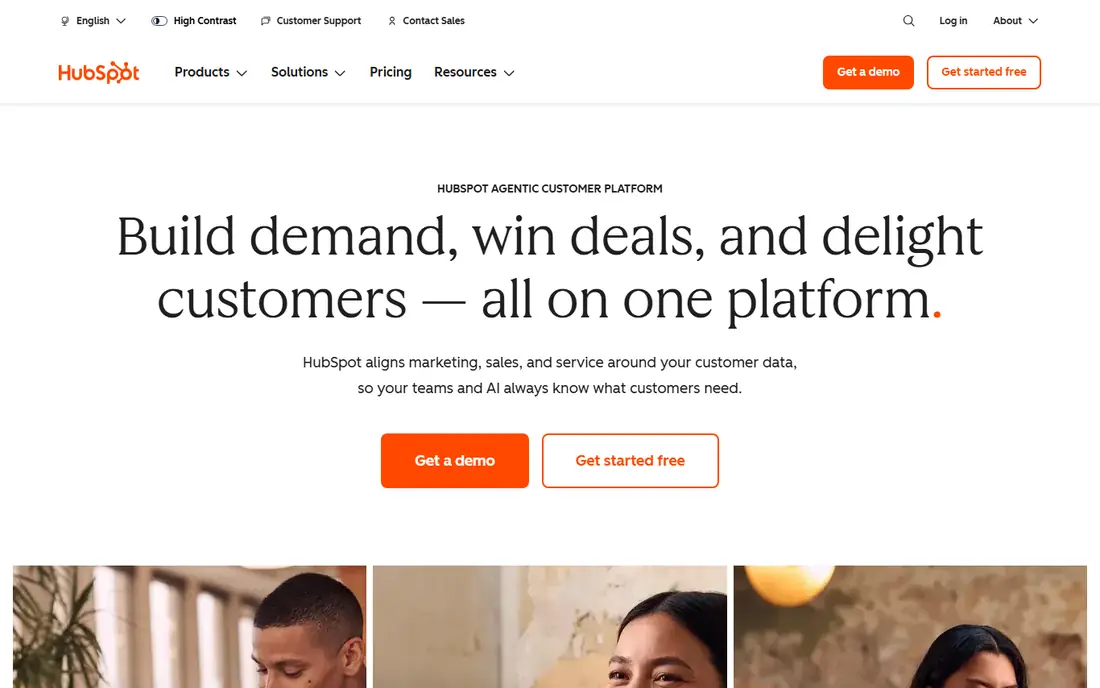
HubSpot Marketing Hub works best for B2B reporting tied to CRM and revenue. HubSpot reporting sits on its CRM, so marketing activity and revenue share one record for attribution. Pricing starts at $20 per month, and a free plan is available. Put this one near the top of your shortlist when the fit sounds right.
Advanced predictions and governance need higher tiers, and onboarding fees apply on Pro and Enterprise. That trade-off matters most if you were hoping for a single tool that covers every situation without compromise. Compared with the other options here, HubSpot Marketing Hub stands out for B2B reporting tied to CRM and revenue, while asking you to accept that Advanced features need Pro. Weigh that honestly against your budget and your patience for setup before you commit.
- Campaign and attribution reports
- CRM integration
- Dashboards
- Advanced features need Pro
- Onboarding fees on higher tiers
Mixpanel
Ideal for: product and behavioral analytics
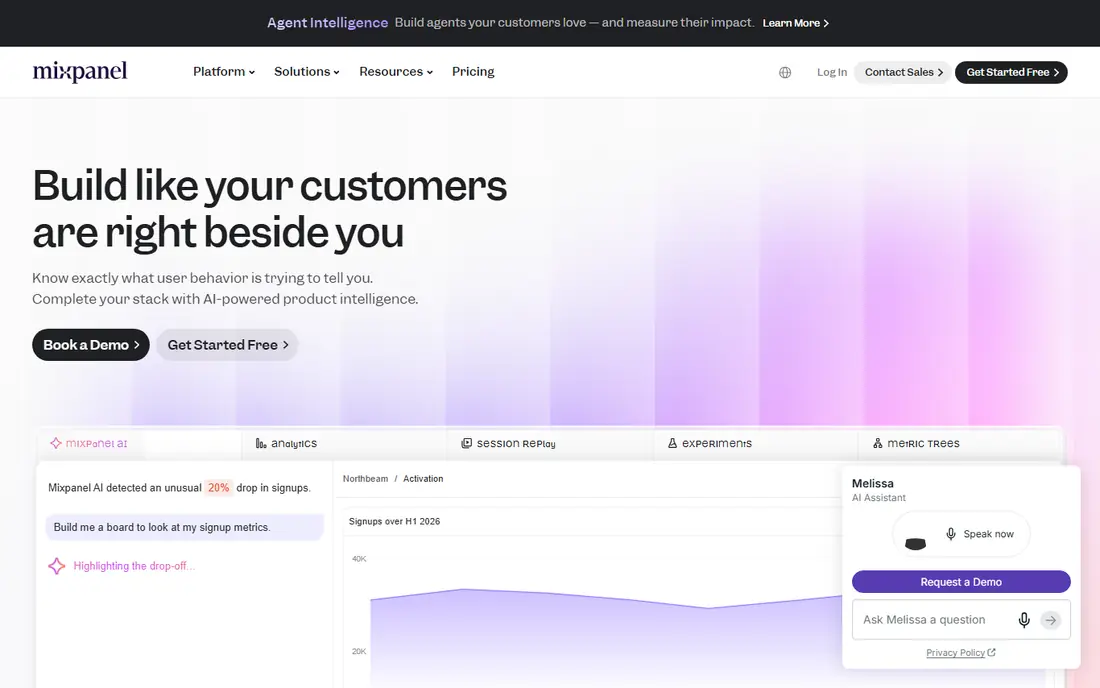
Mixpanel works best for product and behavioral analytics. Mixpanel shows what users do inside a product, with funnels, retention, and cohort analysis for growth teams. Pricing starts at See website, and a free plan is available. This choice makes the most sense for readers who match the description above.
Pricing scales with event volume, and marketing attribution is limited compared with HubSpot. That trade-off matters most if you were hoping for a single tool that covers every situation without compromise. Compared with the other options here, Mixpanel stands out for product and behavioral analytics, while asking you to accept that Pricing scales with events. Weigh that honestly against your budget and your patience for setup before you commit.
- Funnel and retention analysis
- User-level behavior
- Fast queries
- Pricing scales with events
- Marketing attribution is limited
Amplitude
Ideal for: growth teams linking marketing to product outcomes
Amplitude works best for growth teams linking marketing to product outcomes. Amplitude links marketing to in-product outcomes for product-led companies, with experimentation and audiences. Pricing starts at See website, and a free plan is available. Consider this option closely if you want the balance it offers.
The learning curve is real, and pricing scales with volume, so small teams should start on the free tier. That trade-off matters most if you were hoping for a single tool that covers every situation without compromise. Compared with the other options here, Amplitude stands out for growth teams linking marketing to product outcomes, while asking you to accept that Learning curve. Weigh that honestly against your budget and your patience for setup before you commit.
- Behavioral analytics
- Experimentation
- Audience building
- Learning curve
- Pricing scales with volume
Matomo
Ideal for: privacy-conscious teams wanting control
Matomo works best for privacy-conscious teams wanting control. Matomo offers privacy-conscious analytics with self-hosted or cloud deployment, heatmaps, and session recordings. Pricing starts at $26 per month, and a free trial is available. This is a strong candidate when your priorities line up with its strengths.
The ecosystem is smaller than Google Analytics, and self-hosting takes setup work, so cloud suits most teams. That trade-off matters most if you were hoping for a single tool that covers every situation without compromise. Compared with the other options here, Matomo stands out for privacy-conscious teams wanting control, while asking you to accept that Smaller ecosystem. Weigh that honestly against your budget and your patience for setup before you commit.
- Self-hosted or cloud
- Heatmaps
- No data sampling on paid plans
- Smaller ecosystem
- Setup takes more work self-hosted
Adobe Analytics
Ideal for: enterprises needing deep segmentation
Adobe Analytics works best for enterprises needing deep segmentation. Adobe Analytics offers deep segmentation and real-time data for large organizations with complex properties. Pricing starts at See website, and there is no free plan. Keep this one in mind if the trade-offs below are acceptable to you.
Pricing is custom, and the learning curve is steep, so it suits enterprises with dedicated analysts. That trade-off matters most if you were hoping for a single tool that covers every situation without compromise. Compared with the other options here, Adobe Analytics stands out for enterprises needing deep segmentation, while asking you to accept that Custom pricing. Weigh that honestly against your budget and your patience for setup before you commit.
- Deep segmentation
- Real-time data
- Enterprise governance
- Custom pricing
- Steep learning curve
Supermetrics
Ideal for: marketing data pipelines without engineering
Supermetrics works best for marketing data pipelines without engineering. Supermetrics moves platform data into Sheets, dashboards, or warehouses without engineering help. Pricing starts at $37 per month, and a free trial is available. This option earns its place for the specific audience named above.
It has no dashboard of its own, so teams still need Looker Studio or another BI tool to visualize results. That trade-off matters most if you were hoping for a single tool that covers every situation without compromise. Compared with the other options here, Supermetrics stands out for marketing data pipelines without engineering, while asking you to accept that No dashboard of its own. Weigh that honestly against your budget and your patience for setup before you commit.
- 100-plus connectors
- Sheets and warehouse destinations
- Reliable pipelines
- No dashboard of its own
- Needs a BI tool
Looker Studio
Ideal for: shareable dashboards across data sources
Looker Studio works best for shareable dashboards across data sources. Looker Studio builds shareable dashboards across sources for free, with Google integrations included. Pricing starts at Free, and a free plan is available. Round out your shortlist with this option if its approach appeals to you.
Setup is manual, and third-party connectors cost extra, so data-heavy teams may pair it with Supermetrics. That trade-off matters most if you were hoping for a single tool that covers every situation without compromise. Compared with the other options here, Looker Studio stands out for shareable dashboards across data sources, while asking you to accept that Manual setup. Weigh that honestly against your budget and your patience for setup before you commit.
- Free core platform
- Many connectors
- Custom reports
- Manual setup
- Third-party connectors cost extra
How we picked these
We compared official feature pages, pricing pages, app store listings, privacy policies, and public reviews for each option, and we kept only products that exist and work today and that truly fit the topic. We gave weight to clear pricing, a usable free or trial option where one is offered, and honest limits stated on the vendor site. We did not claim hands-on testing we did not do, and where a price could not be verified on the vendor site we wrote See website instead of guessing. Our pick for most people is usually the option that covers the core job well at a fair price, not the one with the longest feature list. That said, the right answer depends on your situation, so use the comparison table to narrow the list to two or three options, then check the current pricing page before you pay.
How to choose a marketing analytics tool
Start with the question. Website performance needs Google Analytics, product behavior needs Mixpanel or Amplitude, and revenue attribution needs HubSpot or a dedicated attribution tool.
Next, check data ownership and privacy. Self-hosted Matomo keeps data under your control, while free tools funded by advertising raise different trade-offs.
Finally, keep the stack small. One baseline tool, one product tool, and one dashboard cover most teams, and each extra tool adds maintenance and conflicting numbers.
Frequently asked questions
What are the best marketing analytics tools?
Google Analytics 4 is best baseline, HubSpot is best for B2B revenue attribution, Mixpanel is best for product behavior, and Matomo is best for privacy.
What is the best marketing analytics software for small business?
Google Analytics 4 plus Looker Studio covers most small businesses free, with HubSpot Starter adding CRM reporting from $20 a month.
Is Google Analytics free?
Yes, Google Analytics 4 is free for most businesses, with paid Analytics 360 for enterprises. Data retention and sampling limits apply on the free tier.
What is marketing attribution?
Attribution assigns credit for conversions to marketing channels and touchpoints, showing which efforts produced leads and revenue. HubSpot and dedicated tools model this across the funnel.
How is Mixpanel different from Google Analytics?
Mixpanel tracks user-level behavior inside products with funnels and retention, while Google Analytics focuses on website and app traffic acquisition and sessions.