Best Marketing Automation Software in 2026: 7 Tools Compared

- 1
 ActiveCampaignDeep automation for small businessVisit
- 2
 HubSpot Marketing HubCRM plus marketing in one placeVisit
- 3
 MailchimpBeginners and newslettersVisit
- 4
 BrevoLarge lists on a budgetVisit
- 5
 KlaviyoEcommerce email and SMSVisit
- ActiveCampaign is our pick for most small businesses, with deep automation at a reasonable starting price.
- HubSpot suits teams that want CRM and marketing in one system, but costs climb fast as contacts and features grow.
- Brevo is the budget pick for large lists, and Klaviyo is the strongest choice for ecommerce brands.
- Mailchimp remains the easiest start for beginners, while GetResponse adds webinars for marketers who teach as they sell.
- Pricing scales with contacts or sends, so model your list at twice its current size before comparing entry prices.
Quick comparison
| Product | Ideal for | Price from | Free version | |
|---|---|---|---|---|
| ActiveCampaign | Deep automation for small business | $15 per month | Free trial | Visit |
| HubSpot Marketing Hub | CRM plus marketing in one place | Free | Yes | Visit |
| Mailchimp | Beginners and newsletters | Free | Yes | Visit |
| Brevo | Large lists on a budget | Free | Yes | Visit |
| Klaviyo | Ecommerce email and SMS | Free | Yes | Visit |
 GetResponse | Webinars plus automation | $19 per month | Free trial | Visit |
 Constant Contact | Local businesses and nonprofits | $12 per month | Free trial | Visit |
The best marketing automation software
Marketing automation sits between sending emails and running a revenue system. The tools below capture leads, score engagement, trigger messages across email and SMS, and hand sales-ready contacts to a CRM. They differ sharply in price model, depth and ease of use, so the cheapest entry price is rarely the whole story.
ActiveCampaign
Ideal for: Deep automation for small business

ActiveCampaign is our pick for most small businesses because its automation depth is genuinely better than its price suggests. The visual builder lets you map journeys with conditions, splits and goals that stay readable as they grow, and the built-in CRM means small teams do not need a second system for deal tracking. For lifecycle emails, onboarding sequences and behavior-triggered campaigns, it is hard to beat at this price.
The learning curve is real. New users can feel overwhelmed by the options, and there is no free tier to learn on slowly, only a trial. If you only send a monthly newsletter, ActiveCampaign is more tool than you need. If you want automation to do real work while you focus elsewhere, it earns its place quickly.
- Visual automation builder with conditions, splits and goals
- Built-in CRM
- Strong deliverability record in independent comparisons
- Steeper learning curve than Mailchimp
- No permanent free plan
HubSpot Marketing Hub
Ideal for: CRM plus marketing in one place
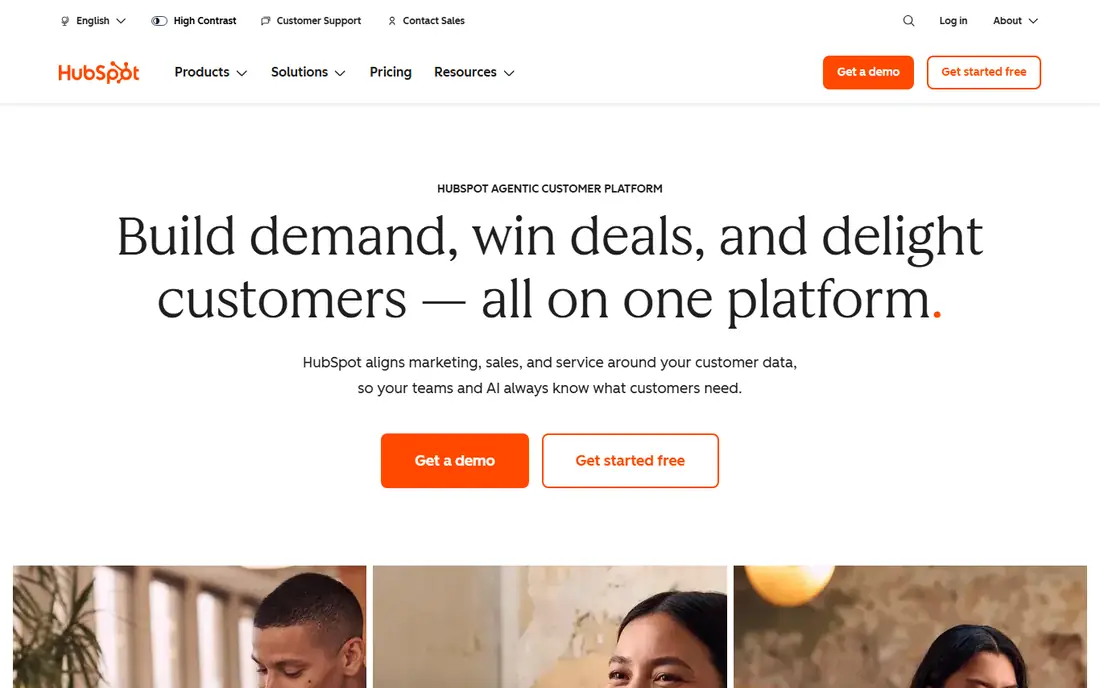
HubSpot wins when marketing and sales must share one system. The free CRM is genuinely useful, with contacts, deal pipelines and basic email, and the Starter tier adds automation, landing pages and lead scoring at a modest per-seat price. For teams already using HubSpot, keeping marketing in the same system removes integration headaches.
The bills arrive later. Professional tiers cost far more, contact-based pricing makes a growing list expensive, and onboarding fees can apply. HubSpot is the right choice when one shared system matters more than the lowest price. If you only need email automation, a cheaper specialist will save money.
- Free CRM with contacts, deals and basic marketing tools
- Huge integration marketplace
- Clear upgrade path as teams grow
- Costs escalate sharply on professional tiers
- Contact-based pricing punishes list growth
Mailchimp
Ideal for: Beginners and newsletters
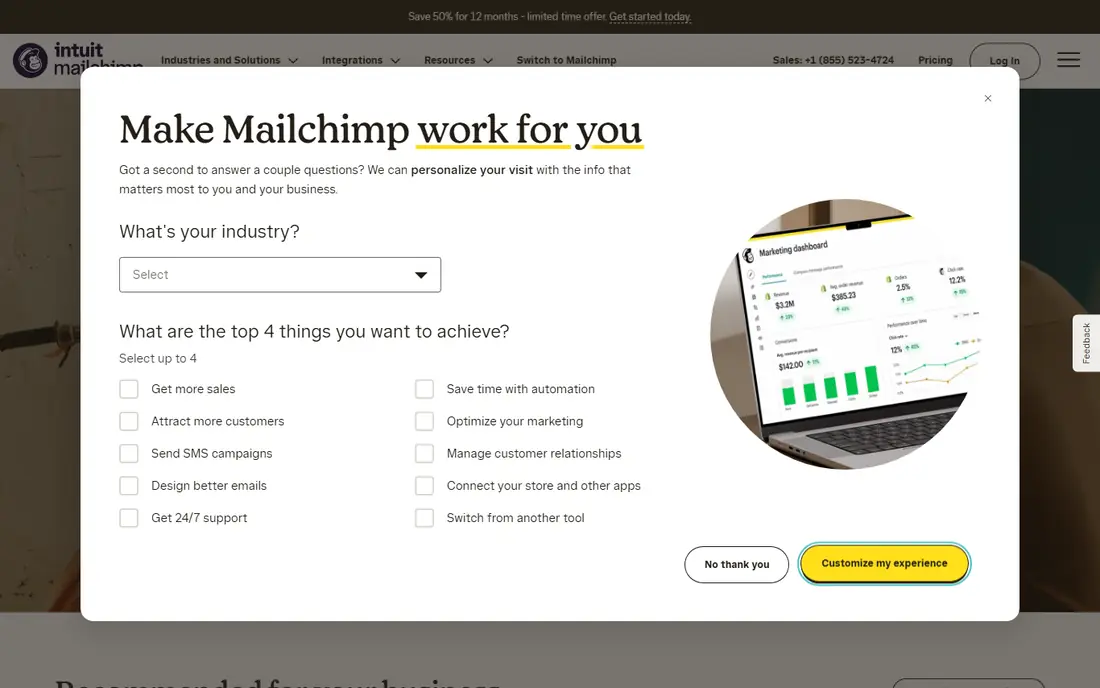
Mailchimp remains the easiest door into email marketing. Setup takes minutes, templates look good without design help, and the free tier covers small audiences. For a newsletter, an announcement list or a first store, it gets you sending without a learning project.
Growth is where Mailchimp strains. Automation and segmentation feel thinner than rivals, and pricing climbs as your list grows, sometimes past tools with deeper features. Start here if you are new and your needs are simple, and plan to reassess when automation becomes central to your marketing.
- Easiest setup on this list
- Free tier for small audiences
- Solid templates and landing pages
- Automation is weaker than ActiveCampaign
- Costs rise quickly as contacts grow
Brevo
Ideal for: Large lists on a budget
Brevo is the budget champion for businesses with large lists and modest send volumes. Because pricing is based on emails sent rather than contacts stored, a big list that you email rarely costs far less than on contact-based rivals. The free tier sends 300 emails a day, which covers many small businesses entirely.
The platform is less refined than HubSpot or Mailchimp, and its automation builder is solid rather than exceptional. If your priority is reaching a large list affordably, with SMS options included, Brevo is the sensible pick. If you need complex journeys, ActiveCampaign justifies its higher price.
- Free tier with 300 emails a day
- Pricing by sends, not list size
- SMS and WhatsApp options in one platform
- Automation depth is below ActiveCampaign
- Interface is functional rather than polished
Klaviyo
Ideal for: Ecommerce email and SMS
Klaviyo is built for stores, and it shows in every flow. Abandoned cart recovery, browse abandonment, post-purchase sequences and win-back campaigns come ready to adapt, and the Shopify integration pulls order data into segmentation without extra work. For ecommerce brands that live on email and SMS revenue, it is the natural first choice.
Non-ecommerce businesses will find less to love, and SMS costs add up fast if you use that channel heavily. Klaviyo also gets expensive as a list grows, so model costs at your expected list size, not today's. For stores, though, the revenue focus of its toolset is hard to argue with.
- Deep ecommerce integrations, especially Shopify
- Strong flows for abandoned carts and post-purchase
- SMS in the same platform
- Costs rise with list size and SMS use
- Less suited to non-ecommerce businesses
GetResponse
Ideal for: Webinars plus automation
GetResponse suits marketers who teach as they sell. Webinars sit inside the same platform as email automation, landing pages and funnels, so a course launch or product demo does not need a separate webinar tool. That combination saves money and removes integration work for educators and trainers.
There is no free tier, only a trial, and the breadth of features takes time to learn. Pure ecommerce brands will prefer Klaviyo, and simple newsletter senders will prefer Mailchimp. If webinars are central to your marketing, GetResponse is the most complete single-platform option here.
- Webinars built into the platform
- Automation builder and landing pages included
- Good for course sellers and educators
- No permanent free plan
- Interface has many features to learn
Constant Contact
Ideal for: Local businesses and nonprofits
Constant Contact is the friendly option for local businesses, clubs and nonprofits that want email marketing without a technical project. Setup is straightforward, templates suit announcements and events, and support is geared toward users who do not live in marketing software. Event registration and donation features add value for community organizations.
Automation depth is the limit. If you need complex journeys, scoring and branching, look at ActiveCampaign instead. For a local business sending regular updates, promotions and event news, Constant Contact does the job with less fuss than the bigger platforms.
- Simple setup for local businesses
- Event and donation tools
- Helpful support for non-technical users
- Automation is basic compared with ActiveCampaign
- No free tier
How we picked these
We compared official feature pages, pricing pages and public reviews for marketing automation tools available to US businesses in October 2026. We kept tools that cover lead capture, automated journeys, segmentation and reporting, and we checked pricing models as the vendors state them, including whether pricing scales by contacts, sends or seats. We did not claim hands-on testing, and we did not rank tools on review scores or user counts.
How to choose the right platform
Start with your list and your channels, not with a feature checklist. A store needs ecommerce flows and SMS, a B2B firm needs CRM integration and lead scoring, and a local business needs simple sending and event tools. Write down the three automations you will actually build in the first month, then check which tools do those three well at your list size.
Then model the real cost. Entry prices assume a small list, and contact-based pricing can double your bill as you grow. Check what happens when you pass each contact threshold, whether SMS is billed separately, and whether annual billing locks you in. Use the free plan or trial with your real list and a real campaign before committing, since a tool that feels good in a demo can frustrate in daily use.
A useful test before committing is to build one real workflow end to end during the trial, from a signup form to a welcome series, a tag based on behavior, and a handoff to sales. That exercise shows whether the builder feels clear, whether reporting answers the questions your team actually asks, and whether the platform handles your contact volume at a price you can sustain. Tools that look simple in a demo often reveal their limits only when a workflow has branches, delays and exceptions.
Frequently asked questions
What is marketing automation software?
It is software that sends the right message at the right time based on what a contact does, such as joining a list, opening an email or abandoning a cart. It covers lead capture, email and SMS journeys, segmentation, lead scoring and reporting, so marketing keeps working without manual sending.
Which marketing automation tool is best for small business?
ActiveCampaign is our pick for most small businesses, with deep automation from $15 per month. Brevo suits tight budgets with large lists, and Mailchimp suits beginners who mainly send newsletters. The best choice depends on whether you need complex journeys or simple sending.
Is HubSpot free?
HubSpot CRM is free, and it includes basic marketing tools. Paid Marketing Hub plans add automation, landing pages and lead scoring, starting at a per-seat price, with professional tiers costing far more. Check what each tier includes before assuming the free version covers automation.
How much does marketing automation cost?
Entry prices on this list run from free to about $19 per month, but real costs depend on list size, send volume and SMS use. Contact-based tools get expensive as lists grow, while send-based tools like Brevo suit large lists emailed rarely. Always model costs at twice your current list size.
Do I need marketing automation if I only send newsletters?
No. A simple email tool like Mailchimp or Brevo covers newsletters well. Automation earns its price when you run onboarding sequences, abandoned cart flows, lead nurturing or behavior-triggered messages that would take too much manual work otherwise.