Marketing Dashboard Software in 2026: A Guide to 8 Tools

- 1
 Looker StudioGoogle-centric teams that want dashboards at no costVisit
- 2
 AgencyAnalyticsMarketing agencies standardizing client reportingVisit
- 3
 WhatagraphAgencies that sell on report quality and designVisit
- 4
 ImprovadoMid-market and enterprise teams that require governed, AI-ready marketing dataVisit
- 5
 SupermetricsTeams that live in spreadsheets, Looker Studio or Power BIVisit
- Looker Studio takes the first slot, best suited to Google-centric teams that want dashboards at no cost.
- Check the limits for Whatagraph before you commit: Max starts around 699 EUR a month billed yearly with no monthly choice.
- DashThis is the one to check for Marketers and freelancers wanting client-ready reports with minimal setup.
- The cheapest monthly starting price in the list is $20/client/month, offered by AgencyAnalytics.
Direct answer
Looker Studio is the first pick on this list for Google-centric teams that want dashboards for free. AgencyAnalytics is the stronger choice for marketing agencies standardizing client reporting, while Whatagraph suits agencies that sell on report quality and design. The full list of 8 tools follows, with prices and free plan facts.
Quick comparison
| Product | Ideal for | Price from | Free version | |
|---|---|---|---|---|
| Looker Studio | Google-centric teams that want dashboards at no cost | $0 (free; Pro tier premium) | Yes | Visit |
| AgencyAnalytics | Marketing agencies standardizing client reporting | $20/client/month (Core plan, billed yearly) | Free trial (14 days) | Visit |
| Whatagraph | Agencies that sell on report quality and design | See website | Free trial (14 days) | Visit |
| Improvado | Mid-market and enterprise teams that require governed, AI-ready marketing data | $0 (Free limited plan) / $100/month (MCP Only plan) | Yes | Visit |
| Supermetrics | Teams that live in spreadsheets, Looker Studio or Power BI | $44/month (Starter plan, billed annually) | Free trial (14 days) | Visit |
 Databox | Small and mid-sized teams tracking KPIs against goals | $71/month (Analyst plan, billed yearly) | Yes | Visit |
 Klipfolio | Teams that want to model and blend data before visualizing it | See website | Free trial (14 days) | Visit |
 DashThis | Marketers and freelancers wanting client-ready reports with minimal setup | $44/month (Individual plan, billed yearly) | Free trial (15 days) | Visit |
Tool-by-tool breakdown
This Ainotely guide covers 8 options for marketing dashboard software. Each profile lists a starting price, free plan details, strengths and drawbacks, so you can drop poor fits quickly.
Looker Studio
Ideal for: Google-centric teams that want dashboards at no cost
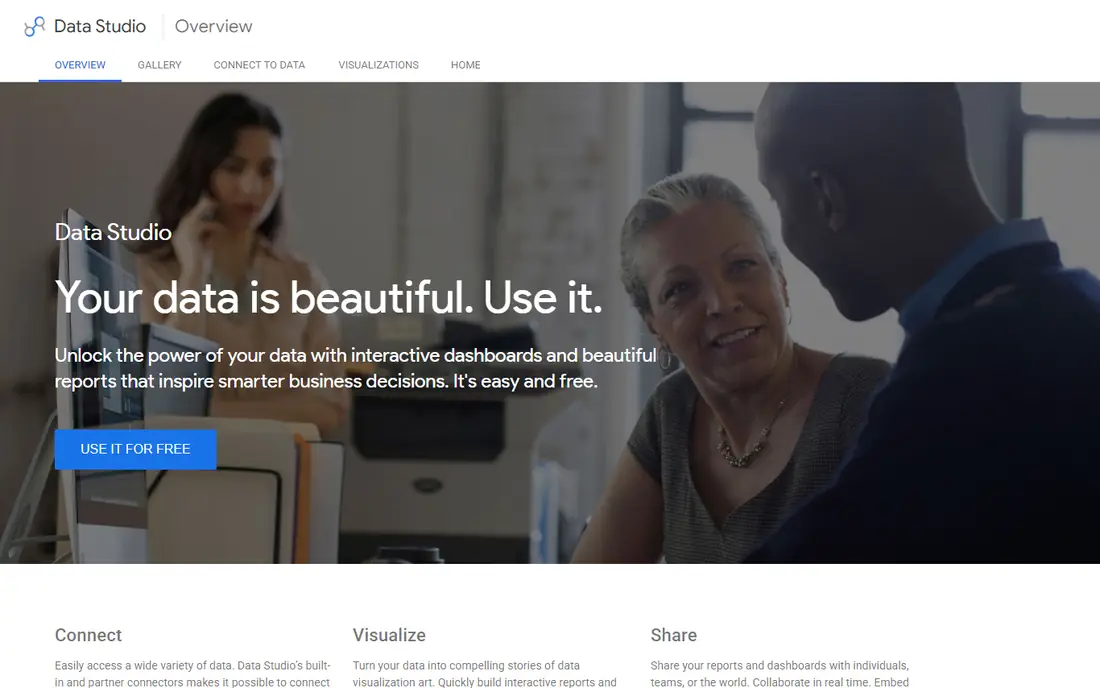
Looker Studio is a good fit for Google-centric teams that want dashboards at no cost. Looker Studio (renamed back to Data Studio in April 2026, still served at the same address) remains the only free choice with real multi-source capability.
Drawbacks to consider: Non-Google products need premium partner connectors.
Also, reports share by link, embed anywhere and refresh on schedule. In daily use, the cost is time, not money. The starting price for Looker Studio: $0. Looker Studio has a free plan. What Looker Studio does well: calculated fields.
- Data blending
- Filter controls and scheduled delivery built in
- Expect 15 to 30 hours of initial setup and continuing connector maintenance
AgencyAnalytics
Ideal for: Marketing agencies standardizing client reporting
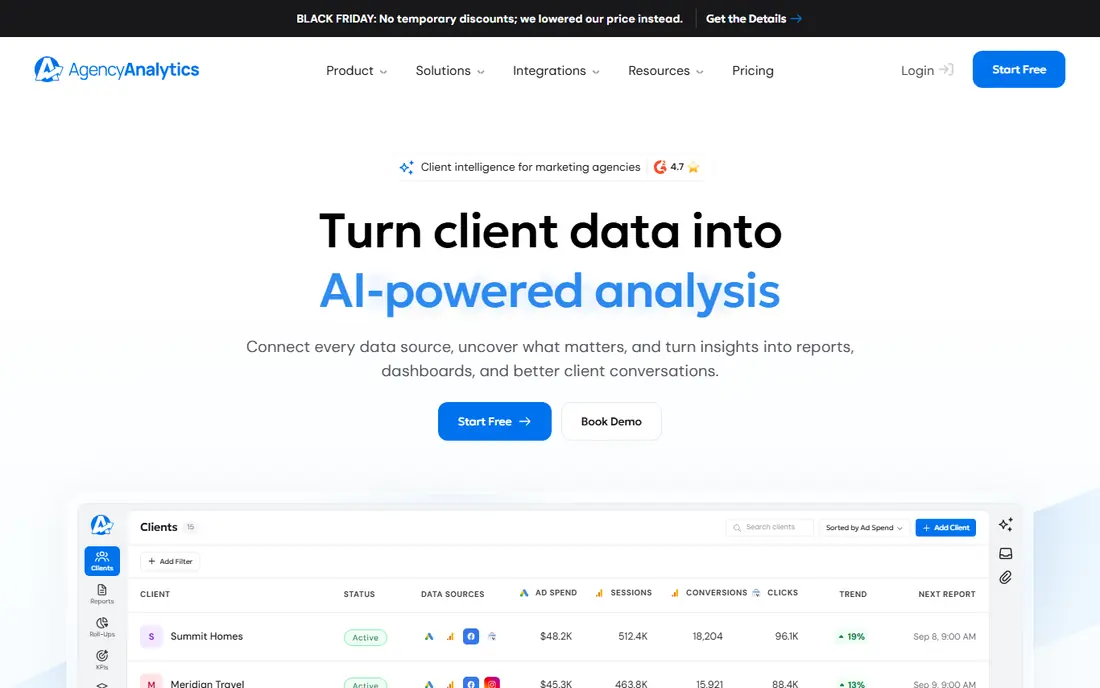
Pick AgencyAnalytics if this describes you: marketing agencies standardizing client reporting. AgencyAnalytics repriced in 2026 to a single Core plan: $20 per client a month billed yearly, where a client is a business, not a campaign. So one client with Google Ads, Meta and GA4 counts once.
The 14-day trial needs no credit card. Five clients cost $100 a month; ten cost $200; at 25 the Enterprise quote starts. As for the details, the add-ons to price separately are the rank tracker (around $42 a month per 500 keywords annually) and the AI tracker. AgencyAnalytics pricing: $20/client/month. Trial and free access: Free trial (14 days).
Trade-offs to know: 25-plus clients move to a custom Enterprise quote; Overkill for in-house teams reporting on one business.
- One plan with every feature: unlimited data sources, reports
- Dashboards and users plus white-label and custom domain
- Costs scale linearly with clients
Whatagraph
Ideal for: Agencies that sell on report quality and design
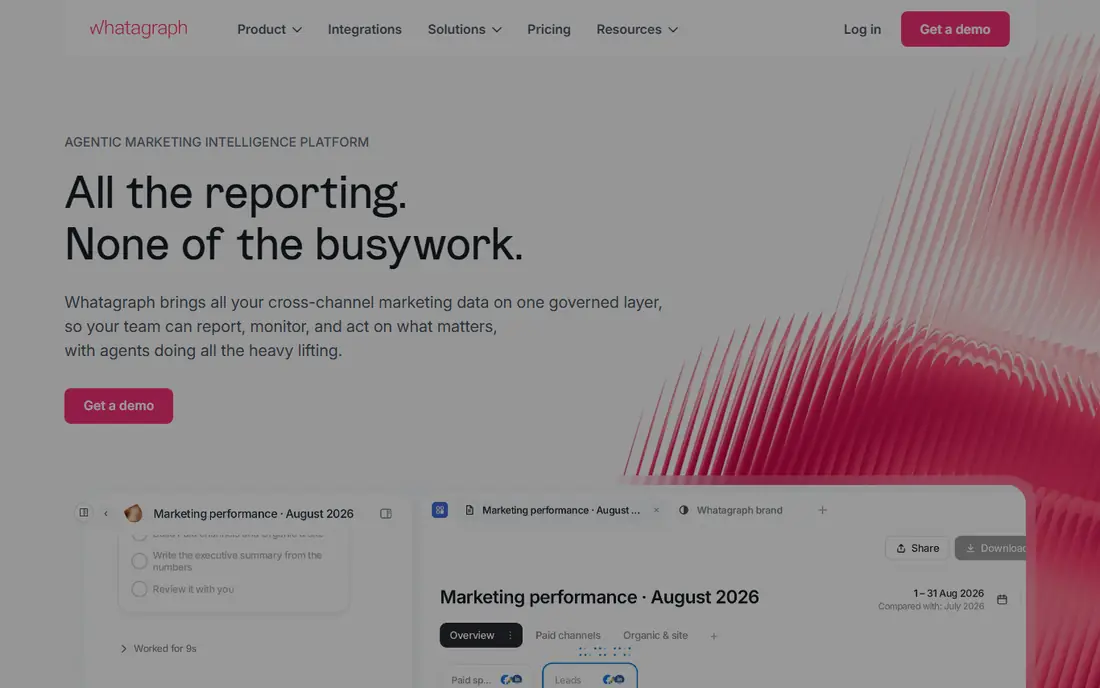
Whatagraph makes the most sense for agencies that sell on report quality and design. If any client runs Shopify or lives in HubSpot, Max does not include it and Prime is a sales call with no published price. Prime is custom-quoted and layers on the premium integrations, Looker Studio transfer, SSO and the IQ+ AI layer.
The main drawbacks: Max starts around 699 EUR a month billed yearly with no monthly choice.
Worth adding: the 14-day trial of Max needs no credit card. Whatagraph restructured pricing in mid-2026 to two annual-only plans. Check the vendor site for Whatagraph pricing; none is listed in this comparison. On free options: Free trial (14 days).
- MCP connection to Claude and ChatGPT
- Design-led reports with data blending
- 22 premium integrations (Shopify, HubSpot, Salesforce, BigQuery) need a custom Prime quote
Improvado
Ideal for: Mid-market and enterprise teams that require governed, AI-ready marketing data
Improvado makes the most sense for mid-market and enterprise teams that require governed, AI-ready marketing data. Improvado rebuilt its pricing in 2026 around AI access.
On top of that, the product's strength is the data layer: automatic pipelines, standardized schemas, 250-plus validation rules, and SOC 2, HIPAA and GDPR compliance. For everyday use, small teams that just need a client dashboard will find it heavy. What you pay to start with Improvado: $0. A free plan is available with Improvado.
What Improvado does well: 500-plus maintained connectors with normalization.
Drawbacks to consider: Dashboards are AI-generated instead of hand-crafted BI.
- AI Agent answers questions in plain English and builds dashboards
- Free restricted level and a $100 a month MCP Only plan are published
- Full product pricing is custom and historically enterprise-grade
Supermetrics
Ideal for: Teams that live in spreadsheets, Looker Studio or Power BI
Supermetrics makes the most sense for teams that live in spreadsheets, Looker Studio or Power BI. Supermetrics is a connector, not a dashboard. For everyday use, if your deliverable is a spreadsheet or a Looker Studio board and your source count is small, Supermetrics is cheap.
Beyond that, the pricing structure decides the bill. Each extra destination, user and source is a separate charge up to a ceiling. Also, every plan carries a monthly AI credit allowance. The February 2026 updates added a MCP server so AI agents can query live marketing data. In daily use, you pick sources, point them at a destination, and scheduled refreshes keep the data flowing: Starter at $44 a month billed yearly spans one user, one destination and a small set of sources, with Growth at $177 expanding users, sources and accounts. Supermetrics cost at the entry level: $44/month. Free plan details: Free trial (14 days).
Honest limits: transformations and API access are Enterprise-only.
- 14-day trial with no card
- MCP server for natural-language queries
- Warehouse destinations
Databox
Ideal for: Small and mid-sized teams tracking KPIs against goals
Databox is designed for small and mid-sized teams tracking KPIs against goals. Link your systems, set targets, and it flags what moved and why, with AI-written summaries you can hand to a client. More specifically, annual billing saves 20 percent over monthly.
What Databox does well: Real free plan and published pricing with a 14-day trial.
The math to watch is the source count. The free plan (one user, three sources) is genuinely usable for a solo marketer, and premium plans keep unlimited users whereas charging for sources: Analyst at $71 a month for one user and five sources, Team Core at $199 for three users and ten sources. What you pay to start with Databox: $71/month. Databox offers a free plan.
Where it is weaker: Every plan caps data sources; an expanding stack hits the caps quick.
- 130-plus integrations with unlimited users on premium plans
- Goal tracking and anomaly detection built in
- AI usage draws from a metered monthly credit allowance
Klipfolio
Ideal for: Teams that want to model and blend data before visualizing it
Klipfolio is aimed squarely at teams that want to model and blend data before visualizing it. Klipfolio sits between straightforward dashboards and full BI.
Drawbacks to consider: Dashboard caps per level push expanding teams upward quick.
When you need to reshape data before it reaches the board, Klipfolio earns the additional complexity. The honest catch is the level ladder. Klipfolio shows no starting price here, so confirm the cost on the vendor site. On free options: Free trial (14 days).
- Real data modelling with joins between sources on every plan
- 130-plus integrations and unlimited users
- Refresh-rate limits on lower plans are a typical upgrade driver
DashThis
Ideal for: Marketers and freelancers wanting client-ready reports with minimal setup
Pick DashThis if this describes you: Marketers and freelancers wanting client-ready reports with minimal setup. The limit is what it does not do.
Pick a template, link your systems, and the monthly report assembles itself: automatic email delivery, PDF export, shareable links and white-label branding with your logo. Starting cost for DashThis: $44/month. Free access: Free trial (15 days).
What to check first: Reports present each product's numbers as that product reports them, with little data transformation.
- Preset templates that fill themselves each reporting period
- Unlimited users and white-label basics on every plan
- Per-dashboard pricing escalates as client count grows
How we chose
Selection started from tools commonly considered for marketing dashboard software, then narrowed to 8 that have clear pricing information or a clear quote process. Plan names, prices and limits change often. Treat the figures here as a starting point and verify them with the vendor. Order on the page follows fit for the typical buyer first, then price transparency and free access. Your own requirements should decide the final pick.
A buyer's checklist
- Ask Whatagraph and Klipfolio for a written quote, since no starting price is shown.
- Read the fine print on the free plans from Looker Studio, Improvado and Databox; seat, project and feature caps differ.
- Take the trial from AgencyAnalytics, Whatagraph, Supermetrics and others and push a live task through it before you pay.
- Before choosing Looker Studio, weigh its main limit: non-Google systems need premium partner connectors.
- Look at the help docs and support options for Whatagraph before you commit.
- Ask Improvado how an export works before you move any records in; an easy exit lowers the risk.
Frequently asked questions
Do these tools replace spreadsheets?
For ad-hoc analysis, plenty of analysts keep Sheets or Excel alongside a dashboard. The pattern that works is a pipeline or dashboard for the recurring numbers and a spreadsheet for the one-off questions.
Which options for marketing dashboard software have a free plan?
Looker Studio, Improvado and Databox offer a free plan in this list. Free plans usually cap users, projects or features, so check the limits on the vendor page. Several others offer a trial instead.
Can I try these options before paying?
Often, yes. Looker Studio, Improvado and Databox have a free plan and AgencyAnalytics, Whatagraph, Supermetrics and others offer a free trial. Use your own data and a real task during the test, and check what the free tier or trial limits before you rely on it.
Do these tools publish their prices?
Not all of them. Whatagraph and Klipfolio publish no starting price, so expect a quote request for those. The rest, Looker Studio included, show a starting price, though seats and billing terms still change the final cost.
Is Looker Studio the right pick for everyone comparing marketing dashboard software?
No single tool suits every team. Looker Studio comes first because it fits Google-centric teams that want dashboards for free, while AgencyAnalytics suits marketing agencies standardizing client reporting and Whatagraph suits agencies that sell on report quality and design. Match the tool to your own size, budget and workflow before deciding.