Best marketing planning software in 2026: 8 Options Compared

- 1
 monday.commarketing teams wanting visual campaign boardsVisit
- 2
 Asanamarketing teams needing structured campaign plansVisit
- 3
 Wrikemarketing teams needing approvals and proofingVisit
- 4
 CoSchedulecontent teams planning marketing calendarsVisit
- 5
 Allocadiamarketing teams planning budgets and spendVisit
- Marketing planning tools must connect campaigns, budgets and calendars, or planning stays in spreadsheets.
- Campaign management features matter more than generic task lists for marketing teams.
- Budget tracking is the feature most often missing from generic project tools.
Quick comparison
| Product | Ideal for | Price from | Free version | |
|---|---|---|---|---|
| monday.com | marketing teams wanting visual campaign boards | $9 per seat per month | Yes | Visit |
| Asana | marketing teams needing structured campaign plans | $10.99 per user per month | Yes | Visit |
| Wrike | marketing teams needing approvals and proofing | $10 per user per month | Yes | Visit |
| CoSchedule | content teams planning marketing calendars | See website | Free trial | Visit |
| Allocadia | marketing teams planning budgets and spend | See website | No | Visit |
 Planview | large organisations planning portfolios of work | See website | No | Visit |
 Hive | marketing teams wanting flexible project views | See website | Free trial | Visit |
 Smartsheet | marketing teams planning in spreadsheet form | $9 per user per month | Free trial | Visit |
The best best marketing planning software
We compared official feature pages, pricing, app store listings, privacy policies and public reviews to build this list of best marketing planning software. Our pick for most people is listed first in each section below, but the right choice depends on your budget, team size and must-have features, so read the strengths and limits for each option before you decide.
monday.com
Ideal for: marketing teams wanting visual campaign boards
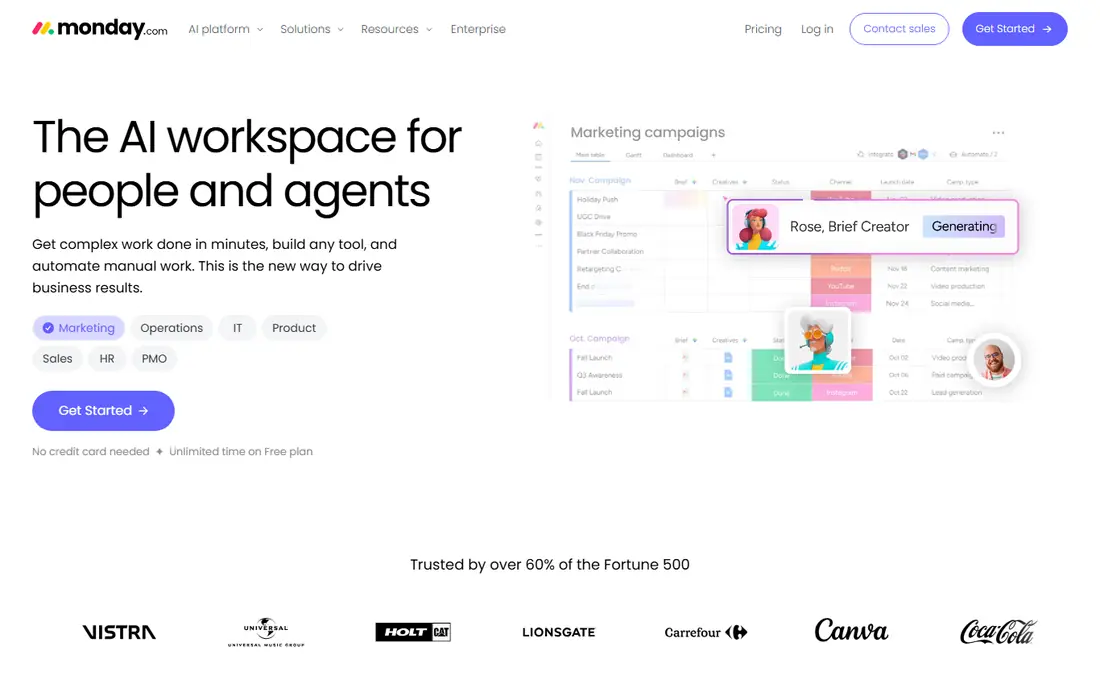
For readers weighing this option, the story starts with fit. monday.com gives marketing teams a visual campaign board where status, owners and deadlines are visible at a glance. In practice, that means you should judge it on the job you need done most, not on the longest feature list, since a tool that fits your daily work beats a broader tool you rarely open. We also weighed pricing honesty, support options and how the product handles your data, because those factors shape the experience long after the first week.
The catch is seat rules, since small teams face a minimum seat count on paid plans. That trade-off is normal, since every product on this list gives up something to excel at its main job. Before you commit, use the free plan or trial with a real task from your own work, check the export and cancellation terms, and confirm the plan you need includes the features described here, since vendors move features between tiers from time to time.
- Visual campaign boards
- Automations
- Dashboards
- Seat minimums apply
- Budget features need setup
Asana
Ideal for: marketing teams needing structured campaign plans

This one earns its place for a clear reason. Asana suits marketing teams running many campaigns at once, since portfolios and timelines keep the whole calendar in view. In practice, that means you should judge it on the job you need done most, not on the longest feature list, since a tool that fits your daily work beats a broader tool you rarely open. We also weighed pricing honesty, support options and how the product handles your data, because those factors shape the experience long after the first week.
The catch is setup, since templates and custom fields need thought before the system feels tailored. That trade-off is normal, since every product on this list gives up something to excel at its main job. Before you commit, use the free plan or trial with a real task from your own work, check the export and cancellation terms, and confirm the plan you need includes the features described here, since vendors move features between tiers from time to time.
- Timeline views
- Portfolios
- Goals tracking
- Free plan is limited
- Marketing templates need setup
Wrike
Ideal for: marketing teams needing approvals and proofing
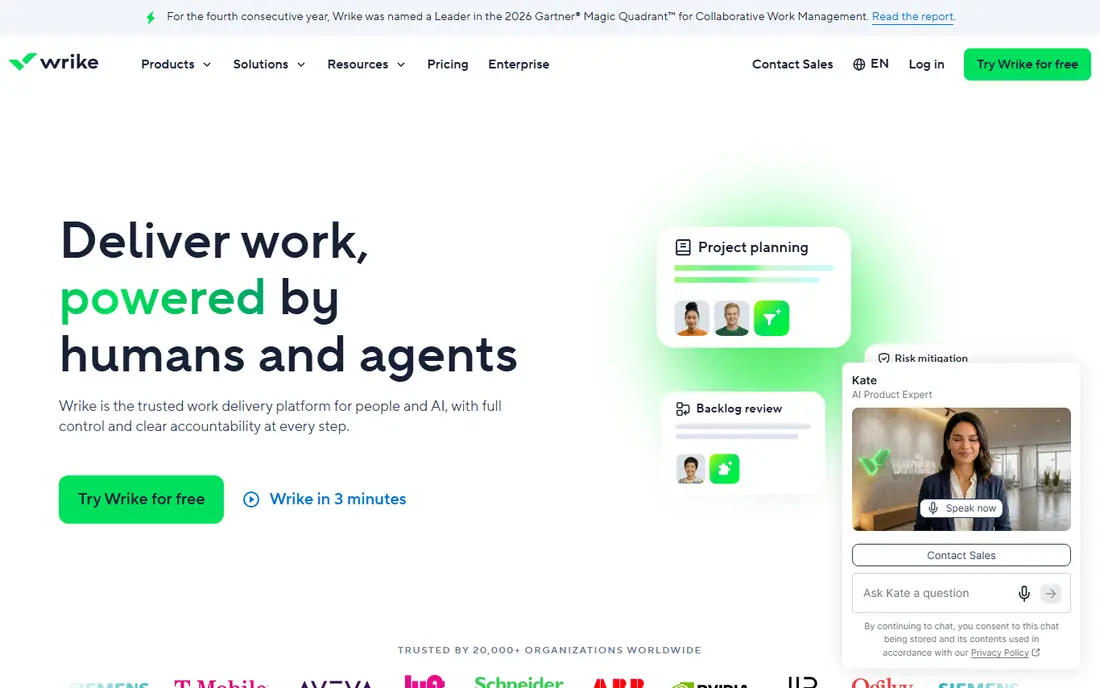
Here is where this option stands out from the rest of the list. Wrike fits marketing teams with formal review steps, since approvals and proofing are built into campaign work. In practice, that means you should judge it on the job you need done most, not on the longest feature list, since a tool that fits your daily work beats a broader tool you rarely open. We also weighed pricing honesty, support options and how the product handles your data, because those factors shape the experience long after the first week.
The catch is the learning curve, since its structure takes time to adopt well. That trade-off is normal, since every product on this list gives up something to excel at its main job. Before you commit, use the free plan or trial with a real task from your own work, check the export and cancellation terms, and confirm the plan you need includes the features described here, since vendors move features between tiers from time to time.
- Approval workflows
- Proofing
- Campaign reporting
- Learning curve
- Team plan has user limits
CoSchedule
Ideal for: content teams planning marketing calendars
Consider this option if its strengths match your main need. CoSchedule is built for content calendars, which makes it a natural fit for teams whose planning centres on publishing. In practice, that means you should judge it on the job you need done most, not on the longest feature list, since a tool that fits your daily work beats a broader tool you rarely open. We also weighed pricing honesty, support options and how the product handles your data, because those factors shape the experience long after the first week.
The catch is scope, since teams needing full project management may want a broader tool alongside it. That trade-off is normal, since every product on this list gives up something to excel at its main job. Before you commit, use the free plan or trial with a real task from your own work, check the export and cancellation terms, and confirm the plan you need includes the features described here, since vendors move features between tiers from time to time.
- Marketing calendar
- Content scheduling
- Campaign organisation
- Focused on content marketing
- Broader project features are lighter
Allocadia
Ideal for: marketing teams planning budgets and spend
This entry suits a narrower audience, and that focus is its strength. Allocadia stands out for budget planning, since it links marketing spend to plans rather than tracking tasks alone. In practice, that means you should judge it on the job you need done most, not on the longest feature list, since a tool that fits your daily work beats a broader tool you rarely open. We also weighed pricing honesty, support options and how the product handles your data, because those factors shape the experience long after the first week.
The catch is audience, since it suits larger marketing organisations more than small teams. That trade-off is normal, since every product on this list gives up something to excel at its main job. Before you commit, use the free plan or trial with a real task from your own work, check the export and cancellation terms, and confirm the plan you need includes the features described here, since vendors move features between tiers from time to time.
- Marketing budget planning
- Spend tracking
- Investment views
- Enterprise focus
- Pricing is quote-based
Planview
Ideal for: large organisations planning portfolios of work
On value alone, this option deserves a close look. Planview handles planning at portfolio scale, which matters when many teams and budgets must be coordinated. In practice, that means you should judge it on the job you need done most, not on the longest feature list, since a tool that fits your daily work beats a broader tool you rarely open. We also weighed pricing honesty, support options and how the product handles your data, because those factors shape the experience long after the first week.
The catch is weight, since small marketing teams will find it far more than they need. That trade-off is normal, since every product on this list gives up something to excel at its main job. Before you commit, use the free plan or trial with a real task from your own work, check the export and cancellation terms, and confirm the plan you need includes the features described here, since vendors move features between tiers from time to time.
- Portfolio planning
- Resource management
- Roadmapping
- Enterprise complexity and pricing
- Heavy for small teams
Hive
Ideal for: marketing teams wanting flexible project views
If you want a dependable choice, start here. Hive gives marketing teams flexible views and automations without the enterprise weight of larger platforms. In practice, that means you should judge it on the job you need done most, not on the longest feature list, since a tool that fits your daily work beats a broader tool you rarely open. We also weighed pricing honesty, support options and how the product handles your data, because those factors shape the experience long after the first week.
The catch is ecosystem size, since its integration range is smaller than the biggest names. That trade-off is normal, since every product on this list gives up something to excel at its main job. Before you commit, use the free plan or trial with a real task from your own work, check the export and cancellation terms, and confirm the plan you need includes the features described here, since vendors move features between tiers from time to time.
- Multiple project views
- Automations
- Time tracking
- Smaller ecosystem than leading rivals
- Some features need higher tiers
Smartsheet
Ideal for: marketing teams planning in spreadsheet form
The final entry rounds out the list with a different angle. Smartsheet suits marketing planners who think in rows and columns, with Gantt and dashboard views on top of a familiar grid. In practice, that means you should judge it on the job you need done most, not on the longest feature list, since a tool that fits your daily work beats a broader tool you rarely open. We also weighed pricing honesty, support options and how the product handles your data, because those factors shape the experience long after the first week.
The catch is the lack of a free plan, so evaluation means a trial rather than a slow free start. That trade-off is normal, since every product on this list gives up something to excel at its main job. Before you commit, use the free plan or trial with a real task from your own work, check the export and cancellation terms, and confirm the plan you need includes the features described here, since vendors move features between tiers from time to time.
- Spreadsheet grids
- Gantt views
- Automation rules
- No free plan
- Dense interface for casual users
How we picked these
We compared official feature pages, pricing pages, app store listings, privacy policies and public reviews for each product on this list, and we checked that each product exists and works today. We favoured products that fit the topic directly, offered clear pricing or a usable free tier, and showed an honest balance of strengths and limits. We did not claim hands-on testing we did not do, and where a price could not be verified we wrote See website rather than guessing.
We also mixed well-known leaders with strong smaller options, so the list is useful whether you want the safest default or a more specialised pick. If a product changed its pricing or features after our check, the vendor website is the final word, and we recommend confirming the plan details before you buy.
How to choose the right best marketing planning software
Start with the calendar and the budget, since those are the two views a marketing plan lives or dies by. If campaigns slip because approvals stall, put proofing and approval workflows first. If spend is the blind spot, pick a tool with real budget tracking rather than bolting it onto a task list. Trial with one quarter of real campaigns, and check reporting before you buy, since a plan nobody can report on will not survive the next budget meeting.
Use the checklist below with your own shortlist, since it catches the problems that cause most regret after purchase.
- Fit first: does it solve your main job, or does it only look impressive in a demo.
- True cost: add up seats, add-ons, taxes and renewal prices, not just the headline monthly figure.
- Exit route: can you export your data and cancel without a long process or penalty.
- Support and privacy: check support hours, data handling and security practices before you rely on it daily.
Run a trial with real work, not sample data, and involve the people who will use the product every day. Their verdict after a week of real tasks tells you more than any feature table, including ours.
Frequently asked questions
What is the best marketing planning software?
monday.com and Asana suit most marketing teams for campaign planning, CoSchedule leads for content calendars, and Allocadia leads for budget planning. The best pick follows whether your main gap is calendar, approvals or spend.
How is marketing planning software different from project software?
Marketing planning tools add campaign calendars, content scheduling and budget views on top of task management. Generic project tools can work, but marketing teams often need those campaign and spend views built in.
Is there free marketing planning software?
monday.com, Asana, Wrike and Hive offer free plans or trials, though limits apply. Free plans suit small teams testing a tool, while larger teams usually need paid plans for reporting and automations.
Can marketing planning software track budgets?
Allocadia is built for budget planning, and other tools offer budget fields or dashboards with setup. If spend tracking is central, check budget features in a trial with real campaign costs before you commit.
Which tool is best for content marketing teams?
CoSchedule is the most content-focused option here, with a marketing calendar and scheduling built for publishing teams. monday.com and Asana also work well for content calendars with more setup.