This list puts Final Cut Pro first for Mac and iPad editing workflows. Listed starting prices: Descript from $16 per person a month. For a different need, Descript covers text-based editing of talking-head video and CapCut covers quick social media video edits. All 5 tools are compared below on price, free plan and limits.
Ainotely compared 5 tools for marketing video editing software. The goal is a practical shortlist: published prices, free plan facts, best-fit use cases and honest limits for every entry.
Key takeaways
Final Cut Pro sits first on this list: Mac and iPad editing workflows.
Adobe After Effects comes with a trade-off: not a primary timeline editor.
A free plan is available from 2 of the 5 tools: Descript, CapCut.
Starting prices begin at $16 per person per month with Descript.
Final Cut Pro is aimed squarely at Mac and iPad editing workflows. It is tied to Apple hardware, so Windows or Linux teams cannot standardize on it.
Trade-offs to know: Different workflow from other editors.
Editors who require cross-platform collaboration or deep color and audio finishing may want to compare alternatives before committing. Final Cut Pro does not show a starting price in this comparison, so check the vendor site for current pricing. Free access: Not stated.
Best for: Text-based editing of talking-head video
Where Descript fits: text-based editing of talking-head video. Descript is an AI video and audio editor that makes editing feel like editing a text document.
Watch-outs: Less control over advanced visual effects.
Strengths: Decent fit for podcasts and spoken content.
As for the details, since the workflow centers on transcripts, teams needing heavy motion graphics or frame-level visual polish may find it limiting. Descript cost at the entry level: $16 per person per month. A free plan is available with Descript.
CapCut targets quick social media video edits. It suits social teams and small companies that require to turn around short-form marketing clips rapidly without a heavy editing suite.
The main drawbacks: Less suited to long-form production.
Also, choose a professional editor when projects need precise audio mixing, multi-layer compositing or strict brand control. CapCut does not show a starting price in this comparison, so check the vendor site for current pricing. A free plan is available with CapCut.
Best for: Motion graphics and animated brand assets
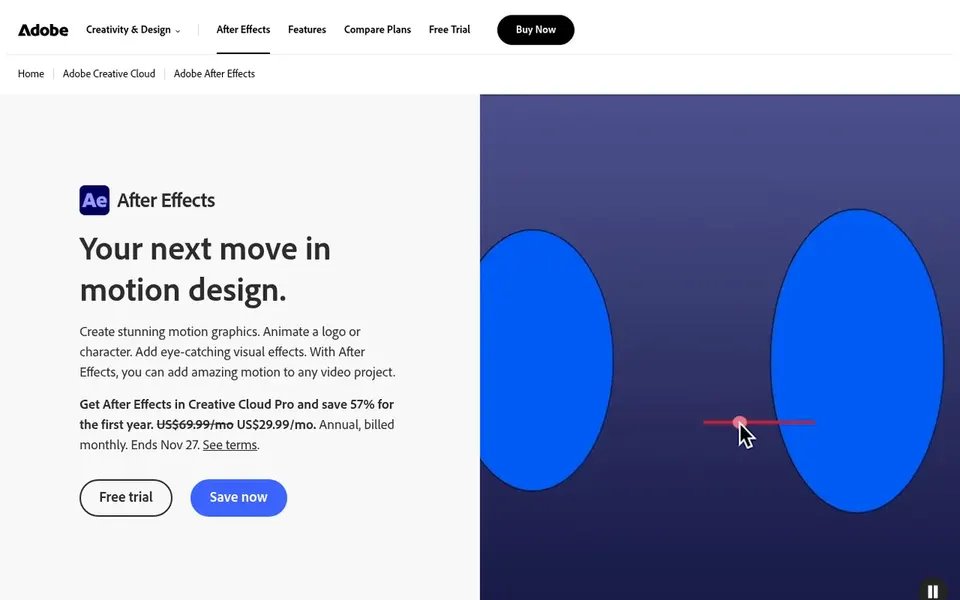
Adobe After Effects makes the most sense for motion graphics and animated brand assets. It is a compositing and animation tool instead of a full cutting room, so it performs best alongside an editor like Premiere Pro.
If your needs are straightforward cuts, captions and templates, a general editor will get you there with far less setup. Check the vendor site for Adobe After Effects pricing; none is listed in this comparison. On free options: Not stated.
Where it falls short: Not a primary timeline editor.
What Adobe After Effects does well: logos and lower thirds.
Best for: Full professional editing and postproduction
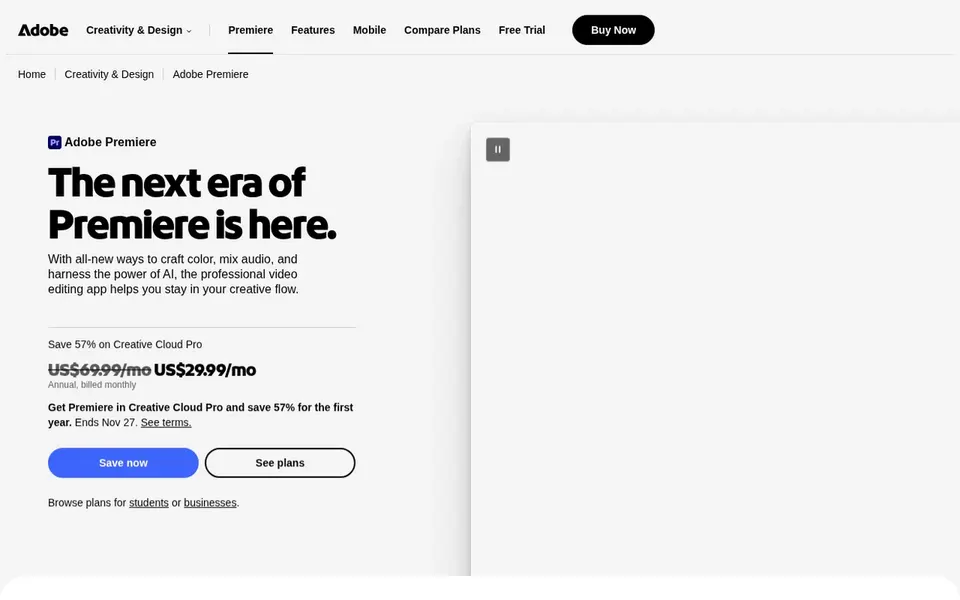
Where Adobe Premiere Pro fits: full professional editing and postproduction. Premiere Pro is Adobe's professional video editing and postproduction software. It handles editing and trimming, effects, audio mixing and more, which makes it a fit for marketing teams producing brand films, ads and long-form campaign content that needs a complete editing desk instead of a fast template editor.
Limits to weigh: Needs a capable computer.
Teams that largely cut short vertical clips may prefer a lighter, template-driven tool, whereas motion graphics work is better paired with After Effects. Beyond that, the depth includes a ramp-up time, and casual social editors may find it heavier than needed. Pricing for Adobe Premiere Pro is not stated here, so ask the vendor for current figures. As for free access: Not stated.
Get a written quote from Final Cut Pro, CapCut, Adobe After Effects and Adobe Premiere Pro; the list shows no starting price for them.
Read the fine print on the free plans from Descript and CapCut; seat, project and feature caps differ.
Before choosing Final Cut Pro, weigh its main limit: restricted to Apple devices.
Confirm minimum seats and billing terms with Adobe Premiere Pro before you commit to an annual plan.
Make sure Final Cut Pro lets you export your data in a format another tool can read.
How we picked
Selection started from tools commonly considered for marketing video editing software, then narrowed to 5 that have clear pricing information or a clear quote process. Where a vendor does not publish a price, the entry says quote. Where a price depends on seats or billing term, the entry says so. Order on the page follows fit for the typical buyer first, then price transparency and free access. Your own requirements should decide the final pick.
Every price and plan detail on this page comes from the vendors’ own websites. We did not run hands-on tests unless the text says so, and we do not publish star ratings or review scores. See how we score and our disclosure.
Keep your shortlist in one place
Paste prices, trial dates and notes from this guide into Ainotely, our AI note app. It files them into a topic and pulls out tasks like “cancel trial by Friday”. Free 7-day trial, no card needed.
Which marketing video editor is a good match for beginners?
For most readers this guide would start with Final Cut Pro, built for Mac and iPad editing workflows. Descript is the alternative for text-based editing of talking-head video, and CapCut for quick social media video edits. The right answer depends on budget and workflow.
Which options for marketing video editing software have a free plan?
On this list, Descript and CapCut include a free plan. Caps on seats, usage or features are common, so test the free plan against your real workload. Pricing, free plan details and limits for all 5 tools in this marketing video editing software roundup sit on the individual cards above.
How are the tools for marketing video editing software ordered?
The order follows typical fit for marketing video editing software, with Final Cut Pro first and Adobe Premiere Pro last, then price clarity and free access. It is editorial judgement, not a score, so another team could rank the tools differently.
What is the cheapest option for marketing video editing software in this list?
On published monthly entry prices, Descript is the lowest here at $16 per person per month. Entry price is only part of the cost, because seats, add-ons and billing terms can change the total. The 5 tool cards above repeat this per product for marketing video editing software, with the listed price or "pricing on request".
Can I try these options before paying?
Often, yes. Descript and CapCut have a free plan. Use your own data and a real task during the test, and check what the free tier or trial limits before you rely on it. Each of the 5 options in this marketing video editing software guide has its own card above with the price, free plan and limits.