Top 7 MCP Servers for Building AI Apps for 2026, Compared

- 1
 GitHubRepository and issue accessVisit
- 2
 PostgreSQLRead-only database queriesVisit
- 3
 FilesystemLocal file access for AI appsVisit
- 4
 Brave SearchWeb and local searchVisit
- 5
 FetchWeb content fetchingVisit
- GitHub sits first on this list: repository and issue access.
- 7 out of 7 tools include a free plan, among them GitHub, PostgreSQL, Filesystem and Brave Search.
- Puppeteer suits browser automation.
- What to know about Brave Search first: needs a Brave Search API key.
Direct answer
Start with GitHub if you need repository and issue access. PostgreSQL fits read-only database queries; Filesystem fits local file access for AI apps. The full list of 7 tools follows, with prices and free plan facts.
Quick comparison
| Product | Ideal for | Price from | Free version | |
|---|---|---|---|---|
| GitHub | Repository and issue access | Free | Yes | Visit |
| PostgreSQL | Read-only database queries | Free | Yes | Visit |
| Filesystem | Local file access for AI apps | Free | Yes | Visit |
| Brave Search | Web and local search | Free | Yes | Visit |
| Fetch | Web content fetching | Free | Yes | Visit |
 Google Drive | Drive file search and reading | Free | Yes | Visit |
 Puppeteer | Browser automation | Free | Yes | Visit |
Tool-by-tool breakdown
Ainotely put together this guide to MCP servers for building AI apps for readers who want a clear shortlist without reading every vendor page. It compares 7 tools on starting price, free plans, who each one suits and where each one falls short.
GitHub
Ideal for: Repository and issue access
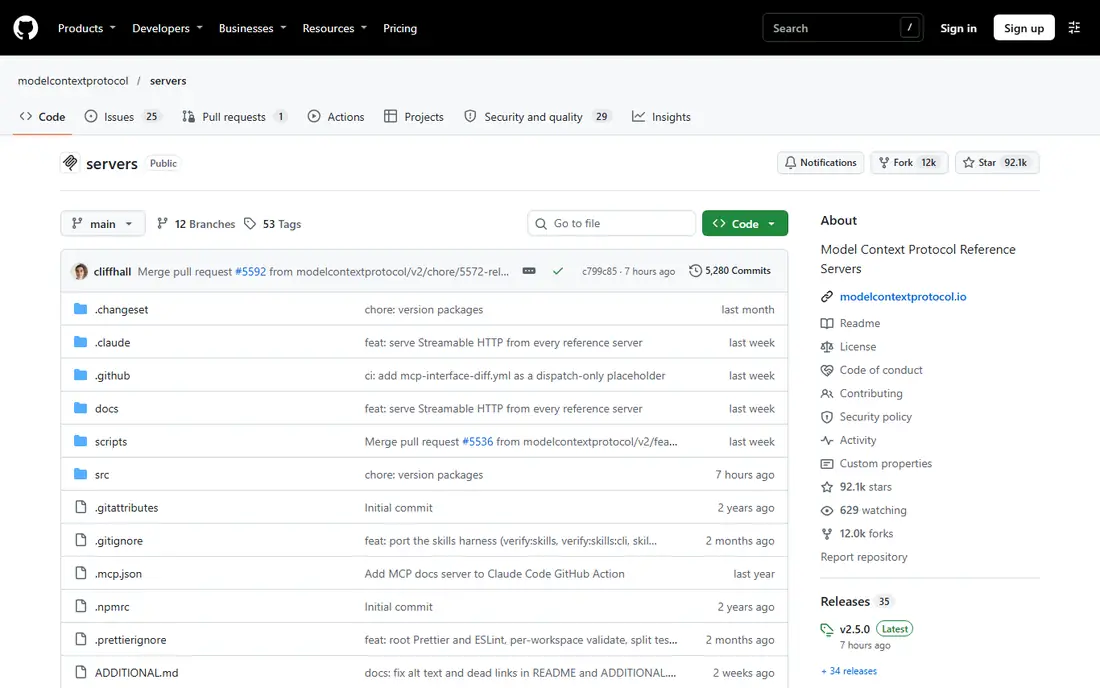
GitHub serves repository and issue access. GitHub server links an AI app to GitHub repositories, issues, pull requests, and code search. From a buyer's view, token handling is the primary work.
Downsides: Private repo access needs strict token handling.
Where it shines: Works with a fine-grained access token.
As for the details, for read-only helpers, a read-only token is enough, and it limits damage if a token leaks. On top of that, a fine-grained token lets you limit access to specific repositories, which is far safer than a wide token. Entry price for GitHub: Free. A free plan is available with GitHub.
- Repository, file, issue
- Pull request tools
- Token scope needs careful setup
PostgreSQL
Ideal for: Read-only database queries
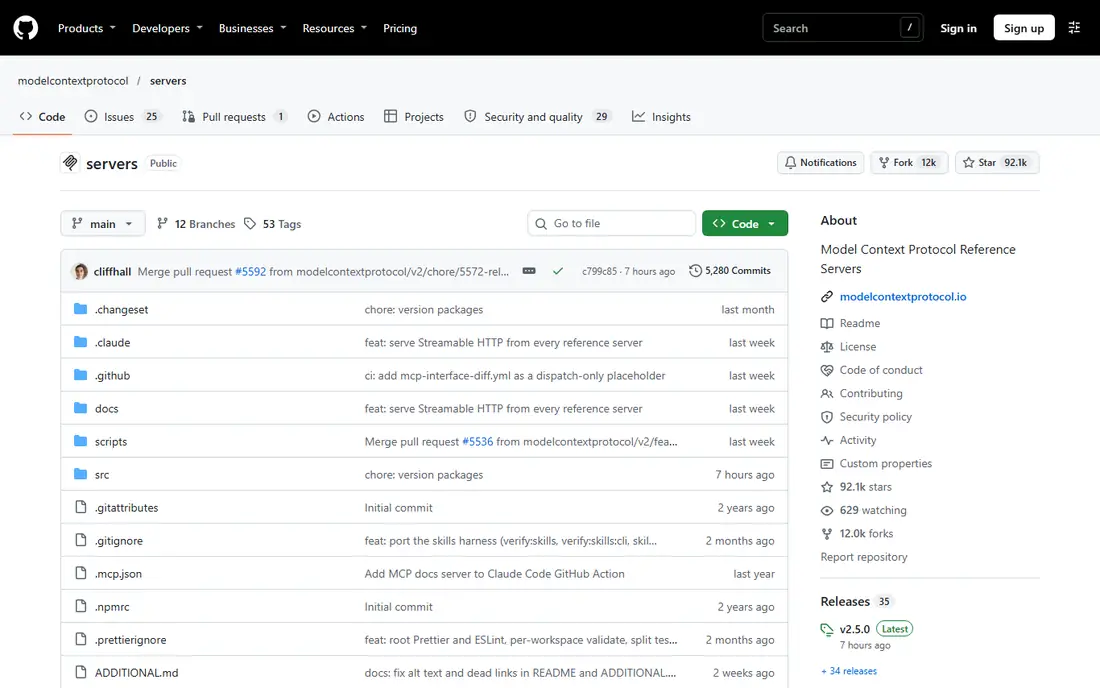
PostgreSQL serves read-only database queries. Build a read-only role, limit it to the tables the app needs, and test slow queries before you point the server at production.
Where it is weaker: Slow queries can load a production database.
Schema inspection helps the AI write better queries, since it can see tables and columns first. As for the details, safety comes from the database role, not from trust in the AI. The starting price for PostgreSQL: Free. PostgreSQL includes a free tier.
- Straightforward SQL tool interface
- Read-only queries with schema inspection
- Needs a read-only database role for safety
Filesystem
Ideal for: Local file access for AI apps
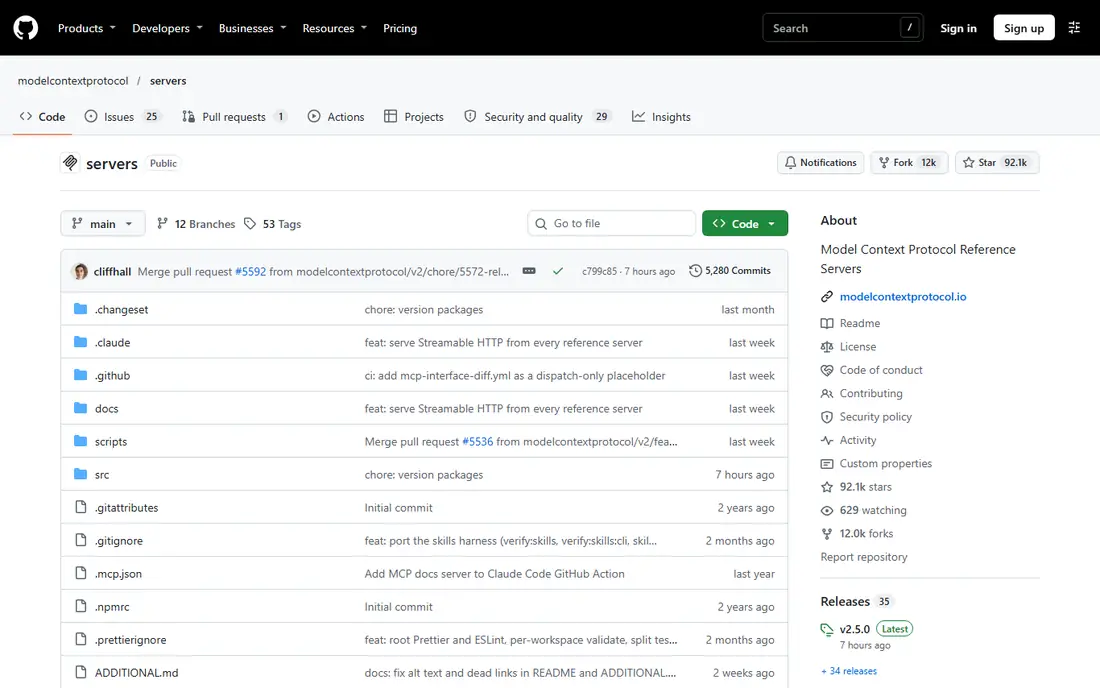
Filesystem is a good fit for local file access for AI apps. Filesystem is the server most AI app builders should set up first.
Watch-outs: Not suited for shared production file access.
If you allow a wide directory, an AI error could read or overwrite files you did not intend to expose. Also, limit access to one project folder, use version control for code, and keep backups for any folder the server can write to. On cost, Filesystem starts like this: Free. Filesystem has a free plan.
Upsides: list files in allowed directories.
- Straightforward setup for local projects
- Customizable access controls
- Feature-rich access needs careful directory limits
Brave Search
Ideal for: Web and local search
Brave Search is designed for web and local search. Research agents, news helpers, and current-events tools need this, since a language model alone cannot know recent facts.
What to check first: Free level limits can bind on heavy use.
Also, Brave Search server provides an AI app a web search tool through the Brave Search API. Brave Search starts at: Free. Brave Search has a free plan.
- Handy for research agents
- Straightforward search tool interface
- Search quality relies on the query
Fetch
Ideal for: Web content fetching
Fetch serves web content fetching. If a page returns little content, try Puppeteer or an official API for that site.
The main drawbacks: Some sites block automatic fetching.
Respect robots rules and rate limits, and do not use Fetch to bypass a paywall or a login wall. Entry price for Fetch: Free. You can start on Fetch without paying.
- Converts HTML to markdown
- Fetches an URL and returns readable content
- Content limits can truncate long pages
Google Drive
Ideal for: Drive file search and reading
Where Google Drive fits: Drive file search and reading. Google Drive server lets an AI app search and read files in Google Drive.
Where it is weaker: File permissions still apply in Drive.
It fits document helpers, meeting prep tools, and knowledge assistants that require to find a doc, sheet, or slide without a custom Drive API build. Entry price for Google Drive: Free. Google Drive offers a free plan.
- Search and read Drive files
- Works with Google account auth
- Auth setup takes care
Puppeteer
Ideal for: Browser automation
In short, Puppeteer is for browser automation. For straightforward static pages, Fetch is lighter and quicker. In practice, Puppeteer server drives a real browser through Puppeteer, which helps when a page needs JavaScript to load content.
Drawbacks to consider: Automation can be blocked by some sites.
As for the details, Puppeteer needs a browser install, uses more memory, and can be blocked by sites that detect automation. The cost is weight and fragility. On cost, Puppeteer starts like this: Free. A free plan is available with Puppeteer.
- Browser automation for pages that require JavaScript
- Handy for scraping and testing
- Heavyweight compared to Fetch
Worth knowing about MCP servers for building AI apps
Start with the smallest set that solves your task, typically Filesystem for local work, Fetch for web content. One data server if you need live data. For everyday use, add servers one at a time, test each tool in isolation, and check what data each tool can read before you link it to a shared app.
Beyond that, treat access like a permission, not a convenience. On top of that, log tool calls during development, review them for unexpected reads or writes, and rotate any token that may have leaked into a prompt, a log, or a shared file.
Our selection method
Each tool was reviewed on what its vendor publishes: price, plan limits, core features and stated drawbacks. We did not run hands-on tests. Where a price is missing, the vendor does not list one publicly or ties it to a quote. Always confirm before budgeting. Order on the page follows fit for the typical buyer first, then price transparency and free access. Your own requirements should decide the final pick.
Pre-purchase checklist
- Check the current price for GitHub, Puppeteer and the rest on each vendor page, since seats and billing terms change the total.
- Read the fine print on the free plans from GitHub, PostgreSQL, Filesystem and others; seat, project and feature caps differ.
- Before choosing GitHub, weigh its main limit: token scope needs careful setup.
- Ask the daily users to test GitHub on a live task before you roll it out to everyone.
- Ask whether Google Drive integrates with your current software, and whether that comes standard or as an add-on.
Frequently asked questions
What is the difference between MCP and a plain API?
MCP provides AI clients a typical way to discover and call tools across numerous services, so one client can use Filesystem, GitHub. A database server through the same protocol and tool format.
What is a MCP server?
A MCP server is a program that exposes tools, resources, or prompts to an AI app through the Model Context Protocol. The AI client links to the server, lists its tools, and calls them when a task needs file access, a database query, a search, or another outside action.
Can I try these options before paying?
Often, yes. GitHub, PostgreSQL, Filesystem and others have a free plan. Use your own data and a real task during the test, and check what the free tier or trial limits before you rely on it.
Is GitHub the right pick for everyone comparing MCP servers for building AI apps?
No single tool suits every team. GitHub comes first because it fits repository and issue access, while PostgreSQL suits read-only database queries and Filesystem suits local file access for AI apps. Match the tool to your own size, budget and workflow before deciding.
Should I use MCP servers in production?
Yes, with care. For production apps, consider building your own MCP server with the exact tools and limits your app needs, instead of exposing a wide reference server.
Do these tools publish their prices?
Yes. Every tool from GitHub to Puppeteer shows a starting price, though seats, add-ons and billing terms still change the final cost.