Best MDM solutions for tech companies in 2026: 8 Compared

- 1
 Jamf ProApple device managementVisit
- 2
 Microsoft IntuneCross-platform device managementVisit
- 3
 VMware Workspace ONEUnified endpoint managementVisit
- 4
 KandjiApple MDM with automationVisit
- 5
 MosyleApple management for teamsVisit
- Jamf and Mosyle lead on Apple device management for tech companies.
- Microsoft Intune and VMware Workspace ONE suit companies with mixed Windows, Mac, and mobile fleets.
- Kandji and Addigy add Apple-focused management with automation for growing teams.
- Hexnode and SimpleMDM suit smaller tech teams that want simpler deployment.
- Test enrollment, app deployment, and security policies on your actual devices before committing.
Quick comparison
| Product | Ideal for | Price from | Free version | |
|---|---|---|---|---|
| Jamf Pro | Apple device management | See website | Free trial | Visit |
| Microsoft Intune | Cross-platform device management | See website | Free trial | Visit |
| VMware Workspace ONE | Unified endpoint management | See website | Free trial | Visit |
| Kandji | Apple MDM with automation | See website | Free trial | Visit |
| Mosyle | Apple management for teams | See website | Free trial | Visit |
 Addigy | Apple management for IT teams | See website | Free trial | Visit |
 Hexnode UEM | Cross-platform UEM for smaller teams | See website | Free trial | Visit |
 SimpleMDM | Simple Apple device management | See website | Free trial | Visit |
The best MDM solutions for tech companies
Mobile device management, or MDM, lets tech companies enroll, secure, and manage laptops, phones, and tablets. The tools below cover Apple-focused, cross-platform, and simpler options. Compare them on your device mix, security needs, and admin effort.
Jamf Pro
Ideal for: Apple device management
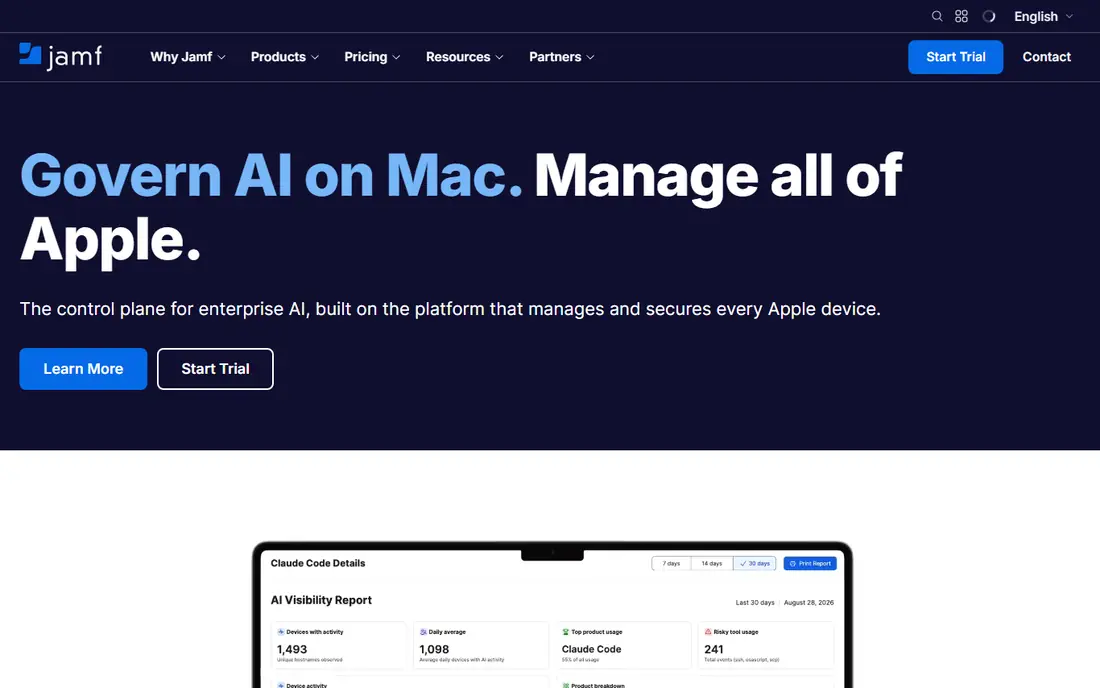
For buyers focused on apple device management, Jamf Pro is a strong place to start. Jamf Pro is the leading tool for managing Apple devices in tech companies. Its official feature pages put that strength front and center, and public reviews tend to point to the same area. That kind of agreement matters when options look similar on a pricing page but differ in day-to-day use.
The catch is worth weighing too. Its Apple-only focus means mixed fleets need another tool alongside it. Before you commit, check the current pricing page and contract terms, and ask for a written quote where one applies. If those answers line up with your budget and timeline, Jamf Pro is easy to shortlist.
We would steer buyers with very different needs elsewhere. If your budget is tight, your timeline is short, or you need a feature Jamf Pro does not emphasize, another pick on this list may fit better. That is not a verdict on quality. Fit depends on size, budget, and how much support you expect after you sign up, so compare at least two other names before you decide.
- Apple management leadership
- Automation
- Large Mac fleets
- Apple-only focus
- Pricing scales per device
Microsoft Intune
Ideal for: Cross-platform device management
Microsoft Intune earns its place here mainly on fit for cross-platform device management. Microsoft Intune manages Windows, Mac, and mobile devices within Microsoft 365. We weighed its public pricing, feature pages, and review feedback together, and the pattern was consistent. Buyers who care most about that area will find a lot to like, even if other parts of the offer are less distinctive.
No option is without a drawback, and Microsoft Intune is no exception. Complexity rises outside Microsoft environments, and licensing varies. The fix is to confirm the details that matter most to you in writing before you sign anything. A short call or email exchange at this stage can prevent a mismatch later.
One practical tip applies to every name here, including Microsoft Intune. Get the current terms in writing, confirm what is included in the quoted price, and check how changes or cancellations are handled. Those three checks separate a good purchase from a frustrating one more often than any feature comparison does.
- Part of Microsoft 365
- Windows, Mac, and mobile support
- Complexity for non-Microsoft environments
- Licensing varies
VMware Workspace ONE
Ideal for: Unified endpoint management
If unified endpoint management is your top priority, start your shortlist with VMware Workspace ONE. VMware Workspace ONE unifies endpoint management across operating systems. The offer is easy to understand from its public pages, which helps when you are comparing several providers side by side. Clarity at this stage saves time later, when contracts and onboarding details come into play.
There is a trade-off to accept here. Enterprise complexity and pricing can be heavy for smaller teams. That does not rule VMware Workspace ONE out, but it does mean you should compare it closely with at least one other name on this list. The right choice depends on which limitation you can live with most easily.
Shortlisting is only half the work. Talk to the provider, ask about onboarding or setup, and confirm timelines in writing. VMware Workspace ONE rewards that kind of diligence, because its strengths show up best when expectations are set clearly at the start of the relationship.
- Unified endpoint management
- Broad OS support
- Enterprise scale
- Enterprise complexity and pricing
- Smaller teams may find it heavy
Kandji
Ideal for: Apple MDM with automation
Kandji is the pick we point to first for apple MDM with automation. Kandji automates Apple device management with compliance templates for tech teams. It is not the only strong option on this list, but its combination of features and public pricing information makes it straightforward to evaluate. That transparency is worth something when you are making a decision with real money attached.
The honest weakness is this: Its Apple-only scope means mixed fleets need a second tool. Weigh that against the strengths above and against what your own situation actually requires. For many buyers the balance still favors Kandji, but it is a judgment call, not a given.
If you are still undecided, rank your own priorities before you rank the providers. Price, support, coverage, and ease of use rarely matter equally, and Kandji scores best when apple MDM with automation sits near the top of your list. Use that ranking to make the final call with confidence.
- Apple-focused automation
- Compliance templates
- Growing tech adoption
- Apple-only
- Pricing is per device
Mosyle
Ideal for: Apple management for teams
For buyers focused on apple management for teams, Mosyle is a strong place to start. Mosyle offers Apple device management with business plans for tech teams. Its official feature pages put that strength front and center, and public reviews tend to point to the same area. That kind of agreement matters when options look similar on a pricing page but differ in day-to-day use.
The catch is worth weighing too. Its Apple-only focus limits mixed-fleet use, and features vary by plan. Before you commit, check the current pricing page and contract terms, and ask for a written quote where one applies. If those answers line up with your budget and timeline, Mosyle is easy to shortlist.
We would steer buyers with very different needs elsewhere. If your budget is tight, your timeline is short, or you need a feature Mosyle does not emphasize, another pick on this list may fit better. That is not a verdict on quality. Fit depends on size, budget, and how much support you expect after you sign up, so compare at least two other names before you decide.
- Apple device management
- Education and business plans
- Competitive pricing
- Apple-only focus
- Advanced features vary by plan
Addigy
Ideal for: Apple management for IT teams
Addigy earns its place here mainly on fit for apple management for IT teams. Addigy provides Apple device management with live monitoring for IT teams. We weighed its public pricing, feature pages, and review feedback together, and the pattern was consistent. Buyers who care most about that area will find a lot to like, even if other parts of the offer are less distinctive.
No option is without a drawback, and Addigy is no exception. Apple-only scope and smaller scale are the main limits. The fix is to confirm the details that matter most to you in writing before you sign anything. A short call or email exchange at this stage can prevent a mismatch later.
One practical tip applies to every name here, including Addigy. Get the current terms in writing, confirm what is included in the quoted price, and check how changes or cancellations are handled. Those three checks separate a good purchase from a frustrating one more often than any feature comparison does.
- Apple-focused management
- Live device monitoring
- MSP options
- Apple-only
- Smaller vendor scale
Hexnode UEM
Ideal for: Cross-platform UEM for smaller teams
If cross-platform UEM for smaller teams is your top priority, start your shortlist with Hexnode UEM. Hexnode UEM manages devices across platforms with simpler setup for smaller teams. The offer is easy to understand from its public pages, which helps when you are comparing several providers side by side. Clarity at this stage saves time later, when contracts and onboarding details come into play.
There is a trade-off to accept here. Enterprise depth is thinner than the largest unified platforms. That does not rule Hexnode UEM out, but it does mean you should compare it closely with at least one other name on this list. The right choice depends on which limitation you can live with most easily.
Shortlisting is only half the work. Talk to the provider, ask about onboarding or setup, and confirm timelines in writing. Hexnode UEM rewards that kind of diligence, because its strengths show up best when expectations are set clearly at the start of the relationship.
- Cross-platform support
- Simpler setup
- Competitive pricing
- Enterprise depth is thinner than the largest platforms
SimpleMDM
Ideal for: Simple Apple device management
SimpleMDM is the pick we point to first for simple Apple device management. SimpleMDM offers straightforward Apple device management for small teams. It is not the only strong option on this list, but its combination of features and public pricing information makes it straightforward to evaluate. That transparency is worth something when you are making a decision with real money attached.
The honest weakness is this: Its Apple-only scope and limited feature depth suit simple needs best. Weigh that against the strengths above and against what your own situation actually requires. For many buyers the balance still favors SimpleMDM, but it is a judgment call, not a given.
If you are still undecided, rank your own priorities before you rank the providers. Price, support, coverage, and ease of use rarely matter equally, and SimpleMDM scores best when simple Apple device management sits near the top of your list. Use that ranking to make the final call with confidence.
- Simple Apple MDM
- Easy enrollment
- Small-team focus
- Apple-only
- Feature depth is limited
How we picked these
We started with providers that clearly fit the topic and have an official homepage we could open and verify. We compared what each one offers, how it prices its plans, and what public reviews say about working with it. Names that did not fit, or that we could not verify, were left out rather than padded into the list.
We compared official feature pages, pricing pages, app store listings where they exist, privacy policies, and public reviews. We left out providers we could not verify, options that did not truly fit the topic, and any name whose official homepage did not load. Prices and free tiers change, so treat every figure here as a starting point and confirm it on the provider site before you buy.
How to choose an MDM for a tech company
MDM affects every employee device, so the choice needs testing. These checks help tech teams pick a tool that fits their fleet.
Map your device mix first
Apple-only, Windows-heavy, and mixed fleets need different tools. List your devices and operating systems before shortlisting.
Test enrollment and deployment
Run a trial with real devices. Check zero-touch enrollment, app deployment, and policy updates in practice, not just in demos.
Check security and compliance features
Ask about encryption, remote wipe, compliance reporting, and integrations with your identity provider.
Frequently asked questions
How do I choose between these options?
Start with your budget, your timeline, and the one feature you cannot do without, then compare two or three names on that basis. Read the current pricing and terms pages rather than relying on older reviews. A short conversation with the provider usually answers the questions a website leaves open.
Are the prices listed here final?
No. Prices and plans change, and many providers quote custom pricing based on your size or needs. Use the figures here to shortlist, then confirm the current price in writing before you commit. Watch for setup fees, minimum terms, and renewal pricing.
What should I check before signing up?
Check what is included in the quoted price, how support works, how you can change or cancel, and what happens at renewal. For services, ask for the scope in writing. For software, use a trial period to test the features you will actually use every week.
Can a smaller provider be a better fit than a big name?
Yes, often. Smaller providers may offer closer support and more flexibility, while larger ones may offer wider coverage and longer track records. The right choice depends on your priorities, not on size alone, so weigh both sides before you decide.
How often should I revisit this decision?
Review it at least once a year, or sooner if your needs, budget, or team size change. Providers update pricing and features regularly, and a better fit may appear. A yearly check keeps you from paying for a plan you have outgrown.