Best Mechanical Design Software in 2026: 8 Options Compared

- 1
 SolidWorksMechanical engineers designing parts and assembliesVisit
- 2
 Autodesk InventorEngineers who want professional mechanical CADVisit
- 3
 Fusion 360Small firms and makers who want CAD plus CAMVisit
- 4
 OnshapeTeams that want cloud CAD with live collaborationVisit
- 5
 CATIALarge engineering teams in aerospace and automotiveVisit
- SolidWorks and Autodesk Inventor are strong professional choices for mechanical parts and assemblies.
- Fusion 360 suits small firms and makers who want CAD, CAM, and simulation together.
- Onshape suits teams that want cloud collaboration without local installs.
- FreeCAD is the best free option, with a learning curve to match its price.
Quick comparison
| Product | Ideal for | Price from | Free version | |
|---|---|---|---|---|
| SolidWorks | Mechanical engineers designing parts and assemblies | See website | Free trial | Visit |
| Autodesk Inventor | Engineers who want professional mechanical CAD | See website | Free trial | Visit |
| Fusion 360 | Small firms and makers who want CAD plus CAM | See website | Free trial | Visit |
| Onshape | Teams that want cloud CAD with live collaboration | See website | Free trial | Visit |
| CATIA | Large engineering teams in aerospace and automotive | See website | No | Visit |
 Siemens NX | Large firms that need CAD, CAM, and simulation together | See website | No | Visit |
 Creo | Engineers who need strong parametric design | See website | Free trial | Visit |
 FreeCAD | Students and hobbyists who want free parametric CAD | Free | Yes | Visit |
The best mechanical design software
Mechanical design software ranges from free open-source modelers to large suites used for complex assemblies, simulation, and manufacturing. The best choice depends on what you design, how large your assemblies are, and whether you need simulation or CAM in the same workflow.
We compared professional CAD suites with accessible options for students, hobbyists, and small firms. A powerful suite is wasted if you only need simple parts, and a simple tool will frustrate you on a large assembly, so match the tool to the work.
SolidWorks
Ideal for: Mechanical engineers designing parts and assemblies
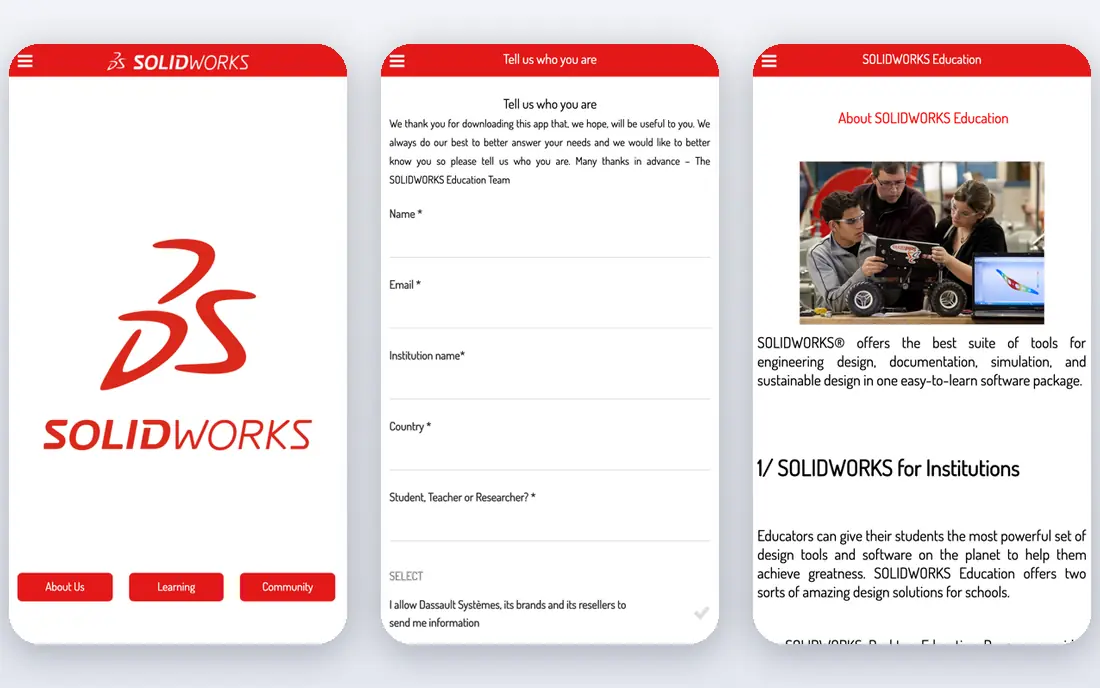
SolidWorks is a strong fit for mechanical engineers designing parts and assemblies. Its strengths include strong parametric modeling, broad simulation options, and large user community. That combination is why it earned a place on this list, and why it may suit you if those points match your priorities. When we lined up the official feature pages, this one stood out for the balance it strikes between depth and ease of use. Pricing is listed as see website, and the free plan is free trial, so check the vendor page for the current details that apply to your team size and region. The trade-off is worth naming plainly. Watch for paid licences are costly, and for windows-focused workflow. If neither of those is a deal breaker for you, SolidWorks is a sensible shortlist candidate, and a short trial with a real task will tell you more than any feature list can.
- Strong parametric modeling
- Broad simulation options
- Large user community
- Paid licences are costly
- Windows-focused workflow
Autodesk Inventor
Ideal for: Engineers who want professional mechanical CAD
Autodesk Inventor is a strong fit for engineers who want professional mechanical CAD. Its strengths include strong assembly tools, good sheet metal features, and wide Autodesk links. That combination is why it earned a place on this list, and why it may suit you if those points match your priorities. On paper, the feature set looks broad, and the pricing page is the place to confirm what sits behind each tier before you commit. Pricing is listed as see website, and the free plan is free trial, so check the vendor page for the current details that apply to your team size and region. The trade-off is worth naming plainly. Watch for paid licences are costly, and for learning curve for new users. If neither of those is a deal breaker for you, Autodesk Inventor is a sensible shortlist candidate, and a short trial with a real task will tell you more than any feature list can.
- Strong assembly tools
- Good sheet metal features
- Wide Autodesk links
- Paid licences are costly
- Learning curve for new users
Fusion 360
Ideal for: Small firms and makers who want CAD plus CAM
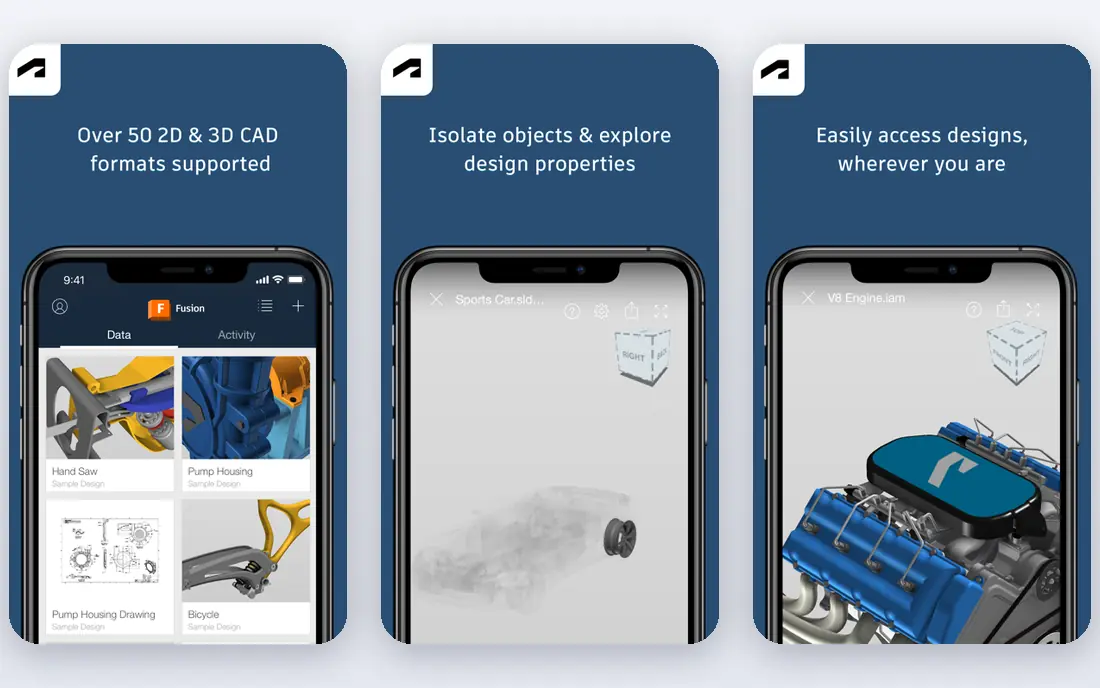
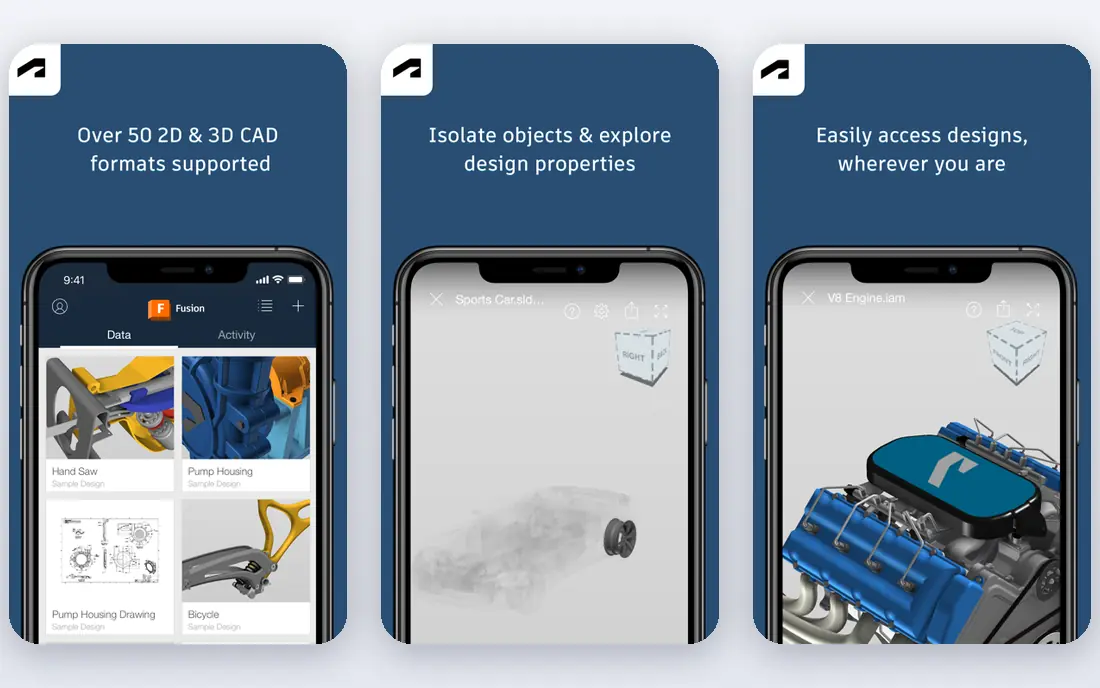
Fusion 360 is a strong fit for small firms and makers who want CAD plus CAM. Its strengths include cAD, CAM, and simulation together, cloud collaboration, and good maker support. That combination is why it earned a place on this list, and why it may suit you if those points match your priorities. We paid close attention to how clearly the vendor explains limits, because a tool that hides its limits tends to disappoint later. Pricing is listed as see website, and the free plan is free trial, so check the vendor page for the current details that apply to your team size and region. The trade-off is worth naming plainly. Watch for some features need paid plans, and for cloud workflow needs internet. If neither of those is a deal breaker for you, Fusion 360 is a sensible shortlist candidate, and a short trial with a real task will tell you more than any feature list can.
- CAD, CAM, and simulation together
- Cloud collaboration
- Good maker support
- Some features need paid plans
- Cloud workflow needs internet
Onshape
Ideal for: Teams that want cloud CAD with live collaboration
Onshape is a strong fit for teams that want cloud CAD with live collaboration. Its strengths include cloud access from any device, live multi-user editing, and clear version control. That combination is why it earned a place on this list, and why it may suit you if those points match your priorities. Compared with the other options here, this one takes a narrower approach, and that focus is either a strength or a limit depending on your needs. Pricing is listed as see website, and the free plan is free trial, so check the vendor page for the current details that apply to your team size and region. The trade-off is worth naming plainly. Watch for paid plans for private work, and for large assemblies need strong internet. If neither of those is a deal breaker for you, Onshape is a sensible shortlist candidate, and a short trial with a real task will tell you more than any feature list can.
- Cloud access from any device
- Live multi-user editing
- Clear version control
- Paid plans for private work
- Large assemblies need strong internet
CATIA
Ideal for: Large engineering teams in aerospace and automotive
CATIA is a strong fit for large engineering teams in aerospace and automotive. Its strengths include very strong complex surface tools, broad large-assembly support, and deep industry use. That combination is why it earned a place on this list, and why it may suit you if those points match your priorities. The public reviews we read tended to praise the core workflow while noting the same trade-offs we list below. Pricing is listed as see website, and the free plan is no, so check the vendor page for the current details that apply to your team size and region. The trade-off is worth naming plainly. Watch for high cost and complexity, and for overkill for simple parts. If neither of those is a deal breaker for you, CATIA is a sensible shortlist candidate, and a short trial with a real task will tell you more than any feature list can.
- Very strong complex surface tools
- Broad large-assembly support
- Deep industry use
- High cost and complexity
- Overkill for simple parts
Siemens NX
Ideal for: Large firms that need CAD, CAM, and simulation together
Siemens NX is a strong fit for large firms that need CAD, CAM, and simulation together. Its strengths include broad integrated CAD and CAM, strong large-assembly tools, and deep manufacturing links. That combination is why it earned a place on this list, and why it may suit you if those points match your priorities. For a team that wants to start small, the free tier or trial is worth testing with a real task before any wider rollout. Pricing is listed as see website, and the free plan is no, so check the vendor page for the current details that apply to your team size and region. The trade-off is worth naming plainly. Watch for high cost, and for setup and training take time. If neither of those is a deal breaker for you, Siemens NX is a sensible shortlist candidate, and a short trial with a real task will tell you more than any feature list can.
- Broad integrated CAD and CAM
- Strong large-assembly tools
- Deep manufacturing links
- High cost
- Setup and training take time
Creo
Ideal for: Engineers who need strong parametric design
Creo is a strong fit for engineers who need strong parametric design. Its strengths include strong parametric modeling, good simulation options, and broad industry use. That combination is why it earned a place on this list, and why it may suit you if those points match your priorities. We looked at integrations and support options as well, since a tool rarely works alone in a real workflow. Pricing is listed as see website, and the free plan is free trial, so check the vendor page for the current details that apply to your team size and region. The trade-off is worth naming plainly. Watch for paid licences are costly, and for interface learning curve. If neither of those is a deal breaker for you, Creo is a sensible shortlist candidate, and a short trial with a real task will tell you more than any feature list can.
- Strong parametric modeling
- Good simulation options
- Broad industry use
- Paid licences are costly
- Interface learning curve
FreeCAD
Ideal for: Students and hobbyists who want free parametric CAD
FreeCAD is a strong fit for students and hobbyists who want free parametric CAD. Its strengths include free and open source, parametric modeling, and active community. That combination is why it earned a place on this list, and why it may suit you if those points match your priorities. The documentation and help pages gave us a good sense of how much setup this one needs in the first week. Pricing is listed as free, and the free plan is yes, so check the vendor page for the current details that apply to your team size and region. The trade-off is worth naming plainly. Watch for interface feels less polished, and for some workflows need workarounds. If neither of those is a deal breaker for you, FreeCAD is a sensible shortlist candidate, and a short trial with a real task will tell you more than any feature list can.
- Free and open source
- Parametric modeling
- Active community
- Interface feels less polished
- Some workflows need workarounds
How we picked these
We compared official feature pages, pricing pages, app store listings, privacy policies, and public reviews for each option. We kept only products that exist and work in October 2026 and that truly fit the topic, and we left out options whose pricing or core features we could not verify. Where a price was unclear, we wrote See website rather than guessing a number. We also weighed who each product is really for, how clear its limits are, and how it handles privacy and support. Our pick for most people is the option that balances those points best, not the one with the longest feature list. Your shortlist should still reflect your budget, your team size, and the one task you need done every week.
Before you commit, check these points
Decide how you will use simulation and manufacturing. If you send parts to a CNC shop, CAM support and file compatibility matter as much as modeling. If you only need drawings and 3D prints, a lighter tool may save money without slowing you down. Test with a real part, not a demo model. Model a part you have made before, add the fasteners and tolerances you actually use, and export it in the format your shop or printer needs. That test will reveal limits that a sales demo hides. Check file compatibility with your partners. Suppliers and clients often work in a specific CAD system, and clean import and export can matter more than a single feature. Ask about native and neutral formats, and test a round trip before you buy.
Frequently asked questions
What is the best mechanical design software?
SolidWorks and Inventor are strong professional choices, while Fusion 360 suits small firms that want CAD and CAM together. FreeCAD is the best free option for learning and simple work.
Is Fusion 360 free?
Fusion 360 offers a free trial and limited free use for personal and some education cases, with paid plans for commercial use. Check the Autodesk site for current terms.
What is the difference between CAD and CAM?
CAD is design, while CAM turns a design into toolpaths for manufacturing. Some tools here cover both, which helps small firms that make their own parts.
Can I learn mechanical design for free?
Yes, with FreeCAD and with free learning resources for the paid tools. Start with simple parts and build up to assemblies, since the basics transfer across tools.