Meeting Collaboration Software in 2026: A Guide to 6 Tools

- This list starts with Lucidspark, which is built for Ideation sessions inside companies already using Lucidchart.
- A fair warning about Miro: you pay per member, so inviting the entire company gets costly.
- Otter.ai suits teams that require searchable transcripts of everything said.
- The lowest published monthly entry price here is $7 per user/month, from Fellow.
- 6 out of 6 tools include a free plan, among them Lucidspark, Miro, Fellow and Zoom.
Direct answer
Lucidspark is the first pick on this list for Ideation sessions inside companies already using Lucidchart. Miro is the stronger choice for Workshops, brainstorms and planning sessions on a shared canvas, while Fellow suits teams that want agendas, notes and action items in one place. Prices, free plans and limits for all 6 tools follow.
Quick comparison
| Product | Ideal for | Price from | Free version | |
|---|---|---|---|---|
 Lucidspark | Ideation sessions inside businesses already using Lucidchart | $9 a month (billed annually) | Yes | Visit |
 Miro | Workshops, brainstorms and planning sessions on a shared canvas | $8 per member/month (billed annually) | Yes | Visit |
 Fellow | Teams that want agendas | $7 per user/month (billed annually) | Yes | Visit |
 Zoom | Teams that run most of their week on video calls | $16.99 per user/month (billed monthly), $14.16 billed yearly | Yes | Visit |
 Slido | Presenters who want live polls | $17.50 a month (Engage plan, billed yearly) | Yes | Visit |
 Otter.ai | Teams that require searchable transcripts of everything said | $16.99 per user/month (billed per month), $8.33 billed annually | Yes | Visit |
The best meeting collaboration software
Ainotely put together this guide to meeting collaboration software for readers who want a clear shortlist without reading every vendor page. It compares 6 tools on starting price, free plans, who each one suits and where each one falls short.
Lucidspark
Ideal for: Ideation sessions inside businesses already using Lucidchart
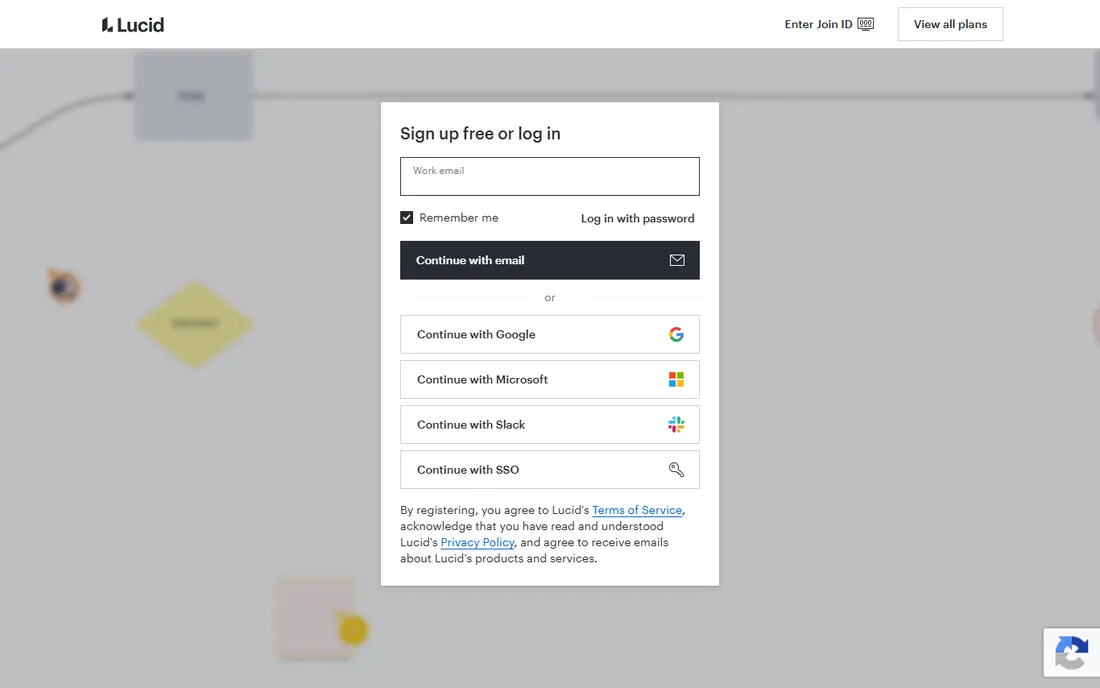
Lucidspark is built with Ideation sessions inside firms already using Lucidchart in mind. The Visual Collaboration Suite bundles Lucidspark and Lucidchart at $15 per user a month for teams, which is the better deal if you need both. Also, the facilitator controls, voting, breakout boards and AI-assisted sorting of sticky notes include the standard workshop toolkit.
Highlights: timer and private mode.
Drawbacks to consider: Standalone pricing overlaps awkwardly with the bundle. From a buyer's view, pricing mirrors Lucidchart: free for three editable boards, Individual at $9 a month billed yearly for unlimited boards. Team at $10 per user a month billed yearly with a three-user minimum. As for the details, Lucidspark is Lucid's answer to the virtual whiteboard, and its real advantage is the company it keeps. Lucidspark starts at: $9 per month. Lucidspark offers a free plan.
- Facilitator panel with voting
- Ideas hand off cleanly into Lucidchart diagrams
- Enterprise is quote-only
Miro
Ideal for: Workshops, brainstorms and planning sessions on a shared canvas
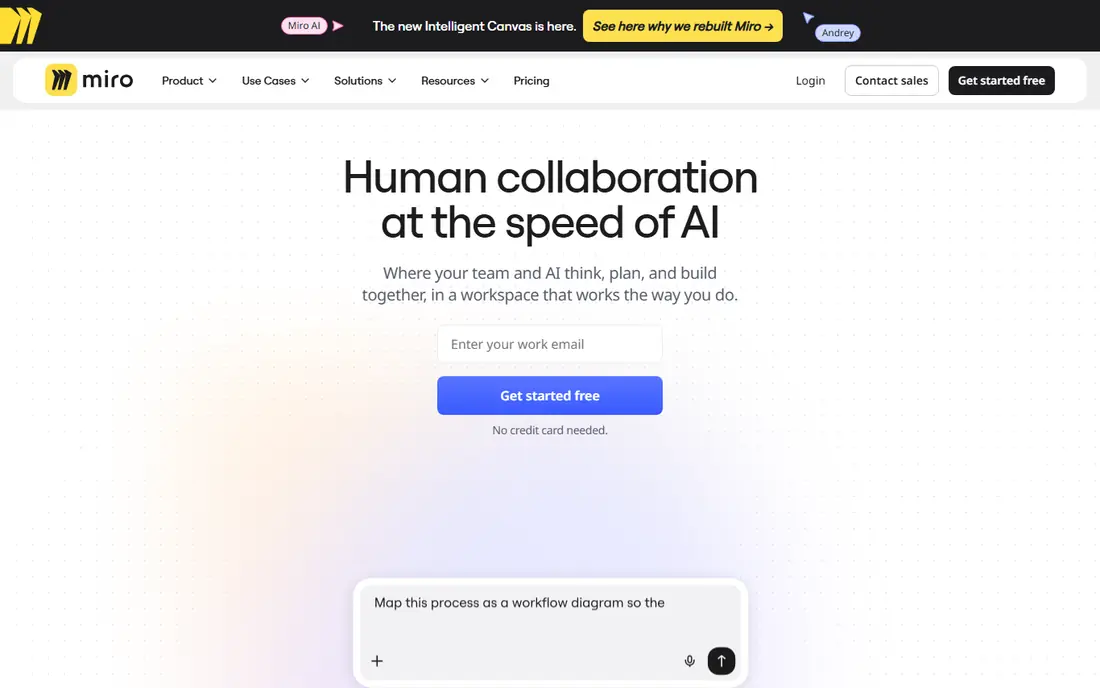
Miro makes the most sense for Workshops, brainstorms and planning sessions on a shared canvas. Miro is where meetings go when the agenda is a blank canvas rather than a slide deck. If you need SSO or guest editing, the jump to Business at $20 per member a month is steep but commonly non-negotiable for IT.
Watch-outs: New users can find the interface dense.
Beyond that, starter at $8 per member a month billed yearly brings unlimited boards, private boards and version history. In daily use, teams run retros, map customer journeys, sketch org charts and vote on ideas together in live. The board stays around afterward as the record of what was decided. The free plan permits unlimited members but only three editable boards, which is enough to run a real workshop before paying anything. Miro pricing: $8 per member/month. Miro offers a free plan.
- More than 6,000 templates to start from
- 250-plus integrations
- You pay per member, so inviting the entire company gets costly
Fellow
Ideal for: Teams that want agendas
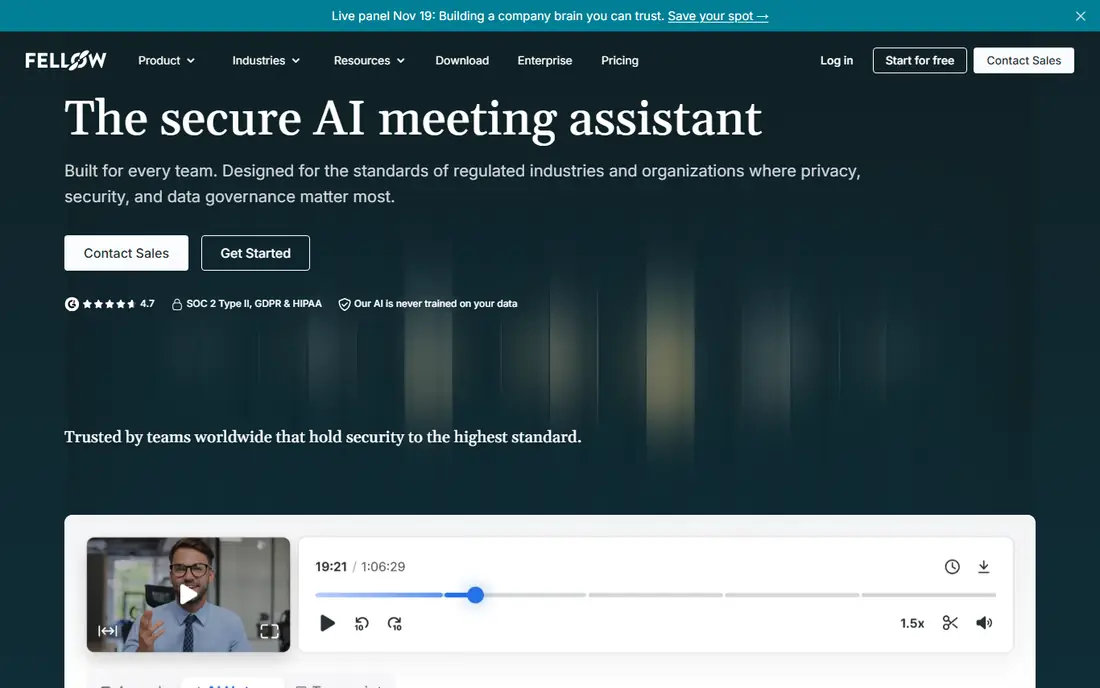
Fellow is a good fit for teams that want agendas, notes and action items in one place. For managers running weekly one-on-ones or leadership syncs, that loop is the entire product. It works across Zoom, Google Meet, Teams and Slack huddles.
Limits to weigh: Seat caps on lower levels.
From a buyer's view, team at $7 per user a month billed yearly raises the limits and brings automations and project management integrations, with a 20-seat cap. In daily use, the free plan hands each user five AI notes and five recordings for the lifetime of the account, which is enough to evaluate but not to run on. Beyond that, business at $15 removes the recording limits and layers on organization-wide templates plus Salesforce and HubSpot integrations. Fellow pricing: $7 per user/month. Fellow includes a free tier.
- 50-plus native integrations
- Records with or without a visible bot
- Free plan allowances never reset
Zoom
Ideal for: Teams that run most of their week on video calls
Zoom is designed for teams that run most of their week on video calls. Meetings start quick, guests join from a link without an account. The recording and transcription quality is consistent enough that teams build their entire meeting habit around it.
What users get: Deals with very large meetings.
From a buyer's view, premium plans center on Workplace Pro and Business. Business raises the participant cap to 300 and brings single sign-on, managed domains and admin dashboards. Zoom bills per user, not per attendee, so a team where only a handful of people host can keep the seat count low. Zoom cost at the entry level: $16.99 per user/month. Free access exists with Zoom.
Where it falls short: Free plan cuts group calls at 40 minutes.
- Deep add-on ecosystem for phone
- AI Companion summaries included on premium plans
- Admin settings take time to learn
Slido
Ideal for: Presenters who want live polls
Slido is a good fit for presenters who want live polls, Q&An and quizzes inside their decks. Slido does one job well: making presentations interactive. It is the tool behind the Q&An at all-hands meetings, webinars and conferences where a raised hand does not scale.
Honest limits: Moderation and branding need higher levels.
For everyday use, professional at $75 a month layers on moderation, branding and team collaboration for up to 1,000 participants, whereas Enterprise at $200 a month scales to 5,000 with SSO and HIPAA support. More specifically, the free Basic plan supports unlimited events with up to 100 participants but limits each event to three polls and one quiz. Engage at $17.50 a month billed yearly removes the poll limits for up to 200 participants. Entry price for Slido: $17.50 per month. Slido offers a free plan.
- Scales to 5,000 participants on Enterprise
- Works inside PowerPoint and Google Slides
- Per-user minimums raise the real cost
Otter.ai
Ideal for: Teams that require searchable transcripts of everything said
Otter.ai makes the most sense for teams that require searchable transcripts of everything said. Otter.ai turns meetings into text you can search. Its OtterPilot assistant joins scheduled Zoom, Google Meet or Teams calls on its own, produces a live transcript with speaker identification, and follows up with a summary and action items.
Business at $30 monthly or $19.99 annually brings unlimited meetings up to four hours each plus admin controls. As for the details, Pro at $16.99 per user a month billed monthly, or $8.33 billed yearly, raises the limit to 1,200 minutes with a 90-minute per-meeting cap. For everyday use, the free Basic plan includes 300 transcription minutes per month but caps each conversation at 30 minutes, so it suits short calls only. Otter.ai pricing: $16.99 per user/month. Otter.ai offers a free plan.
Limits to weigh: Free level caps meetings at 30 minutes.
- OtterPilot joins scheduled calls automatically
- AI chat lets you query past meetings
- Continuing privacy scrutiny around recording consent
How we chose
Each tool was reviewed on what its vendor publishes: price, plan limits, core features and stated drawbacks. We did not run hands-on tests. Prices and plan limits come from vendor pages and can change, so confirm them on the vendor site before you buy. The sequence is a judgement call: typical use case first, then pricing transparency, then free access. Use the profiles to check fit.
Questions to settle before buying
- Prices are a starting point; Fellow shows $7 per user/month to start, so verify what your seat count would cost.
- Look at free plan limits closely: Lucidspark, Miro, Fellow and others have one, and the caps decide whether it is usable for real work.
- Read the limits listed for Lucidspark first: team plan has a three-seat minimum.
- Run a one or two week pilot of Fellow with the people who will use it every day.
- Ask Zoom how an export works before you move any records in; an easy exit lowers the risk.
Frequently asked questions
What is the cheapest option for meeting collaboration software in this list?
On published monthly entry prices, Fellow is the lowest here at $7 per user/month. Entry price is only part of the cost, because seats, add-ons and billing terms can change the total.
Do these tools publish their prices?
Yes. Every tool from Lucidspark to Otter.ai shows a starting price, though seats, add-ons and billing terms still change the final cost.
Is Lucidspark the right pick for everyone comparing meeting collaboration software?
No single tool suits every team. Lucidspark comes first because it fits Ideation sessions inside companies already using Lucidchart, while Miro suits Workshops, brainstorms and planning sessions on a shared canvas and Fellow suits teams that want agendas, notes and action items in one place. Match the tool to your own size, budget and workflow before deciding.
Is Otter.ai or Fellow better for meeting notes?
They solve different problems. Otter.ai produces the most complete transcript and the best searchable archive of what was said. Fellow produces the better meeting process, with agendas before the call and action items carried into the next one. Teams that argue about what was decided want Otter.
Which options for meeting collaboration software have a free plan?
6 of the 6 tools have a free plan, including Lucidspark, Miro, Fellow and Zoom. Free plans usually cap users, projects or features, so check the limits on the vendor page.