Top 6 Meeting Management Software Options for 2026, Compared

- This list starts with Calendly, which is built for anyone who schedules meetings with external people.
- Calendly, Reclaim, Doodle, Fellow: these are the 4 tools out of 6 that offer a free plan.
- Starting prices begin at $7/user/month with Fellow.
- Fellow suits teams that want every meeting to have an agenda and follow-through.
Direct answer
Calendly leads the list, best for anyone who schedules meetings with external people. For a different need, Motion covers people who want AI to plan their whole day and SavvyCal covers people who want scheduling links with a personal touch. The full list of 6 tools follows, with prices and free plan facts.
Quick comparison
| Product | Ideal for | Price from | Free version | |
|---|---|---|---|---|
 Calendly | Anyone who schedules meetings with external people | $10/seat/month (Standard, billed yearly) | Yes | Visit |
 Motion | People who want AI to plan their whole day | See website | No | Visit |
 SavvyCal | People who want scheduling links with a personal touch | $10/user/month (Basic) | No | Visit |
 Reclaim | Defending focus time against meeting sprawl | See website | Yes | Visit |
 Doodle | Finding a time that works for a group | See website | Yes | Visit |
 Fellow | Teams that want every meeting to have an agenda and follow-through | $7/user/month (Team, billed yearly) | Yes | Visit |
6 options for meeting management software in detail
Choosing meeting management software usually comes down to price, fit and limits. This Ainotely guide sets 6 tools side by side on those three points, with the facts kept short and checkable.
Calendly
Ideal for: Anyone who schedules meetings with external people
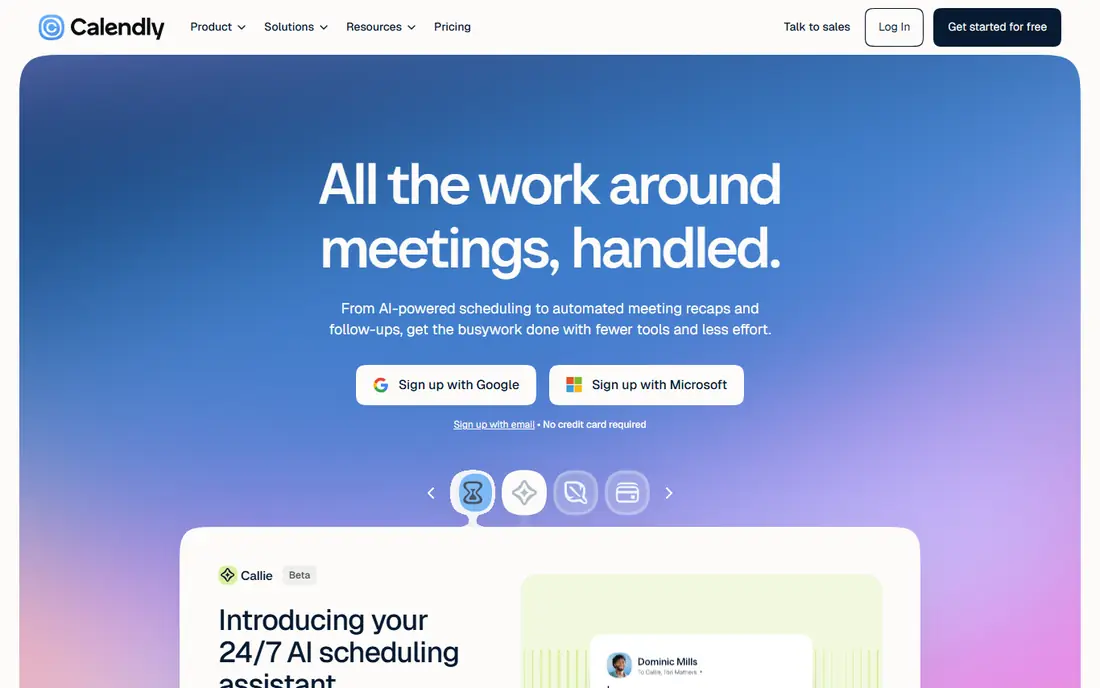
For anyone who schedules meetings with external people, Calendly is a natural candidate. Calendly remains the default scheduling link. For sales and recruiting teams, the Teams level's routing pays for itself in qualified meetings.
Where it falls short: Team features need Teams at $16.
As for the details, the per-seat model means only hosts need seats; invitees book free. New AI layers bundle Notetaker (meeting recaps) and Callie, an AI assistant that schedules over email. As for the details, the vendor's pricing page displays Free (one event type, one calendar), Standard at $10 per seat a month billed yearly with unlimited event types and automations, Teams at $16 with round-robin and lead routing, and Enterprise from $15k per year. The starting price for Calendly: $10/seat/month. Calendly includes a free tier.
- Free plan handles one-on-ones
- Category-defining scheduling
- Routing and Salesforce need higher levels
Motion
Ideal for: People who want AI to plan their whole day
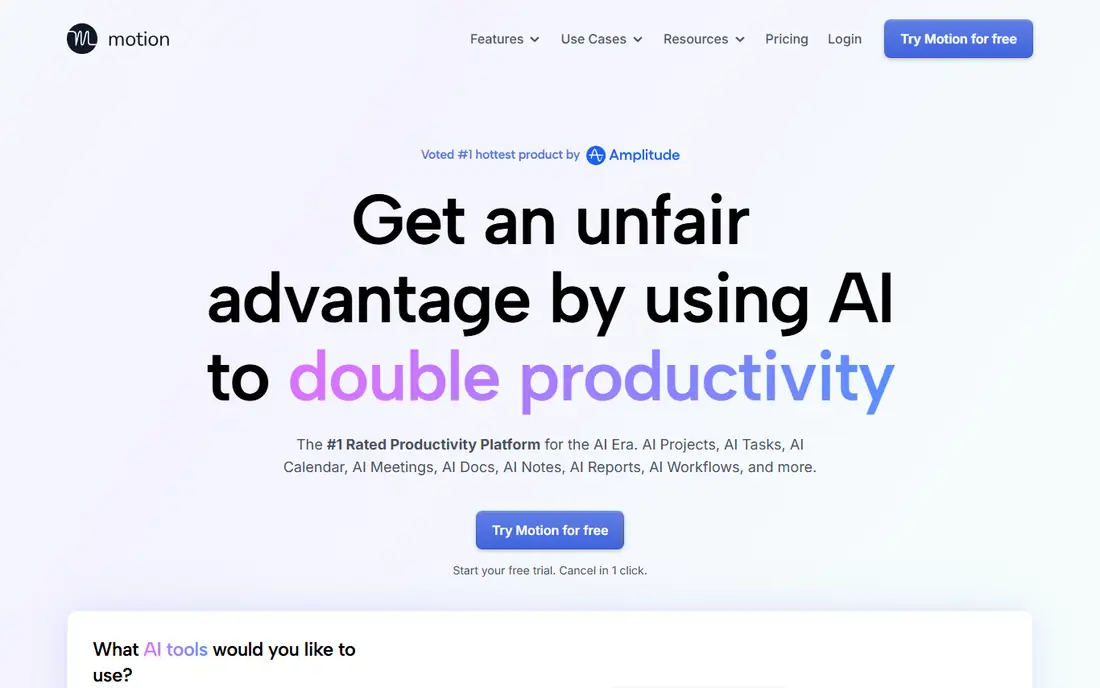
Motion was built for people who want AI to plan their entire day. Confirm current pricing before committing.
Honest limits: No free plan; Pricing not published on the vendor page.
From a buyer's view, the all-in-one pitch is polarizing: devotees say it ended their planning anxiety, whereas others find AI-planned days oppressive. Motion does not show a starting price in this comparison, so check the vendor site for current pricing. There is no free plan with Motion. Strengths: AI auto-plans tasks and meetings together; tasks and projects in one.
- Calendar
- Strong for ADHD-style workflows
- Can feel controlling
SavvyCal
Ideal for: People who want scheduling links with a personal touch

In short, SavvyCal is for people who want scheduling links with a personal touch. The vendor's pricing page lists Basic at $10 per user a month and Premium at $17, with annual billing saving two months.
What to check first: Smaller brand than Calendly.
On top of that, for consultants, coaches and founders whose booking link is a first impression, SavvyCal's experience justifies the price over free alternatives. What you pay to start with SavvyCal: $10/user/month. SavvyCal does not include a free plan.
- Clean UX
- No free-plan freeloaders to support
- No free plan
Reclaim
Ideal for: Defending focus time against meeting sprawl
Choose Reclaim for defending focus time against meeting sprawl. A free Lite plan spans the basics, with Starter, Business and Enterprise levels adding longer scheduling ranges, more calendars and team features.
Trade-offs to know: Pricing page does not publish prices plainly.
Where it shines: Free Lite plan. For anyone whose calendar is a battlefield of back-to-back meetings, Reclaim's automatic time defense is the closest thing to a personal chief of staff. This comparison lists no price for Reclaim; ask the vendor. Reclaim has a free plan.
- Habits and breaks
- Google and Outlook support
- Best features need premium levels
Doodle
Ideal for: Finding a time that works for a group
Doodle serves finding a time that works for a group. For internal team scheduling and casual group coordination, Doodle's simplicity beats feature-rich alternatives.
Doodle is the low-friction pick when the problem is "when can six people meet," not "how do I run my pipeline." As for the details, booking pages manage one-on-ones, and integrations include the major calendars and video tools. Doodle shows no starting price here, so confirm the cost on the vendor site. Doodle includes a free tier.
Drawbacks to consider: premium pricing not published plainly.
- Free plan available
- Straightforward booking pages
- Limited automation compared with modern rivals
Fellow
Ideal for: Teams that want every meeting to have an agenda and follow-through
Fellow is built with teams that want every meeting to have an agenda and follow-through in mind. For managers drowning in recurring meetings with no agendas and no follow-through, Fellow's structure is the fix. The vendor's pricing page lists Free at $0 (5 lifetime AI notes per user), Team at $7 per user a month billed yearly ($11 monthly), Business at $15 and Enterprise at $25.
From a buyer's view, the free plan is a genuine trial of the workflow but caps AI notes tightly, so real teams land on Team or Business. Collaborative agendas, shared notes, assigned action items and feedback live alongside an AI meeting assistant that records, transcribes and summarizes. Price to start with Fellow: $7/user/month. Free access exists with Fellow.
Where it is weaker: Real value needs Team or Business.
- Solid integrations
- Free plan to start
- Free plan restricted to 5 lifetime AI notes
How we chose
Each tool was reviewed on what its vendor publishes: price, plan limits, core features and stated drawbacks. We did not run hands-on tests. Where a price is missing, the vendor does not list one publicly or ties it to a quote. Always confirm before budgeting. Tools are placed by general fit for meeting management software, with price clarity and free access as tie-breakers. A different team can reasonably rank them differently.
A buyer's checklist
- Ask Motion, Reclaim and Doodle for a written quote, since no starting price is shown.
- Check what the free option really includes: Calendly, Reclaim, Doodle and Fellow offer a free plan, and usage caps differ.
- Before choosing Calendly, weigh its main limit: team features need Teams at $16.
- Test how quickly Fellow answers a pre-sales question; it hints at how support will feel later.
- Confirm that Calendly connects to the apps your team already uses, on the plan you would actually buy.
Frequently asked questions
How much does Calendly cost?
Calendly's Standard plan is $10 per seat a month billed yearly, Teams is $16, and Enterprise opens at $15,000 per year. Only hosts need premium seats; invitees book free.
Is Calendly the right pick for everyone comparing meeting management software?
No single tool suits every team. Calendly comes first because it fits anyone who schedules meetings with external people, while Motion suits people who want AI to plan their entire day and SavvyCal suits people who want scheduling links with a personal touch. Match the tool to your own size, budget and workflow before deciding.
Do these tools publish their prices?
Not all of them. Motion, Reclaim and Doodle publish no starting price, so expect a quote request for those. The rest, Calendly included, show a starting price, though seats and billing terms still change the final cost.
Which options for meeting management software have a free plan?
Calendly, Reclaim, Doodle and Fellow offer a free plan in this list. Free plans usually cap users, projects or features, so check the limits on the vendor page.
Which tool stops meeting overload?
Reclaim automatically defends focus time, schedules breaks and reschedules flexibly around priorities. Set guardrails too: Reclaim performs best when you cap weekly meeting hours and protect a minimum of two 90-minute focus blocks per day.
Can I try these options before paying?
Often, yes. Calendly, Reclaim, Doodle and Fellow have a free plan. Use your own data and a real task during the test, and check what the free tier or trial limits before you rely on it.