7 Meeting Minutes Software Options Ranked for 2026

- Avoma is the opening pick, best for sales teams consolidating tools.
- A fair warning about MeetGeek: the agentic features are complicated to configure.
- For the cheapest start, look at Fireflies: $10 per seat/month.
- Free plans exist at 5 of 7 tools (Notta, MeetGeek, Grain, Fathom, Fireflies).
- Fireflies suits teams that live in meetings.
Direct answer
For sales teams consolidating tools, Avoma is where this list starts. Alternatives: Notta for multilingual transcription, and MeetGeek for automation beyond note-taking. Details, prices and limits for the rest of the 7 tools are below.
Quick comparison
| Product | Ideal for | Price from | Free version | |
|---|---|---|---|---|
 Avoma | Sales teams consolidating tools | From $19/user/month (billed yearly) | Free trial (14 days) | Visit |
 Notta | Multilingual transcription | See website | Yes | Visit |
 MeetGeek | Automation beyond note-taking | Free; Pro $15.99/user/month | Yes | Visit |
 Fellow | Regulated teams needing governance | See website | Not stated | Visit |
 Grain | Expanding teams wanting CRM sync | $15 per user/month | Yes | Visit |
 Fathom | The best free AI note taker | See website | Yes | Visit |
 Fireflies | Teams that live in meetings | $10 per seat/month | Yes | Visit |
The 7 tools in detail
Ainotely put together this guide to meeting minutes software for readers who want a clear shortlist without reading every vendor page. It compares 7 tools on starting price, free plans, who each one suits and where each one falls short.
Avoma
Ideal for: Sales teams consolidating tools
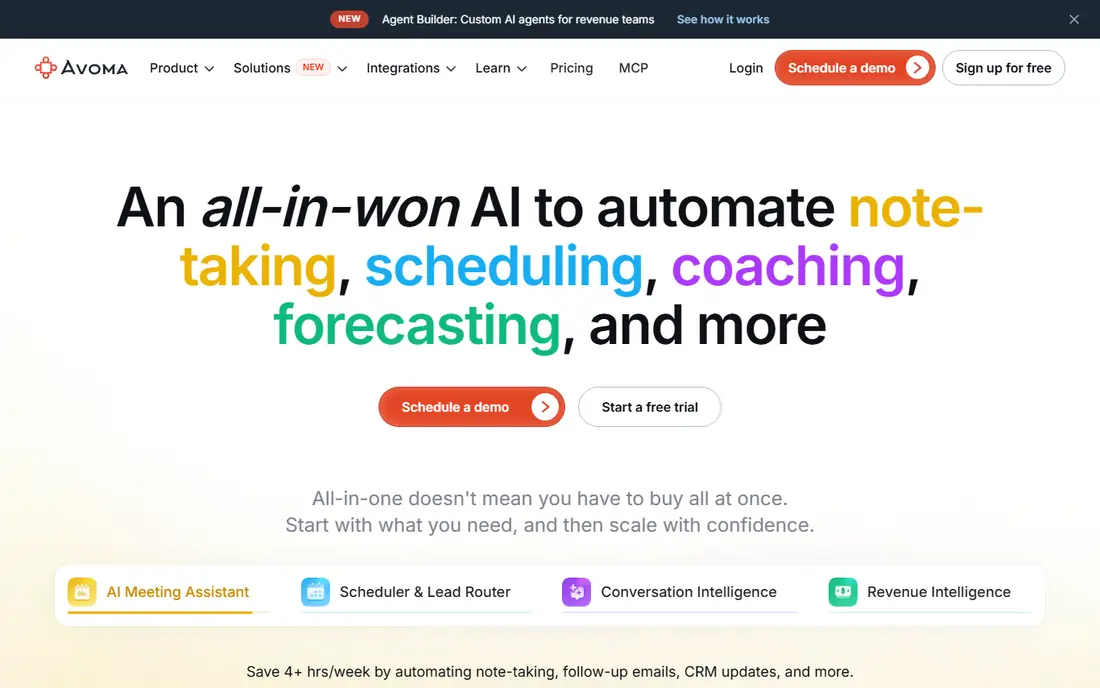
Avoma is designed for sales teams consolidating tools. The meeting assistant opens at $19 per user a month billed yearly, with conversation intelligence at $29. A 14-day trial with no credit card.
Worth adding: Avoma assumes you are a revenue team; internal meetings get second-class treatment. There is no free forever level. On cost, Avoma starts like this: From $19/user/month. As for free access: Free trial (14 days).
The main drawbacks: No permanent free level.
- Free view-only seats for collaborators
- Notes, scheduling, coaching
- Sales-centric features add noise for non-sales teams
Notta
Ideal for: Multilingual transcription
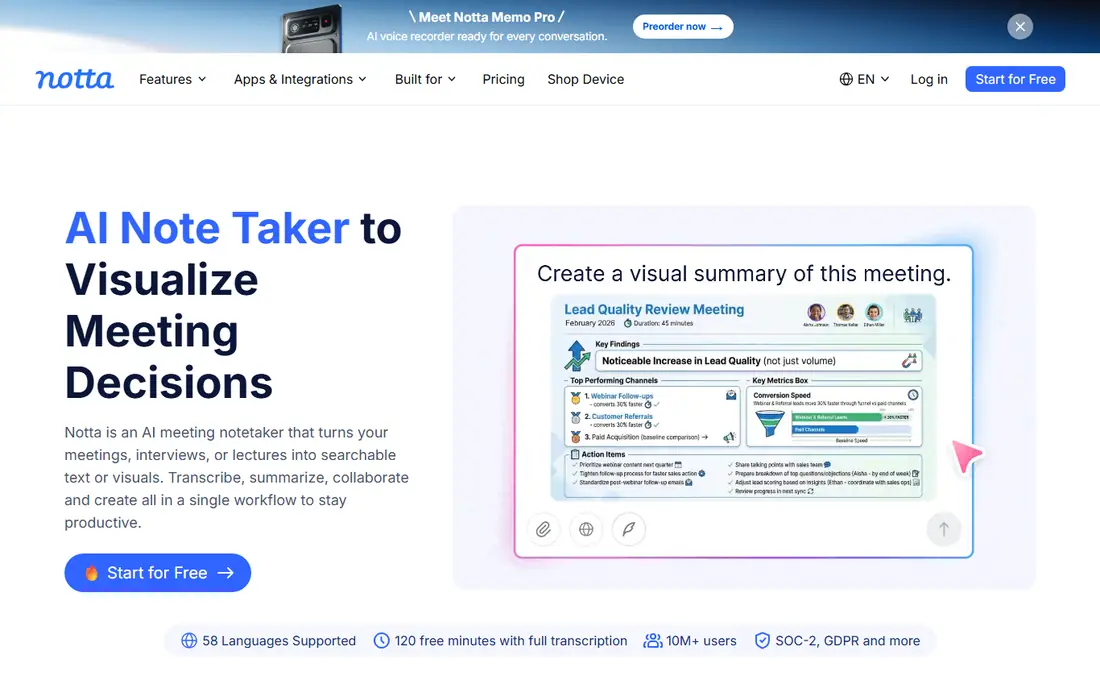
Notta targets multilingual transcription. Notta earns its spot through language coverage.
Its transcription manages dozens of languages well, and the meeting summaries arrive in clean templates that require little editing. In practice, screen recording plus transcription makes it handy beyond meetings, for webinars and interviews too. This comparison lists no price for Notta; ask the vendor. Notta has a free plan.
Watch-outs: Pricing was not displayed on the homepage.
- Clean summaries and meeting templates
- Free plan for light use
- Deeper integrations lag Fireflies
MeetGeek
Ideal for: Automation beyond note-taking
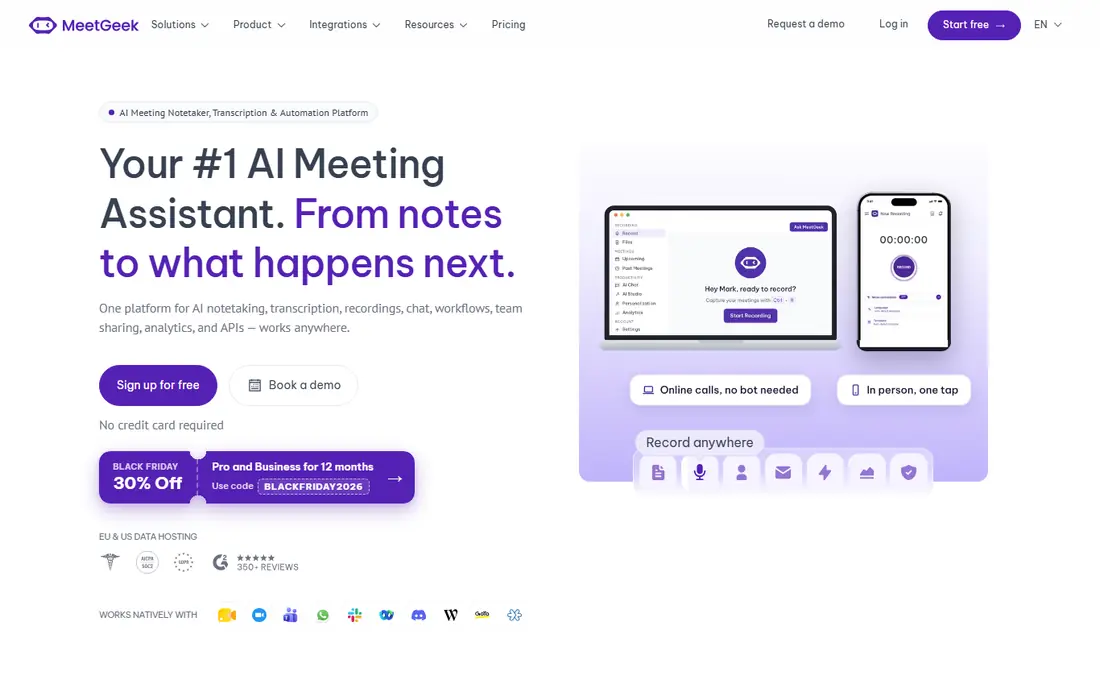
Think of MeetGeek for automation beyond note-taking. MeetGeek goes further than note-taking.
Its event-driven AI agents watch your meeting stream and act: updating CRMs, creating Jira tickets, flagging churn signals, scoring candidates against interview rubrics. More specifically, the free Basic plan includes 3 hours of recording a month, Pro is $15.99, and Business at $27 opens up the full automation layer with 10,000+ app integrations. MeetGeek starts at: Free. MeetGeek has a free plan.
Where it falls short: Business plan at $27 per user for full automation.
- AI agents that update CRMs and build tickets
- 30+ summary templates and 100+ languages
- The agentic features are complicated to configure
Fellow
Ideal for: Regulated teams needing governance
Fellow targets regulated teams needing governance. The homepage states plainly that meeting data is never used to train AI models, and the compliance portal is aimed at regulated industries.
What works well: SOC 2 Type II, HIPAA.
In daily use, the honest catch is positioning. Fellow sells to enterprises with security teams, and its pricing reflects that. Check the vendor site for Fellow pricing; none is listed in this comparison. Trial and free access: Not stated.
What to check first: Overkill for small casual teams.
- Org-wide recording and retention policies
- GDPR compliance
- Pricing is enterprise-oriented and opaque
Grain
Ideal for: Expanding teams wanting CRM sync
In short, Grain is for expanding teams wanting CRM sync. Grain rebuilt itself around a straightforward idea: meetings should feed your AI tools, not just your calendar. The honest catch is that the free plan spans entry-level AI notes only.
The conversation intelligence and deeper features sit behind the premium level. Still, for teams building AI workflows on top of meeting data, Grain's agent-friendly design is a real differentiator. On top of that, premium plans start at $15 per user a month for unlimited meetings with advanced AI. Price to start with Grain: $15 per user/month. Grain offers a free plan.
Downsides: In-person recording is a newer feature.
- Botless transcription or bot video recording
- Free plan with unlimited meetings
- Advanced conversation intelligence needs the premium plan
Fathom
Ideal for: The best free AI note taker
Where Fathom fits: the best free AI note taker. Unlimited recordings, transcripts, and AI summaries cost nothing, and summaries land roughly 30 seconds after the call ends. In daily use, Fathom wins the free-tier war outright.
Limits to weigh: No mobile apps for recording.
For most teams, the price of free is worth one awkward "Fathom joined the meeting" announcement. The Ask Fathom search lets you query your whole meeting history for answers, and syncs push notes to Slack, Salesforce, HubSpot, Notion, and Asana automatically. Fathom does not show a starting price in this comparison, so check the vendor site for current pricing. A free plan is available with Fathom.
- Summaries ready in about 30 seconds
- "Ask Fathom" searches every past meeting
- Joins calls as a visible bot participant
Fireflies
Ideal for: Teams that live in meetings
Choose Fireflies for teams that live in meetings. The honest catch is accuracy variance. Beyond that, the free plan is genuinely usable for small teams.
As for the details, Fireflies has been the workhorse of this category for years. Its integration list is the deepest: Zoom, Google Meet, Teams, Webex, plus Slack, Notion, Salesforce, HubSpot, and dozens more. For everyday use, every meeting becomes searchable, with smart chapters, topic tracking, and conversation intelligence on premium levels. Fireflies cost at the entry level: $10 per seat/month. You can start on Fireflies without paying.
Points against: Storage limits push teams to premium plans.
- Connects with every major meeting product and CRM
- Searchable meeting knowledge base
- Transcription accuracy dips with heavy accents
Selection criteria
For each of the 7 tools we noted price, free plan or trial, fit for meeting minutes software and the main limit, using vendor pages and documentation. Treat prices as a snapshot: vendors change plans often, so check the vendor site for the figure that applies today. Position on the page reflects fit for a typical buyer first, with price clarity and free access breaking ties. Treat it as a guide, not a ruling.
Before you commit
- Ask Notta, Fellow and Fathom for a written quote, since no starting price is shown.
- Check what the free option really includes: Notta, MeetGeek, Grain and others offer a free plan, and usage caps differ.
- Run a trial of Avoma with real work before paying for a year; your own workflow is the best test.
- Read the limits listed for Avoma first: no permanent free level.
- Confirm you can export your data from Fellow, so leaving later does not mean losing records.
- Check the support hours and onboarding help Notta offers; smaller vendors vary a lot here.
Frequently asked questions
What is the cheapest option for meeting minutes software in this list?
On published monthly entry prices, Fireflies is the lowest here at $10 per seat/month. Entry price is only part of the cost, because seats, add-ons and billing terms can change the total.
Do these tools publish their prices?
Not all of them. Notta, Fellow and Fathom publish no starting price, so expect a quote request for those. The rest, Avoma included, show a starting price, though seats and billing terms still change the final cost.
Can I try these options before paying?
Often, yes. Notta, MeetGeek, Grain and others have a free plan and Avoma offers a free trial. Use your own data and a real task during the test, and check what the free tier or trial limits before you rely on it.
Is Avoma the right pick for everyone comparing meeting minutes software?
No single tool suits every team. Avoma comes first because it fits sales teams consolidating tools, while Notta suits multilingual transcription and MeetGeek suits automation beyond note-taking. Match the tool to your own size, budget and workflow before deciding.