Best Merchant Services Providers in 2026: 8 Providers Compared

- Flat-rate providers such as Square and Stripe suit new sellers, while interchange-plus providers such as Helcim and Payment Depot can cost less at higher volume.
- Hardware matters: Square and Clover sell their own terminals and registers, while Helcim and Payment Depot work with a wider mix of equipment.
- Online sellers should weigh checkout tools and platform integrations more than the headline rate, since fees differ by card type and sales channel.
- Always read the contract terms on monthly fees, early termination, and equipment leases before signing.
Quick comparison
| Product | Ideal for | Price from | Free version | |
|---|---|---|---|---|
 Square | In-person sellers starting out | Free | Yes | Visit |
 Stripe | Online and platform businesses | See website | No | Visit |
 PayPal | Sellers who want a familiar checkout | Free | Yes | Visit |
 Helcim | Transparent interchange-plus pricing | Free | Yes | Visit |
 Payment Depot | Higher-volume interchange-plus pricing | See website | No | Visit |
 Stax | Subscription-style processing | See website | No | Visit |
 Shopify Payments | Shopify store owners | See website | No | Visit |
 Clover | Restaurants and retail counters | See website | No | Visit |
The best merchant services providers
We compared official pricing pages, feature lists, and contract terms to find providers that fit different kinds of sellers. Each one below accepts card payments, and each takes a different approach to fees and hardware.
This is not financial advice. Processing rates, fees, and contract terms change, so confirm the current terms on the provider's website before you sign up.
Square
Ideal for: In-person sellers starting out

Square gives a new seller a fast way to start taking cards. The free point of sale app covers payments, invoices, and basic inventory, and the hardware range runs from a small tap reader to a full register. That breadth makes it a natural first pick for cafes, market stalls, salons, and small shops.
The catch is the pricing model. Square charges a flat rate per transaction, which is simple to understand but can work out higher than interchange-plus pricing once monthly card volume grows. Sellers who process large amounts should compare a quote from an interchange-plus provider before settling. Still, for getting started with no monthly fee, Square is hard to beat.
- No monthly fee for the basic point of sale
- Wide hardware range
- Strong tools for retail, food, and services
- Flat-rate pricing can cost more at high volume
- Account holds can frustrate some sellers
Stripe
Ideal for: Online and platform businesses
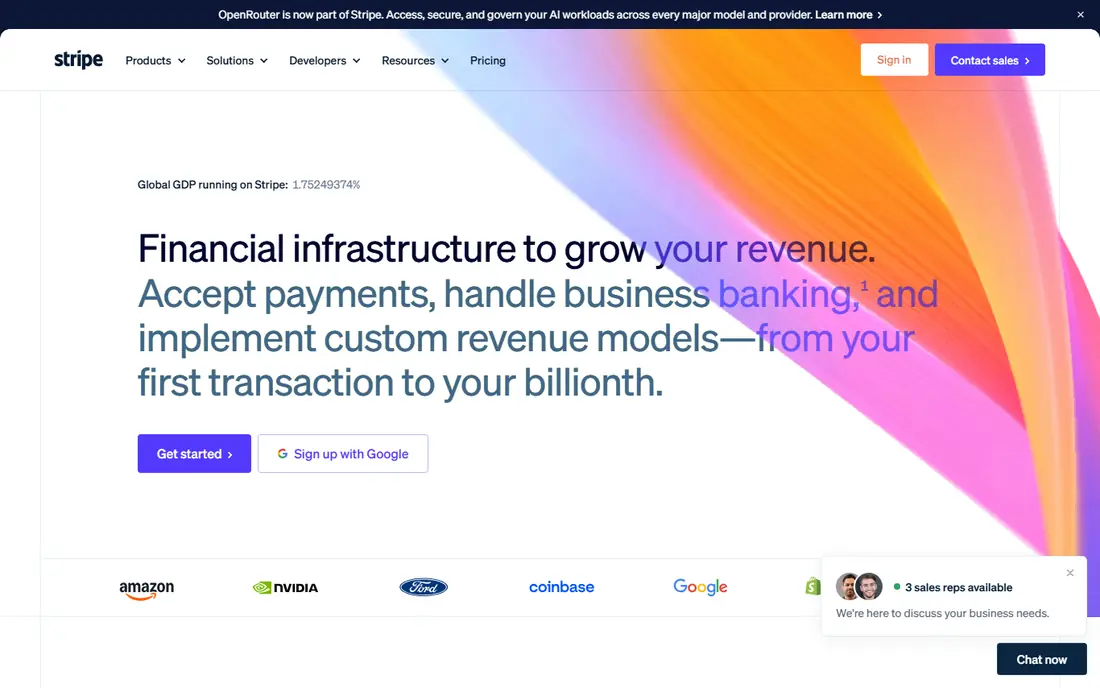
Stripe is built for businesses that sell online. Its payment links, checkout pages, and billing tools cover one-time sales, subscriptions, and marketplaces, and it supports a large set of payment methods and currencies. Developers get detailed documentation and ready-made components, which shortens build time for custom checkouts.
The trade-off is complexity. A non-technical seller may find Stripe's dashboard and settings harder to learn than Square's, and in-person hardware is a smaller part of the offer. If most of your sales happen on a website or app, though, Stripe's flexibility and billing depth are a strong fit.
- Deep developer tools and payment method support
- Strong subscription billing
- Global currency coverage
- Needs technical skill for custom setups
- Support is mostly online
PayPal
Ideal for: Sellers who want a familiar checkout
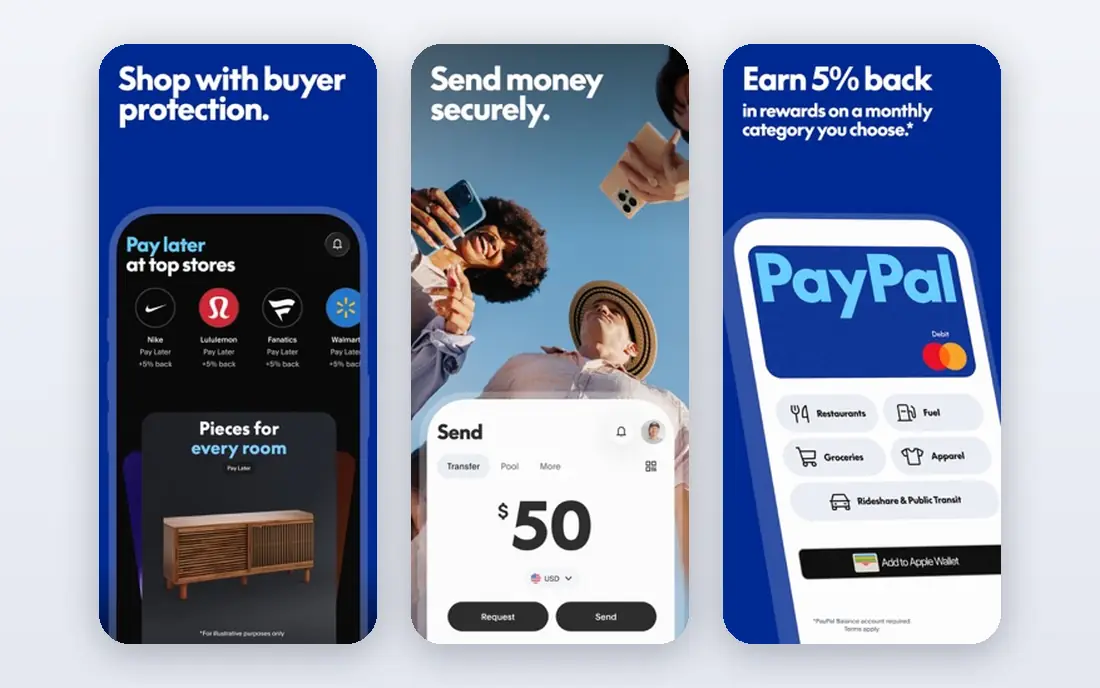
PayPal remains one of the most recognized names at online checkout, and that recognition can help conversion. Setting up is quick, and sellers can send invoices, share payment links, and accept cards without a merchant account of their own. It also works well for freelancers and small shops that sell through social channels.
Fees are the main drawback. Per-transaction charges are higher than some interchange-plus options, and PayPal can place holds on funds when it spots unusual activity. For low-volume sellers who value a trusted checkout button, those costs are often worth it. Larger sellers should run the numbers against a dedicated processor.
- Buyers already trust the brand
- Easy invoicing and payment links
- Broad online acceptance
- Transaction fees add up
- Holds and disputes can tie up funds
Helcim
Ideal for: Transparent interchange-plus pricing
Helcim stands out for pricing honesty. There is no monthly fee, and merchants pay interchange plus a margin that falls automatically as volume grows. The dashboard covers in-person, online, and invoice payments, and switching help includes data migration from a previous processor.
The weaker spot is hardware. Helcim offers card readers and terminals, but it does not match the deep counter hardware lineups of Square or Clover. A business that needs a full register setup with kitchen displays may prefer a point of sale specialist. For service businesses and online sellers who want clear pricing, Helcim is a strong choice.
- No monthly fees
- Interchange-plus pricing with automatic volume discounts
- Free invoicing and payment pages
- Hardware range is smaller than Square or Clover
- No dedicated in-person register ecosystem
Payment Depot
Ideal for: Higher-volume interchange-plus pricing
Payment Depot, part of Stax, targets businesses that want to see exactly what each transaction costs. Its interchange-plus model separates the card network cost from the provider markup, which makes statements easier to audit. The platform covers terminals, hosted payment pages, payment links, and invoicing from one dashboard.
Pricing works as a membership model rather than a simple flat rate, so a very small seller may not save money here. Businesses processing steady volume are the ones most likely to benefit. Ask for a statement analysis before switching, since the savings depend on your card mix and average ticket size.
- Interchange-plus pricing with cost visibility
- In-person, online, and mobile tools
- Surcharging options where eligible
- Membership-style pricing can confuse new sellers
- Hardware is an added cost
Stax
Ideal for: Subscription-style processing
Stax uses a subscription model: merchants pay a monthly fee and then pay interchange plus a small markup, rather than a percentage of every sale. That structure can save money for businesses with consistent volume, and the platform adds invoicing, recurring billing, and a subscription billing product called Stax Bill.
The model is less attractive for a seller with only a handful of transactions a month, since the subscription fee still applies. Stax also leans on sales consultations for pricing, so you will need a quote to compare it fairly. For growing businesses that want predictable processing costs, it deserves a look.
- Flat monthly subscription plus interchange pricing
- Tools for invoicing and recurring billing
- Surcharging programs
- Monthly subscription may not suit tiny sellers
- Onboarding is sales-led
Shopify Payments
Ideal for: Shopify store owners
Shopify Payments is the default payment option inside Shopify stores, and that integration is its main strength. Orders, refunds, and payouts live in the same dashboard as the store, and checkout supports Shop Pay plus major cards and wallets. Shopify does not add its own transaction fee on top when you use it, unlike when you connect a third-party gateway.
The limit is obvious: it only works for Shopify stores. A business that also sells heavily in person or on another platform will still need a second provider. If Shopify is your main sales channel, though, using its built-in payments keeps setup and reconciliation simple.
- Built into Shopify checkout
- No extra transaction fee from Shopify
- Supports Shop Pay and major wallets
- Only available inside Shopify
- Leaving Shopify means changing processors
Clover
Ideal for: Restaurants and retail counters
Clover, from Fiserv, is a counter-first system. Its hardware line includes compact terminals, full stations, and self-order kiosks, and the app marketplace adds tools for ordering, loyalty, inventory, and staff management. Restaurants in particular benefit from features such as kitchen displays and online ordering in one place.
That depth comes with cost. Hardware is priced separately, and monthly software plans vary by the apps you add. Clover also works best when you stay inside its ecosystem. For a busy counter business that wants an all-in-one till, the investment often pays off in smoother daily operation.
- Purpose-built counter hardware
- Large app marketplace
- Strong restaurant and retail features
- Hardware and software plans add cost
- Processing is tied to the Clover system
How we picked these
We compared official feature pages, pricing pages, and contract descriptions for providers that serve US small businesses in October 2026. We favored providers with clear pricing models, working in-person and online tools, and a track record of serving small and midsize sellers. We left out providers that hide all pricing behind sales calls with no public plan detail, and we did not include our own product in this list.
What to check before you choose a provider
Start with your sales mix. A business that sells mostly in person needs reliable hardware and a counter system, while an online seller needs checkout tools, subscription billing, and fraud controls. Write down where your sales happen, then shortlist providers that are strong in those channels rather than picking on the headline rate alone.
Next, compare total cost, not just the rate. Ask for the monthly fee, the per-transaction fee, the cost of hardware, and any charges for chargebacks, PCI compliance, or early termination. Interchange-plus quotes look cheaper on paper but include a markup, while flat-rate quotes bundle everything into one percentage. A statement analysis from two or three providers will show which model wins for your card mix.
Finally, test the day-to-day tools. Run a refund, send an invoice, and check how payouts appear in your bank account during any trial period. Support quality matters too, since a frozen payout or a faulty terminal can stop sales. Pick the provider whose dashboard you understand and whose support you can reach when it counts.
Frequently asked questions
What is a merchant services provider?
A merchant services provider lets a business accept card payments and moves the money from the customer's bank to the business account. It usually supplies the payment gateway or terminal, handles the transaction, and deposits the funds, minus fees, on a set schedule.
How much do merchant services cost?
Costs vary by provider and card mix. Flat-rate providers charge one percentage per sale, while interchange-plus providers pass on the card network cost plus a markup. Monthly fees, hardware, and chargeback fees can add to the total, so compare full statements rather than one rate.
Do I need a contract to accept card payments?
No. Several providers offer month-to-month accounts with no long-term contract, including Square, Stripe, PayPal, and Helcim. Traditional processors may ask for a contract term, so check for early termination fees before signing.
What is interchange-plus pricing?
Interchange-plus pricing separates the fee into two parts: the interchange fee set by the card networks and paid to the issuing bank, plus a markup kept by the processor. It is more transparent than flat-rate pricing, and it often costs less for businesses with higher volume or many debit card sales.
Can I switch merchant services providers later?
Yes, in most cases. You can open a new account, move your payment pages and terminals, and close the old account, though contract terms and leased hardware can complicate the move. Some providers, including Helcim, offer migration help and credits toward switching costs.