Best Mileage App in 2026: 8 Apps Compared

- MileIQ is our pick for most solo drivers, with automatic tracking and simple swipe classification for business and personal trips.
- Everlance and Hurdlr add expense tracking and tax estimates, so they suit freelancers who want mileage plus deductions in one place.
- Driversnote and TripLog are stronger for teams and reimbursement programs, with approval flows and rate options.
- MileageWise stands out if you need to rebuild a past mileage log, including from Google Maps Timeline data.
- This is not tax advice. Mileage deduction rules change, and your situation may differ, so check current IRS guidance or ask a tax professional before filing.
Quick comparison
| Product | Ideal for | Price from | Free version | |
|---|---|---|---|---|
 MileIQ | Simple automatic tracking | Free | Yes | Visit |
 Everlance | Mileage plus expense tracking | Free | Yes | Visit |
 Hurdlr | Freelancers tracking taxes too | Free | Yes | Visit |
 Driversnote | Accurate logs with iBeacon option | See website | Free trial | Visit |
 TripLog | Teams and reimbursement programs | See website | Free trial | Visit |
 MileageWise | Rebuilding past mileage logs | See website | Free trial | Visit |
 Zoho Expense | Mileage inside expense software | See website | Free trial | Visit |
 FreshBooks | Mileage inside accounting software | See website | Free trial | Visit |
The best mileage apps
We compared official feature pages, pricing pages, app store listings, and public reviews for the apps below. Our pick for most people is MileIQ, because it tracks drives automatically, classifies them with a swipe, and produces reports that work for taxes or reimbursement without a steep learning curve.
MileIQ
Ideal for: Simple automatic tracking
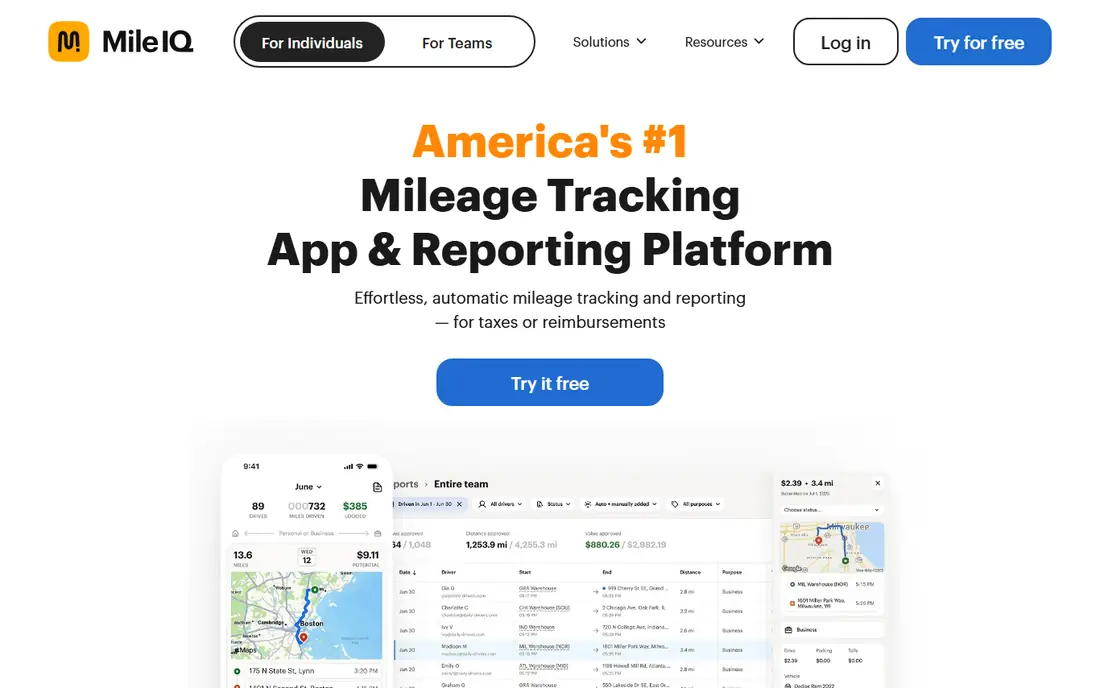
MileIQ runs in the background, records your drives, and lets you swipe right for business or left for personal, adding notes and labels as needed. It can classify drives automatically based on work hours, named locations, and frequent routes, which cuts the daily review down to minutes. Reports export for taxes or reimbursement with a tap.
The free plan covers a limited number of drives per month, so heavy drivers will need the paid plan. It is also a mileage specialist, not a full expense or accounting tool. For solo drivers who want the simplest reliable log, MileIQ remains the benchmark.
- Automatic drive detection with swipe classification
- Learns frequent drives and work hours
- Tax-ready reports and a teams option
- Free plan limits the number of tracked drives
- Full features need a subscription
- Expense tracking is not the focus
Everlance
Ideal for: Mileage plus expense tracking
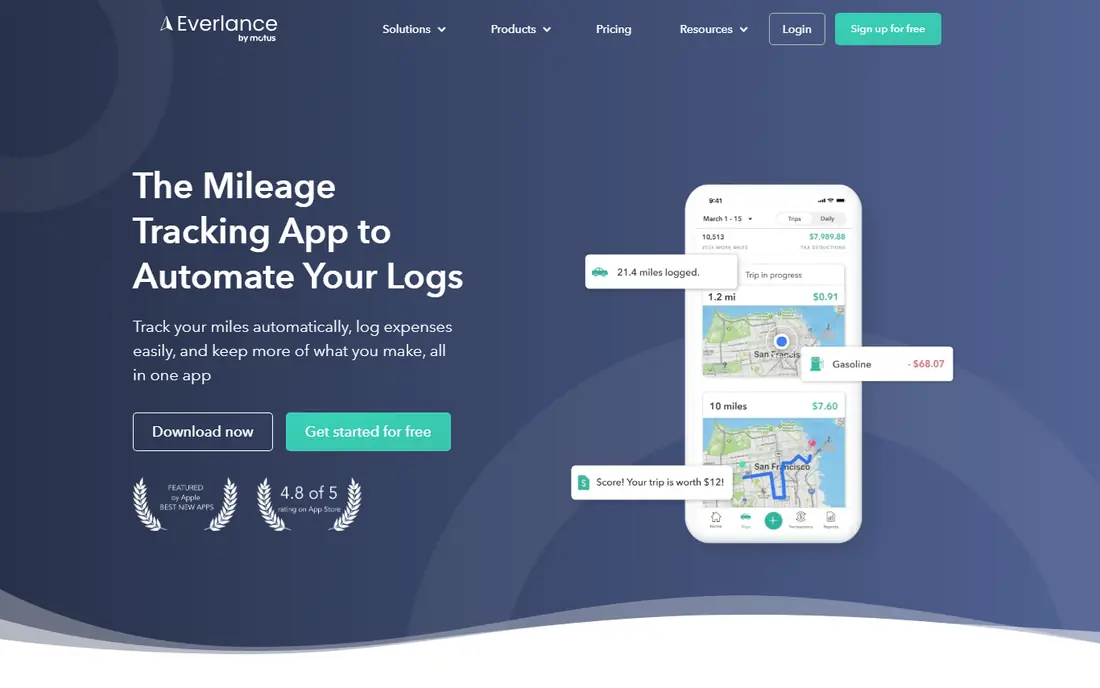
Everlance pairs automatic mileage tracking with expense tracking, so gig drivers, realtors, and freelancers can log trips, snap receipt photos, and sync card expenses in one place. A deduction finder scans transactions for possible tax deductions, and reports download in an IRS-compliant format from phone or computer.
The free tier covers core tracking, but automatic expense sync and the full deduction tools need a premium plan. For self-employed workers who want mileage and expenses together rather than two separate apps, Everlance is the most complete option on this list.
- Automatic mileage and expense tracking in one app
- Deduction finder scans transactions
- IRS-compliant report downloads
- Best features sit behind premium plans
- Bank sync needs a paid tier
- Team features add cost
Hurdlr
Ideal for: Freelancers tracking taxes too
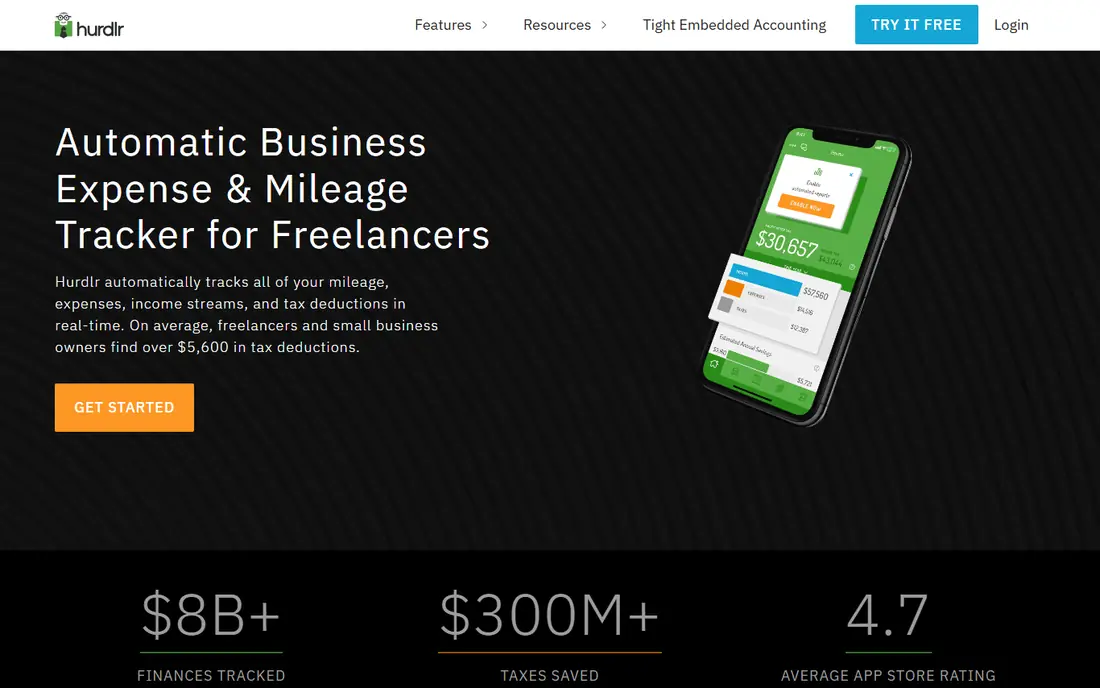
Hurdlr tracks mileage, expenses, and income streams automatically and turns them into live tax estimates with reminders for payment dates. That broader view helps freelancers see not just how far they drove, but what they may owe and when. Higher tiers add invoicing, accounting, and financial reports.
The breadth can feel busy at first, and tax estimates should never be treated as a filed return. For freelancers and small business owners who want mileage inside a wider money picture, Hurdlr covers more ground than a mileage-only app.
- Mileage, expenses, income, and live tax estimates together
- Automatic tracking in real time
- Invoicing and accounting on higher tiers
- Interface packs in a lot, which can feel busy
- Tax estimates are estimates, not filings
- Advanced accounting needs the Pro tier
Driversnote
Ideal for: Accurate logs with iBeacon option
Driversnote focuses on accurate, compliant logs. Automatic tracking records trips, intelligent classification sorts them, and reports are ready to share for reimbursement or taxes. An optional iBeacon device in your car improves accuracy further by recording only trips in your vehicle, avoiding passenger trips, bike rides, and public transport.
The iBeacon costs extra, and pricing depends on the plan you choose, so check the site for current rates. For drivers who have been burned by missed or misclassified trips, the accuracy focus makes Driversnote worth a look.
- Automatic tracking with intelligent classification
- Optional iBeacon for precise trip detection
- Clean IRS-compliant reports
- IBeacon hardware costs extra
- Pricing varies by plan and region
- Smaller team features than TripLog
TripLog
Ideal for: Teams and reimbursement programs
TripLog serves both solo drivers and mobile workforces, but it shines for teams. It supports cents-per-mile reimbursement at the IRS rate or a custom rate, plus fixed allowance and FAVR programs that combine a monthly allowance with a location-based rate. Expense scanning, time tracking, and approval flows sit in the same app.
That power means more setup than MileIQ or Driversnote, and larger team pricing is handled by quote. For companies reimbursing many drivers, or fleets that need time and expenses alongside mileage, TripLog is the most capable option here.
- Automatic mileage, expense, and time tracking
- Reimbursement programs including cents-per-mile and FAVR
- Team management tools
- Team focus makes it heavier for solo drivers
- Pricing is quote-based for larger teams
- Setup takes longer than simple apps
MileageWise
Ideal for: Rebuilding past mileage logs
MileageWise solves a problem the other apps do not. If you claimed mileage in a past year but lack a proper log, it can convert an exported Google Maps Timeline into an IRS-compliant mileage log through its web dashboard. That feature alone can save hours of manual reconstruction during an audit.
It also offers an automatic tracker app for current trips, with manual trip entry and full customization for business, personal, and side gig use. For drivers starting fresh, a simpler app may be enough, but for anyone facing a missing log, MileageWise is the obvious first stop.
- Turns Google Maps Timeline data into a mileage log
- Audit-ready log format
- Automatic tracking app plus web dashboard
- Rebuilding past logs needs your own location history
- Niche focus compared with all-round trackers
- Pricing is plan-based
Zoho Expense
Ideal for: Mileage inside expense software
Zoho Expense is a full travel and expense platform, and mileage is one part of it. It offers IRS-compliant automatic mileage tracking alongside receipt capture, approvals, policy controls, and corporate card feeds, with integrations to accounting tools like QuickBooks, Xero, and Zoho Books.
For a solo driver, that is far more software than needed. For a business that already runs expenses through Zoho, or wants mileage, travel, cards, and approvals in one governed system, it avoids adding yet another tool. Check pricing on the site, since plans are business-oriented.
- IRS-compliant automatic mileage tracking inside a full expense platform
- Approvals, policies, and card feeds
- Wide integrations
- Overkill for solo mileage tracking
- Pricing is business-oriented
- Setup is heavier than a dedicated mileage app
FreshBooks
Ideal for: Mileage inside accounting software
FreshBooks is accounting software first, with mileage tracking as part of its expense tools. That makes it a practical choice for freelancers who already invoice clients, track expenses, and manage billing in FreshBooks and want mileage in the same place. Integrations with more than 100 apps extend it further.
If mileage is your only need, a dedicated tracker is cheaper and simpler. But if you run a small service business and want invoices, expenses, and mileage under one roof, FreshBooks removes the need to reconcile separate tools at tax time.
- Mileage tracking inside invoicing and accounting software
- Expense tracking and client billing in one place
- Wide app integrations
- Mileage is a feature, not the core product
- Accounting plans cost more than mileage-only apps
- Team mileage workflows are limited
How we picked these
We compared official feature pages, pricing pages, app store listings, and public reviews for each app, and we opened every homepage to confirm it loads and belongs to the product named. We favored apps still operating in October 2026 that track mileage automatically or produce compliant logs, and we included two broader platforms where mileage is a real built-in feature. We left out apps that only record manual entries with no tracking or reporting tools.
What makes a mileage log tax-ready
A compliant log needs the date, destination, business purpose, and miles for each trip, plus odometer readings at the start and end of the year. Automatic trackers capture most of this, but you should still add the business purpose promptly, since memory fades fast. Review your trips weekly rather than at year end, so errors and personal trips are caught early.
Also check how your app exports data. You want a full export you can keep even if you cancel, in a format your accountant can use. Keep the log for as long as your tax authority requires, and remember that commuting from home to a regular office usually does not count as business mileage. When in doubt, ask a tax professional.
Frequently asked questions
What is the best mileage app for taxes?
MileIQ is our pick for most people, because it tracks automatically and produces tax-ready reports with little daily effort. Everlance and Hurdlr add expense tracking and tax estimates if you want a wider view of deductions.
Do mileage apps track automatically?
Yes, most apps on this list use your phone GPS to detect drives and record them without manual entry. You still need to classify trips as business or personal, though some apps learn your patterns and classify frequent drives for you.
Is a mileage app log accepted by the IRS?
An app log can support a deduction if it records the date, destination, business purpose, and miles for each trip, and you keep it with your tax records. Apps describe their reports as IRS-compliant, but the IRS looks at the records themselves, so review your log regularly.
What is the best mileage app for teams?
TripLog is the strongest team option, with reimbursement programs, approvals, and management tools for many drivers. MileIQ also offers a teams plan for smaller groups that want simpler approval flows.
Can I rebuild a mileage log from past years?
MileageWise can turn exported Google Maps Timeline data into a mileage log, which helps if you lack records for a past year. You still need your own location history to work from, and the result should be reviewed carefully before use.